



























Multimedia media
Filter
Sort by:











Multimedia mounts: the first choice is where you mount it
The screen size and brand of your TV matter less than you might think. The question that determines everything else is another one: what are you mounting it to? A solid wall, a ceiling, a piece of furniture, the floor, or none of the above because you're renting and can't drill holes. That answer determines the type of mount; only then do you look at VESA standards, load capacity, and motion. Below, you will find all the product categories along with the use cases for each.
Where you need it, what to look for
| Your situation | Category |
|---|---|
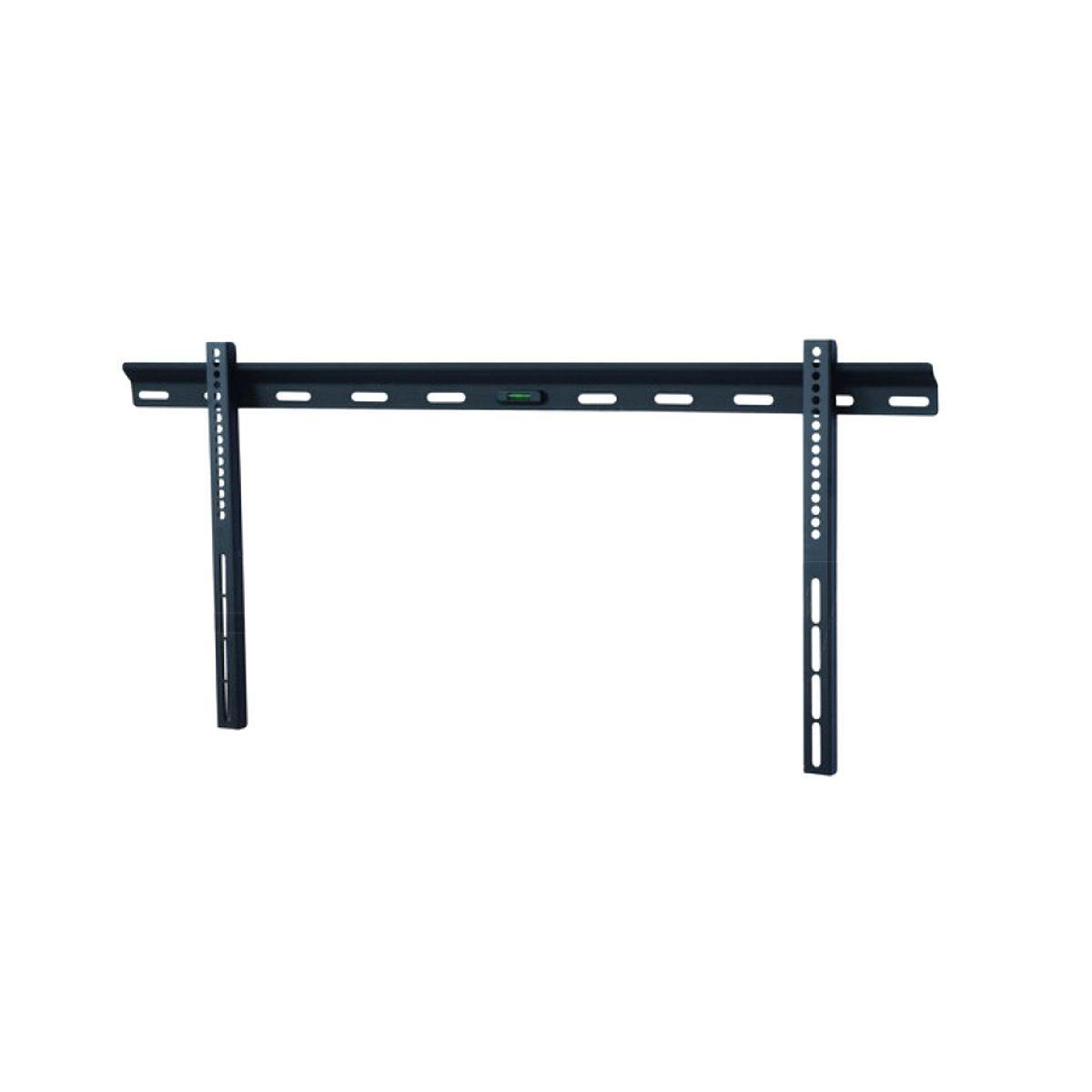
| Solid wall, TV to be hung: fixed, tilting, or full-motion arm | Wall TV mounts |
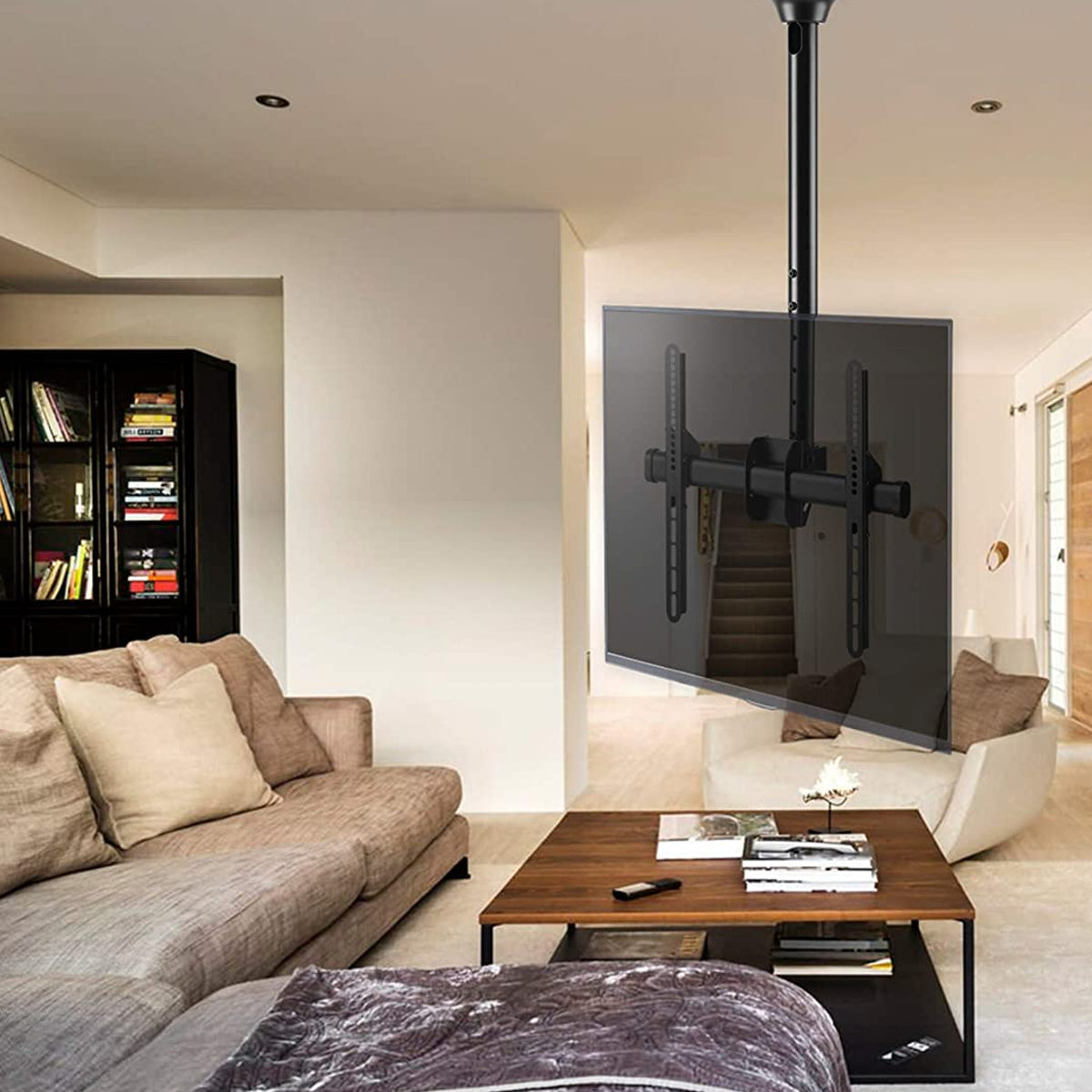
| No suitable wall: bar, gym, display window, open space | Ceiling TV mounts |
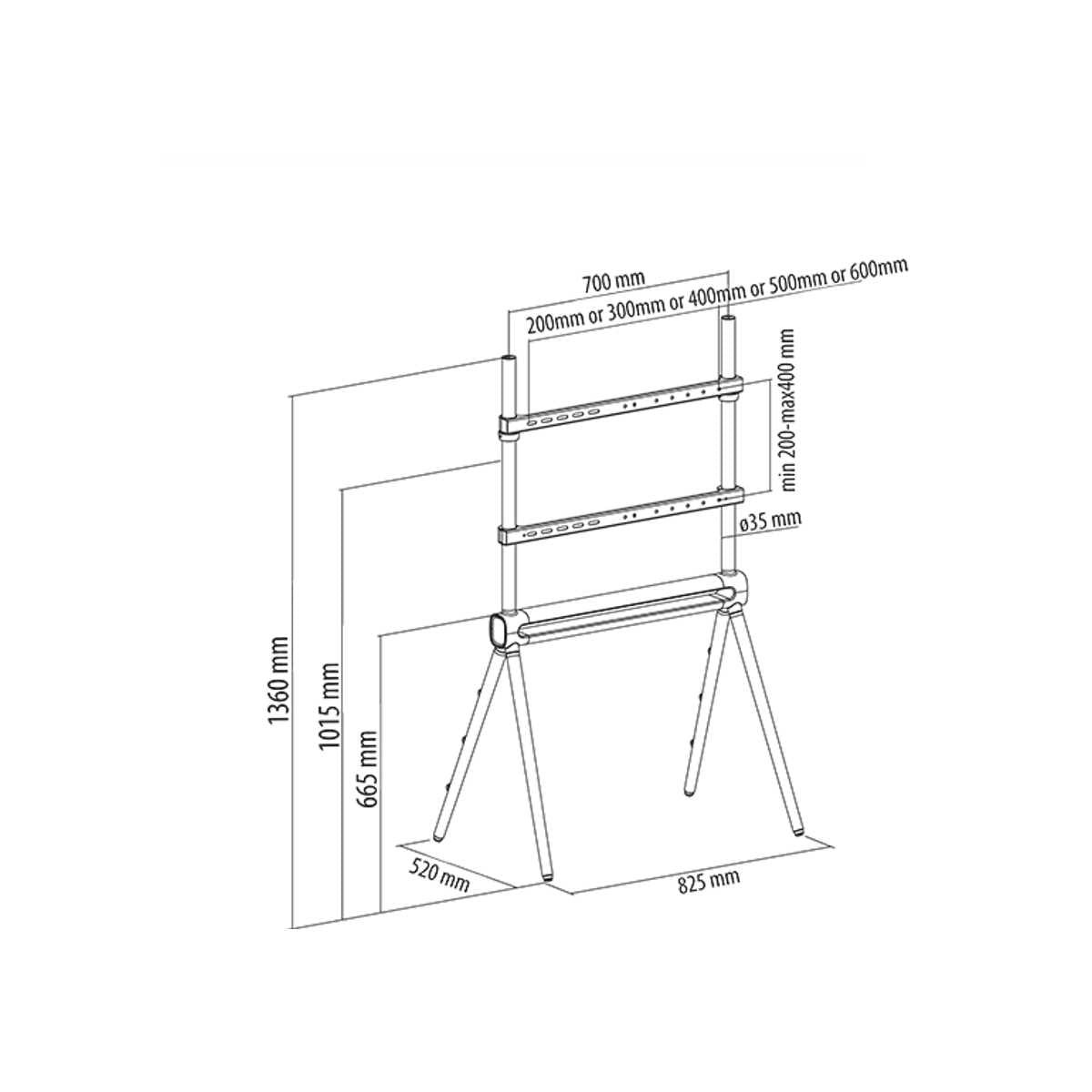
| You cannot drill holes, or the TV needs to move between rooms | Floor stands, carts, and pedestals |
| TV without feet on furniture, or desktop monitor | Tabletop TV and monitor mounts |
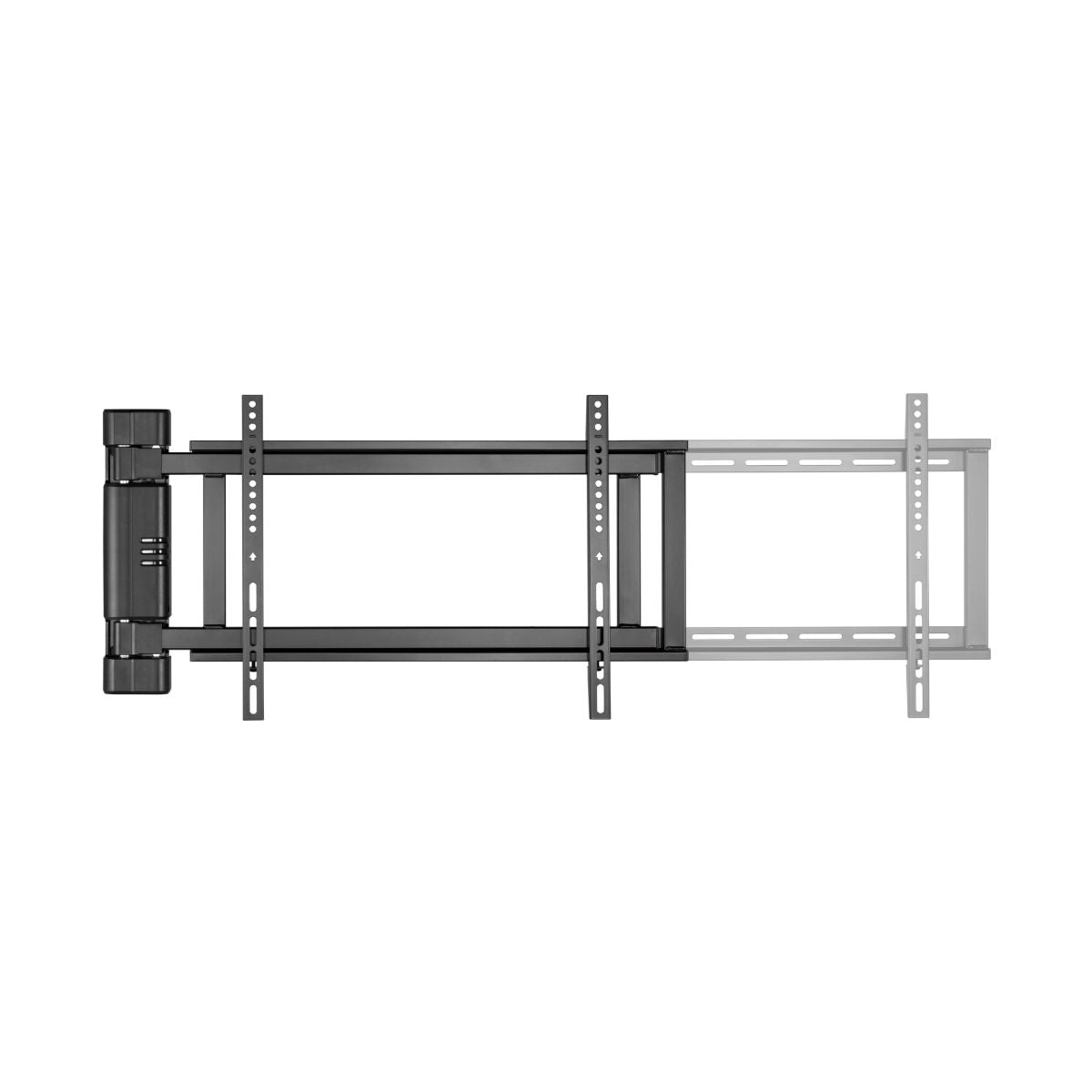
| The screen is viewed from multiple spots and needs to be rotated on demand | Motorized TV mounts |
| Multiple screens side-by-side: control room, shop window, digital signage | VideoWall mounts |
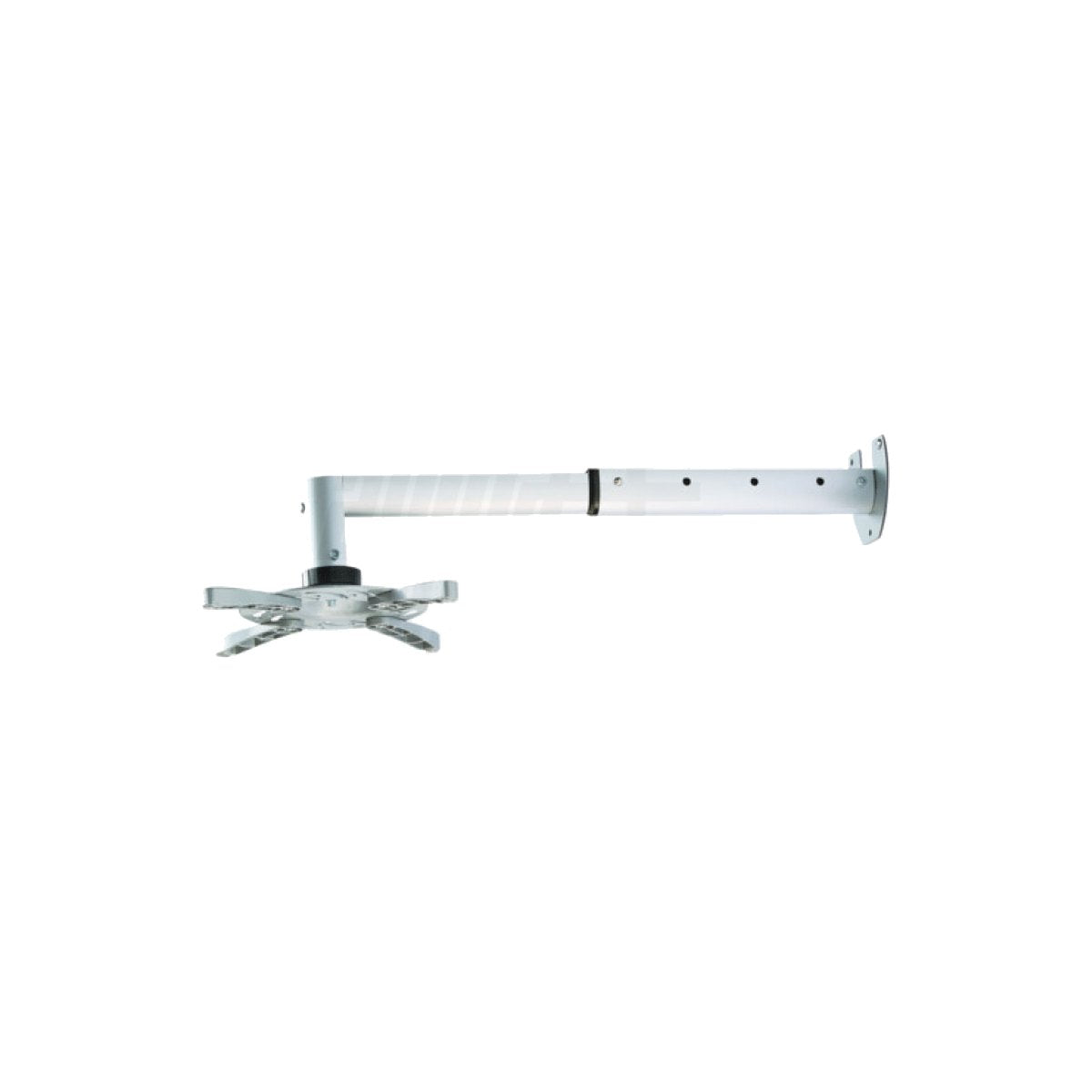
| Video projector to be hung from the ceiling | Projector mounts |
| Surround speakers or soundbar to be positioned | Speaker and soundbar mounts |
| TV hung up and no shelf for your decoder, player, or console | Decoder mounts and shelves |
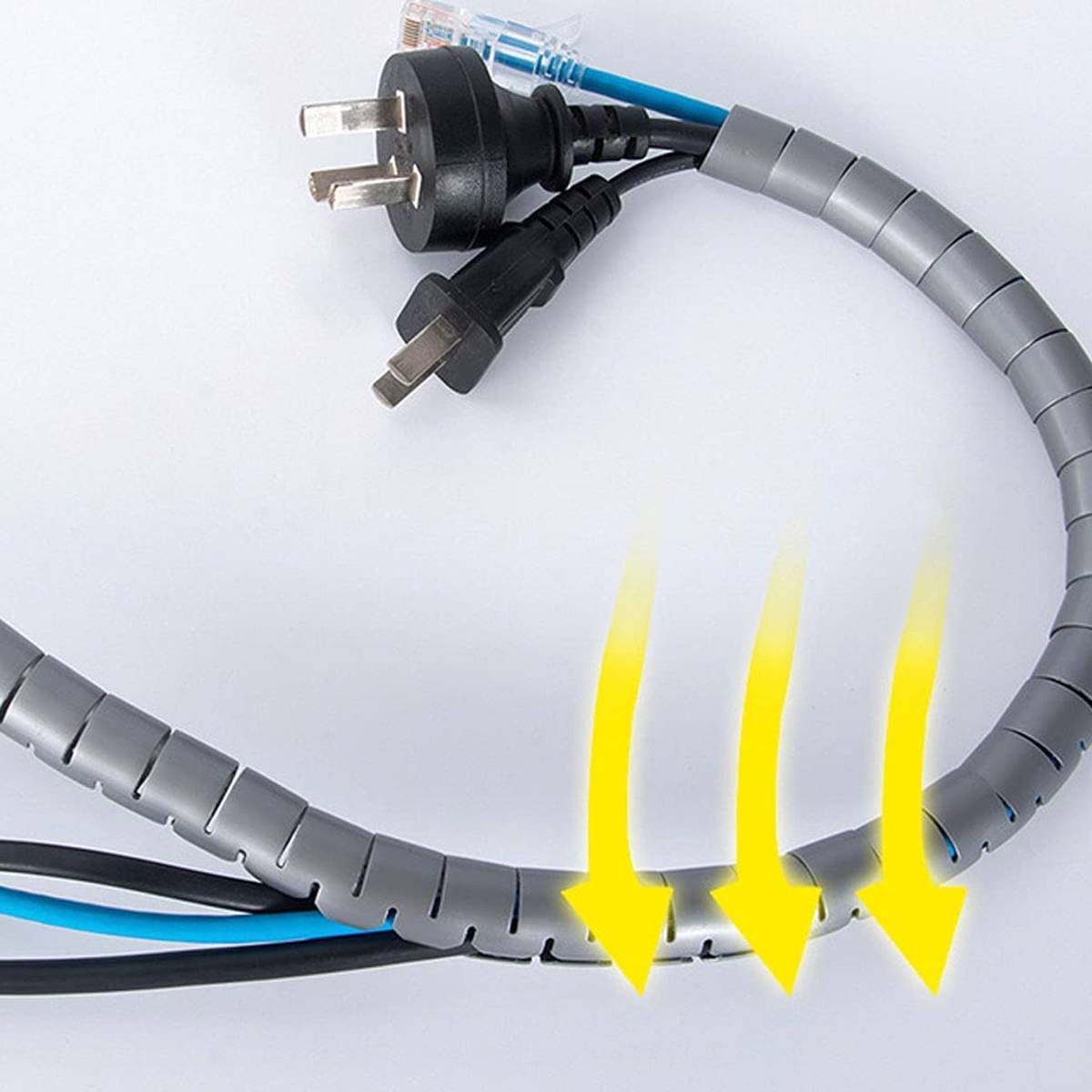
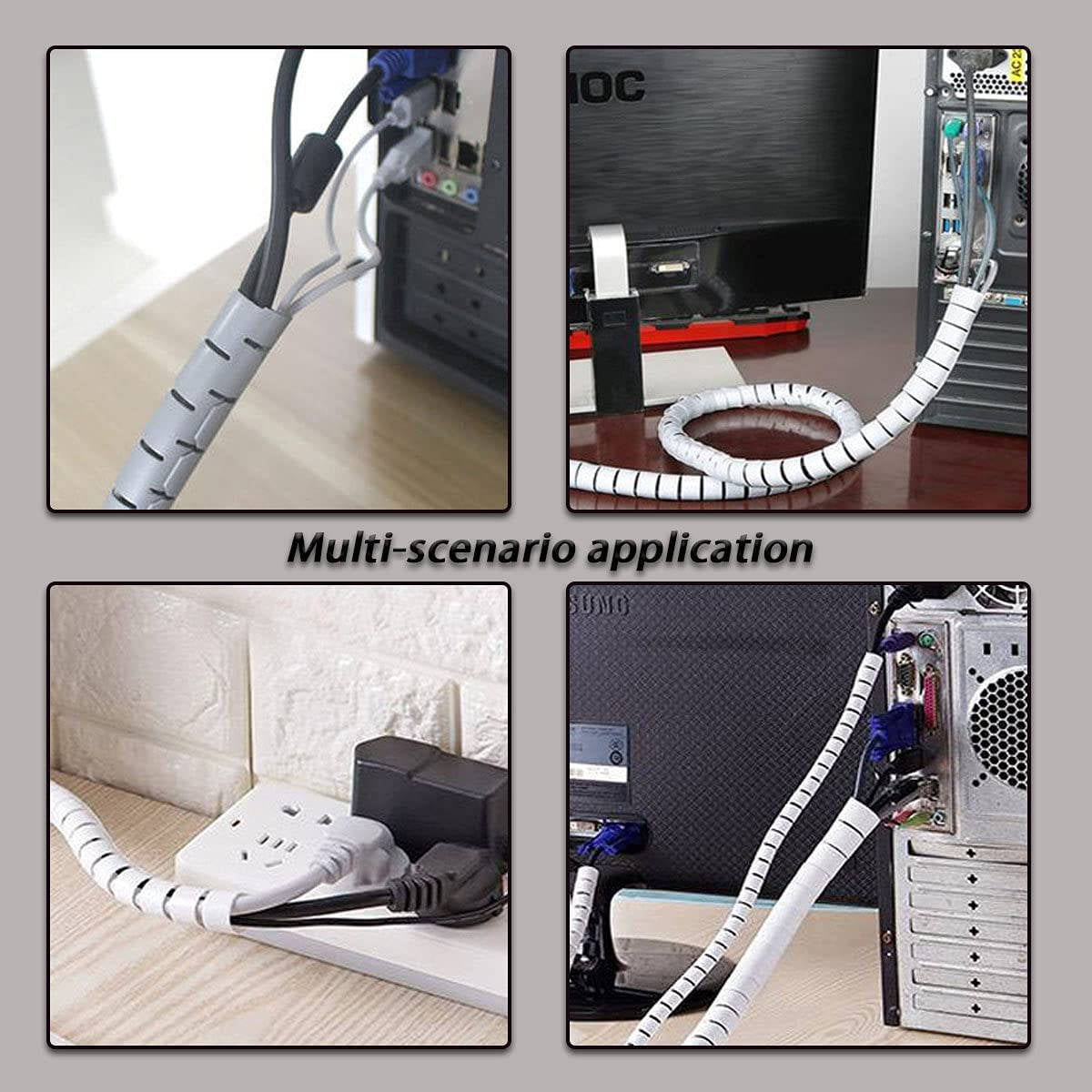
| Exposed cables and screen to be cleaned without damaging it | TV accessories |
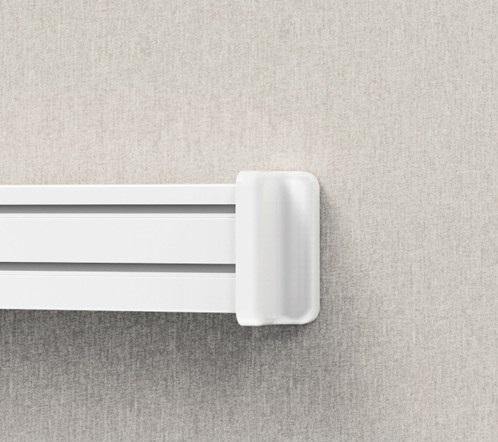
| Workstation with wall panel and monitor arms | SlatWall office system |
The three numbers that determine compatibility
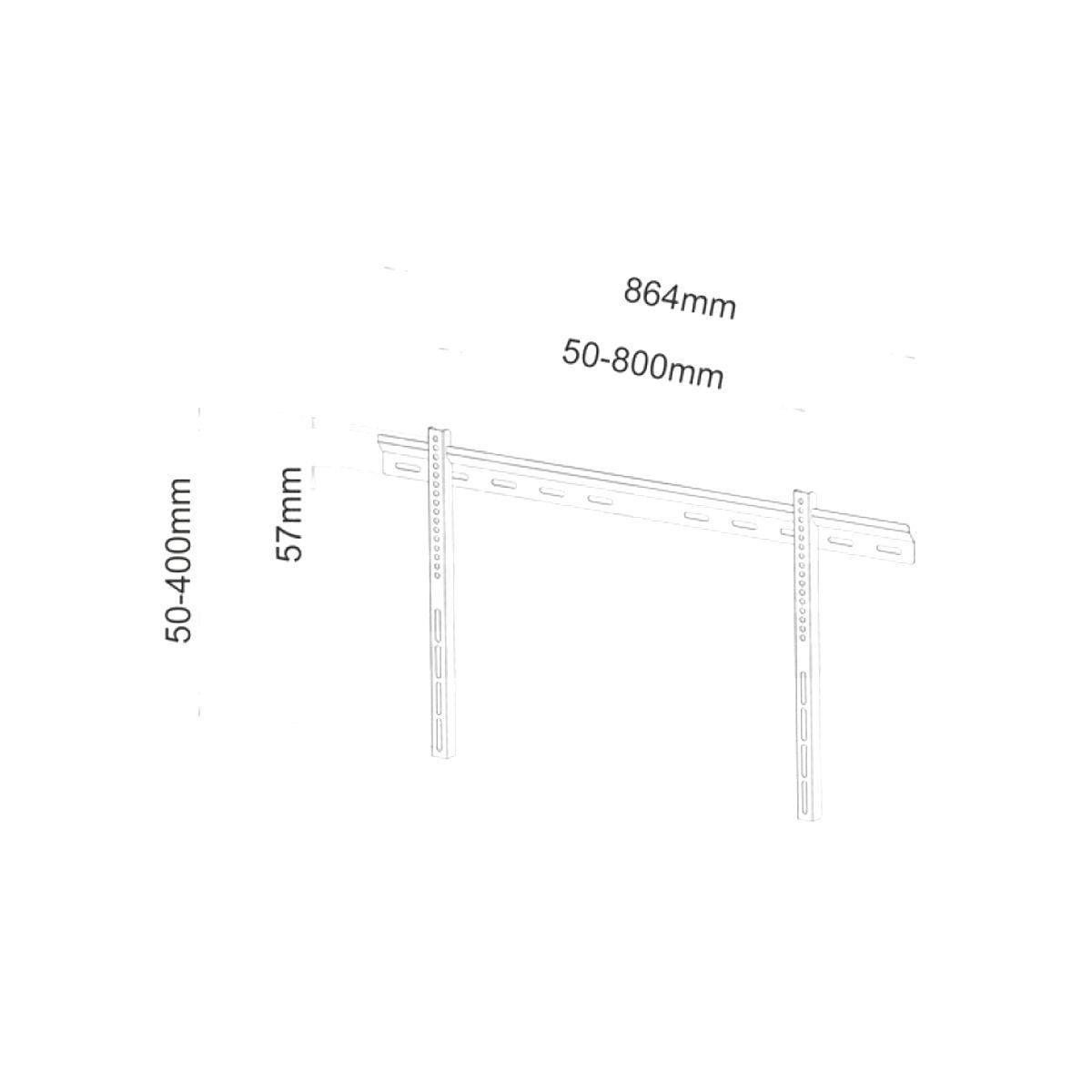
VESA Standard. This is the distance in millimeters between the four threaded holes on the back of the screen: 100x100, 200x200, 400x300, 600x400, and so on. The mount must cover that measurement. It is the check that is skipped most often, and the number one reason why an installation grinds to a halt once the box is already open. This information is in your TV manual, or you can simply measure from the center of one hole to the center of the next.
Weight capacity in kilograms. This counts for more than the screen size, because screen size doesn't dictate weight: a modern 75-inch TV can weigh less than a 55-inch TV from ten years ago. Compare the actual weight of the screen with the weight rating of the mount, keeping a safety margin.
Type of motion. Fixed if you always watch from the same spot and want the thinnest possible profile; tilting if the TV is mounted high up and you need to adjust for reflections and viewing angle; swivel or full-motion arm if you watch from multiple positions; motorized if the screen is out of reach or the orientation changes often. Each additional degree of freedom increases the distance from the wall and the stress on the mounting points.
Pro tip. The mount is rarely the weak point: the wall is, and the wall anchor even more so. On solid brick or concrete, the included anchors are almost always sufficient; on hollow brick, drywall, or light partitions, you need specific anchors or reinforcement, and with extendable arms, the leverage effect increases the load in surprising ways. Before drilling, always ask yourself two questions: what is inside this wall, and where do the utilities run? A mount can be changed in half an hour; a punctured pipe cannot.
Frequently Asked Questions
How do I find the VESA of my TV?
Check the manual or the manufacturer's website under wall mounting. Alternatively, measure it on the back of the screen: horizontal and vertical distance between the centers of the four threaded holes, in millimeters. If the holes are covered by the pedestal, it must be removed before measuring.
Are mounts universal or tied to the TV brand?
They are universal: they work for Samsung, LG, Sony, Hisense, Philips, and any other brand, because the interface is the VESA standard, not the brand. The only real constraint is that the mount must cover your VESA and support your weight.
At what height should a TV be mounted?
With the center of the screen at eye level while seated, which in a normal living room means lower than instinct would suggest. For desk monitors, the rule is different: the top edge should be at eye level. Mounting too high is the most common mistake, and you'll pay for it with neck pain.
Can I mount the TV on drywall?
Only by anchoring to the internal metal studs or a prepared reinforcement, never on the plasterboard alone, and especially never with an extendable arm. If the wall has no reinforcement, the correct solution isn't a bigger anchor: it's a floor or table mount, which transfers the weight to the floor.
Do you offer installation services?
We are a store providing direct assistance in Catania: if you have doubts about compatibility, the type of wall, or the configuration, write to us or stop by our office with your TV model number. It's the fastest way to avoid an incorrect purchase.
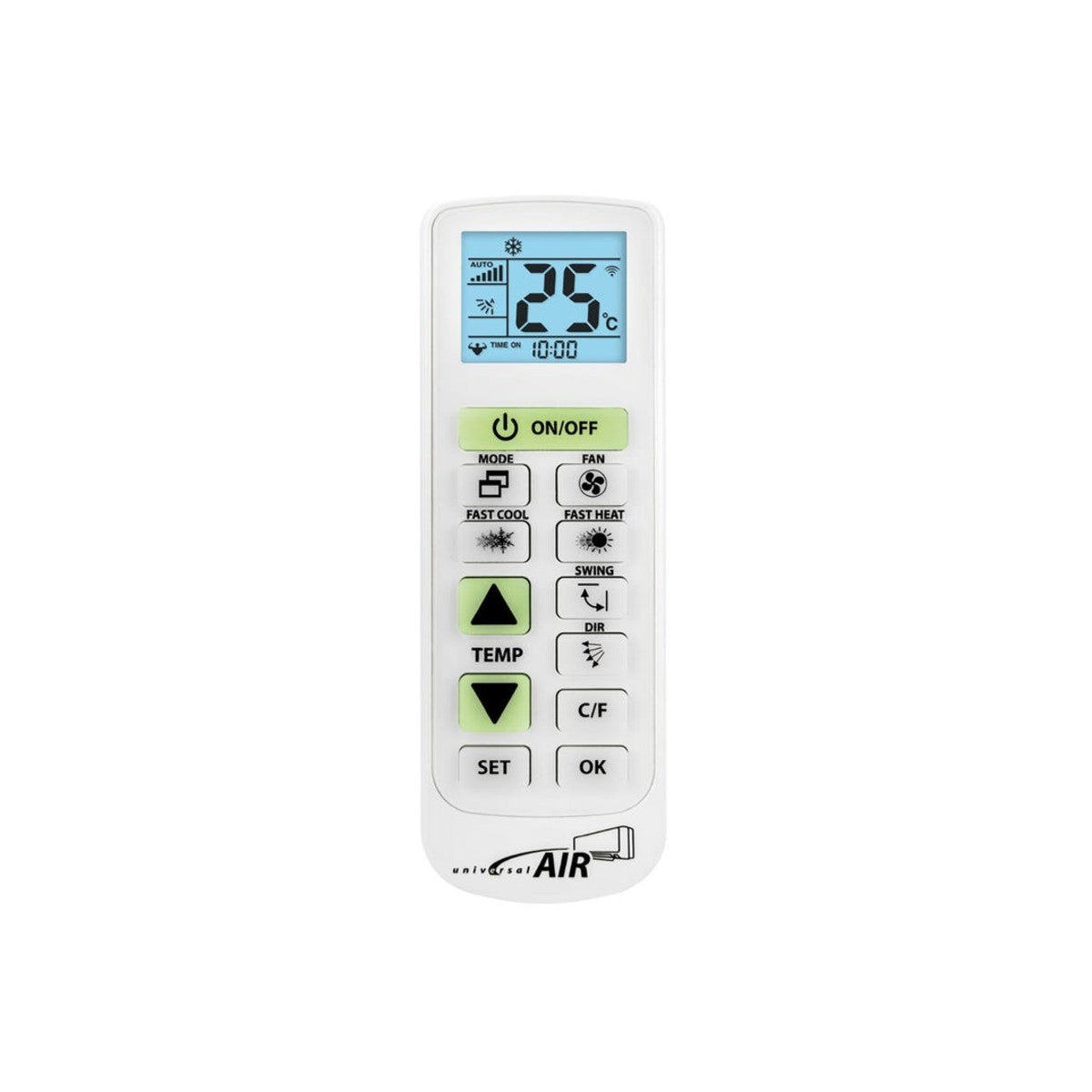
See also HDMI cables, audio/video distribution, and TV remotes.