



























Jolly Line brand products
Filter
Sort by:



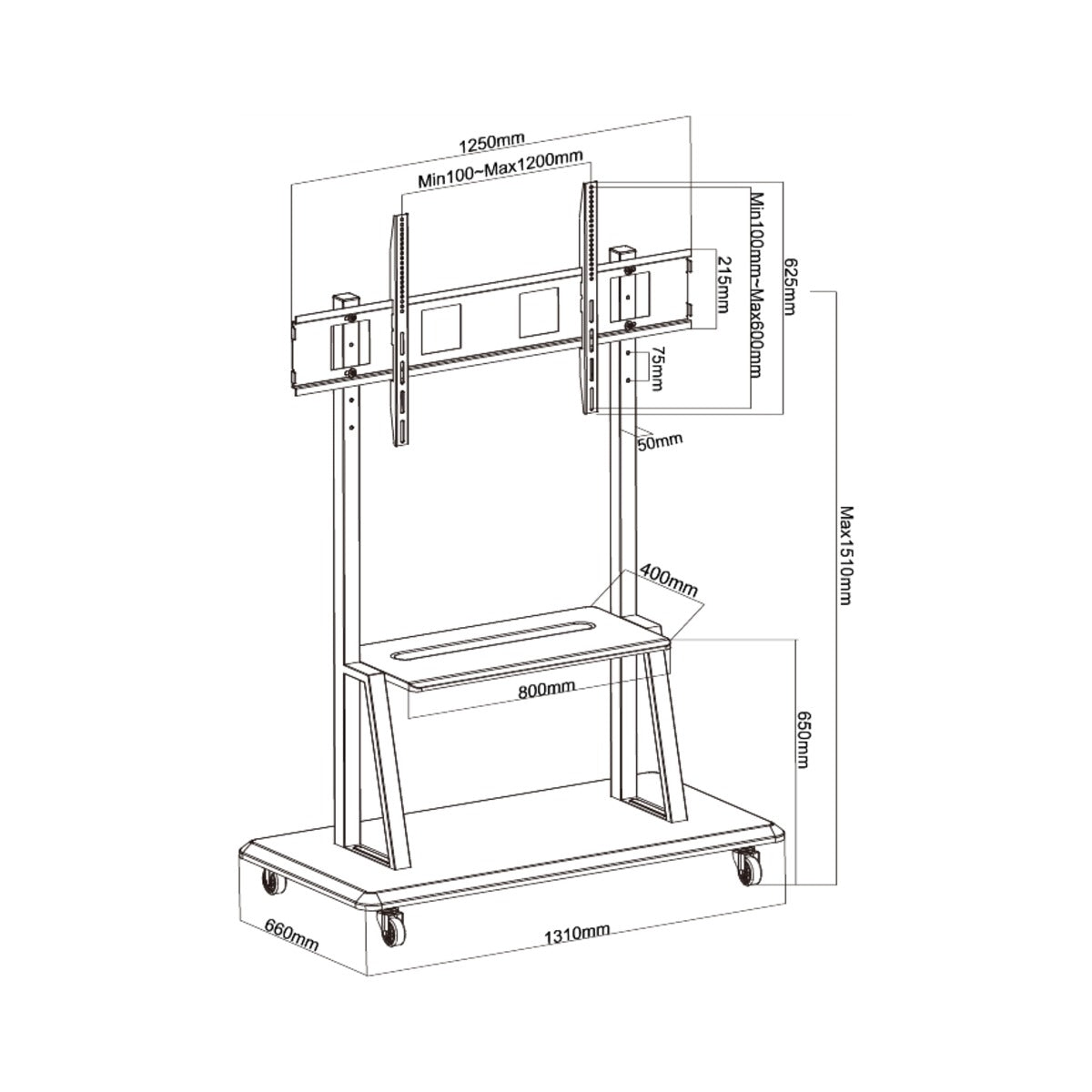
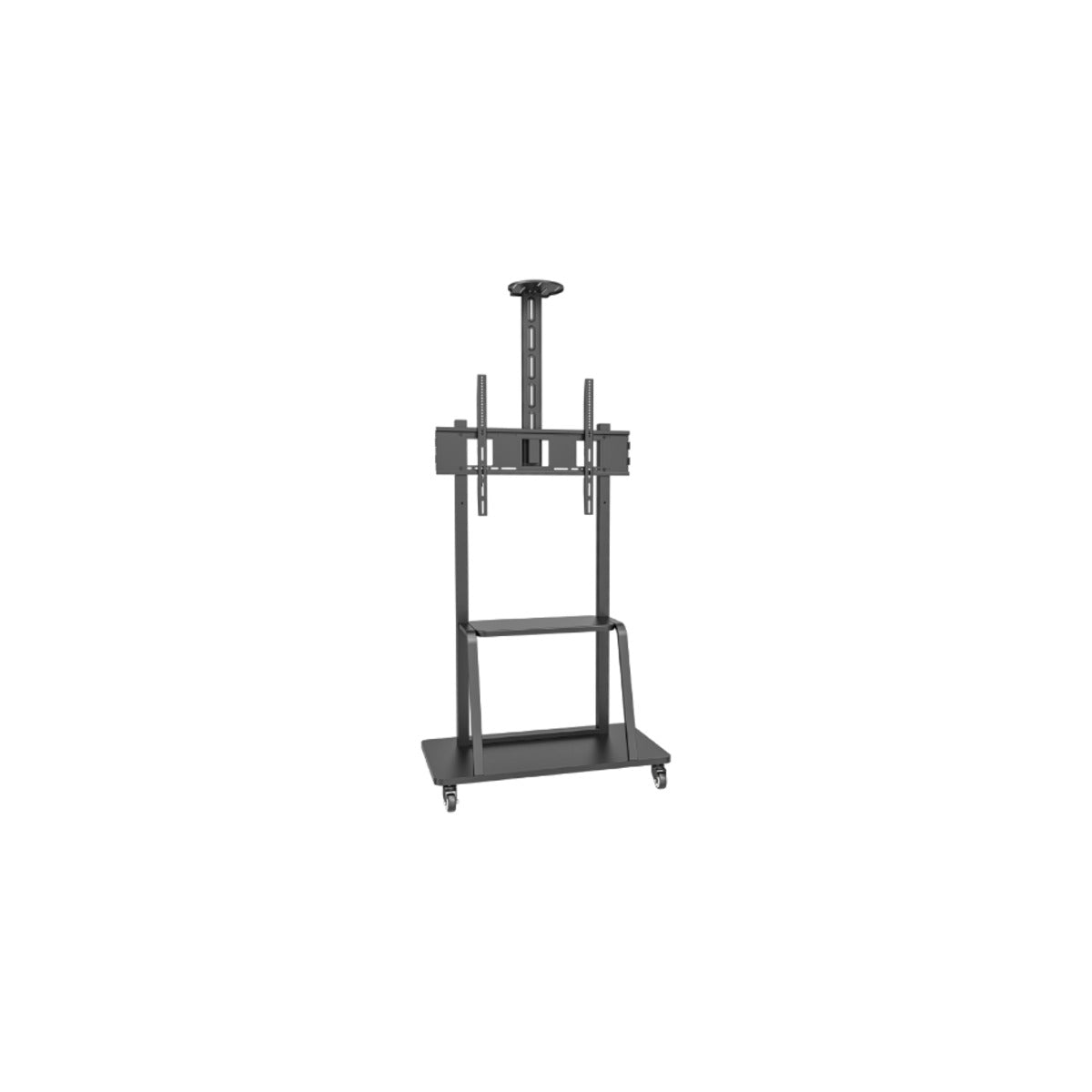
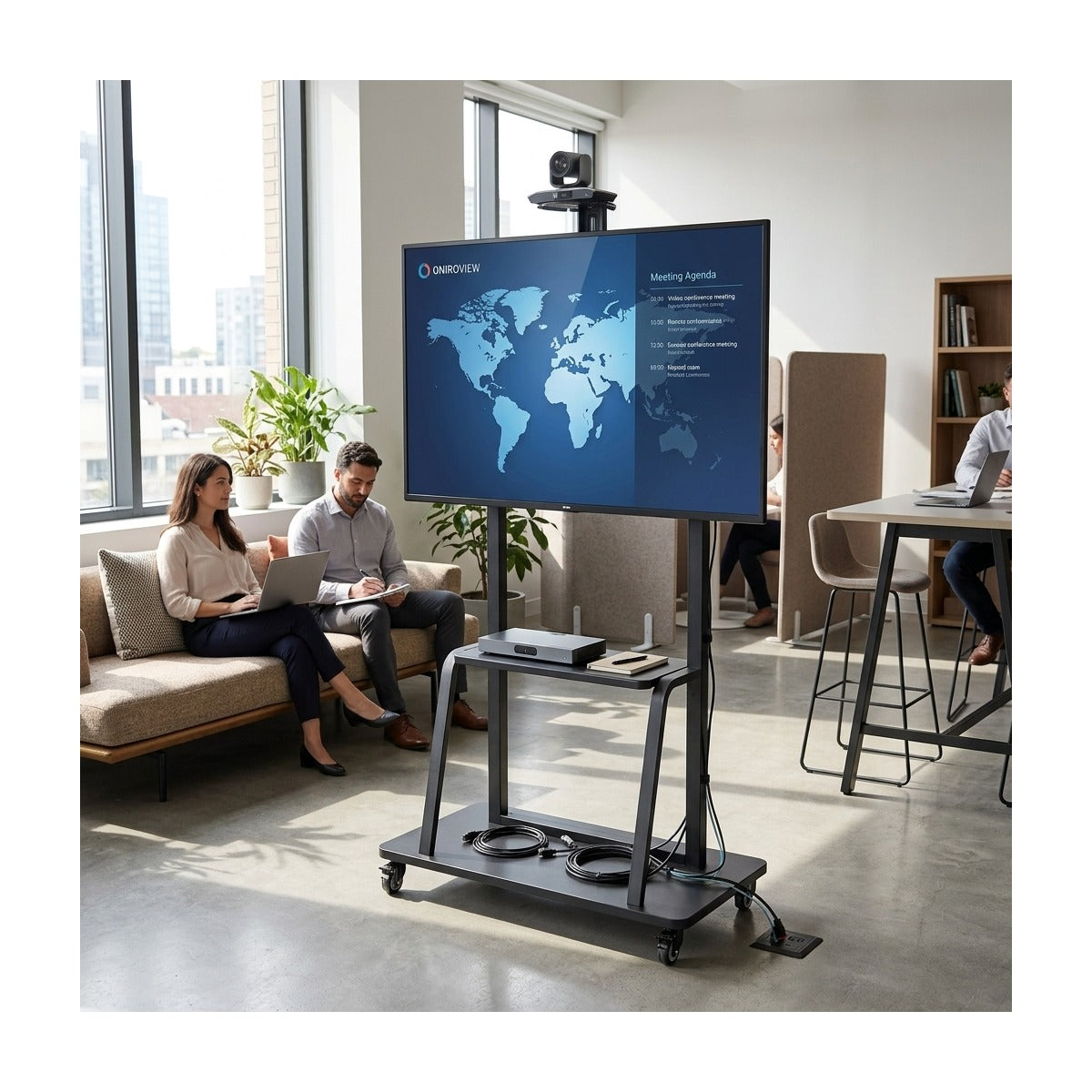
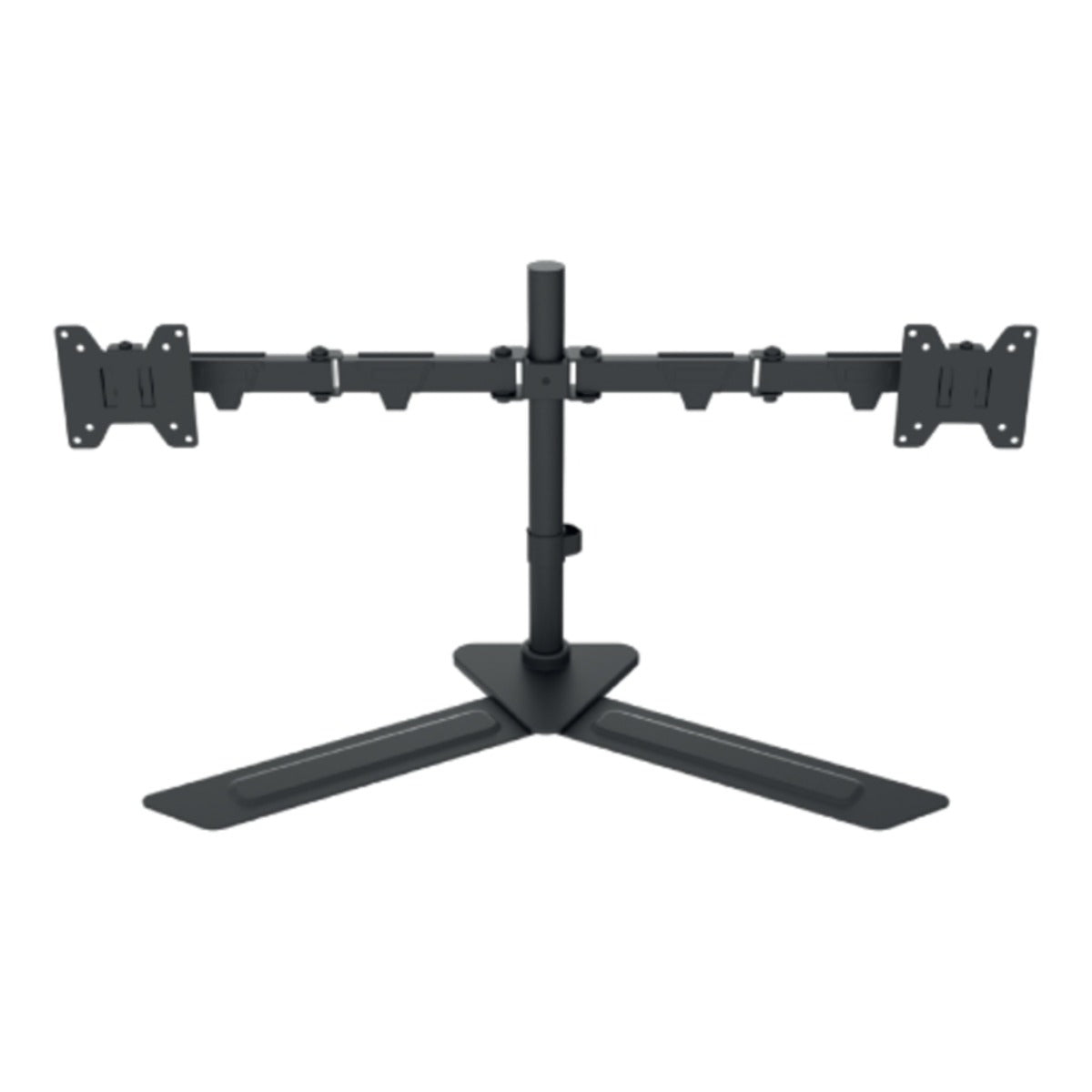
Jolly Line: TV and monitor mounts, for when the wall isn't enough
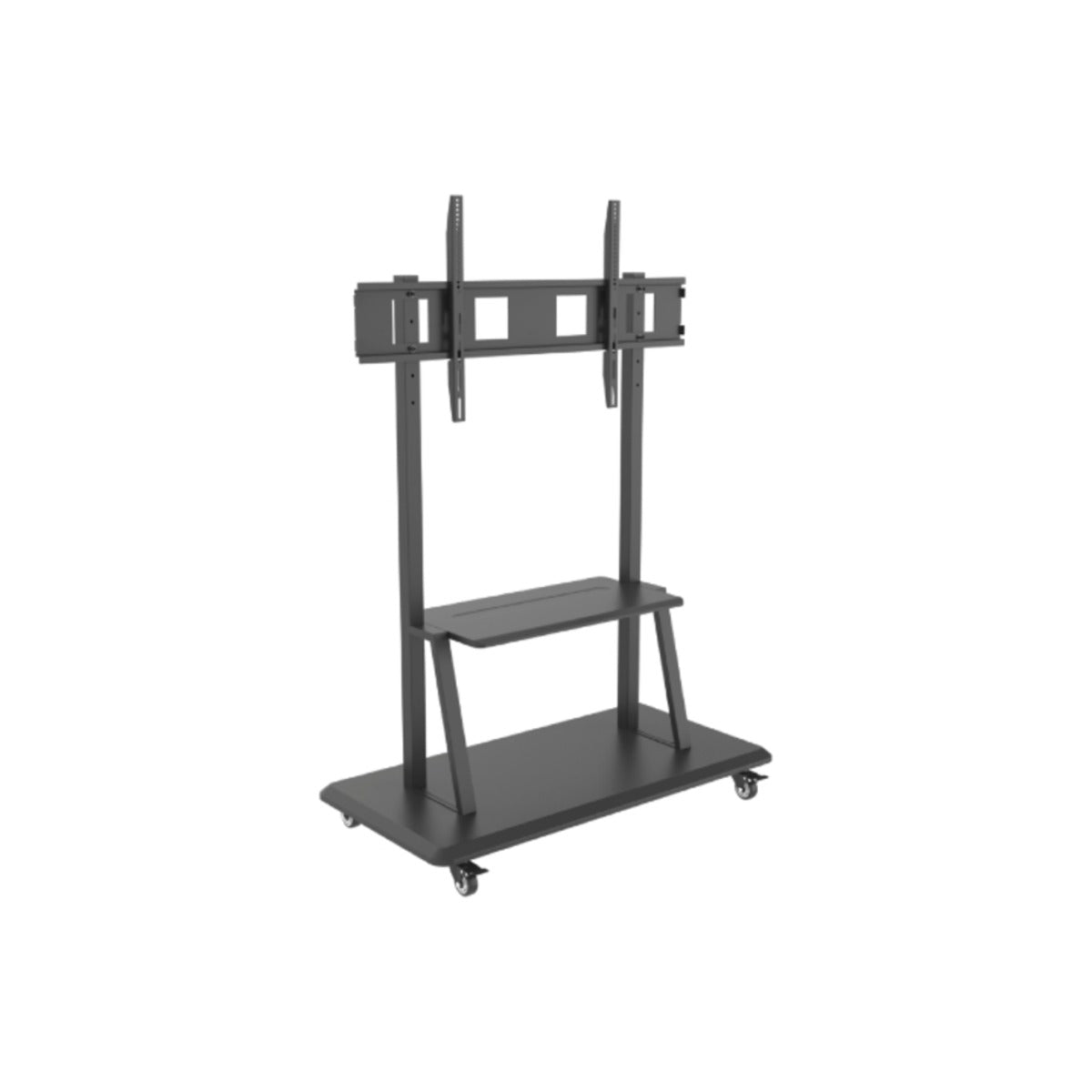
Jolly Line covers the range of mounts that go beyond simple wall brackets: floor and table stands for those who can't or don't want to drill, motorized wall and ceiling mounts controlled by remote or Wi-Fi, and desk monitor arms with hydraulic pistons. These are solutions for real-world situations: non-reinforced drywall, rental properties, open-plan spaces, and dual-screen workstations.
Selection table
| Situation | Mount | Load capacity |
|---|---|---|
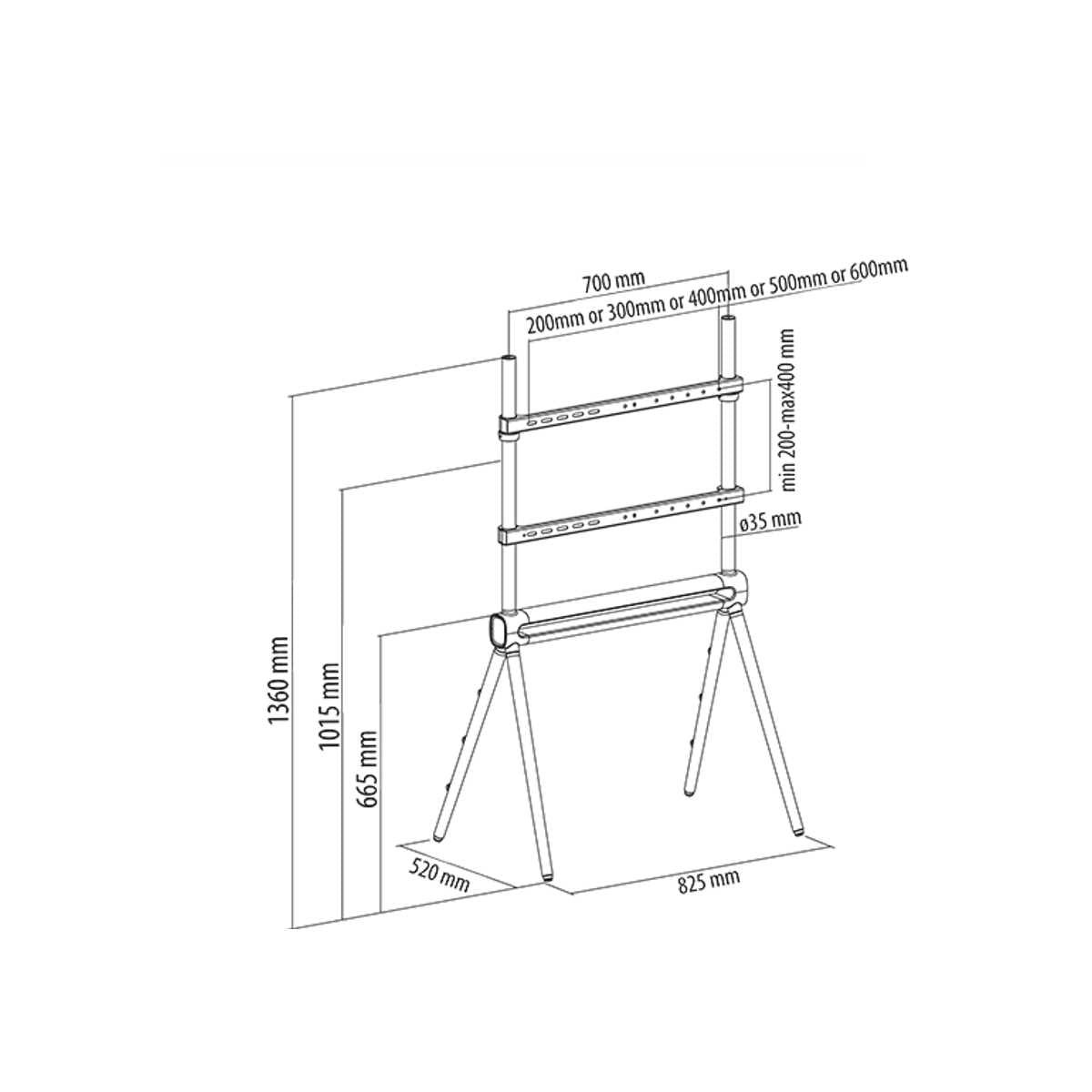
| Wall cannot be drilled, large TV | Designer floor stand, 42–80 inches | 40 kg |
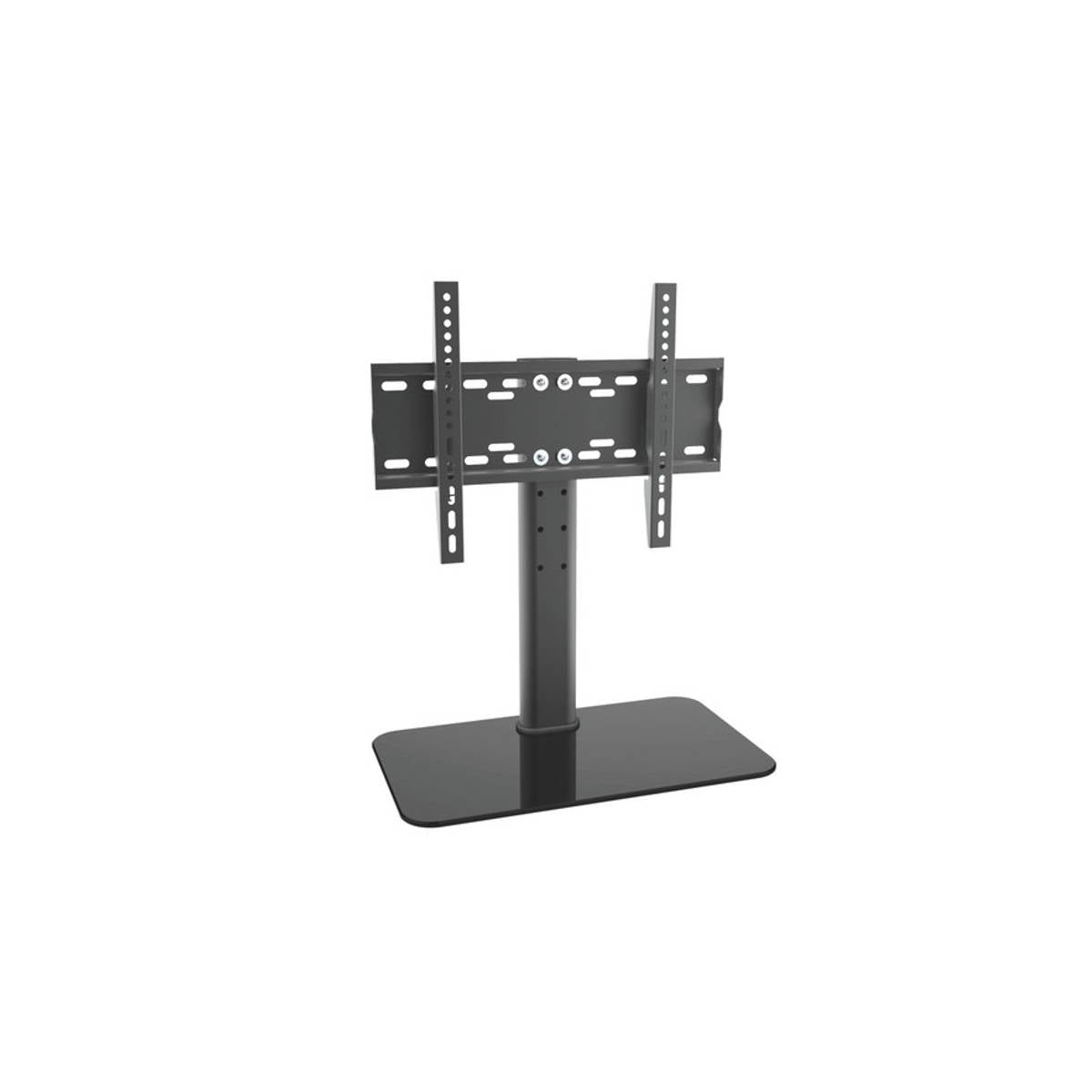
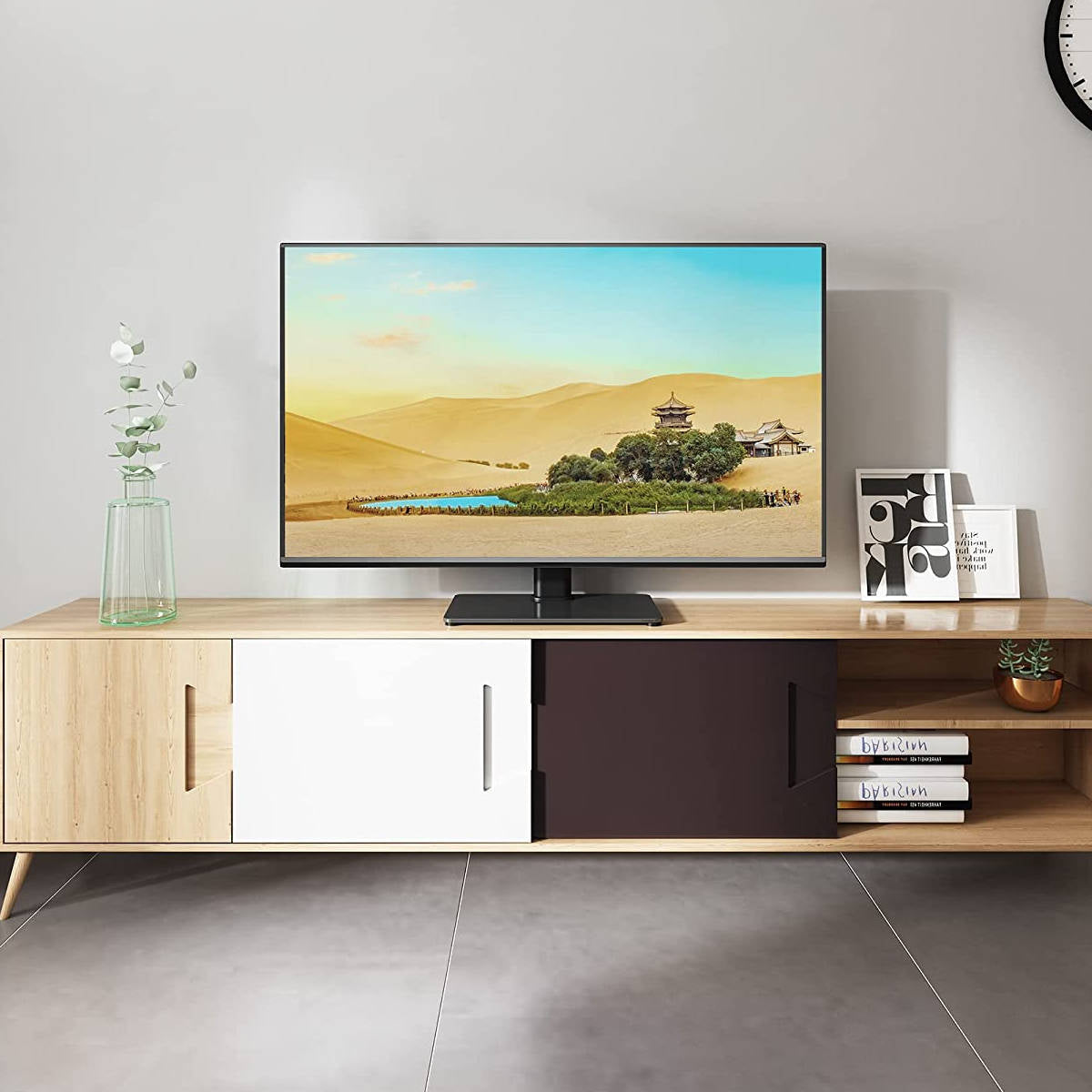
| TV on furniture without original feet | Table stand with glass base, 23–47 inches, VESA 400×300 | 40 kg |
| Open space, viewed from multiple points | Motorized wall mount, 32–80 inches, 170° rotation | 50 kg |
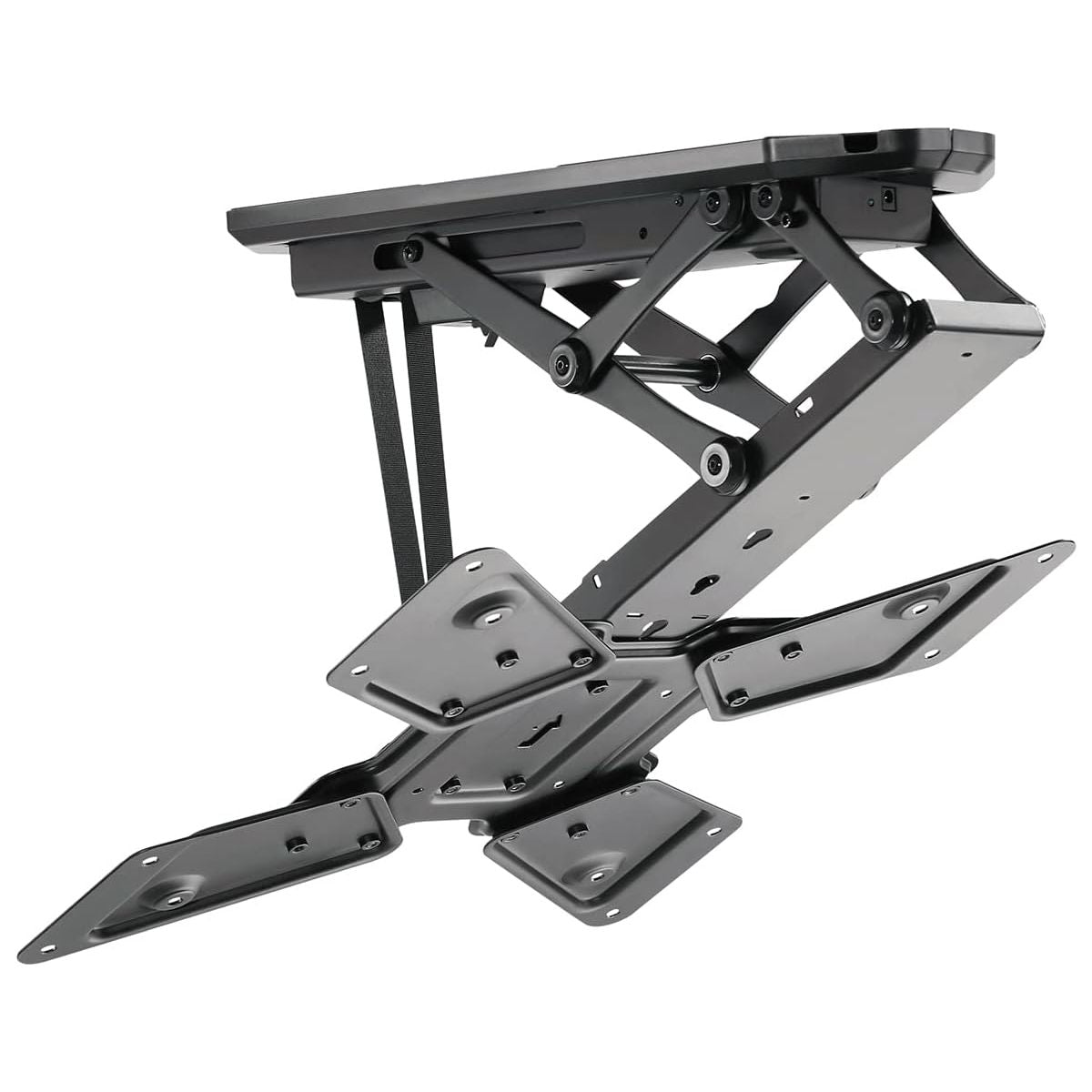
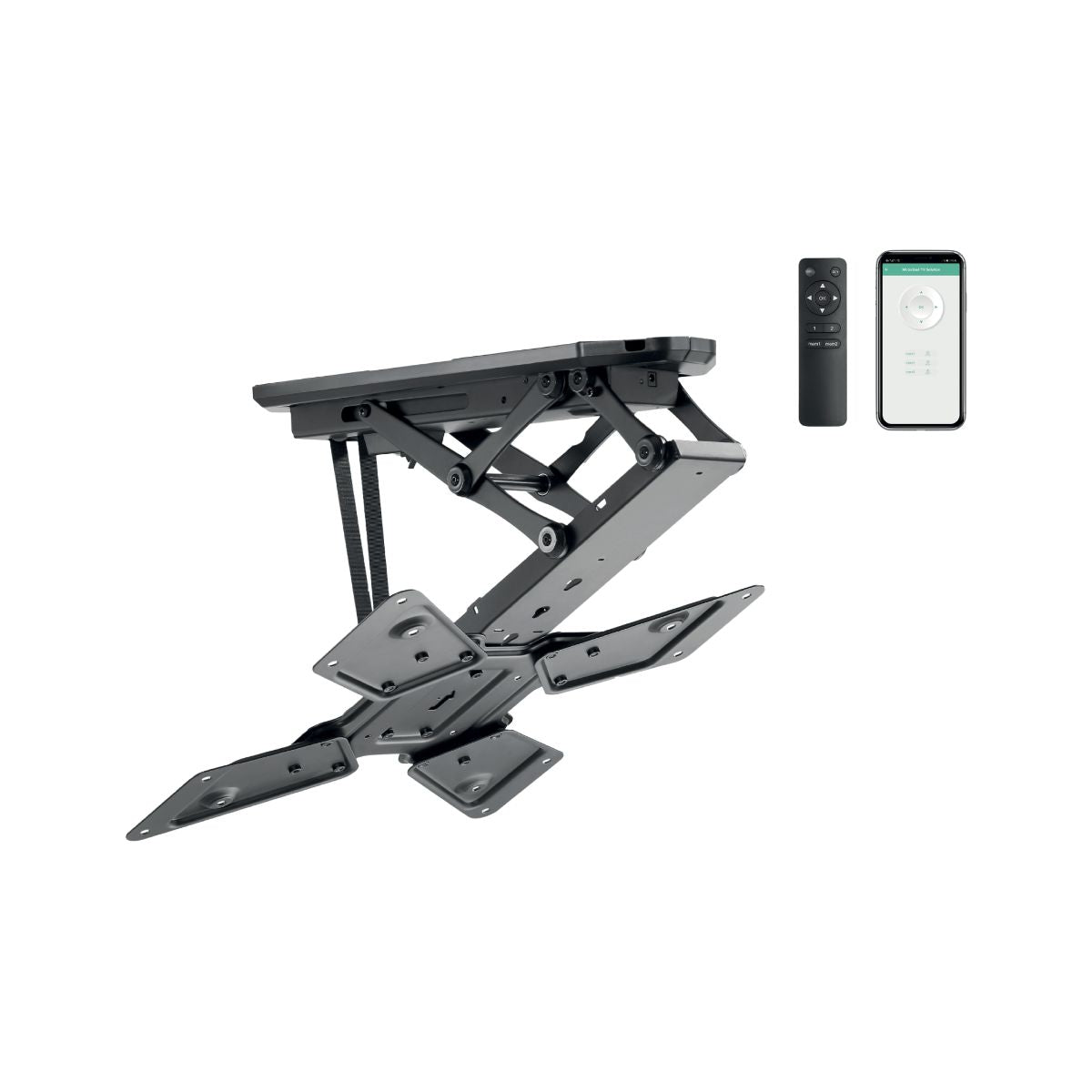
| No suitable wall: bars, gyms, showrooms | Motorized tiltable ceiling mount, 23–55 inches, Wi-Fi and remote | 30 kg |
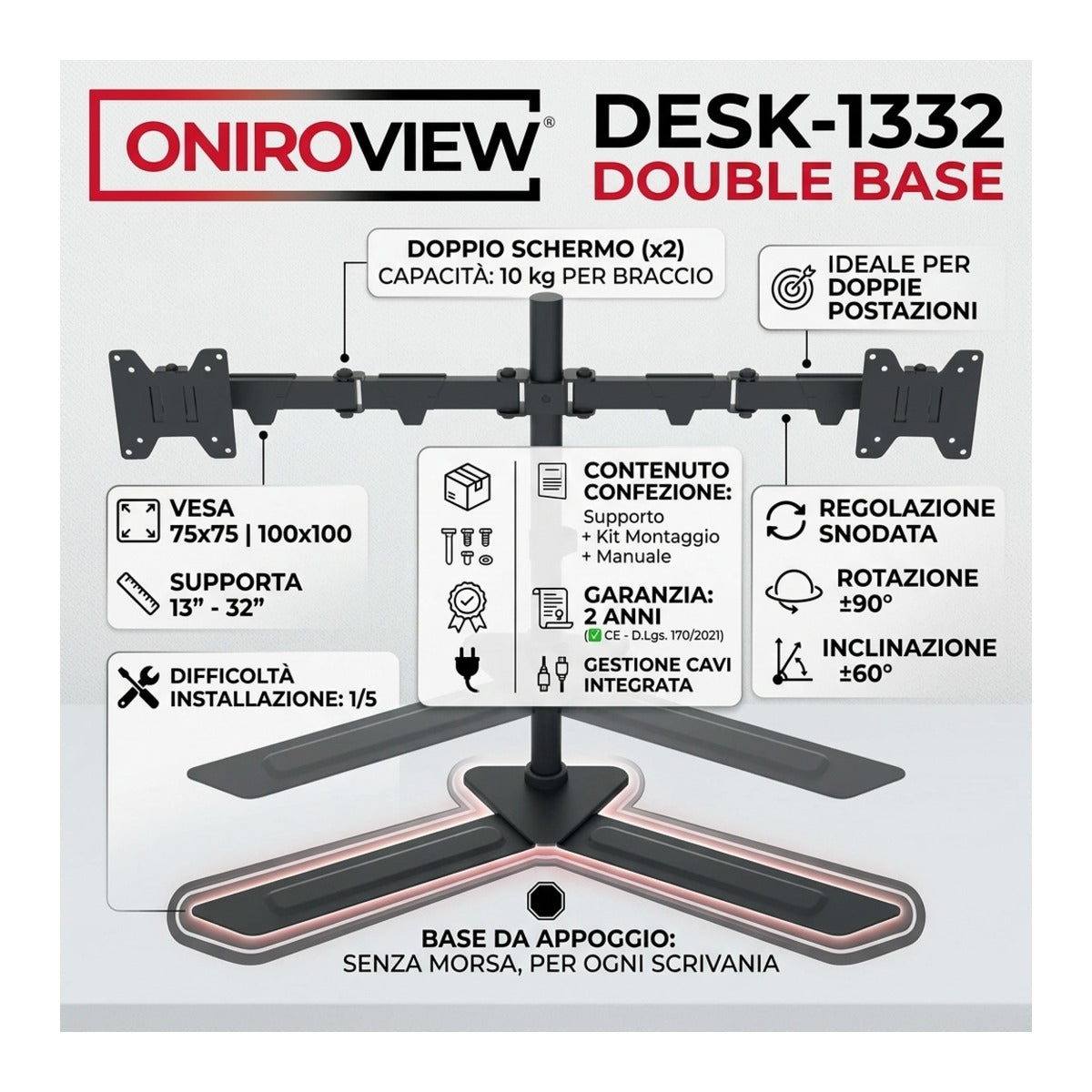
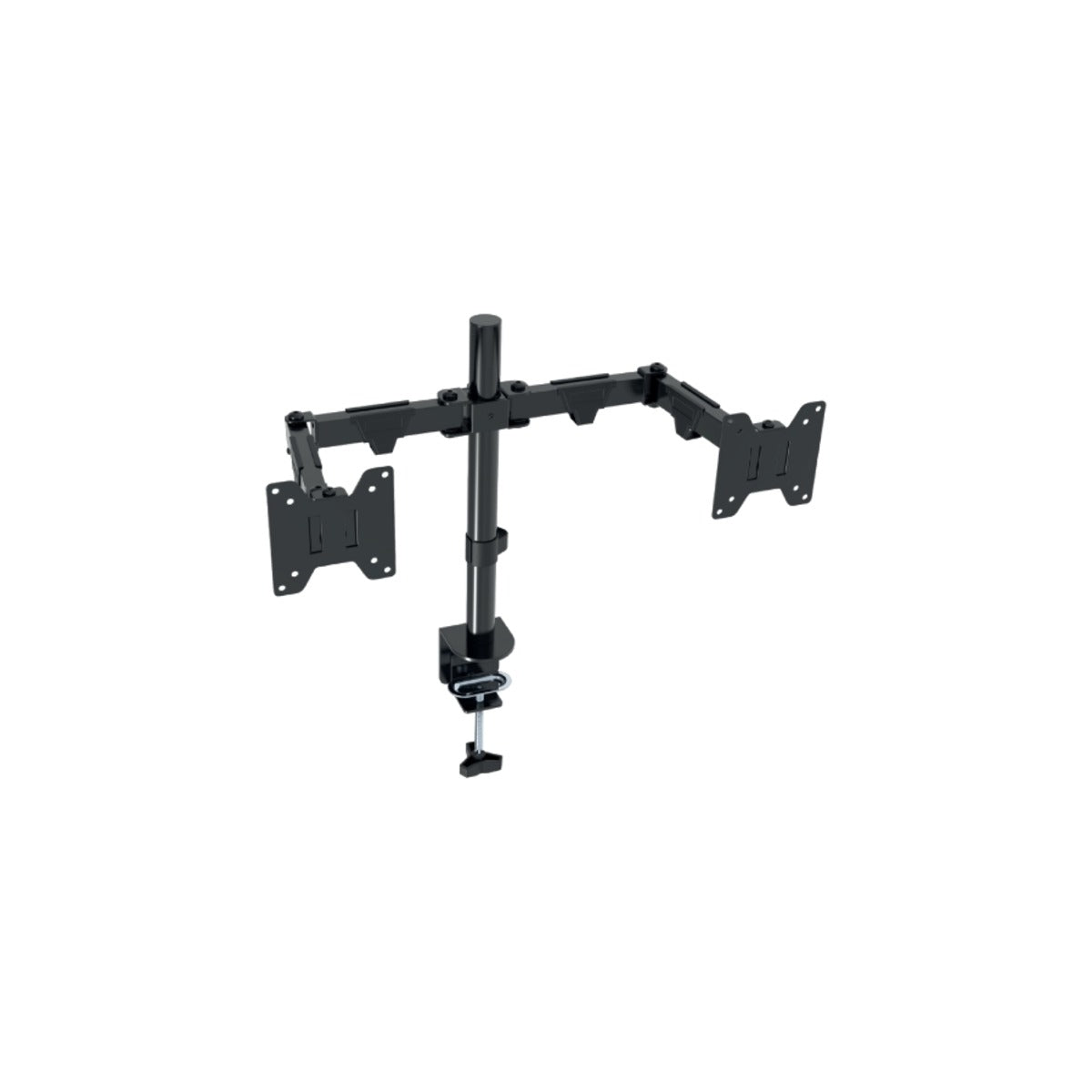
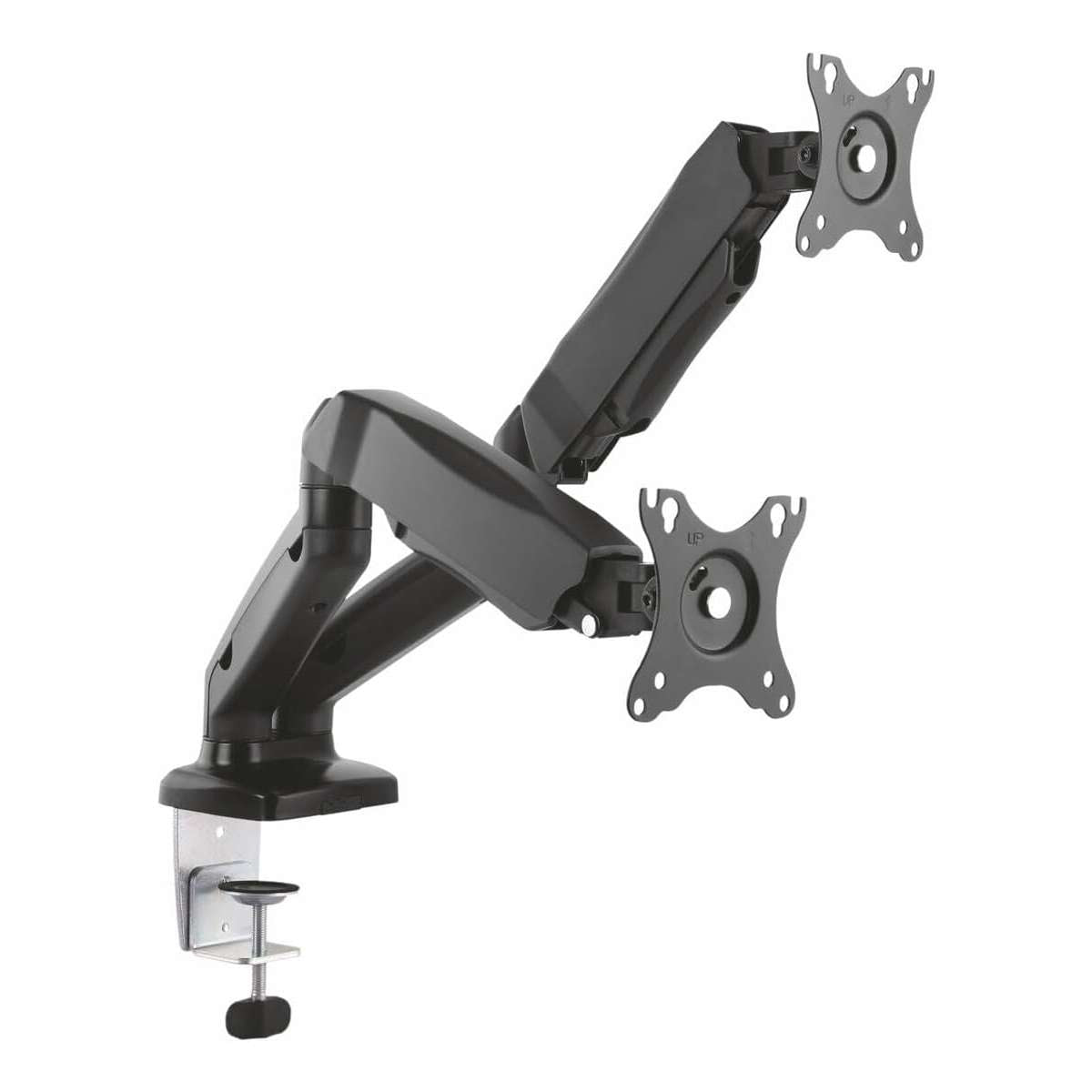
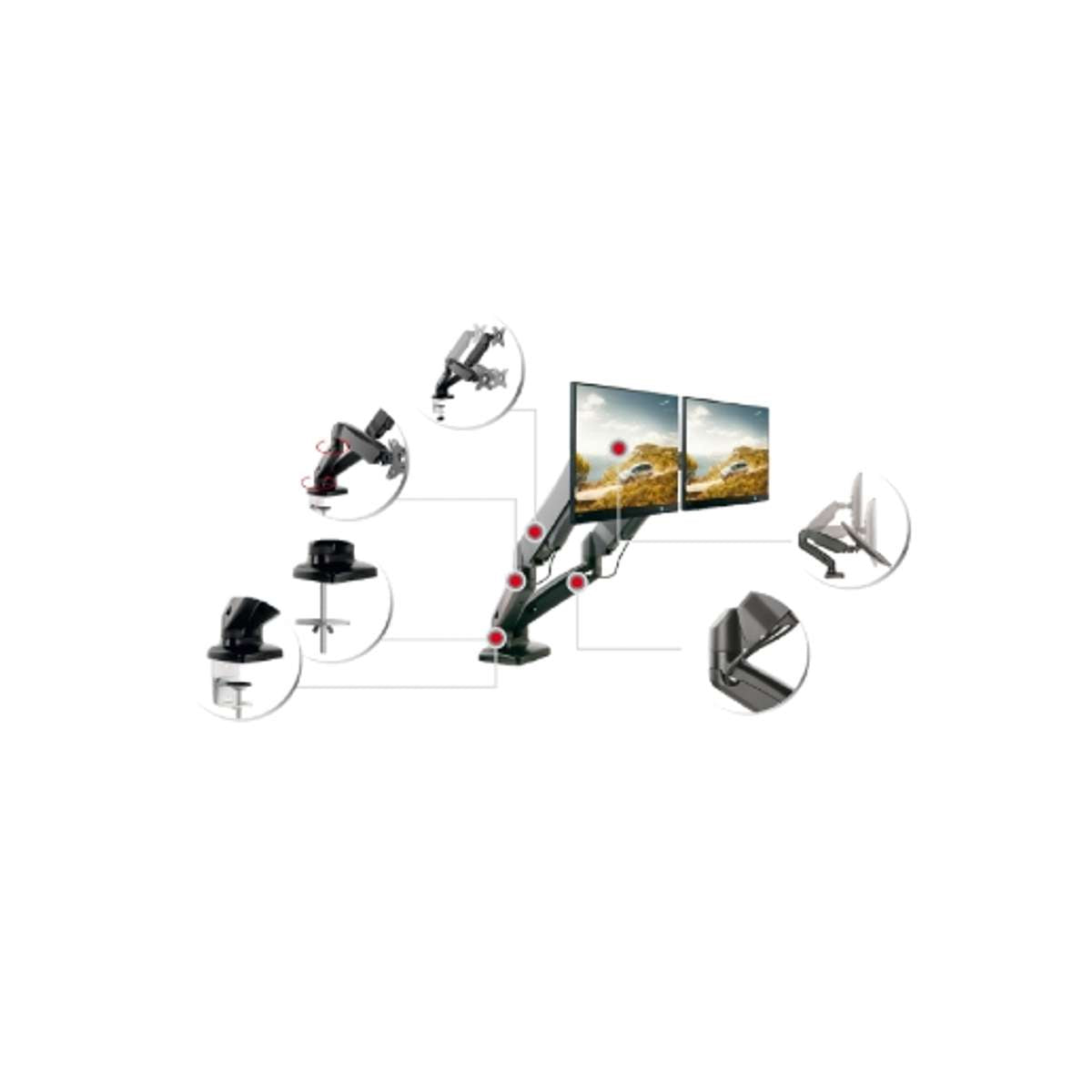
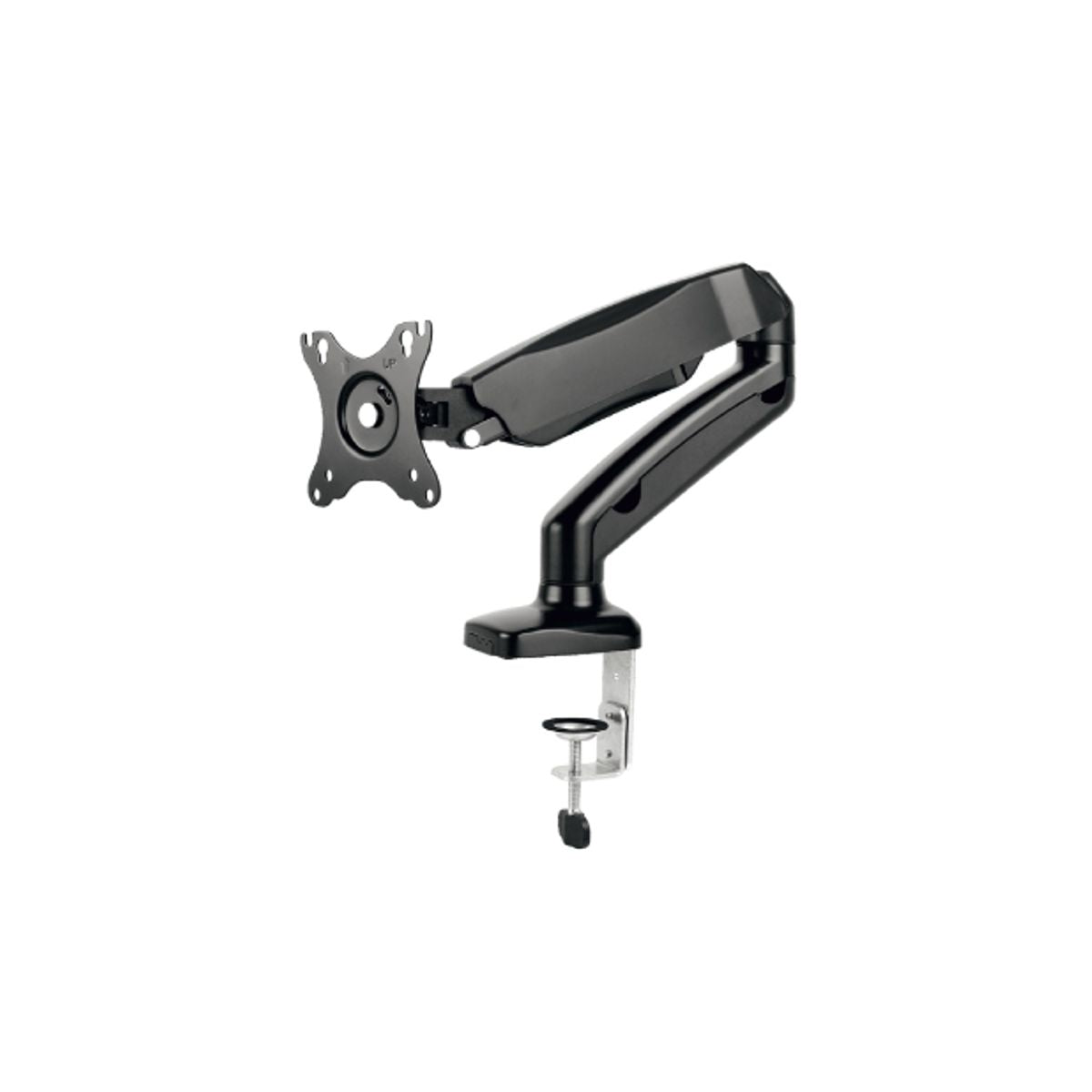
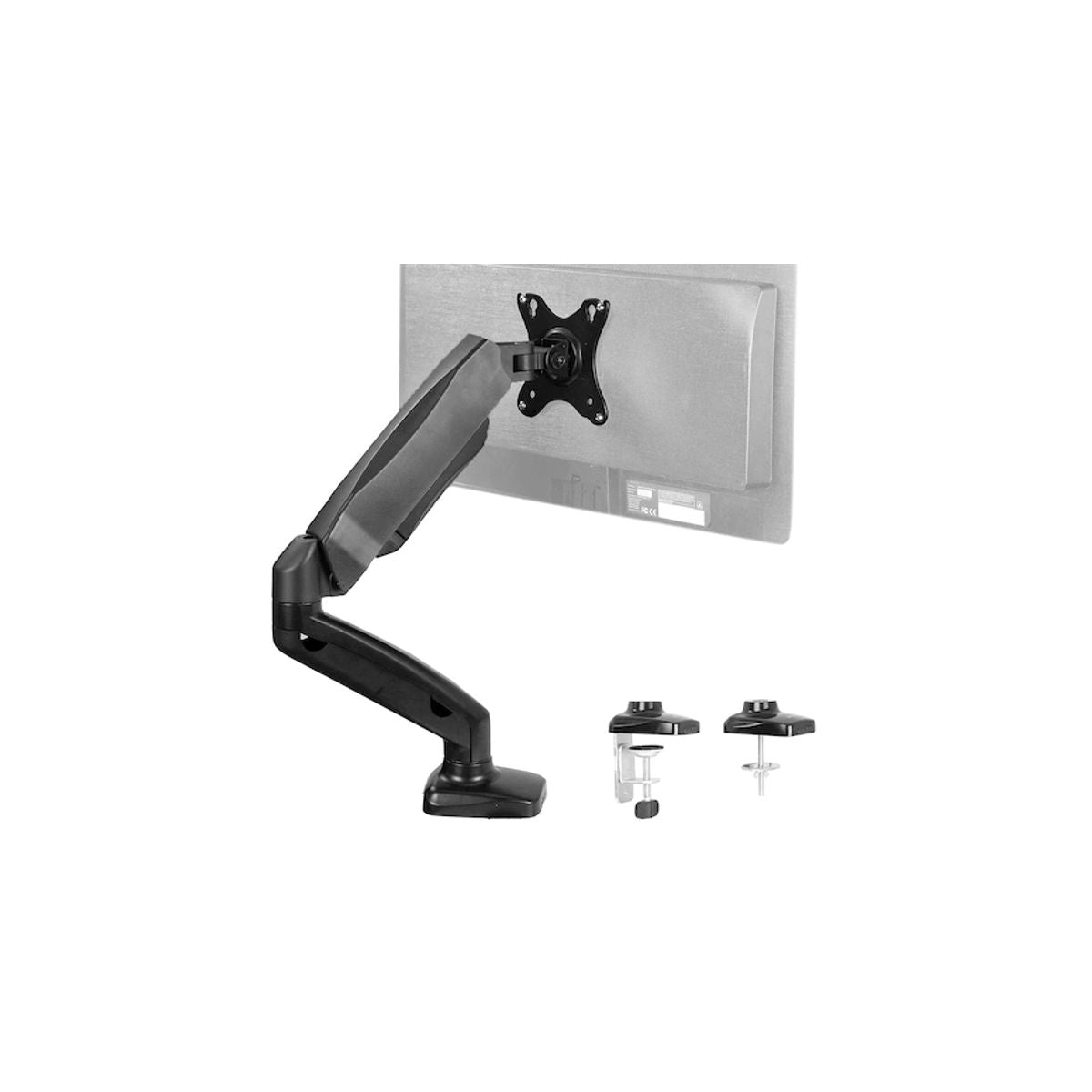
| Dual-screen workstation | Dual desk arm, 17–32 inches, hydraulic piston | 6.5 kg per screen |
The two numbers to check
Load capacity in kilograms. This matters more than screen size: a modern 75-inch TV may weigh less than a 55-inch TV from ten years ago. Check the actual weight in your TV manual and compare it with the capacity stated for the mount.
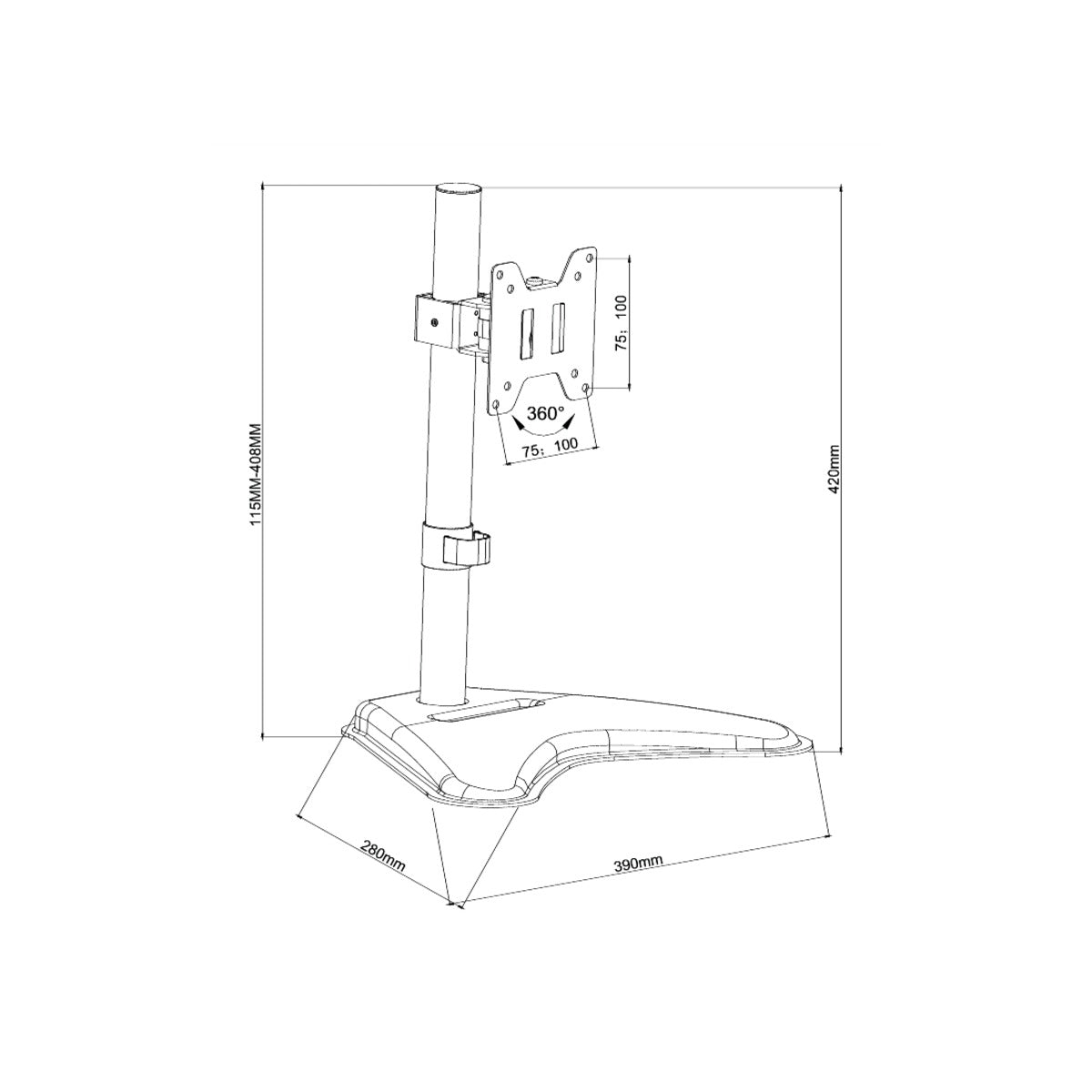
VESA standard. This is the distance in millimeters between the four holes on the back of the screen: 200×200, 400×300, 600×400, etc. The mount must cover your VESA size, and this is the step most people skip. The data is in the manual, or you can measure from the center of one hole to the center of the next.
Monitor arms with hydraulic piston
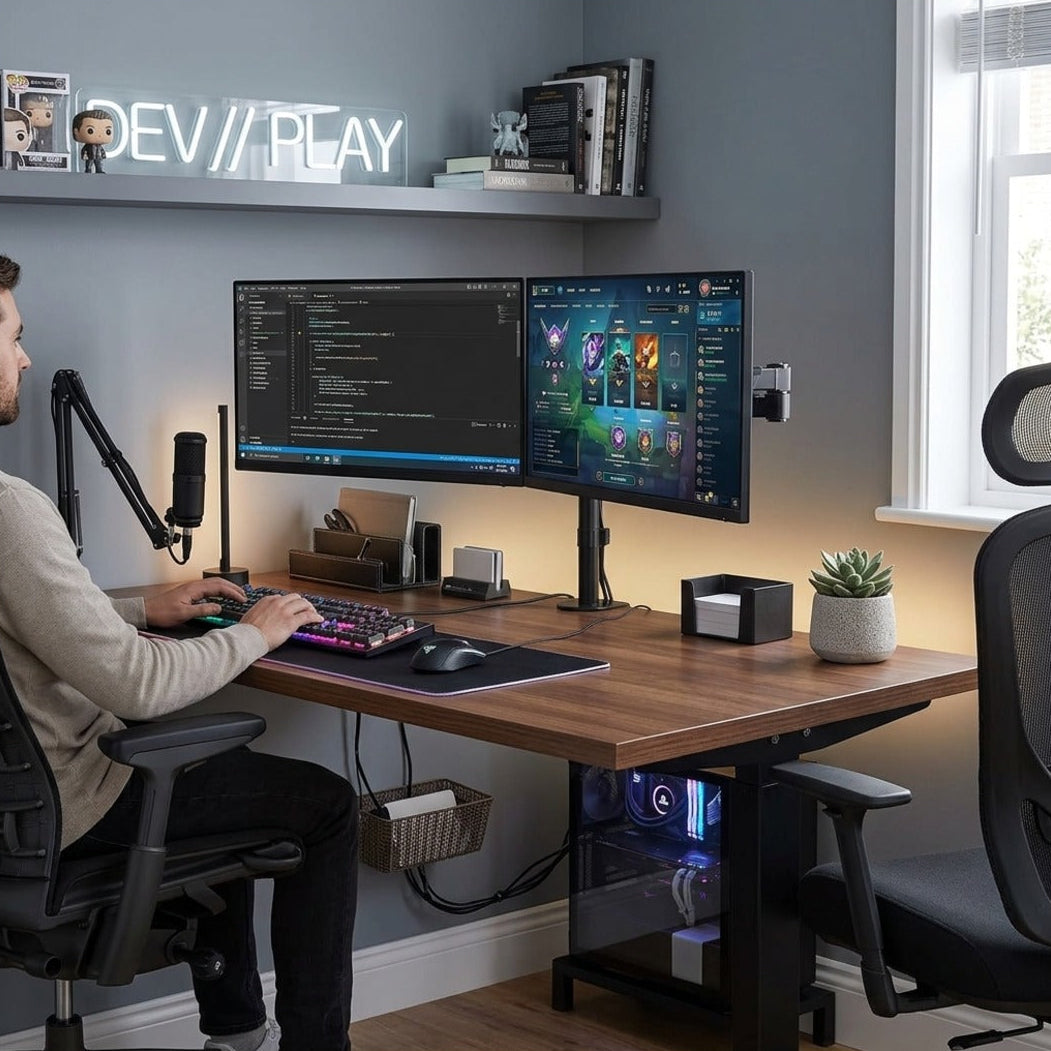
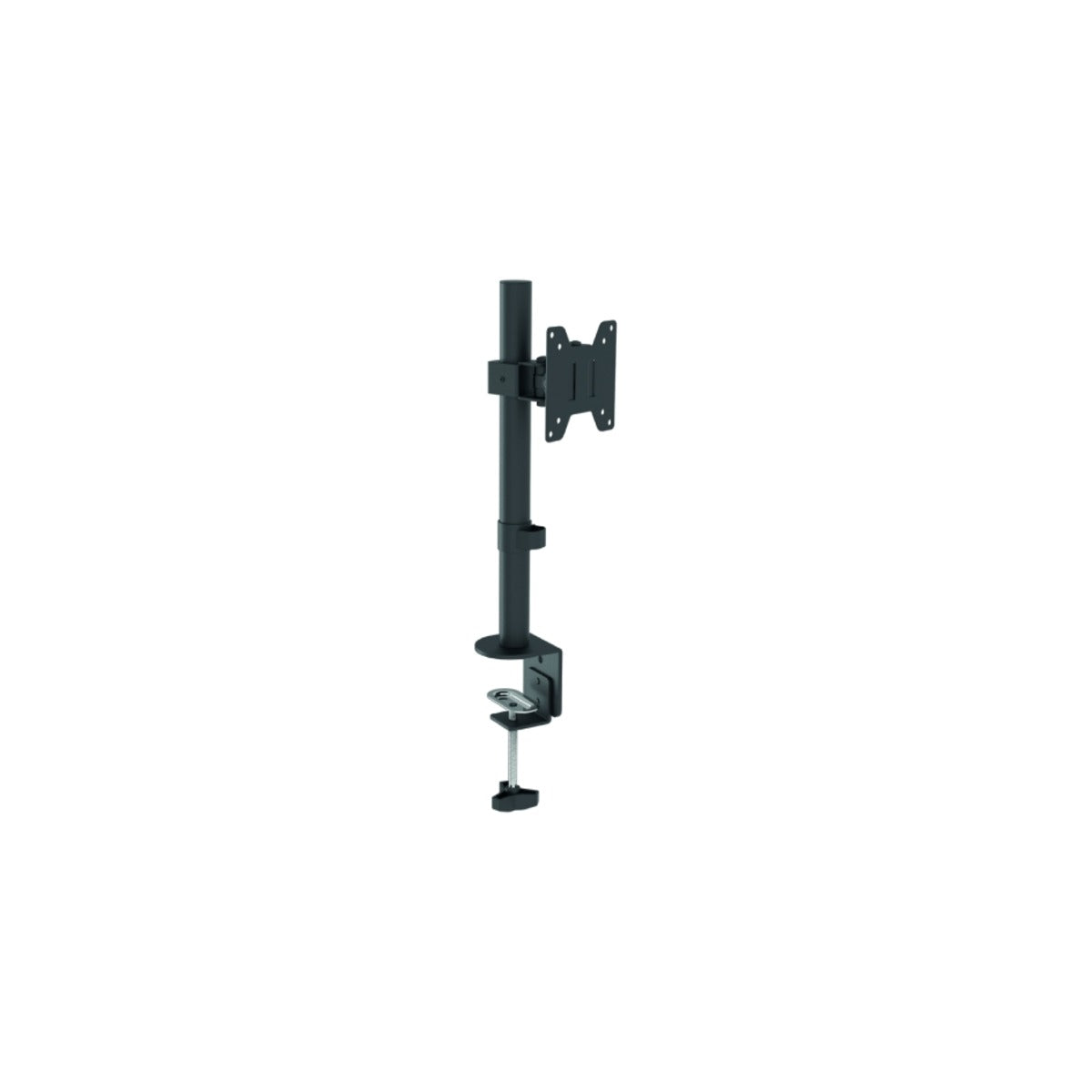
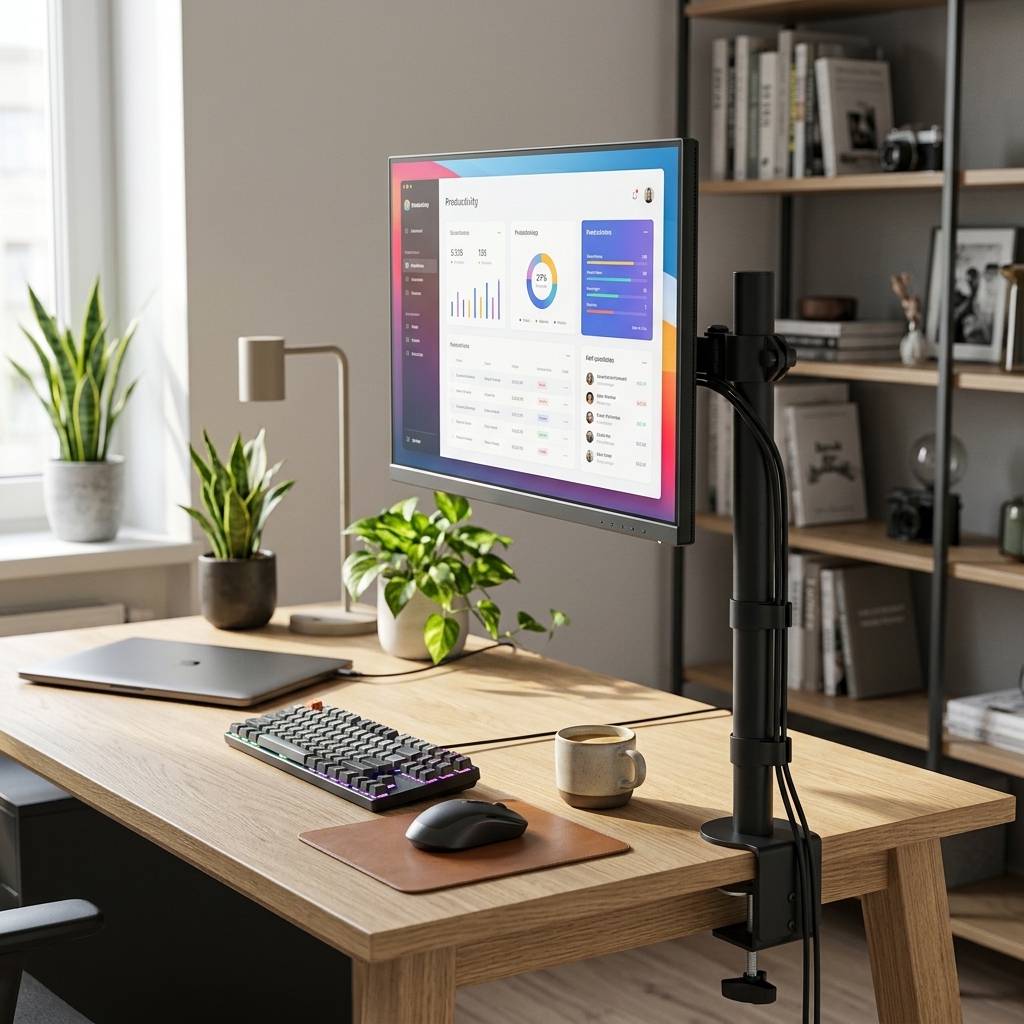
The gas piston allows you to move the screen with one hand and have it stay exactly where you leave it, without needing to tighten anything. This is why they are used in workstations where the position changes throughout the day. However, the greatest practical advantage is another: they clear desk space and allow you to set the monitor to the correct height, which is with the top edge of the screen at eye level.
Expert advice. For motorized mounts, you need to plan how the power will reach the motor: the TV's power socket is not enough, the mount itself needs power, and for ceiling installations, this must be planned beforehand, not after mounting. For desk arms, check the thickness of the surface against the clamp's range, and ensure there is room behind the desk for the protruding part. Finally, regarding TV height, the rule is that the center of the screen should be at eye level while seated: most people mount them too high and spend their evenings with their necks strained.
Frequently asked questions
How do I know the VESA of my TV?
It is indicated in the manual or on the manufacturer's website. Alternatively, measure it on the back: horizontal and vertical distance between the centers of the four threaded holes, in millimeters.
Can a motorized mount be controlled by phone?
Wi-Fi models can, in addition to using the remote. This is useful in open-plan environments and commercial installations, where the orientation changes based on where the audience is located.
Is a floor stand stable with an 80-inch TV?
Yes, provided the stated load capacity and screen size range are respected: the base is dimensioned to counteract the tilting moment. If there are children or pets, it is still prudent to provide an additional anchor.
How much weight does a desk arm hold?
In this range, 6.5 kg per screen, which covers almost all monitors up to 32 inches. However, check the weight of your monitor without its stand: the figure stated in technical data sheets often includes the pedestal.
Can I mount it on drywall?
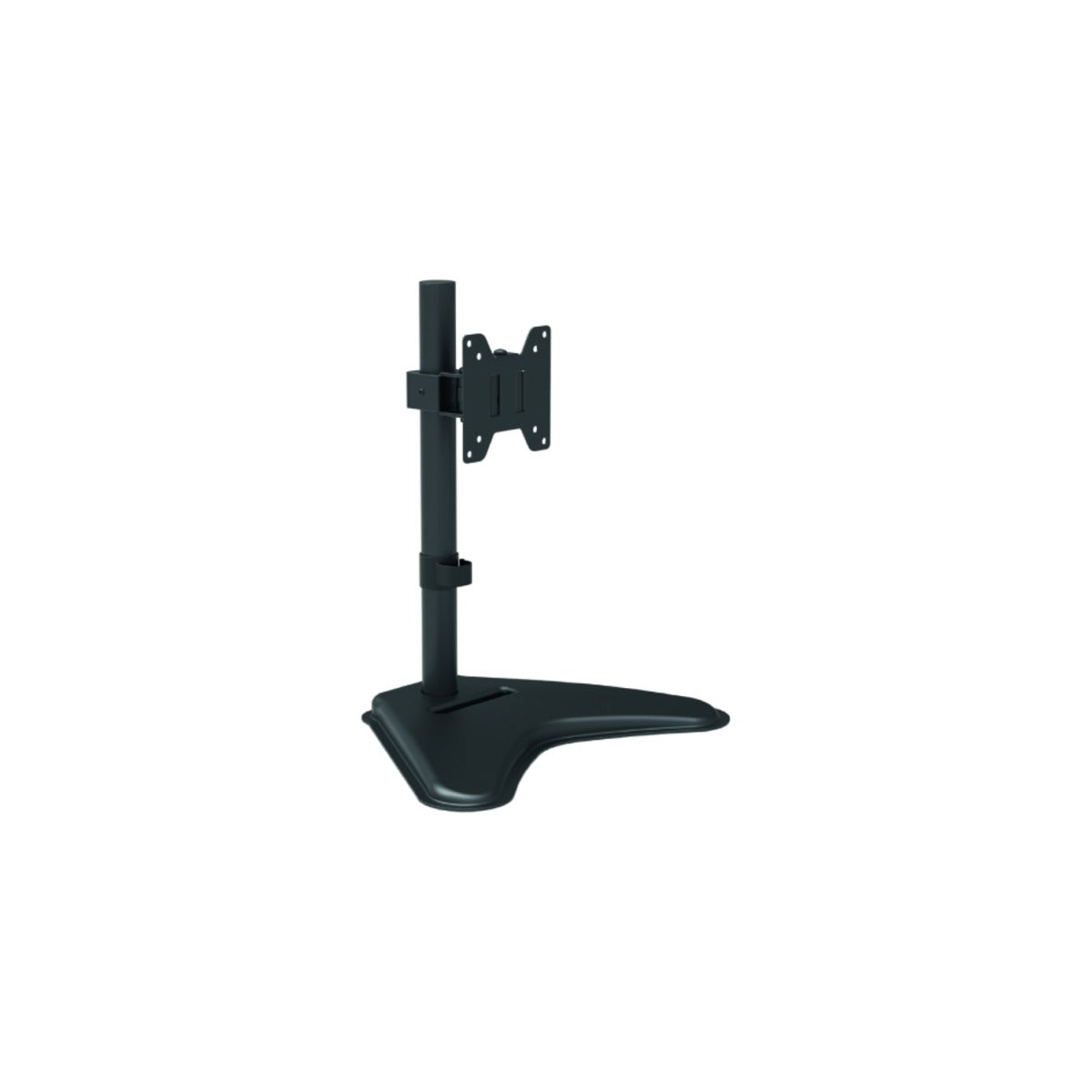
Only if the wall has structural reinforcement at the mounting point. In the absence of reinforcement, the correct solution is exactly the floor or table stand, which transfers the weight to the floor.
See also wall TV mounts, floor TV stands and carts, and tabletop TV and monitor stands.