




























Keystone Adapters and Fruits
Filter
Sort by:
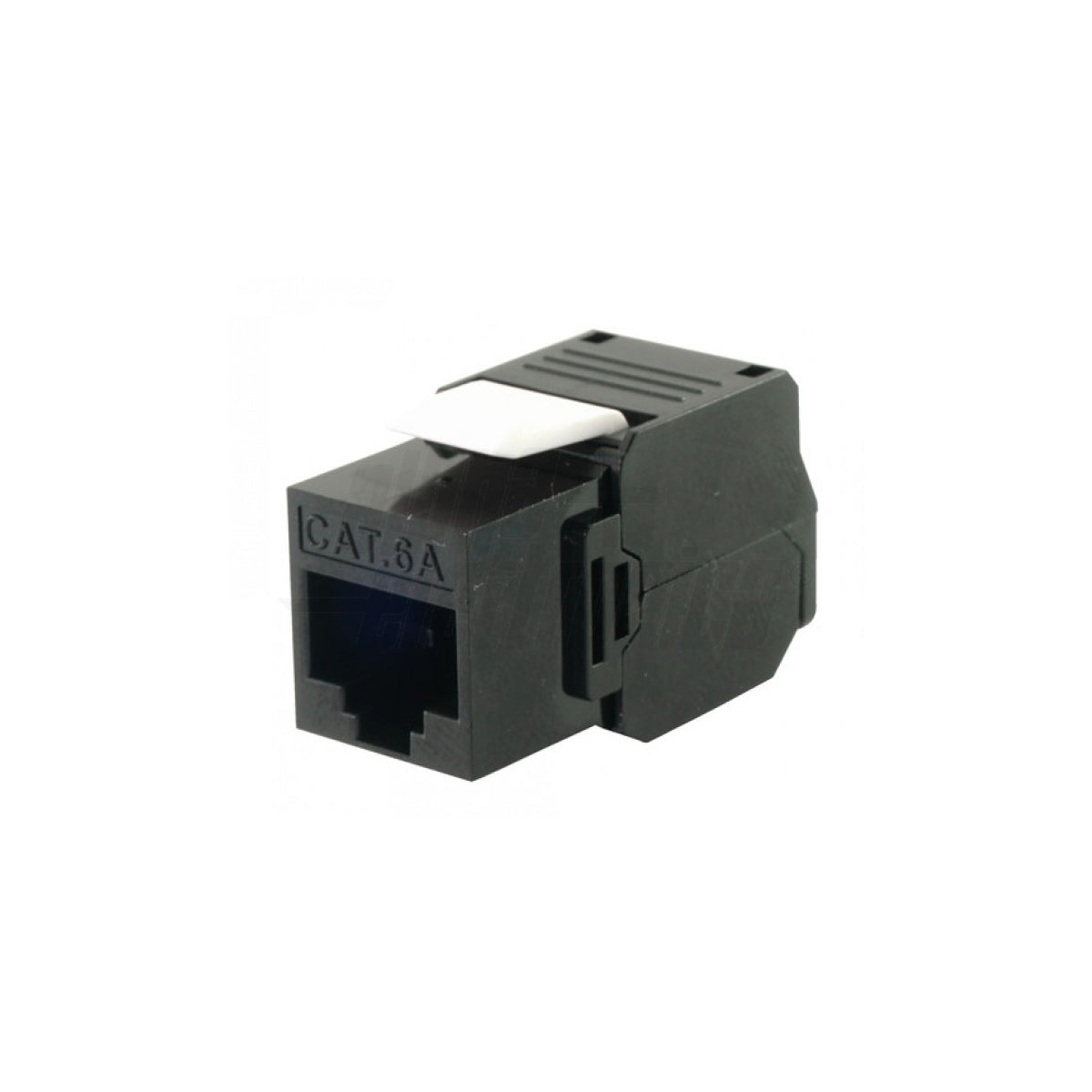
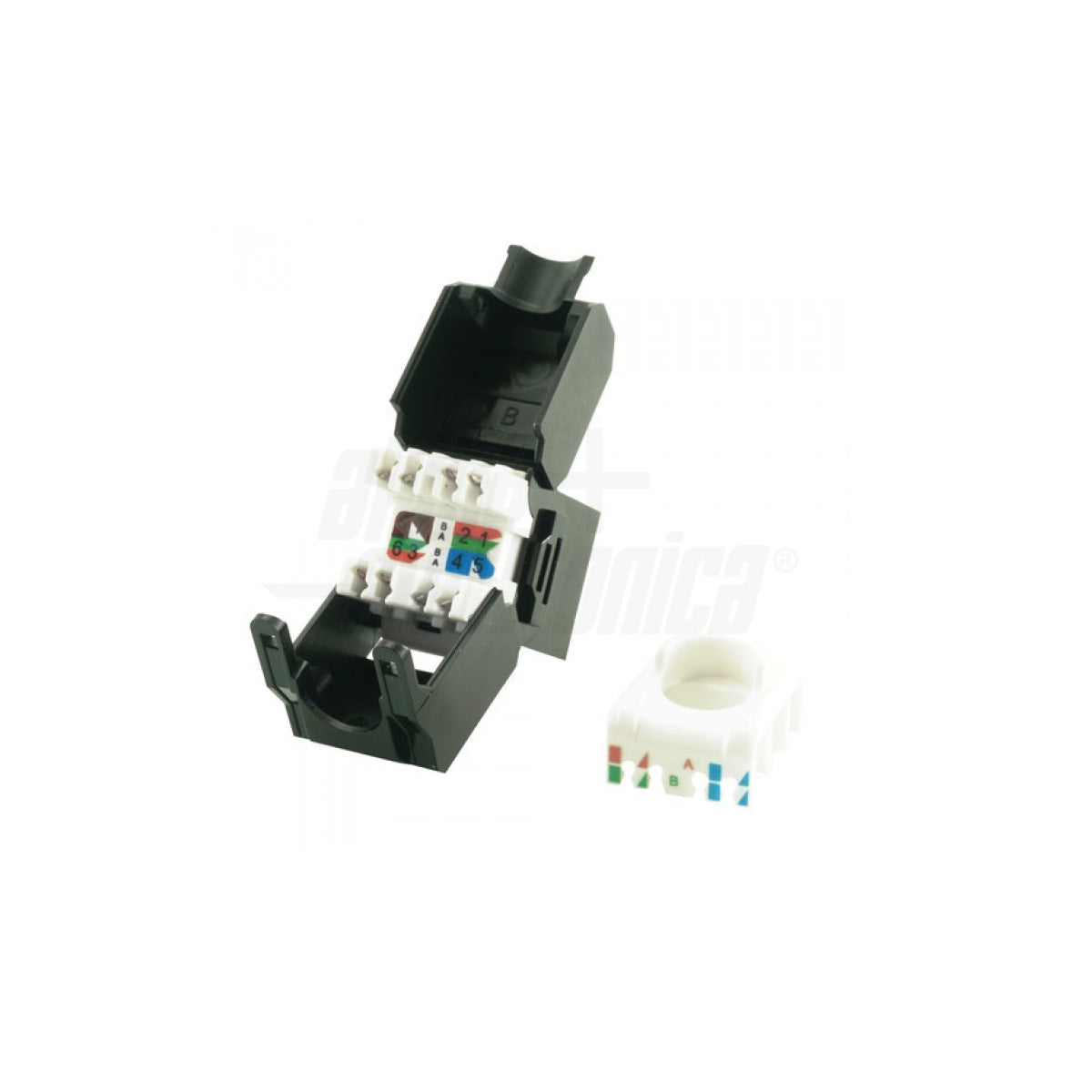
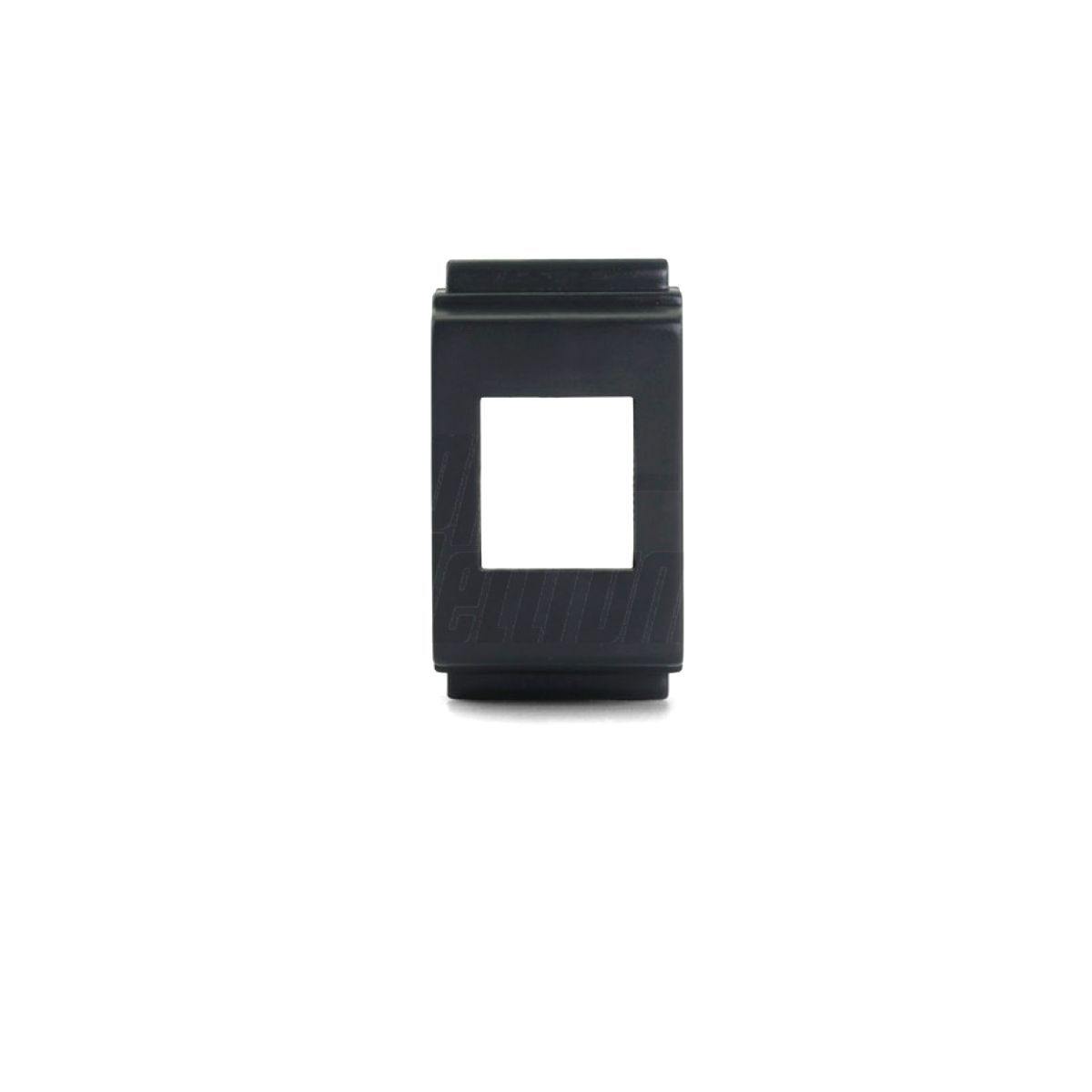
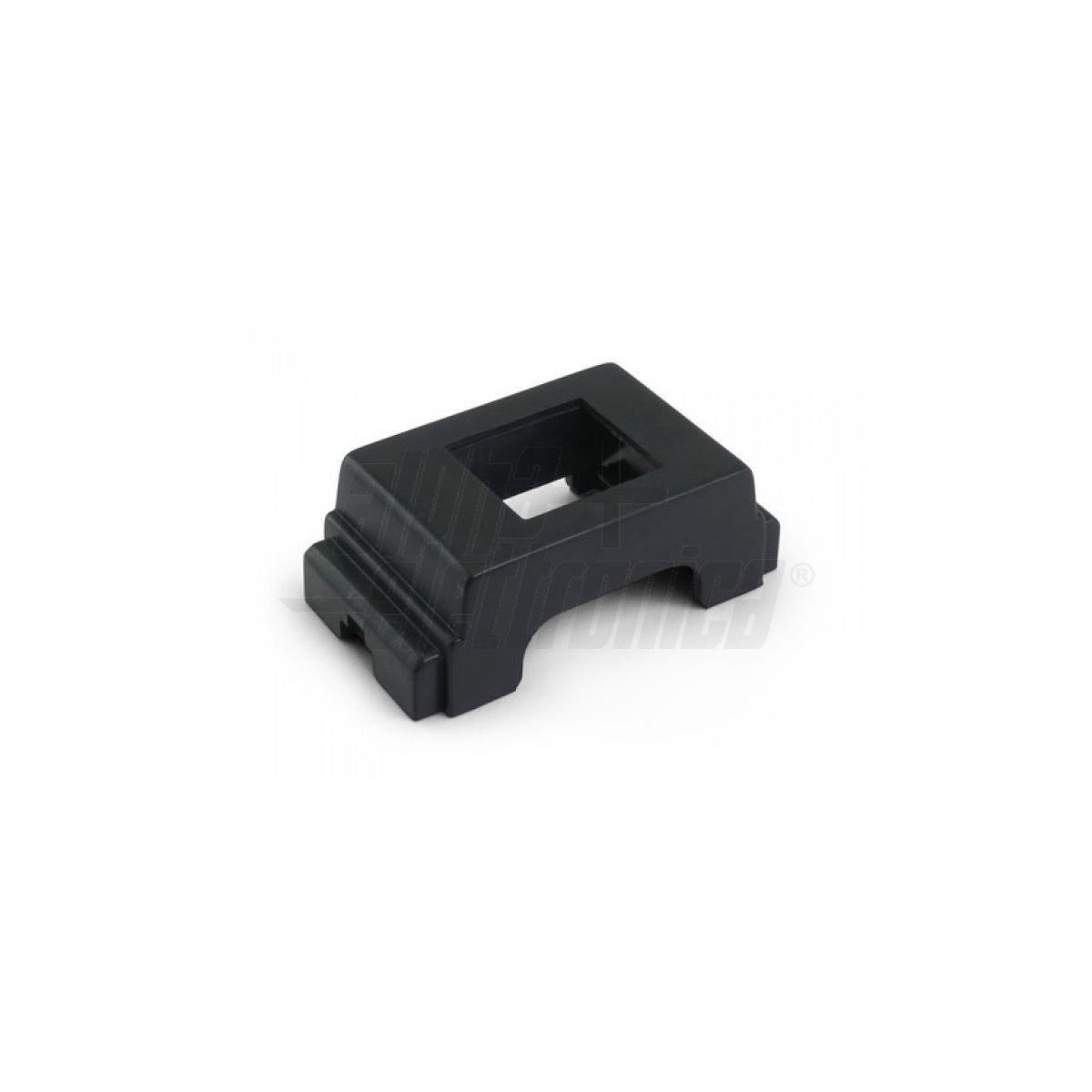
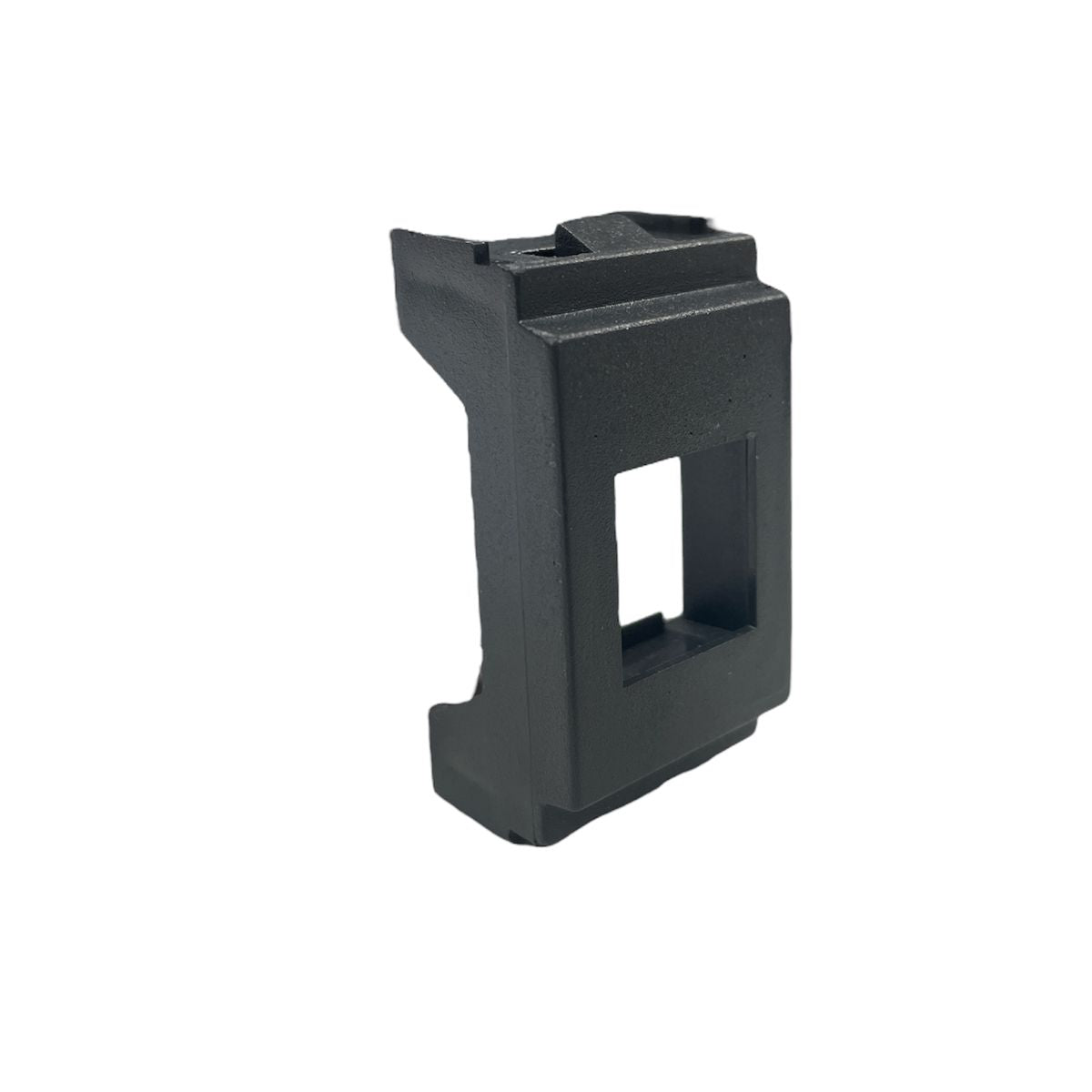
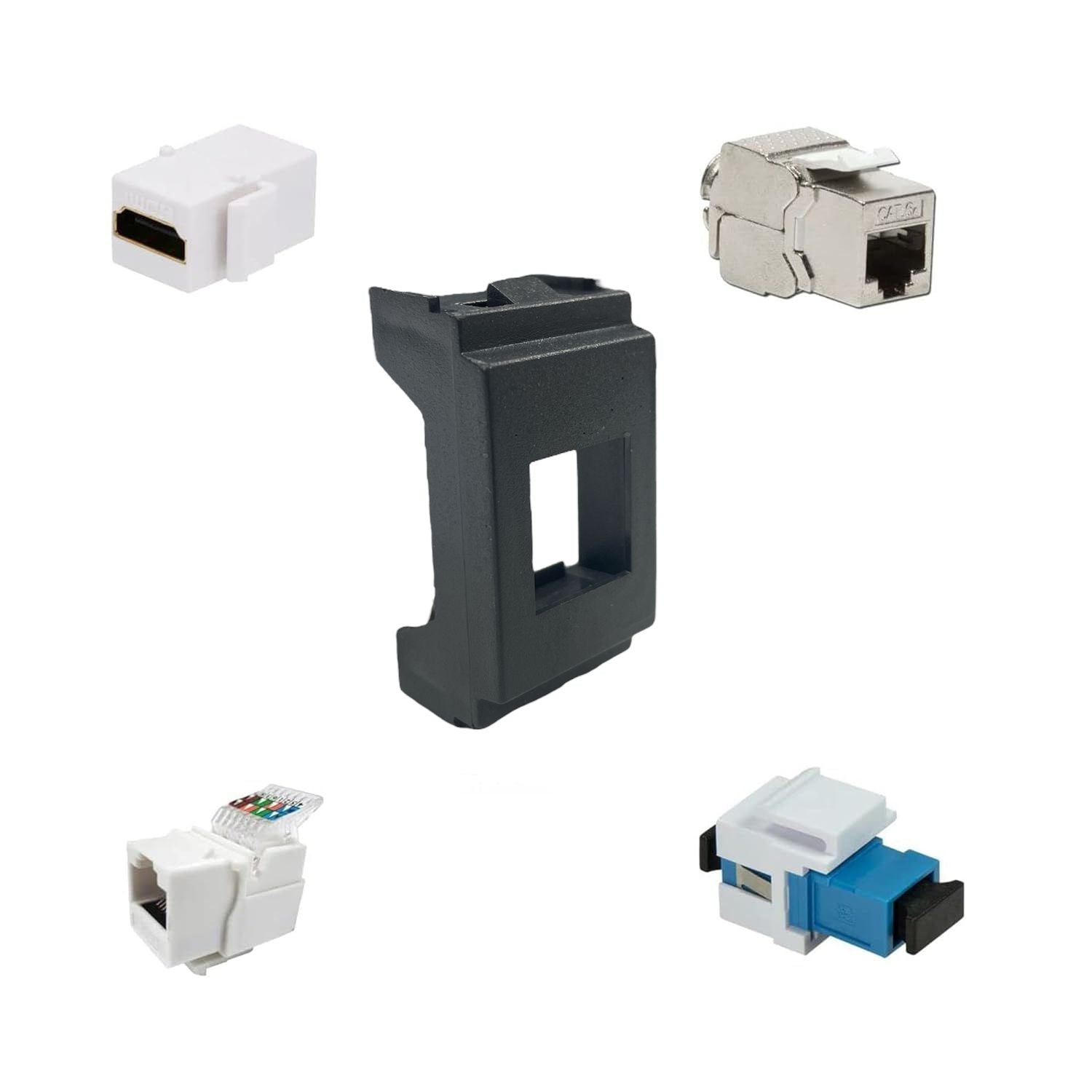
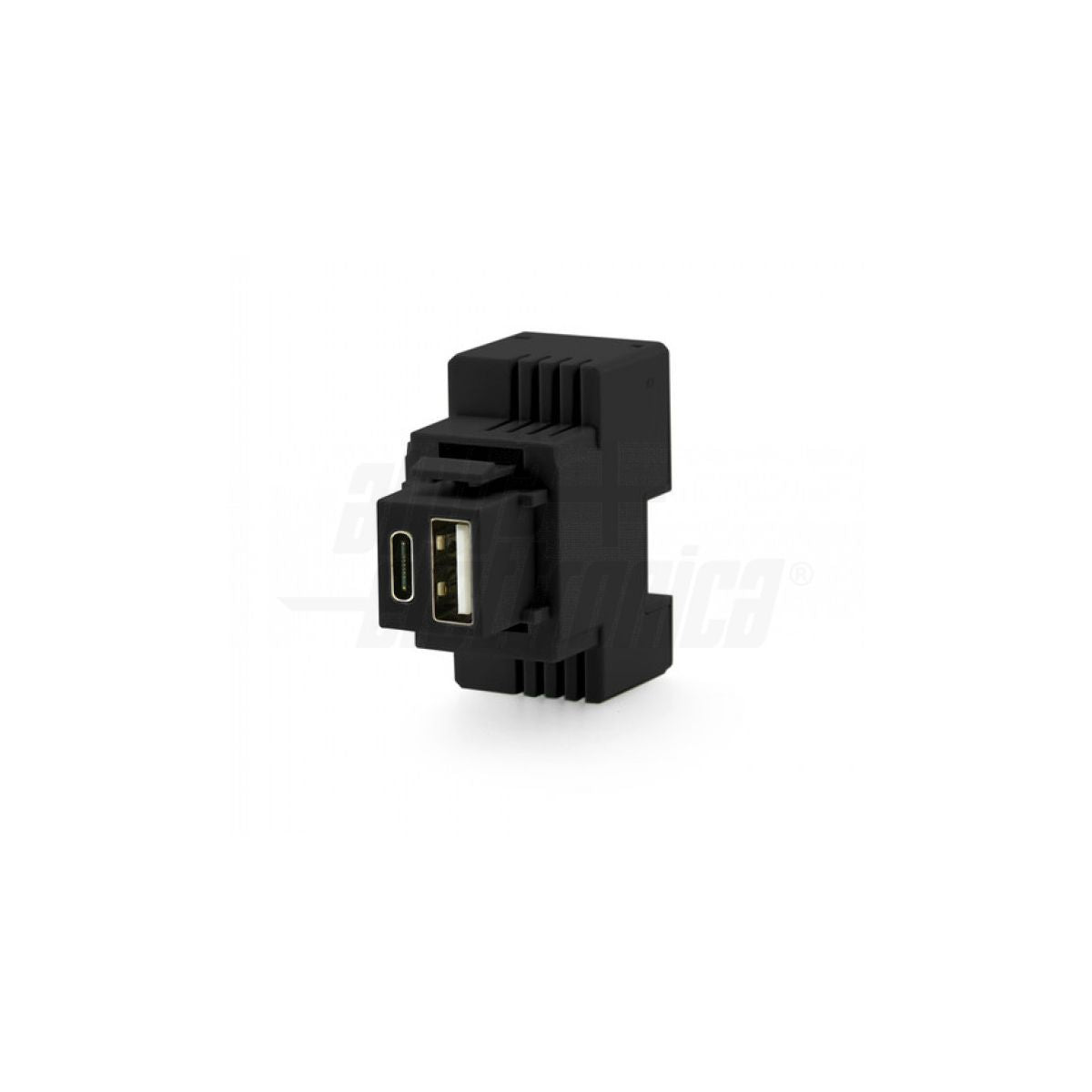
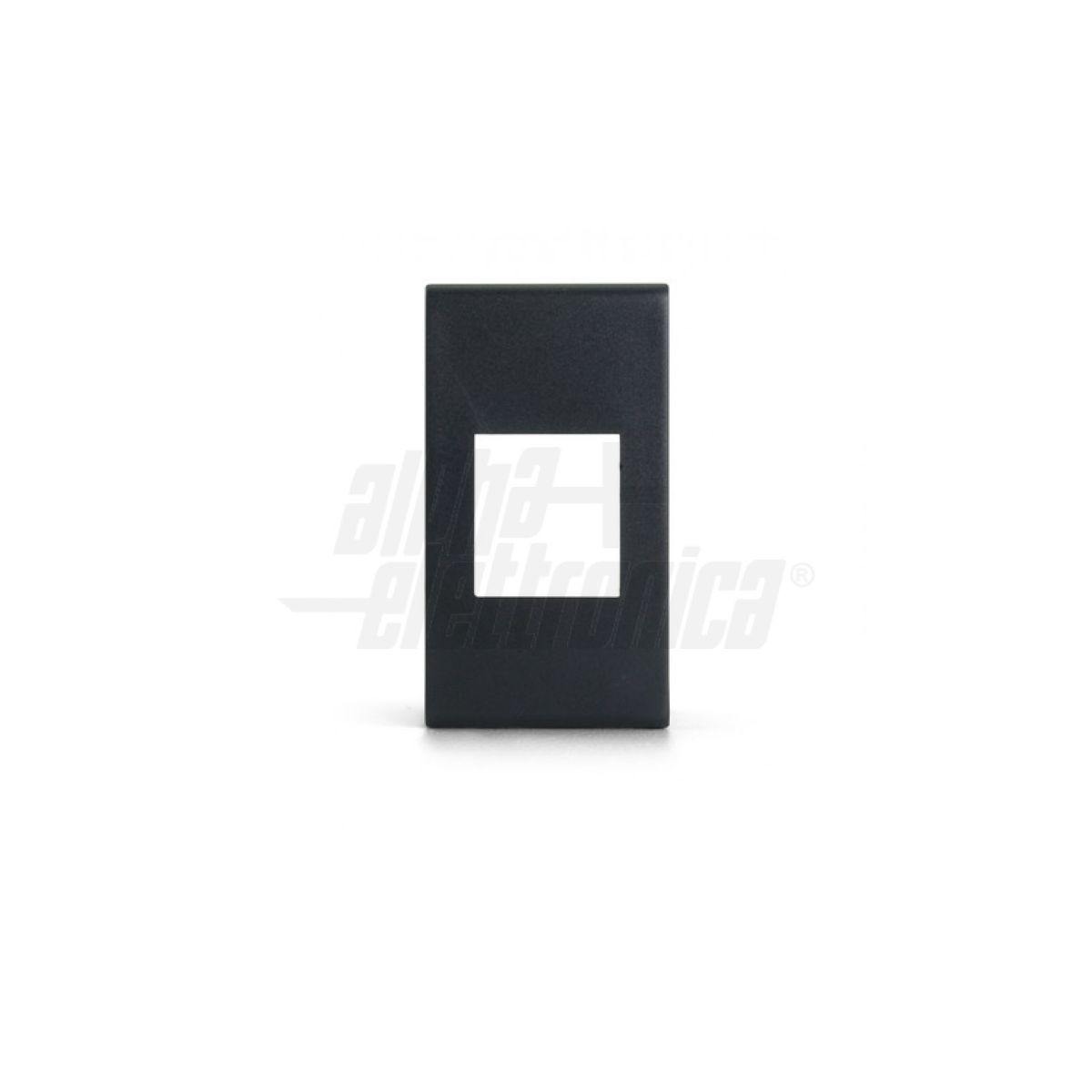
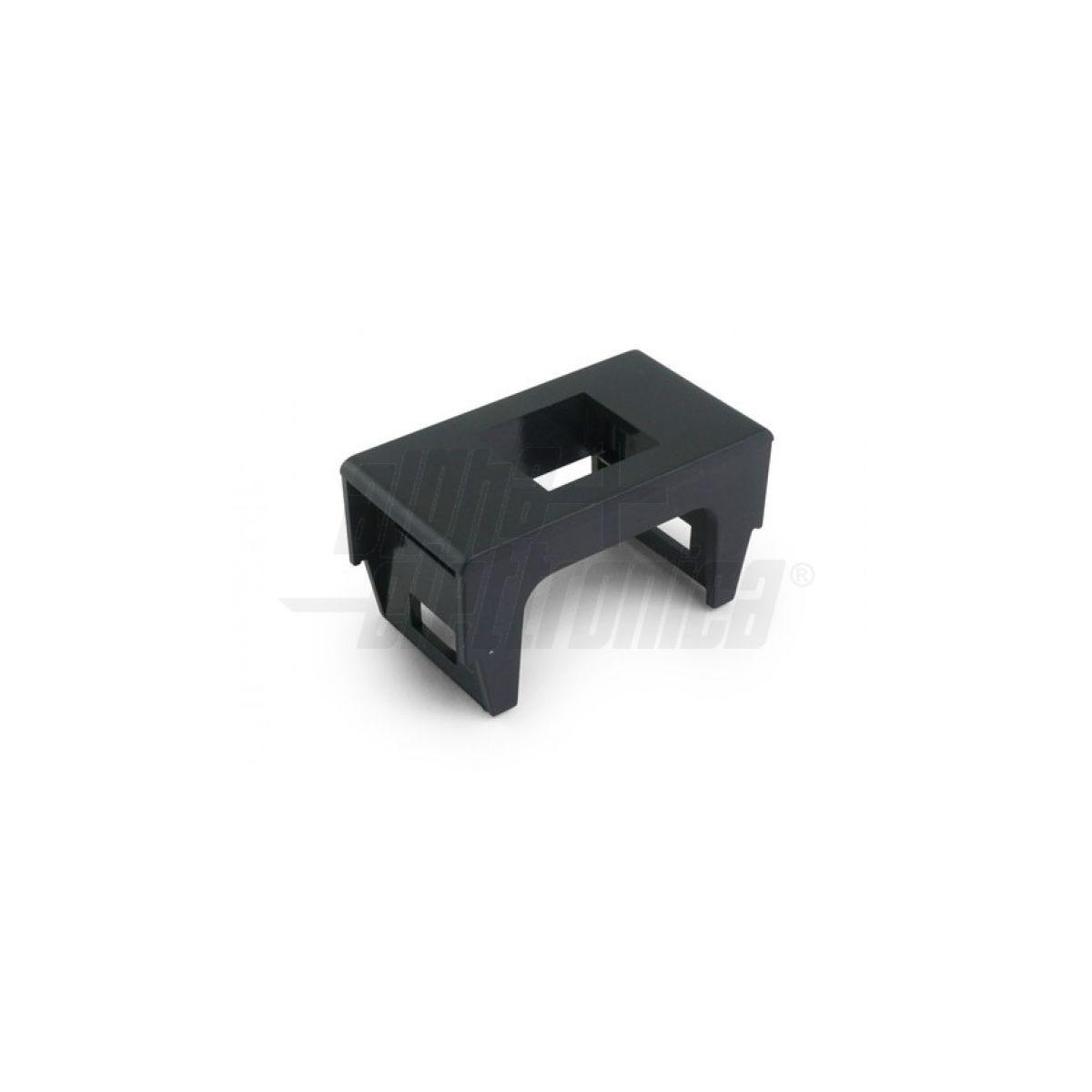
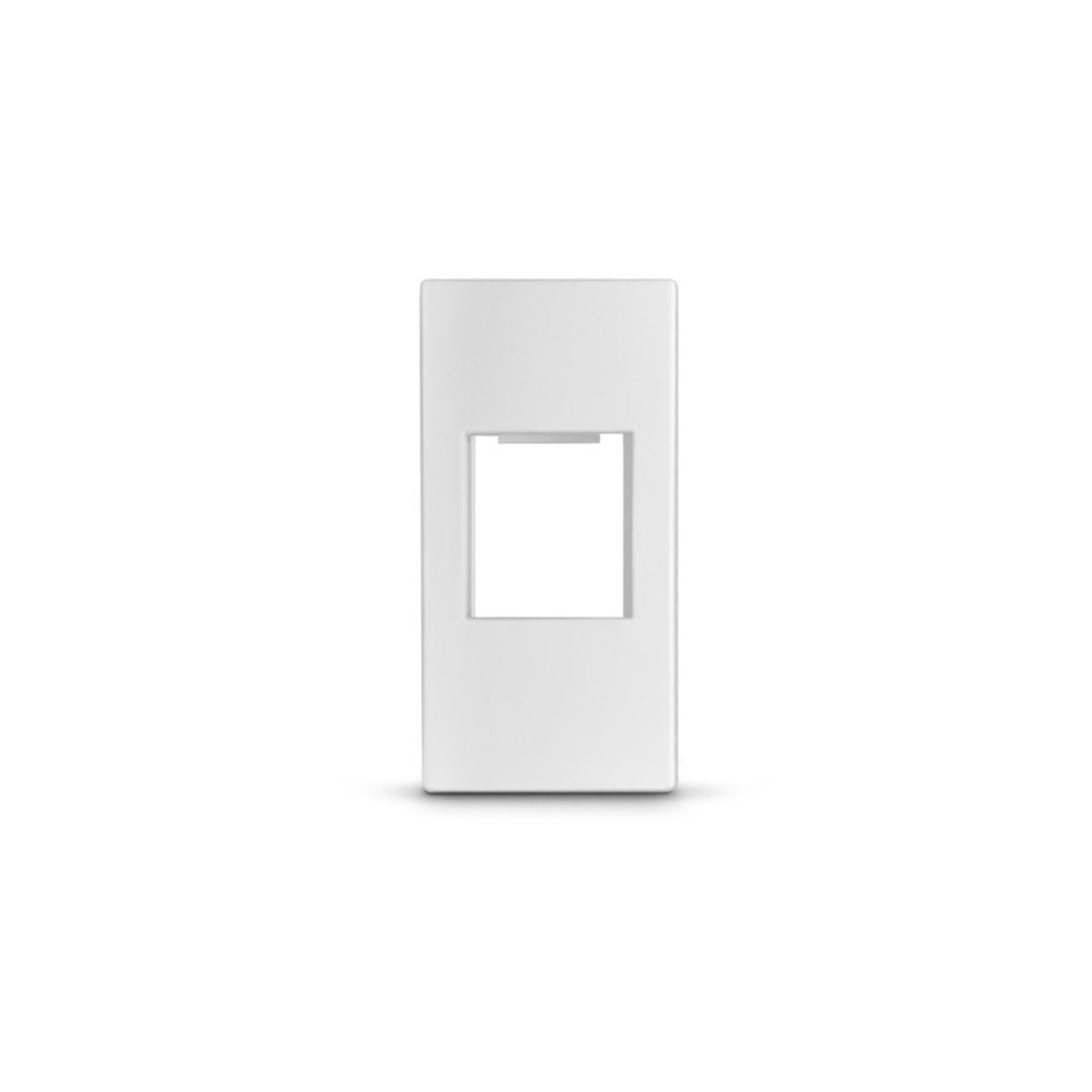
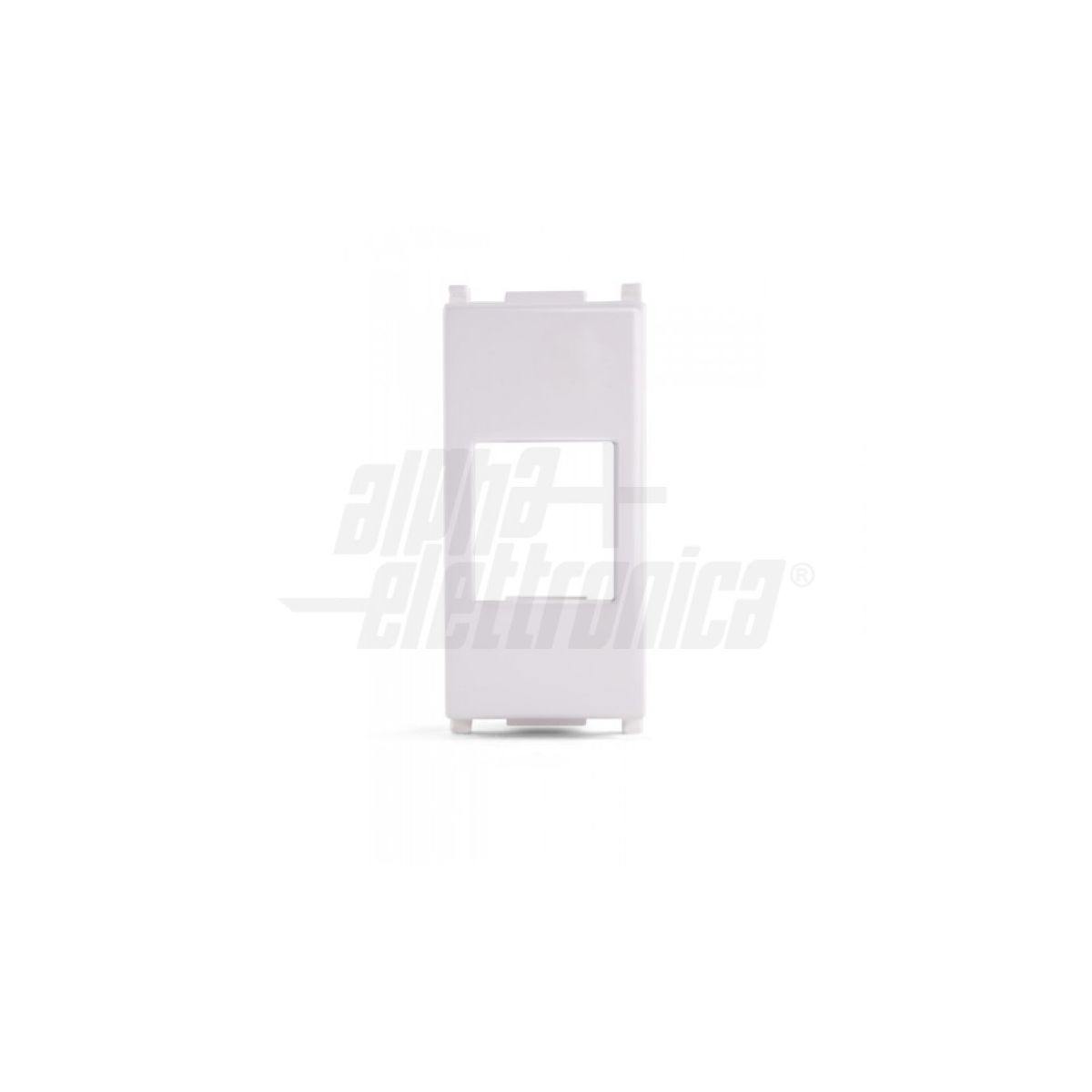

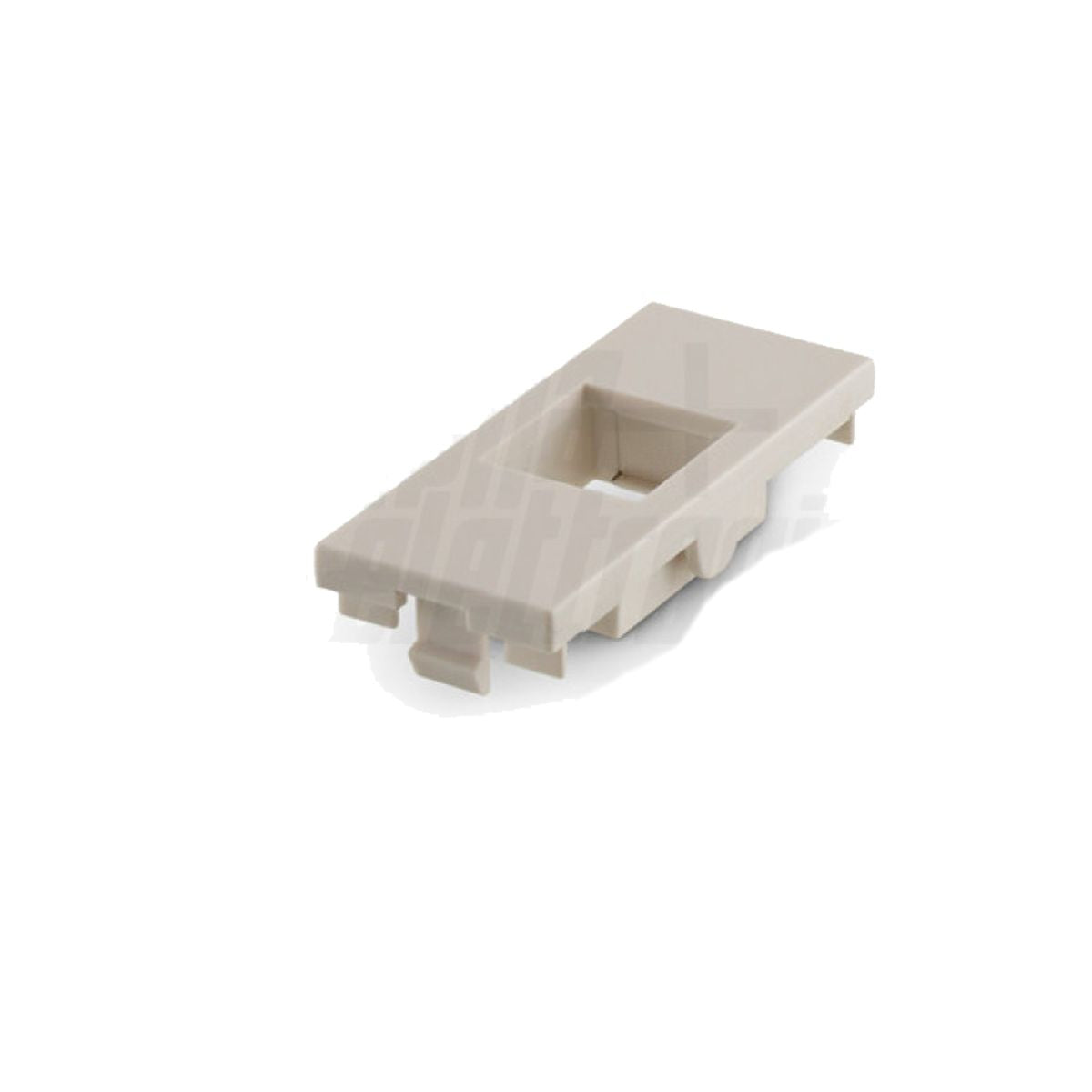
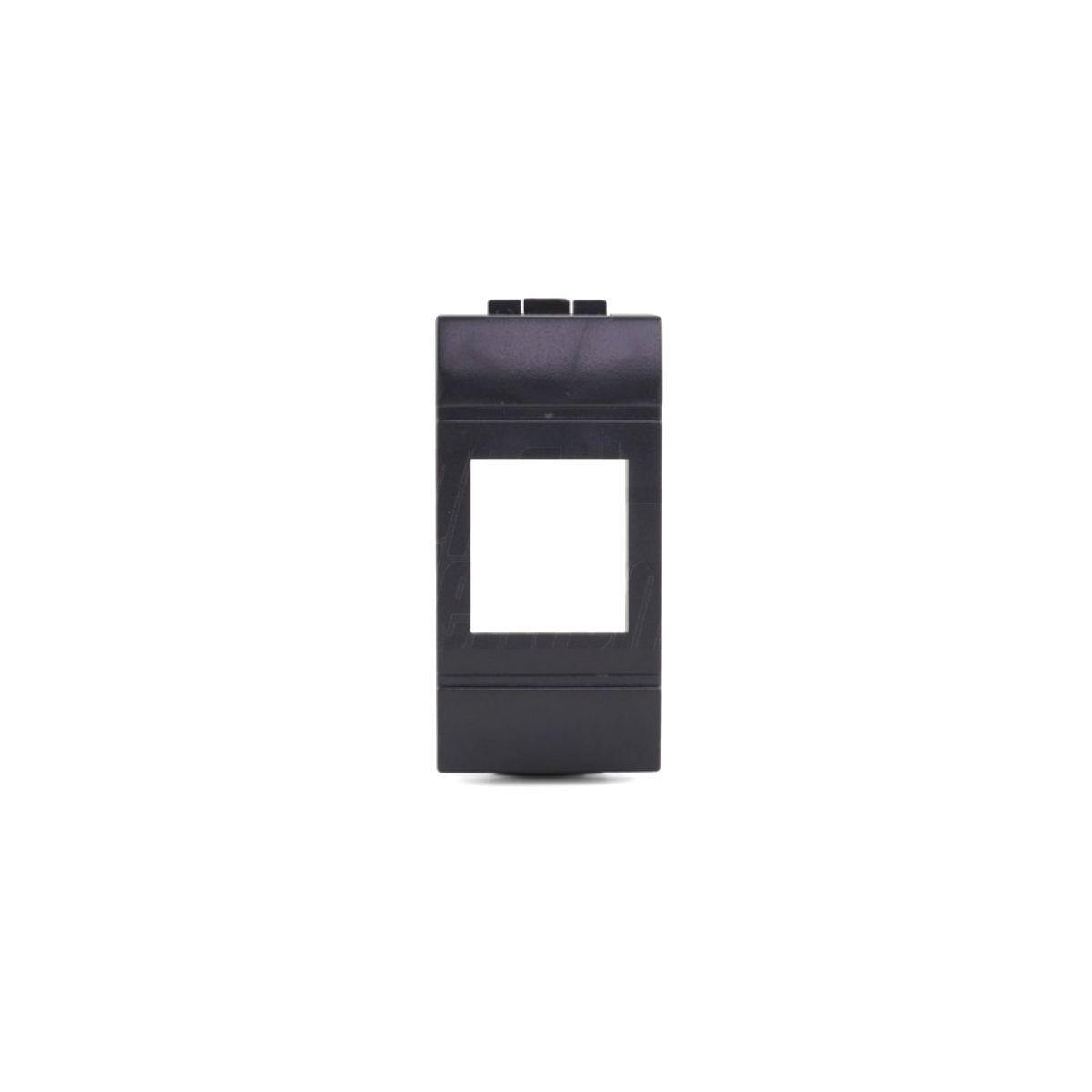
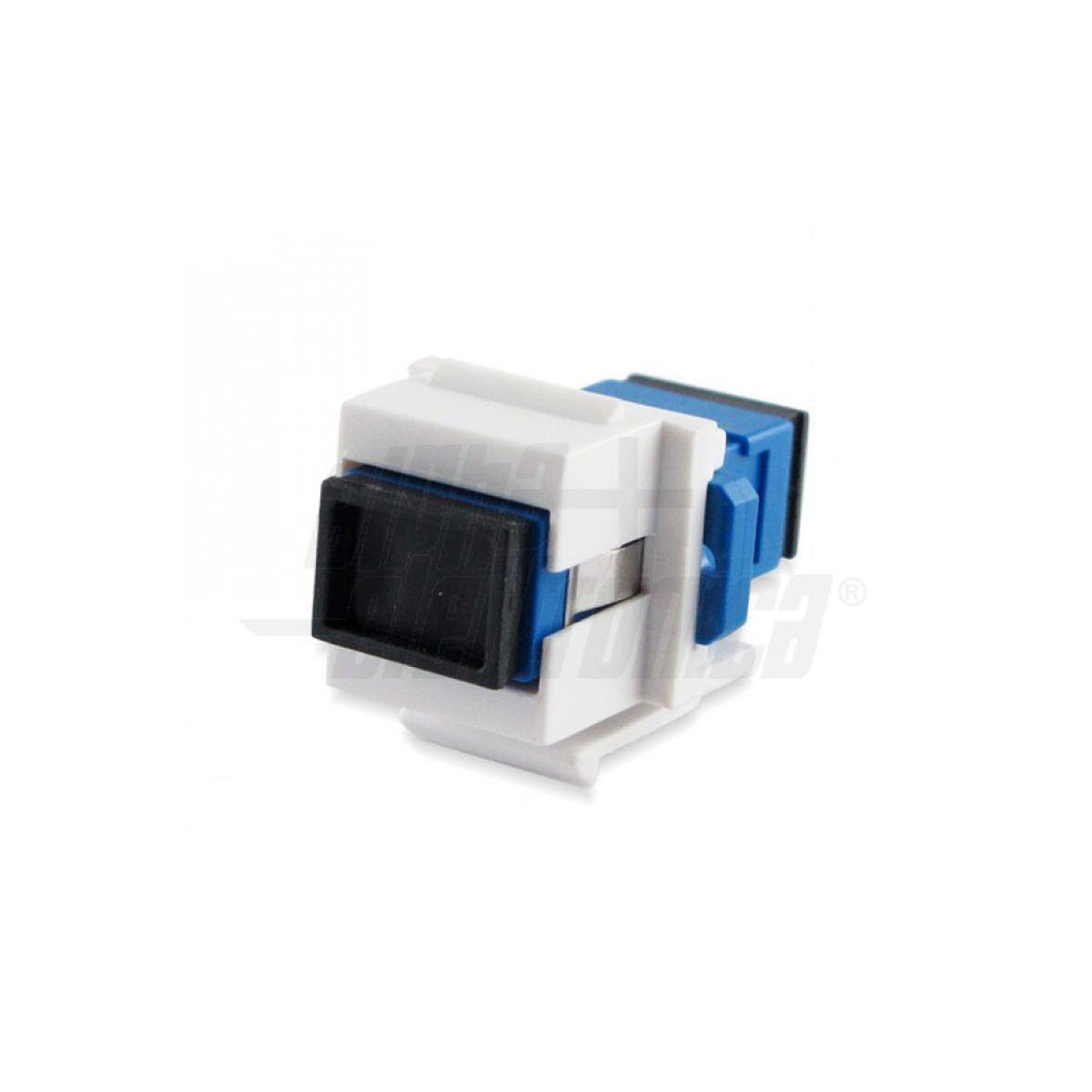
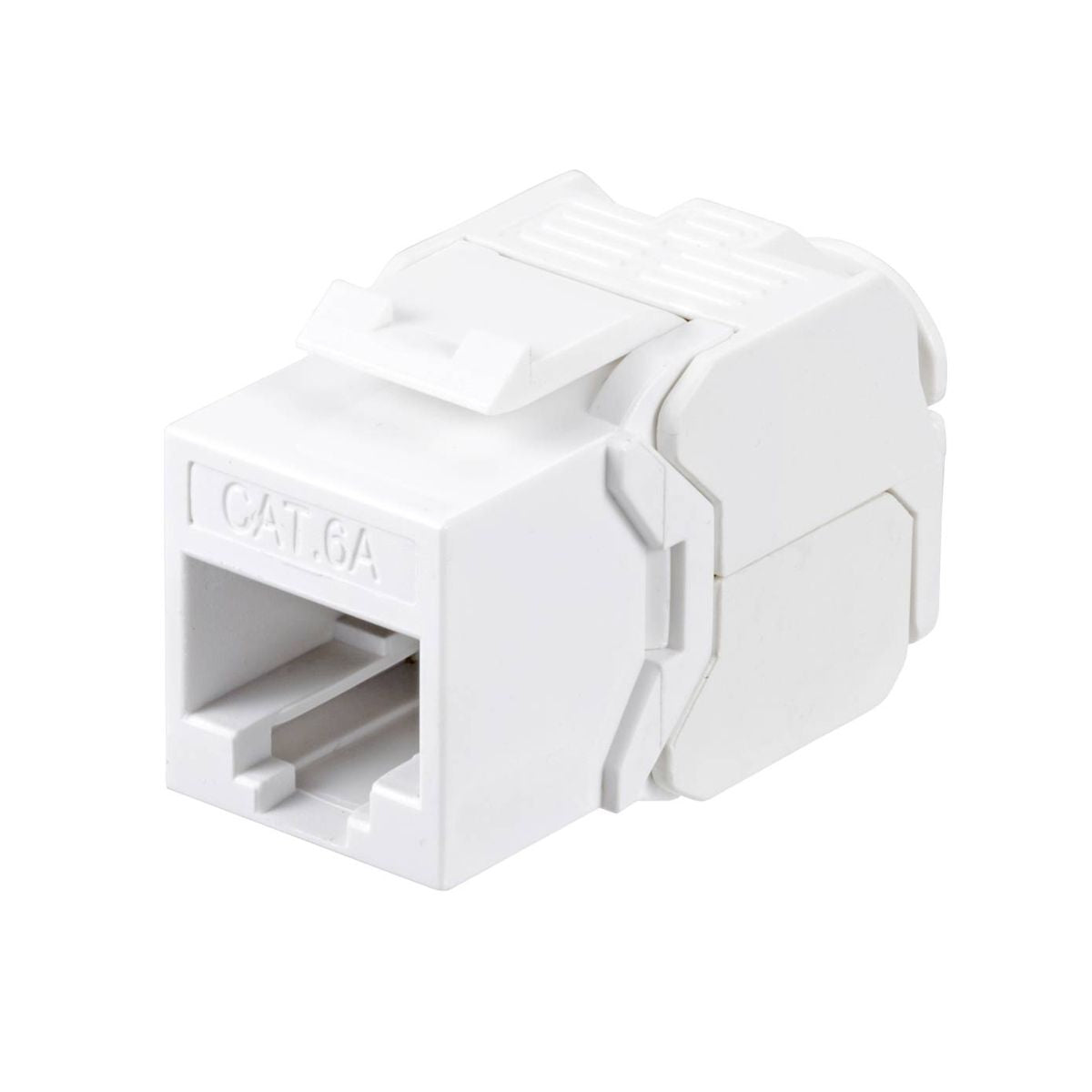
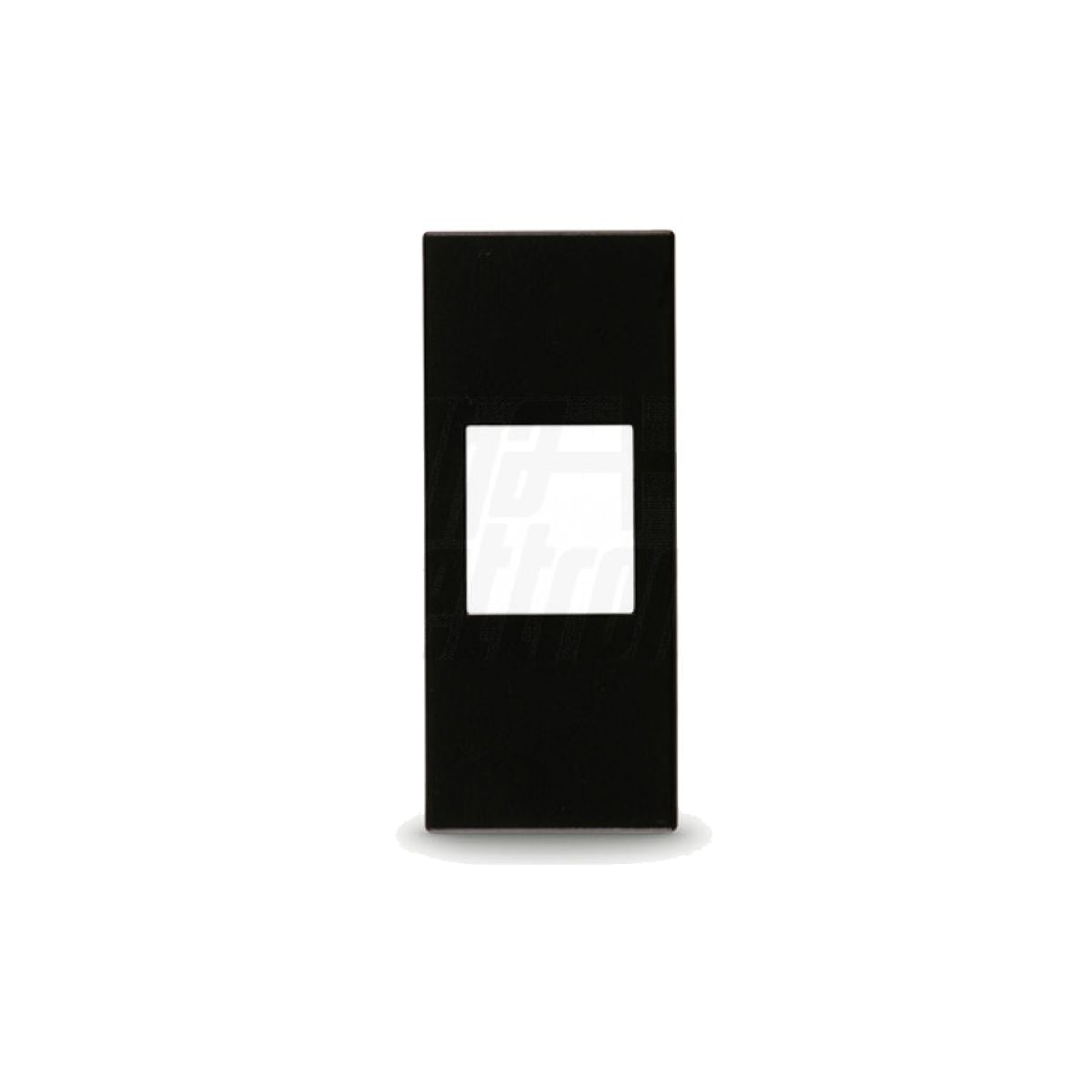
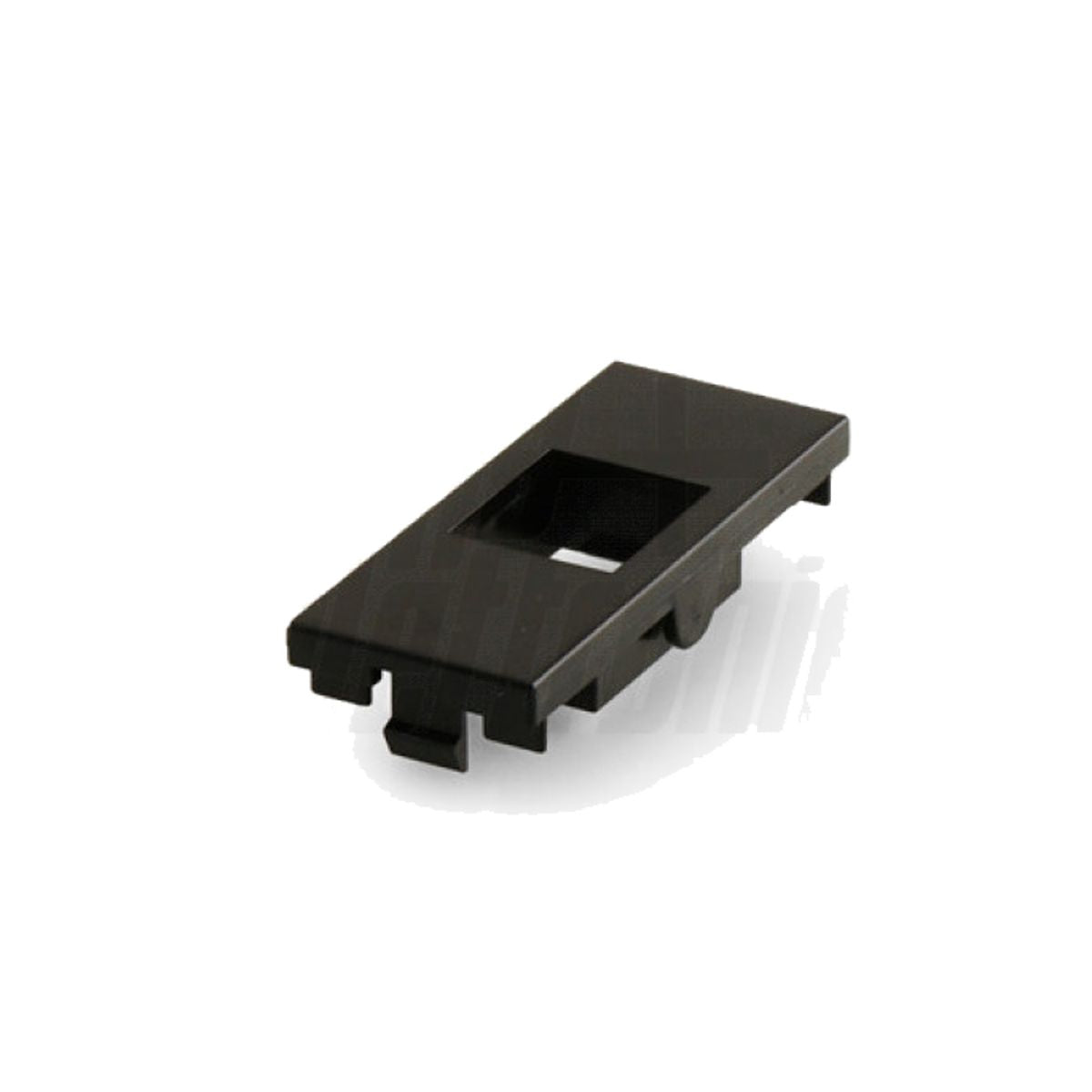


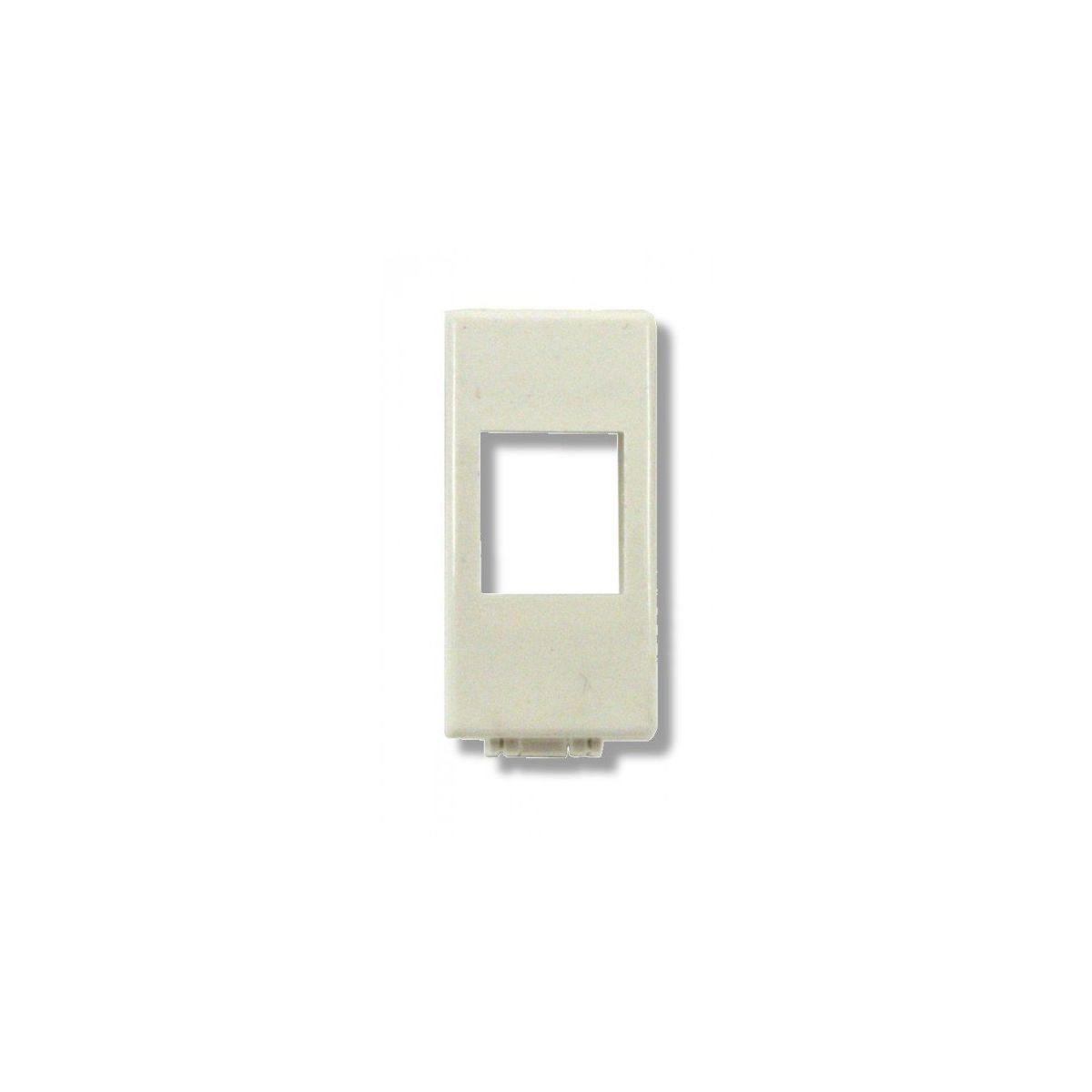
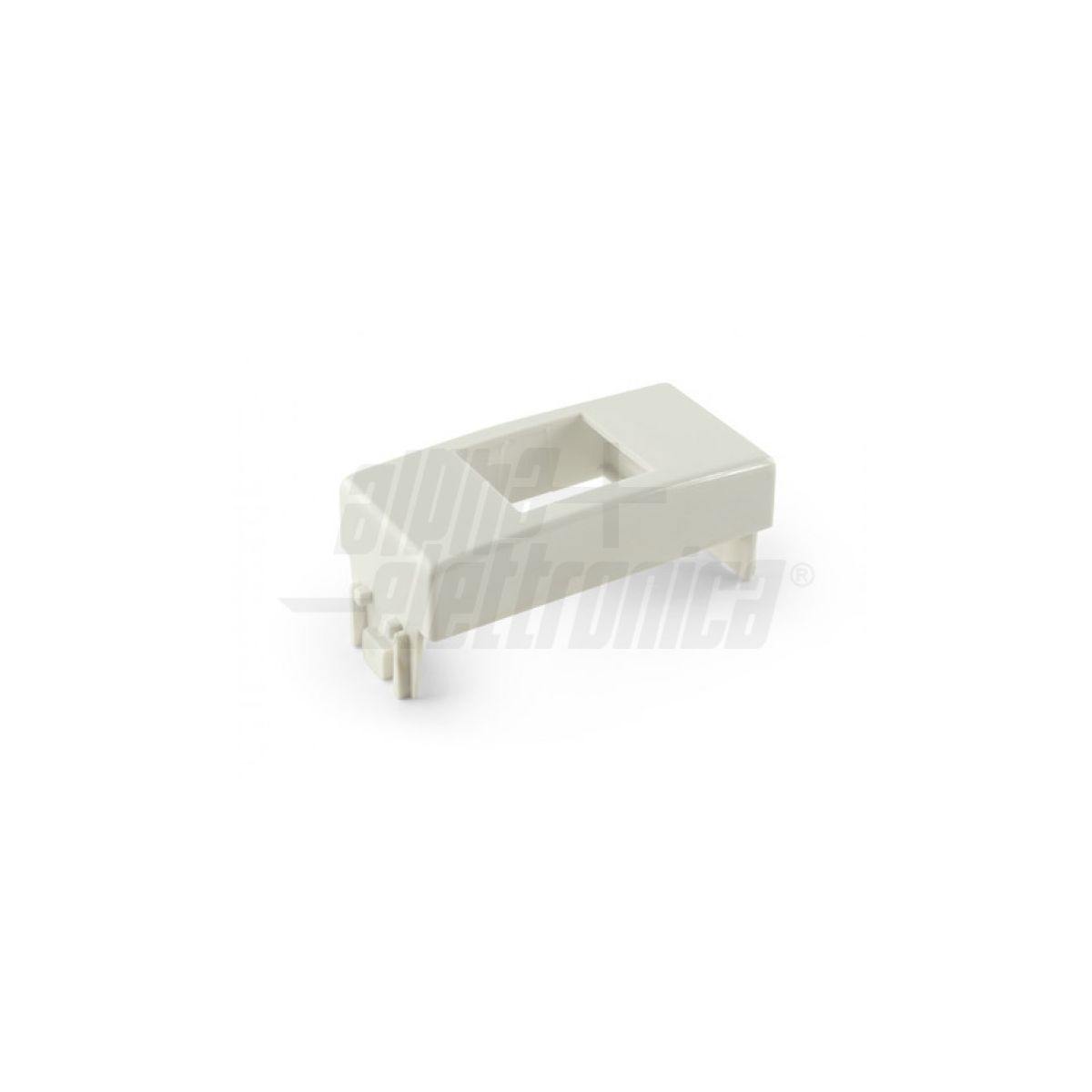
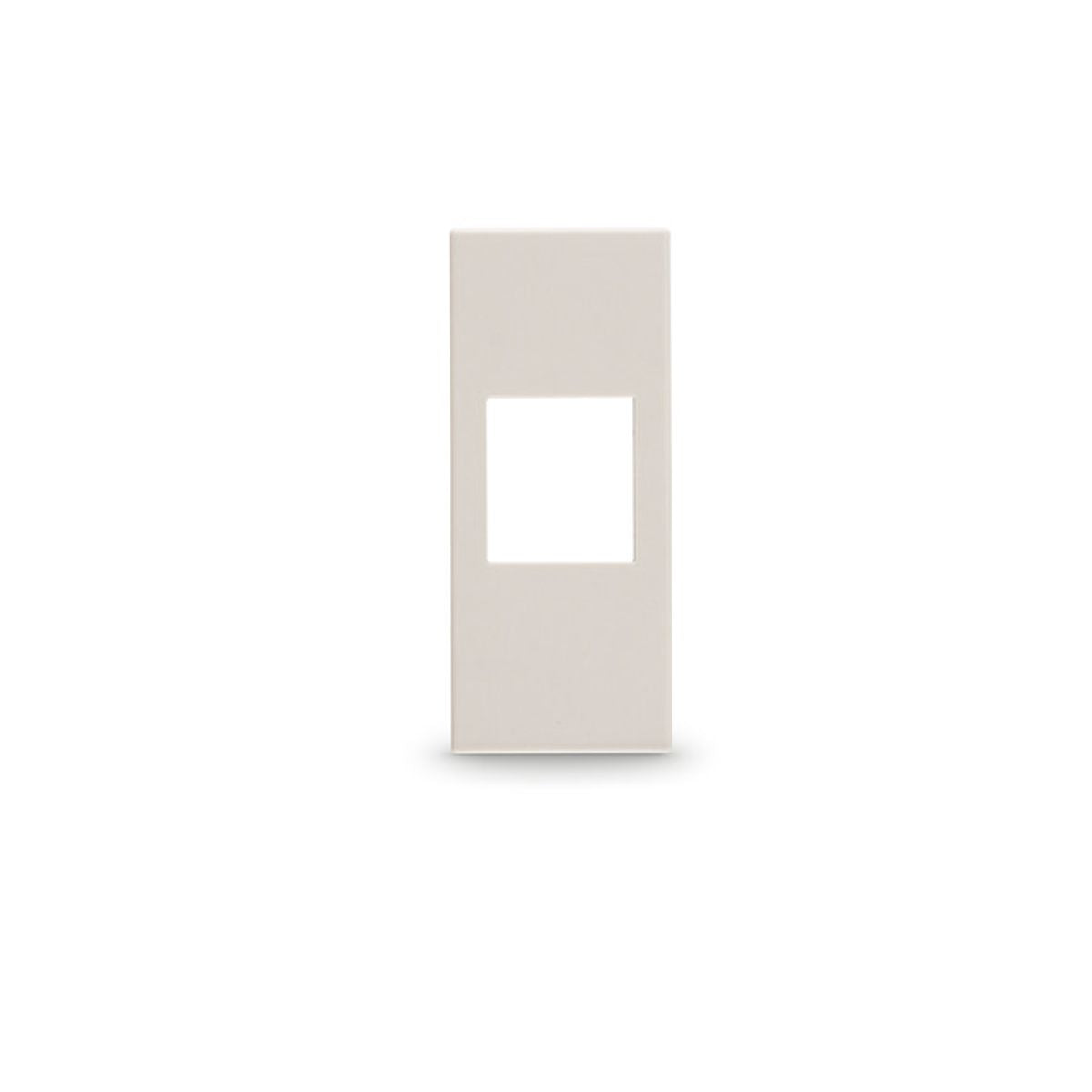
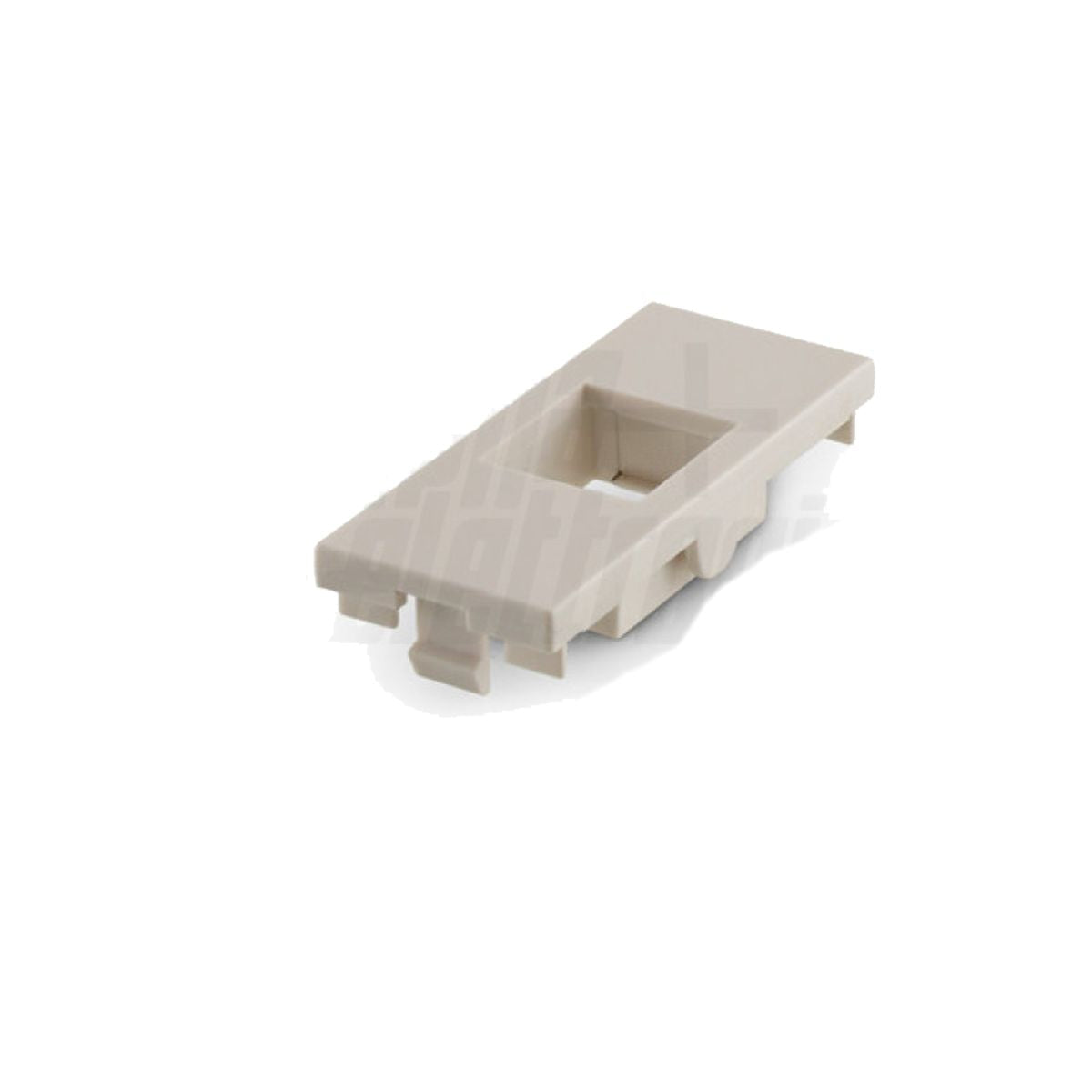
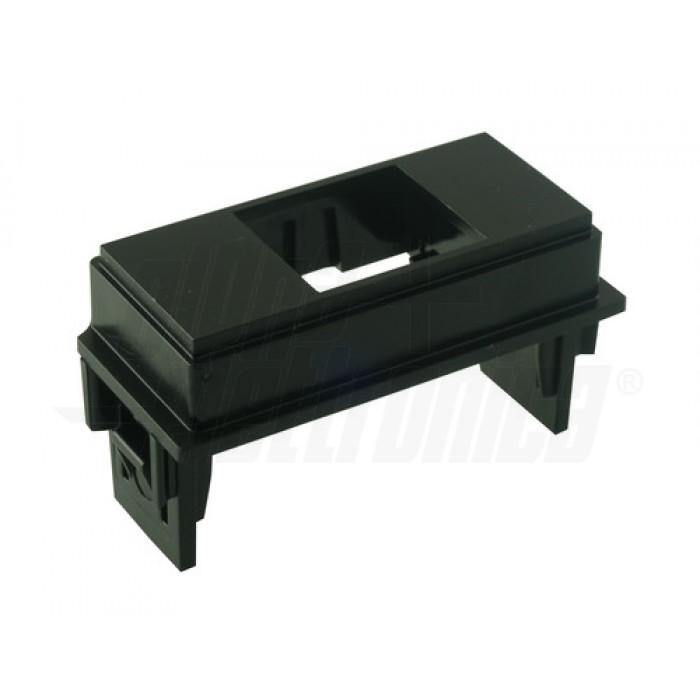
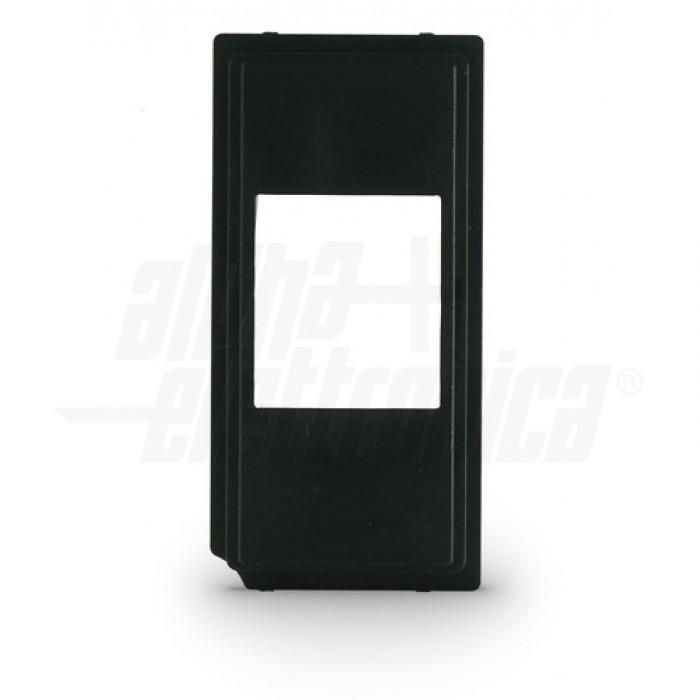
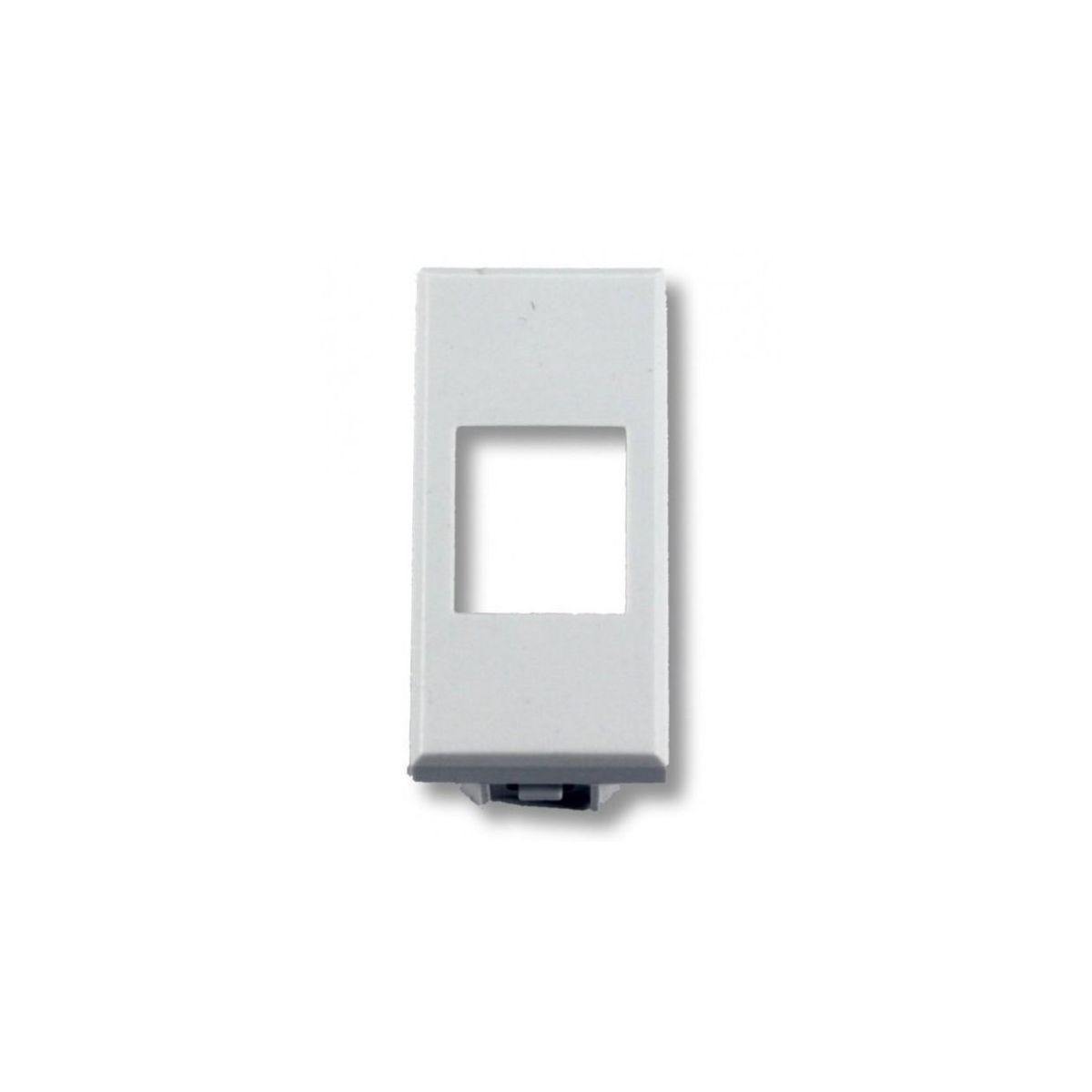
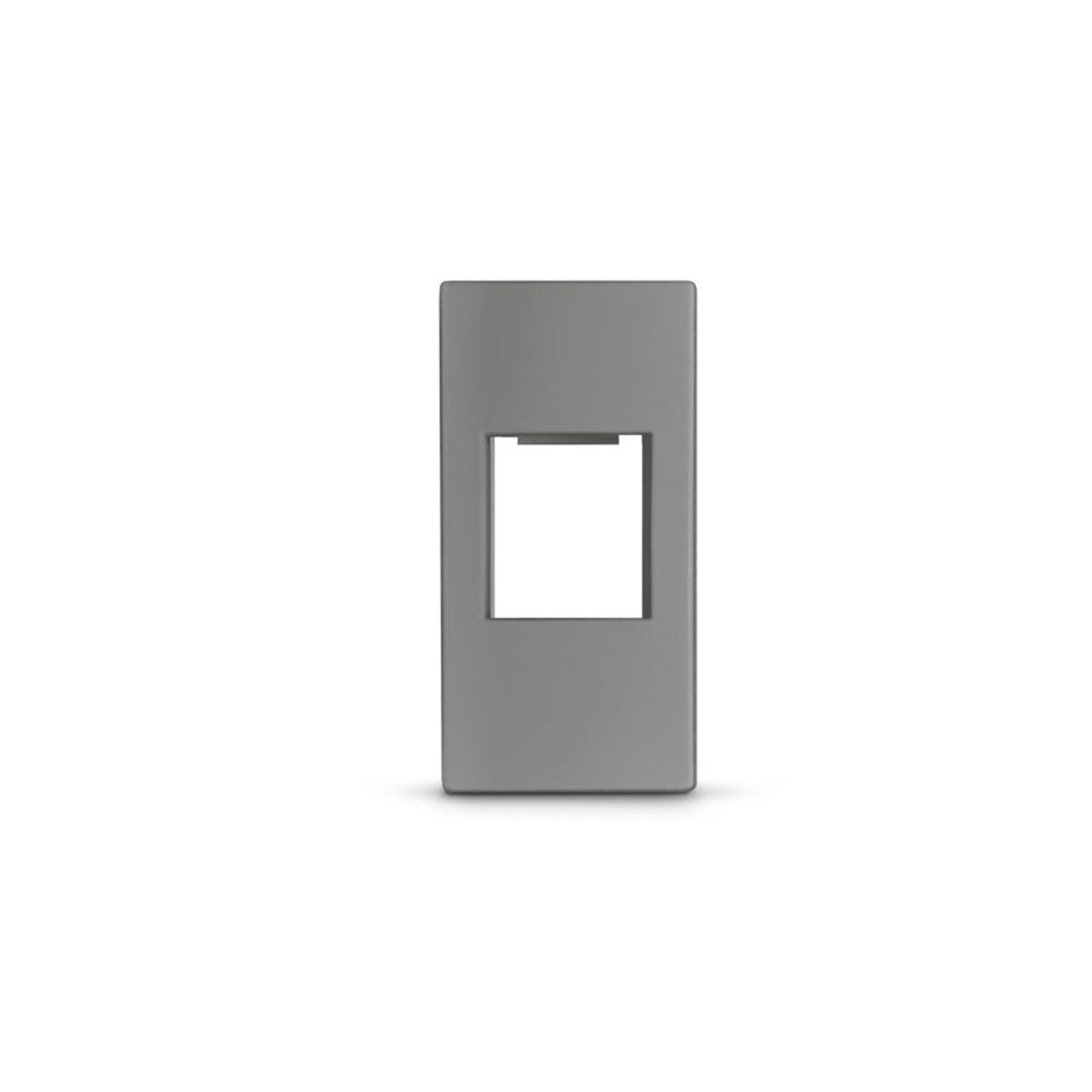
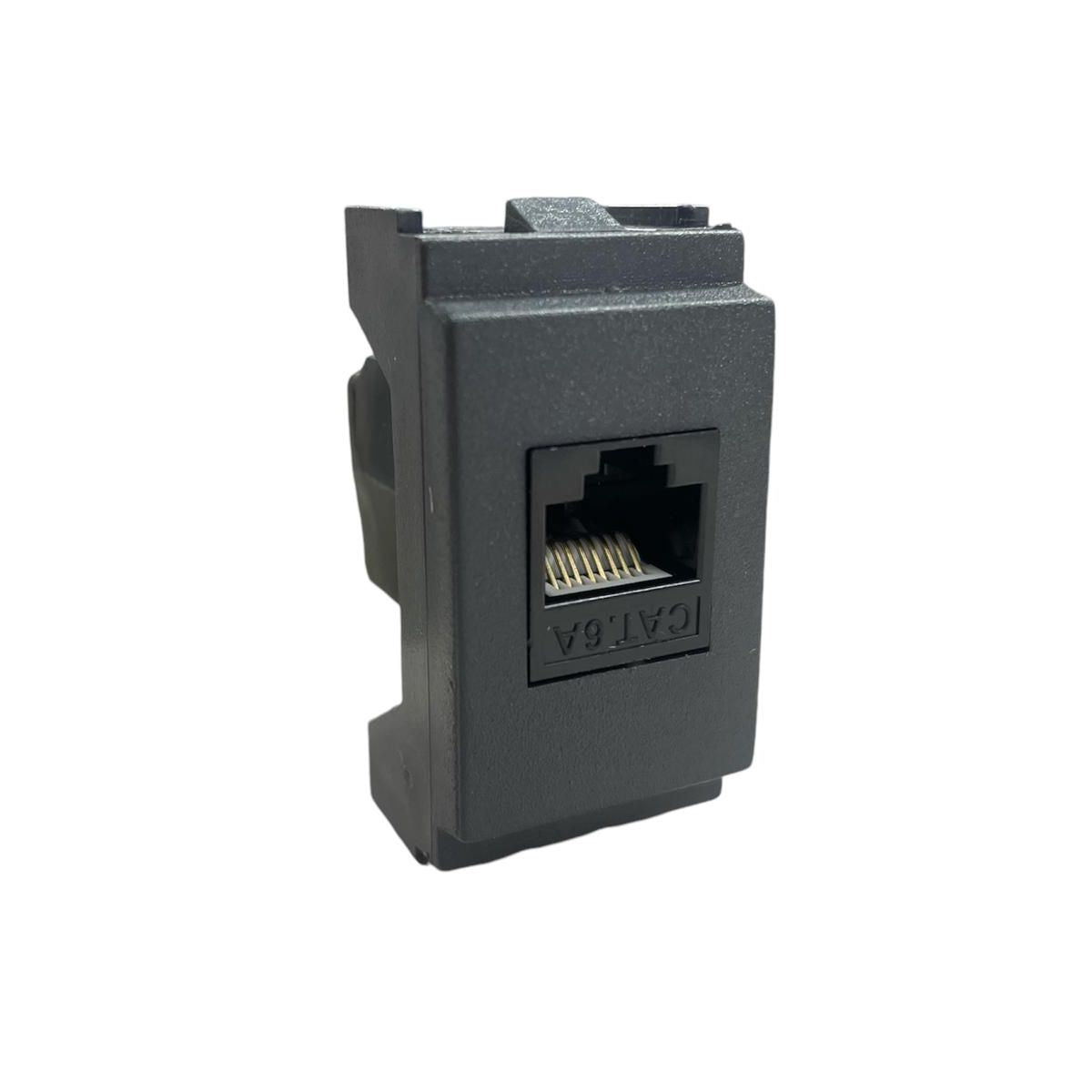
92% of returns we handle for keystone jacks result from a single error: the customer buys the correct jack but the wrong adapter for their wiring series. Vimar Plana is not the same as Vimar Arke, BTicino Living is not the same as Matix. Here you'll find a hundred references including Cat.6a toolless RJ45 jacks, SC fiber modules, USB-C PD sockets, and dedicated adapters for the main Italian wiring series (Vimar, BTicino, Ave, Gewiss).
We have been working with the keystone system from our store in Catania for over 15 years: we know where installers and DIYers stumble. Read the guide before ordering, it will prevent 9 out of 10 errors.
Guide to choosing keystone adapters and jacks: how to avoid ordering mistakes
The keystone system is a modular standard with a 20 mm EU pitch that allows you to install an RJ45 Ethernet jack, an SC optical fiber, an HDMI, a USB-C PD socket or an audio output into standard wiring series plates (Vimar, BTicino, Ave, Gewiss), simply by plugging them in. The advantage is enormous: you can update your network or change a data point without touching the masonry. There is only one disadvantage, but it is significant: the jack and the adapter must be compatible with each other and with your wiring series.
Which jack + adapter combination do you need?
| Use Case | Recommended Jack | Adapter | Notes |
|---|---|---|---|
| Home - domestic network up to 1 Gbps | RJ45 Cat.6 UTP toolless | For your wiring series (Vimar Plana/Arke, BTicino Living/Matix) | More than sufficient for 1 Gbit FTTH fiber, gaming, 4K streaming. |
| Home - long-life structured cabling (10+ years) | RJ45 Cat.6a UTP toolless | For your wiring series | Ready for future 10 GbE. Minimal price difference, choose this. |
| Open-plan office, environments with interference | RJ45 Cat.6a STP shielded | For wiring series + mandatory grounding | Shielding without grounding worsens the signal instead of improving it. |
| HDMI audio/video distribution at home | Pass-through HDMI keystone module | Standard EU 20 mm adapter | For short cables. For distances over 10 m, consider HDMI over Cat.6 extenders. |
| Data point on 19" rack cabinet | RJ45 Cat.6/6a toolless | 19" keystone patch panel (no wiring adapter) | The wiring adapter is not needed here: the jack plugs directly into the panel. |
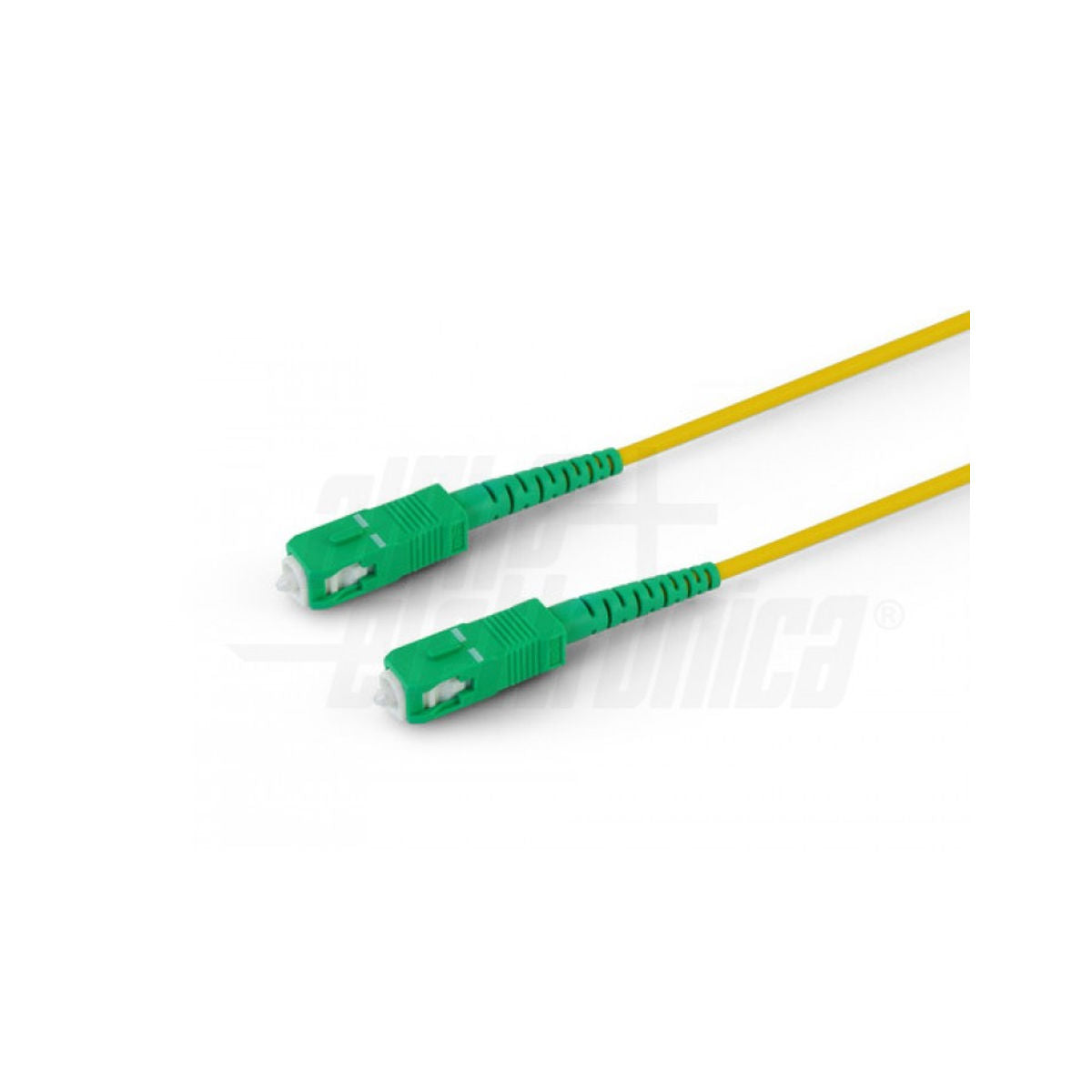
| Fiber backbone between racks/buildings | SC fiber coupler keystone module | Patch panel or wiring adapter | Passive module, only serves to join two SC connectors. |
| USB-C charging in living room/bedroom | USB-C PD 20 W + USB-A keystone socket | For your wiring series | Replaces loose power adapters. Check depth space for 503 box. |
⚠ What nobody tells you (and what causes half of our re-orders)
The keystone jack does not attach directly to the Vimar Plana, BTicino Living, or any other wiring series plate. Between the jack and the plate, you need a dedicated adapter for the exact wiring series you have at home. Vimar Plana ≠ Vimar Arke ≠ Vimar Idea ≠ Vimar Linea. BTicino Living ≠ Light ≠ Luna ≠ Matix ≠ MatixGo ≠ Axolute. These are all different and non-interchangeable adapters.
Before ordering: look at the plate on your wall, read the name printed on the back, or take a photo of the back of an existing switch. If in doubt, send us a photo on WhatsApp at +39 371 4250284: we'll identify it for you in 5 minutes. This saves you a return and a week of waiting.
Second common mistake: Cat.7 cable with RJ45 jacks. Cat.7 requires GG45 connectors, not RJ45. If you terminate it with an RJ45 keystone, you are paying for Cat.7 to use it as Cat.6. For 99% of homes, Cat.6a UTP is the right choice.
Technical specifications translated into plain English
Category (Cat.5e / Cat.6 / Cat.6a): this is the "class" of the jack. It determines how much data passes through and at what frequency. Cat.5e supports 1 Gbps (OK for home FTTH fiber). Cat.6 supports 1 Gbps with margin. Cat.6a supports 10 Gbps and is the sensible standard today, even at home, because the price difference with Cat.6 is only a few cents and it will last you for the next 15 years.
UTP vs STP: UTP = unshielded, STP = shielded. Think of the shield as an umbrella against interference. It is only needed if the cable runs near power lines, motors, or industrial environments. Warning: an ungrounded shield acts as an antenna and worsens the signal. At home, UTP is perfectly fine in 95% of cases.
Toolless vs IDC: toolless jacks are installed by pushing the cable into a rotating button, and that's it. IDC requires a Krone-style punch down tool. Toolless is perfect for those installing 4-6 network points. IDC holds up better over time and is preferred by professionals for large projects.
TIA 568A / 568B: these are the two "color orders" for the wires. Both diagrams are drawn on the jack. It doesn't matter which you choose, what matters is that you use the same scheme on both sides of the cable. In Italy, 568B is used by default.
PoE (IEEE 802.3af/at): Power over Ethernet. This means that data and power (for IP cameras, access points, VoIP intercoms) pass through the same cable. Almost all modern keystone jacks support it natively, but check the product sheet.
When you DON'T need keystone adapters and jacks
If you need to cable just one network point and don't want to mess with the cable, get a pre-assembled RJ45 socket from your wiring series: you can find it in our socket and plate accessories. If you have a rack cabinet and want to terminate the cables on a 19" panel, you don't need the wiring adapter: go directly to the keystone patch panel. And if you're just looking for a ready-made cable from PC to router, start with Ethernet patch cables.
4-point pre-purchase checklist
- ✅ Photo of the wall plate: identify the exact wiring series (BTicino Living vs Light vs Luna are different).
- ✅ Category of the cable you already have: if you have Cat.6 laid, get a Cat.6 or Cat.6a jack. Do not downgrade to Cat.5e.
- ✅ Count the actual jacks, not the adapters: for each 1, 2, 3 module plate, you need a corresponding jack + adapter.
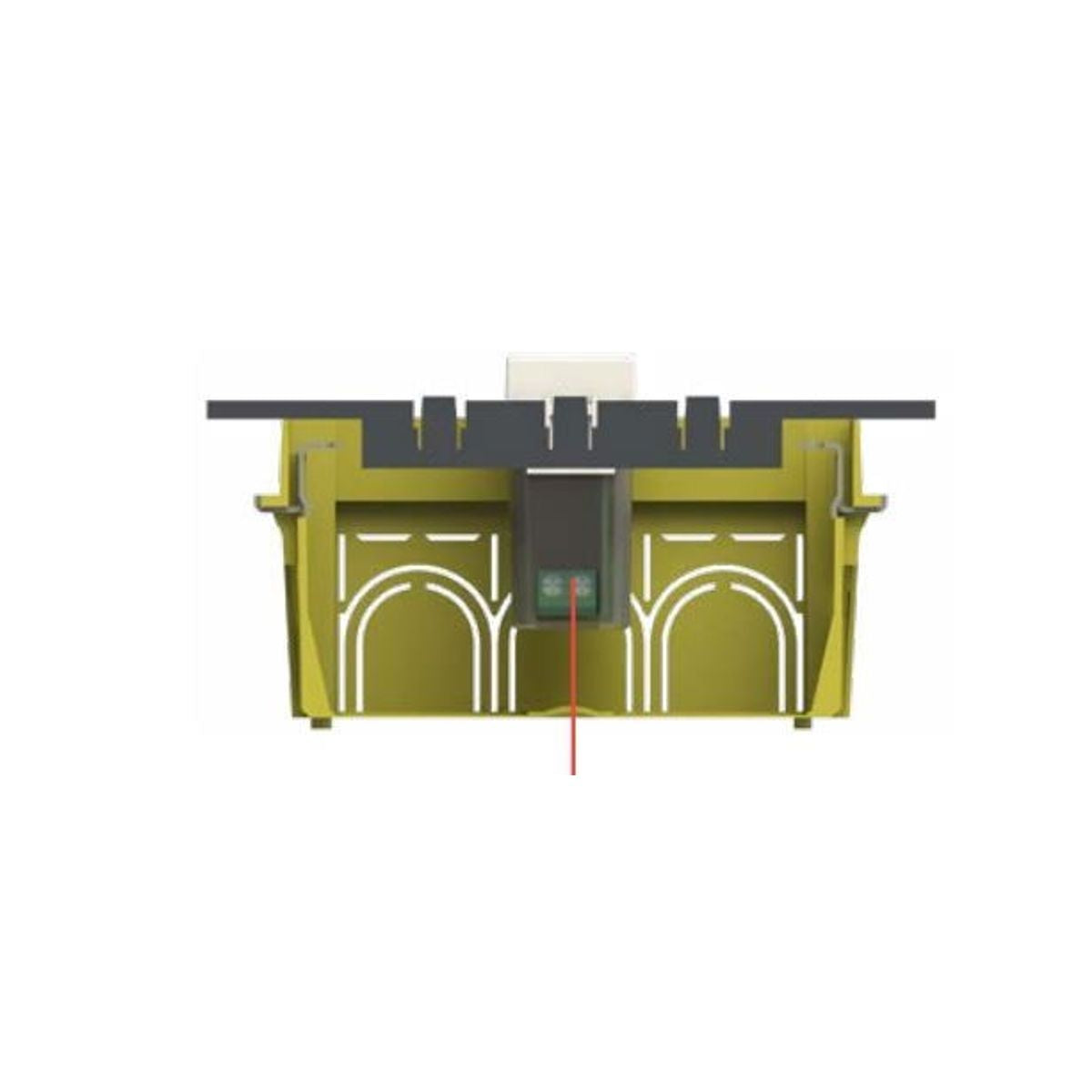
- ✅ Check 503 box depth: for USB-C PD sockets and modules with electronics, extra space is needed behind.
Talk to us before ordering incorrectly
We are in Catania, Via Piave 17. If your house was wired by an electrician who is no longer around or the plate is from a discontinued series, send us a photo on WhatsApp: we will tell you exactly what to order. For those who install for a living, we have quantity price lists for Cat.6a toolless jacks and adapters for the most popular series.
Last revised: May 2026 — Technical references: TIA-568A/B, IEEE 802.3af (PoE), EN 50173 (structured cabling).
Frequently asked questions about keystone adapters and jacks
Can I use a Cat.6a keystone jack on an existing Cat.6 cable?
Yes, they are perfectly backward compatible. The network will operate at the speed of the slowest component (i.e., Cat.6, up to 1 Gbps real speed at home). However, by installing a Cat.6a jack today, if you replace the cable in the future, the point will already be ready for 10 GbE without touching the wall.
Does the Vimar Plana keystone adapter also work with Vimar Arke?
No, they are two physically different adapters. Same brand but distinct wiring series, with non-interchangeable dimensions and fittings. The same reasoning applies to Vimar Idea and Vimar Linea, and among BTicino series (Living, Light, Luna, Matix, MatixGo, Axolute). Always check the exact name printed on the back of your plate.
Do I absolutely need a punch down tool (Krone tool) to install a keystone jack?
It depends on the type. Toolless jacks do not require tools: insert the colored wires into the appropriate slots following the TIA 568B scheme and close with the rotating button. Traditional IDC jacks, on the other hand, require a 110/Krone punch down tool. For 4-6 domestic network points, toolless is the quickest choice.
Cat.6 UTP or Cat.6a STP for home?
Cat.6a UTP, without a doubt. STP (shielded) only makes sense if the cable runs parallel to power lines or in noisy environments (industrial, near motors, server rooms). Moreover, the shield must be correctly grounded: if you don't do it — and almost no one does in home DIY — it worsens the signal instead of protecting it.
Can I terminate a Cat.7 cable with an RJ45 keystone jack?
Technically yes, but it's a waste. Cat.7 is designed for GG45 connectors, and terminating it with an RJ45 effectively downgrades it to Cat.6. If you have already purchased a Cat.7 cable, you can use it, but for normal homes and offices, Cat.6a is the sweet spot for price/performance. The extra bandwidth of Cat.7 is only needed if you have 25/40 GbE applications, and in that case, you wouldn't be using residential jacks.
Does the keystone system support PoE for IP cameras?
Yes. All modern Cat.5e/6/6a RJ45 keystone jacks are compatible with PoE IEEE 802.3af (up to 15 W) and most also with 802.3at (up to 30 W). For high-power PTZ cameras, check that the specific jack supports 802.3bt (up to 90 W).