



























HDMI Extender
Filter
Sort by:


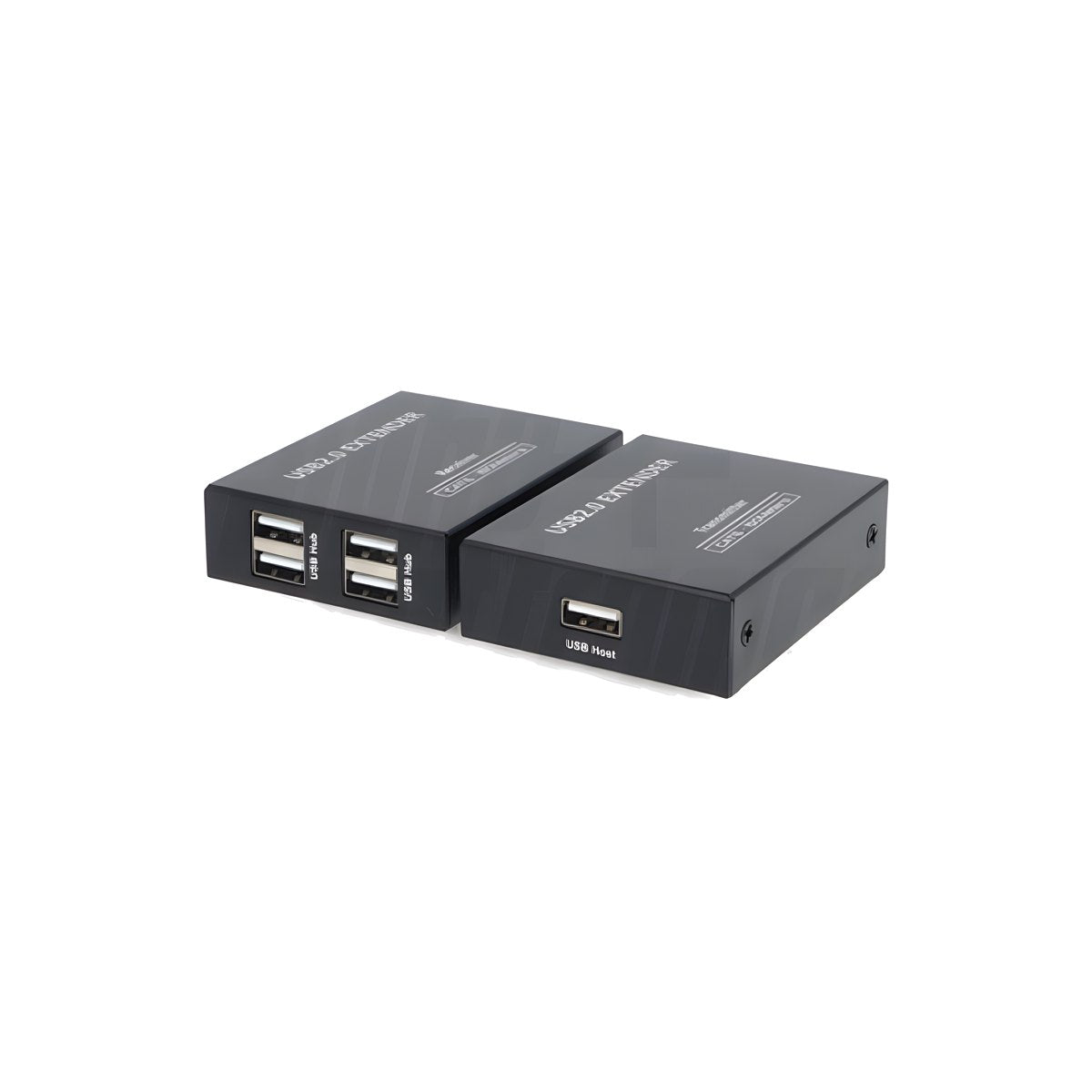
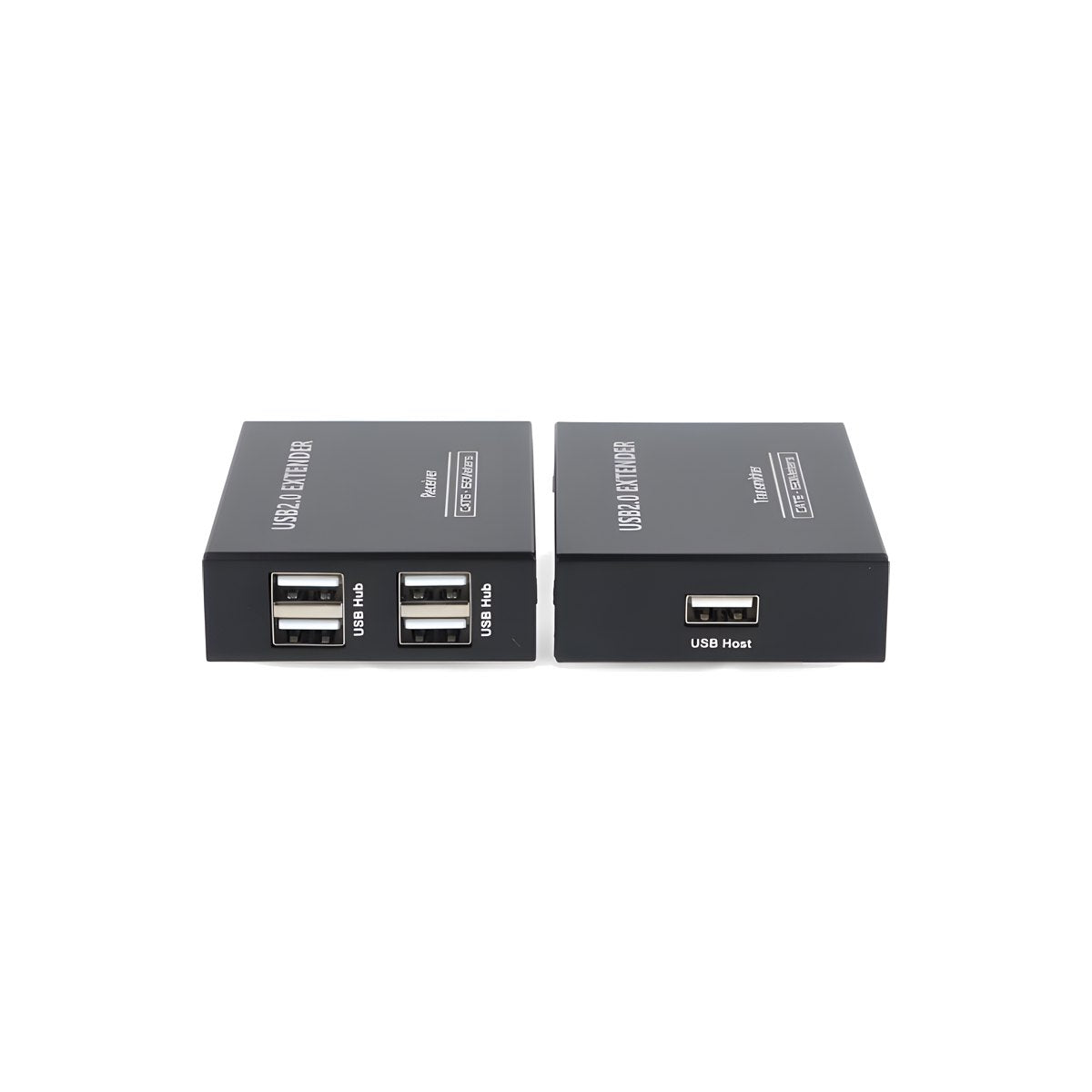
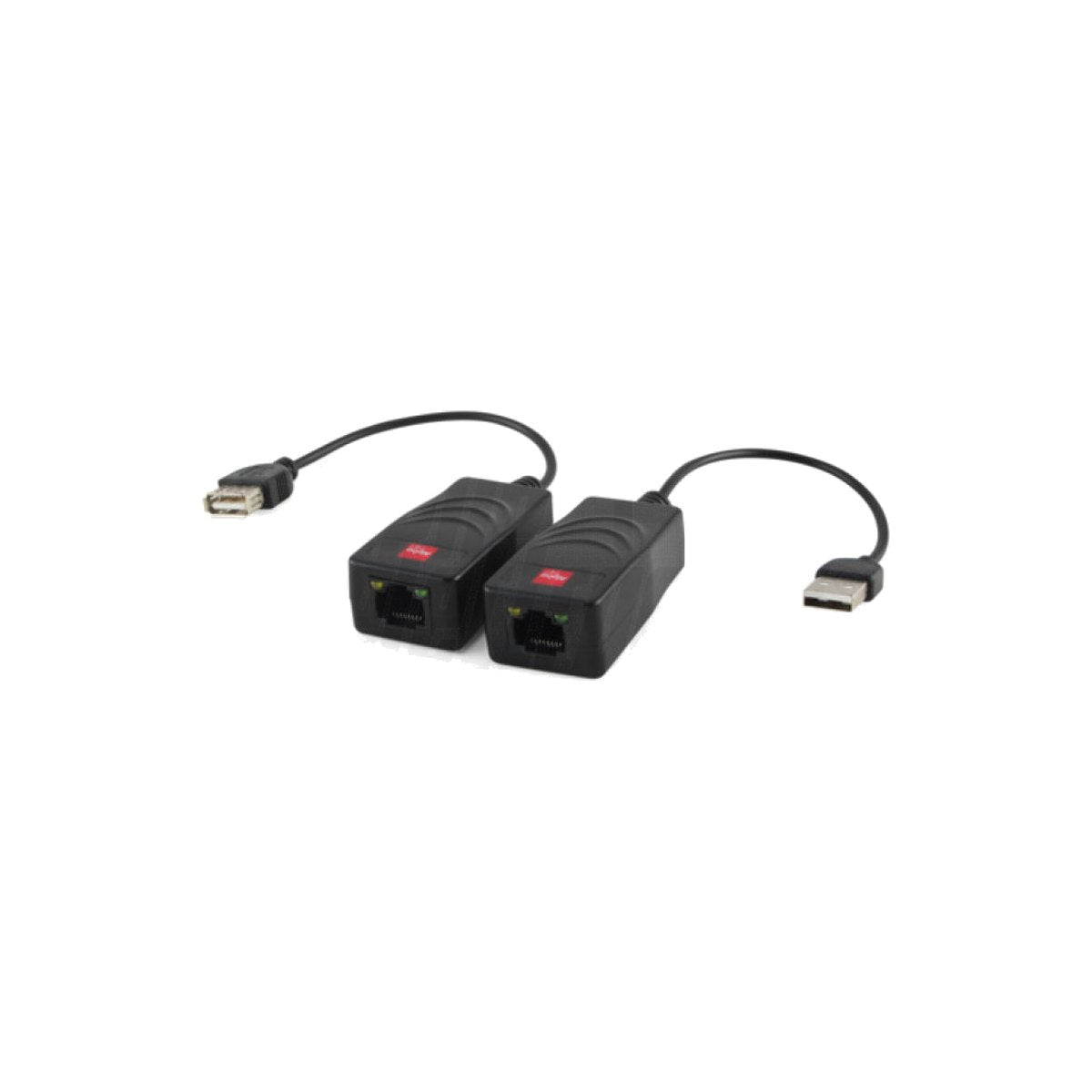
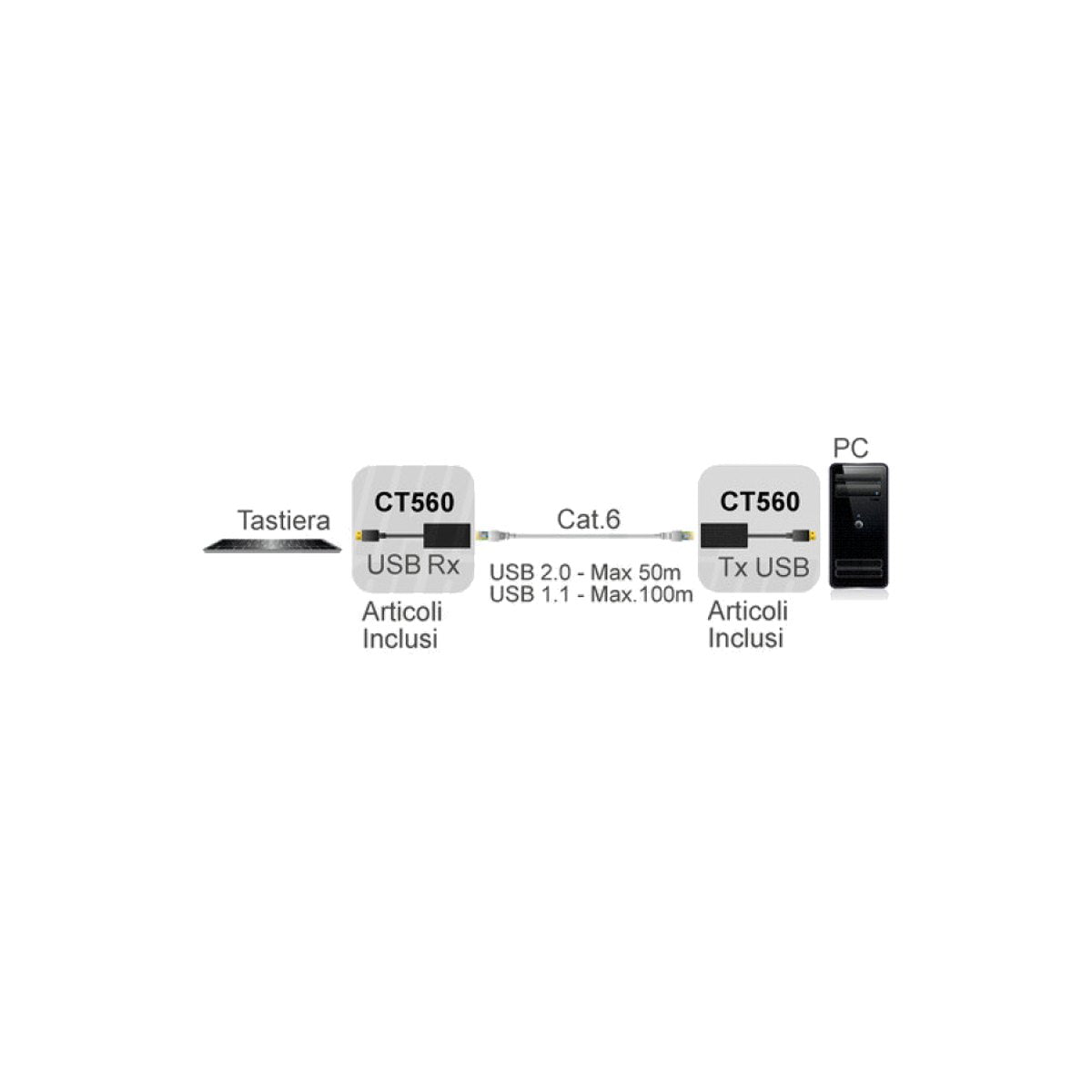
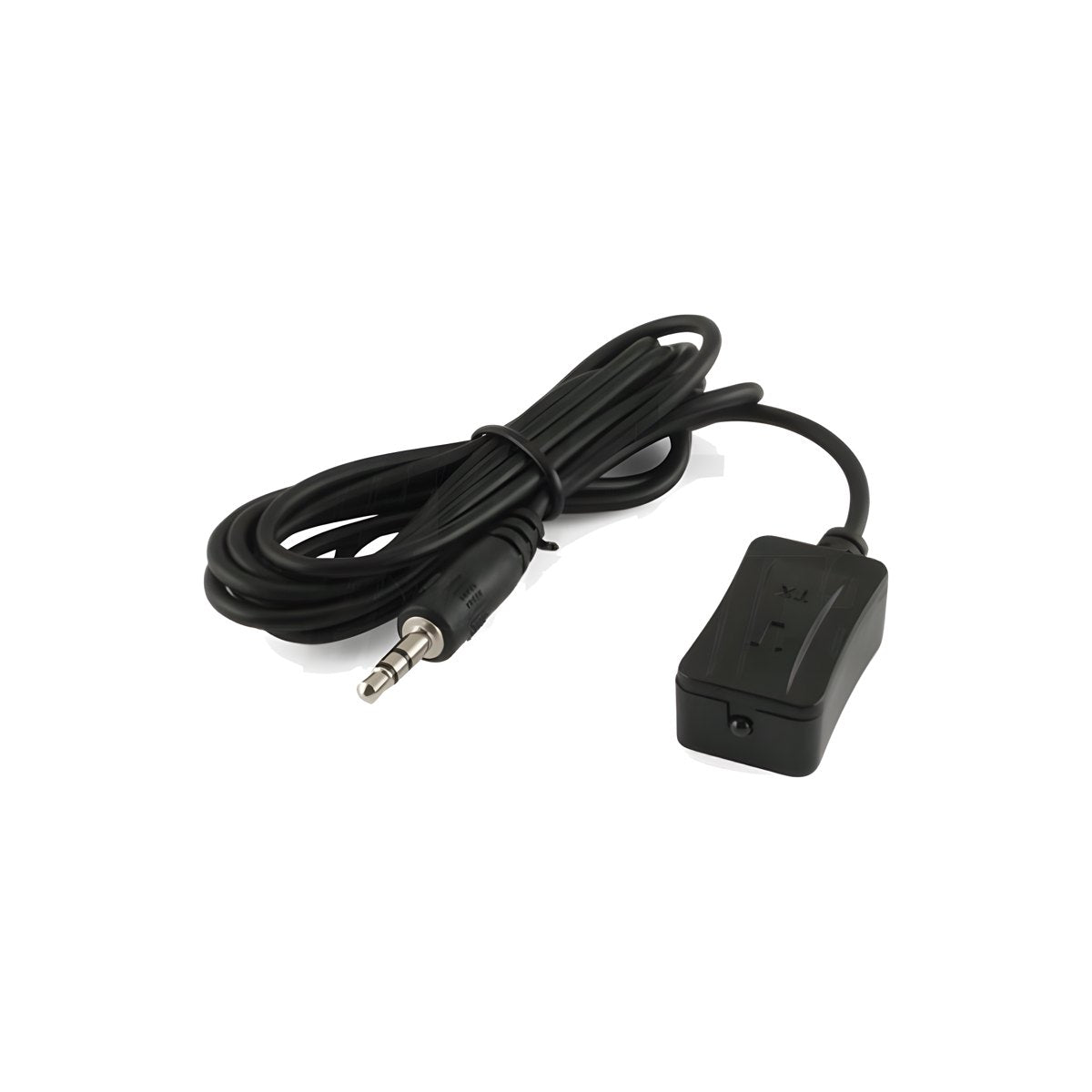
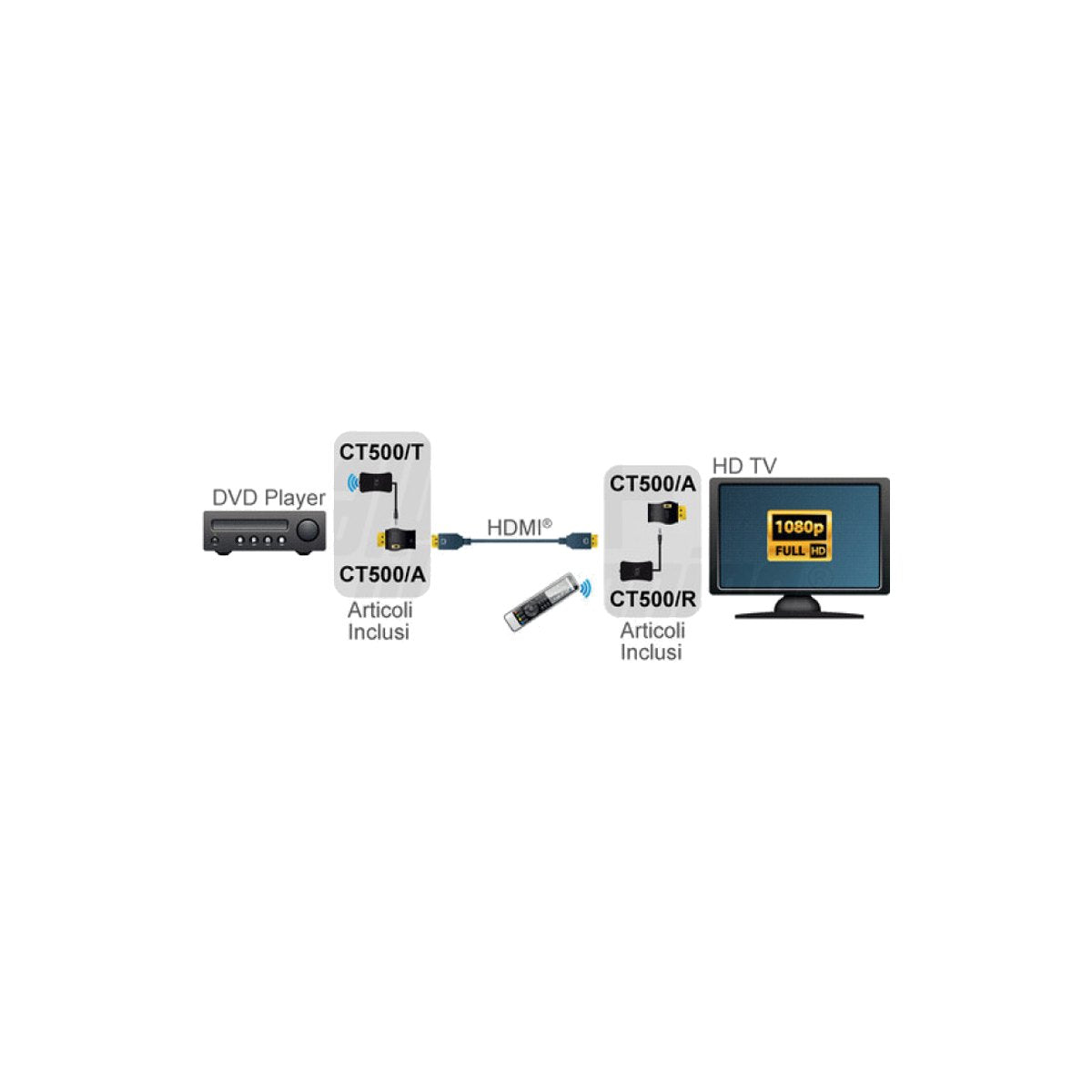
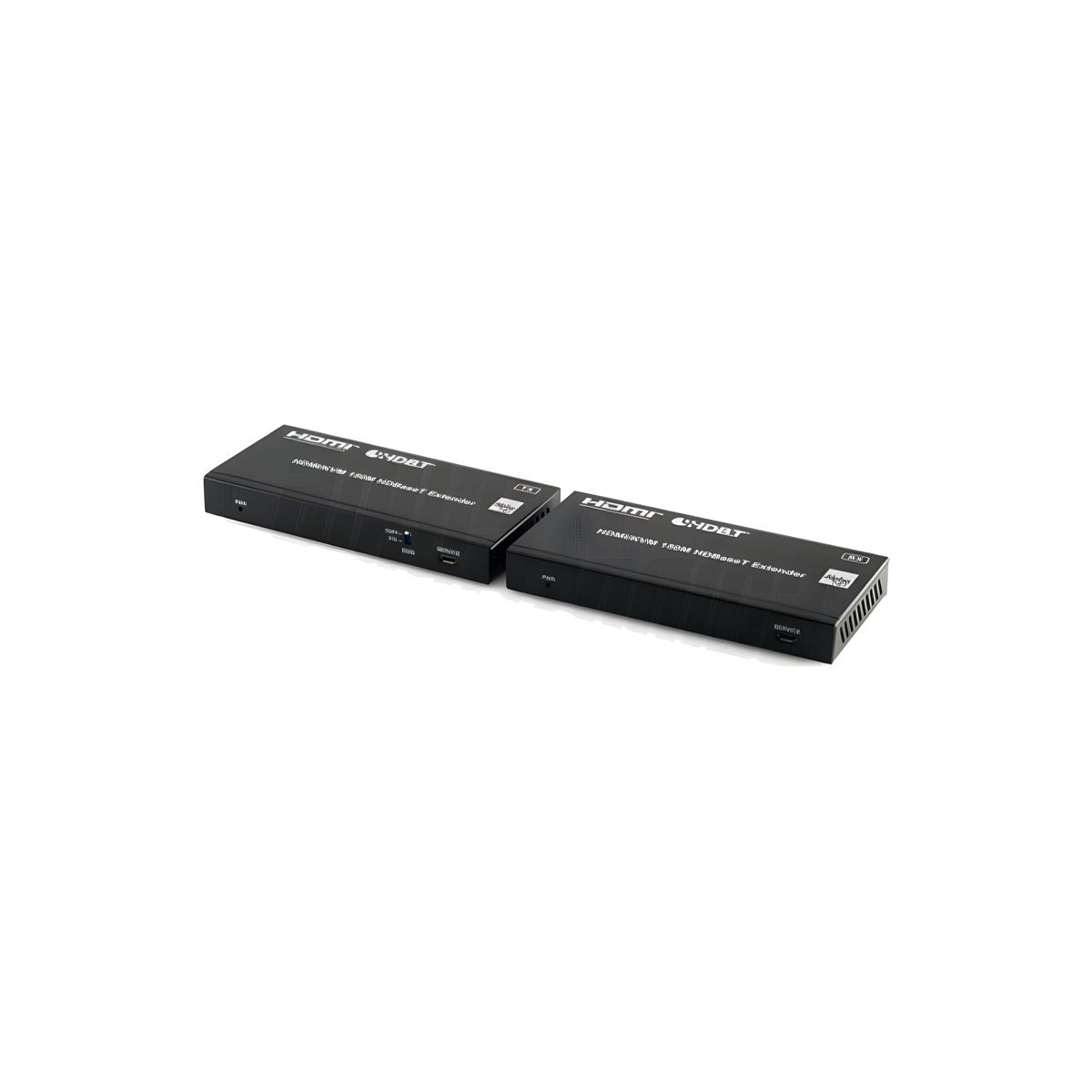
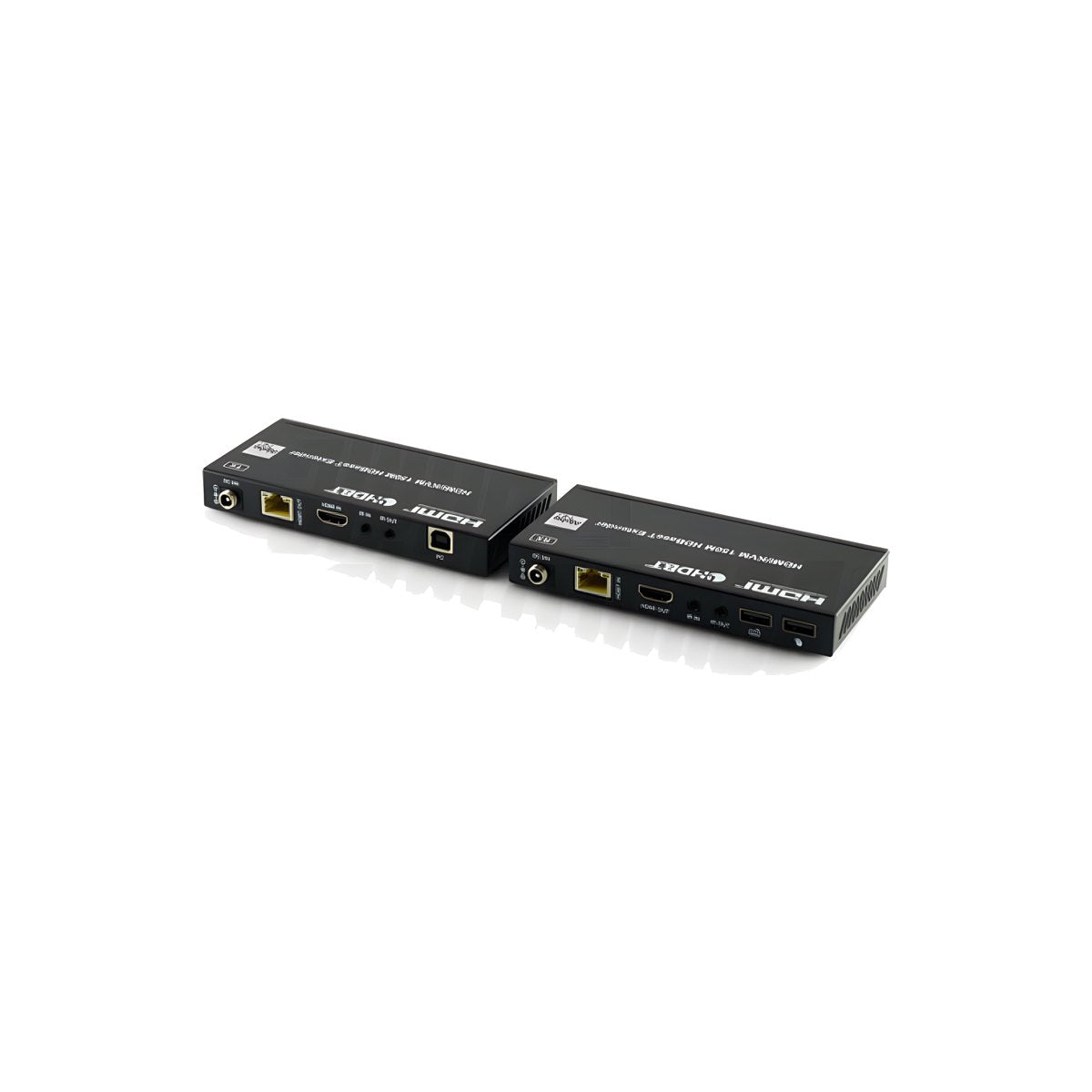
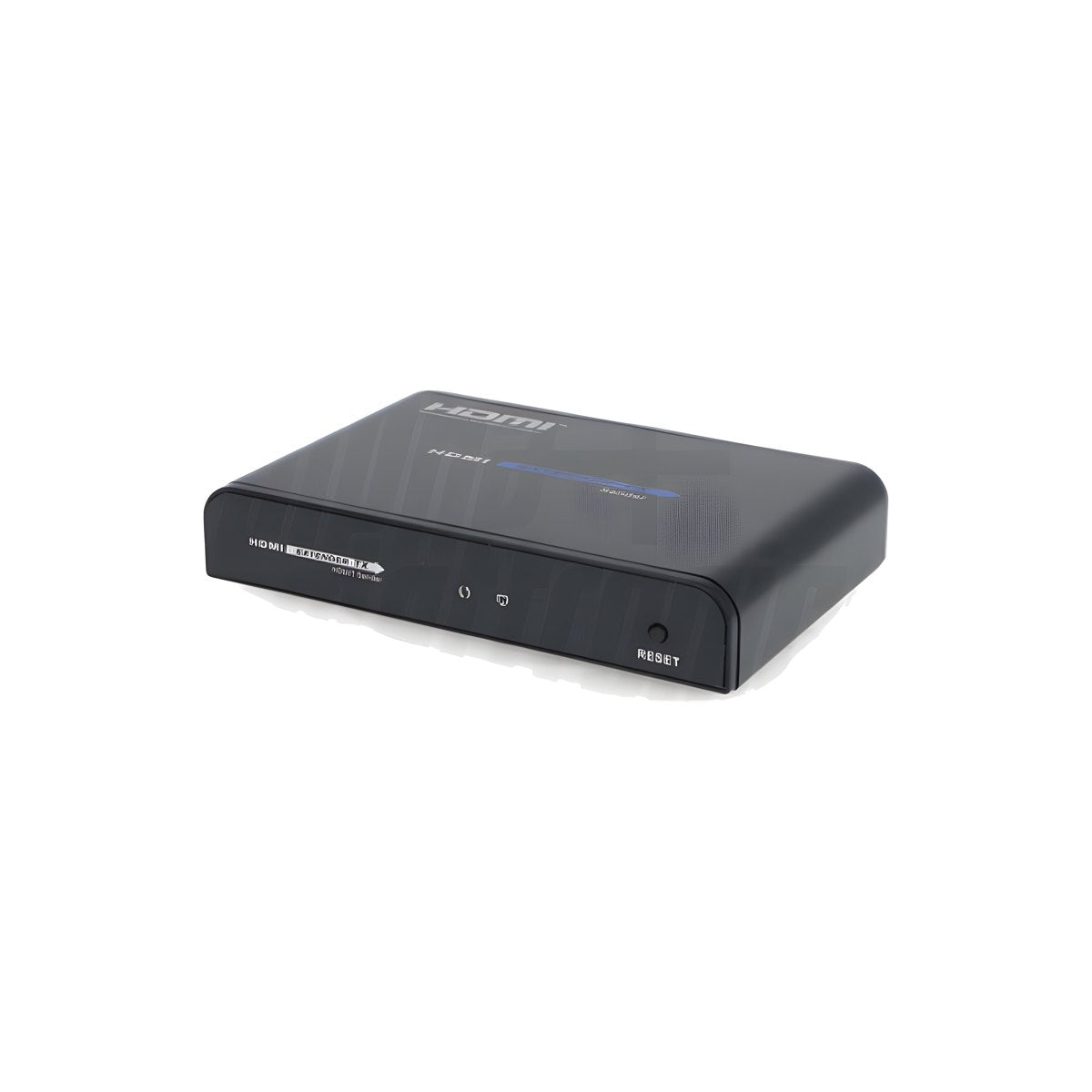
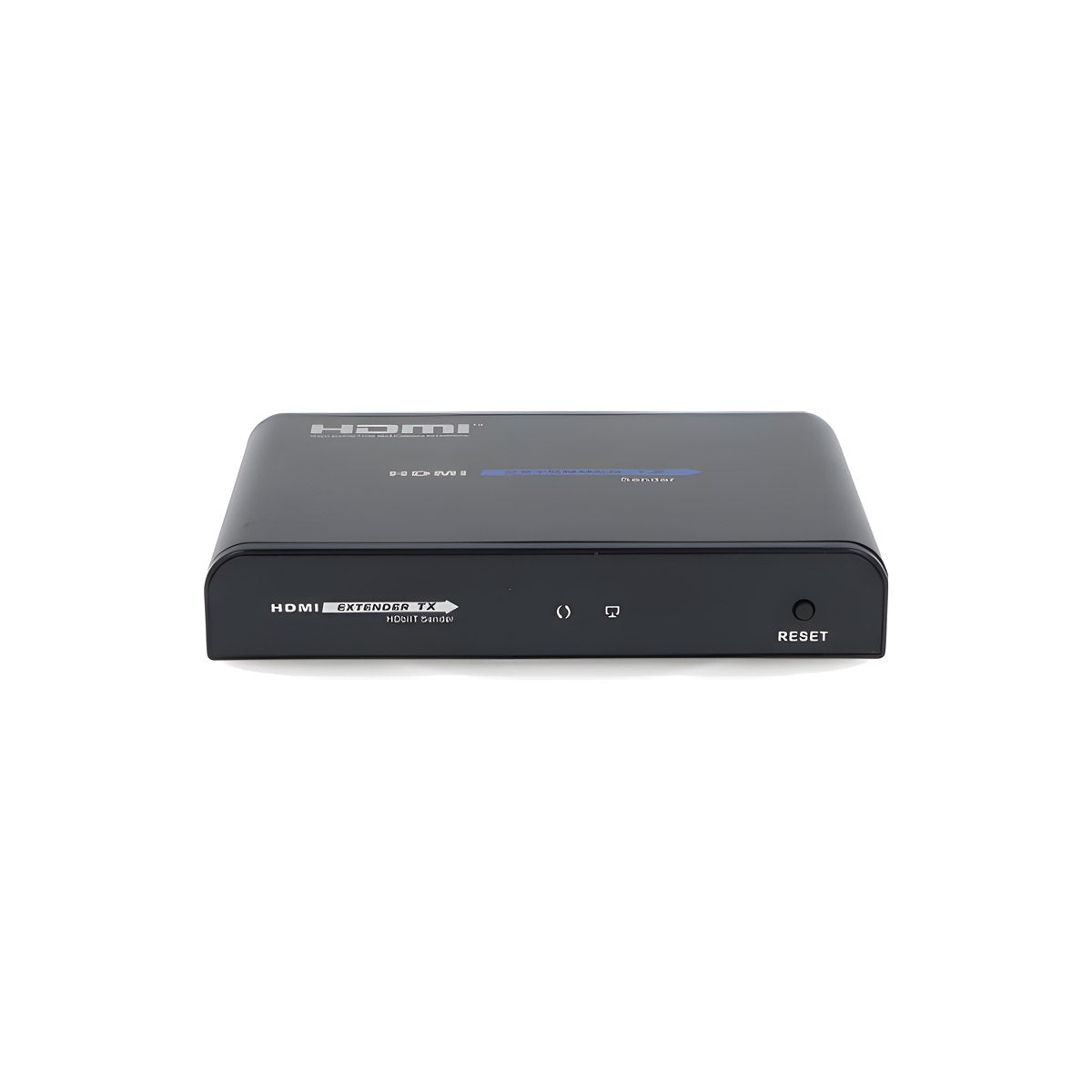
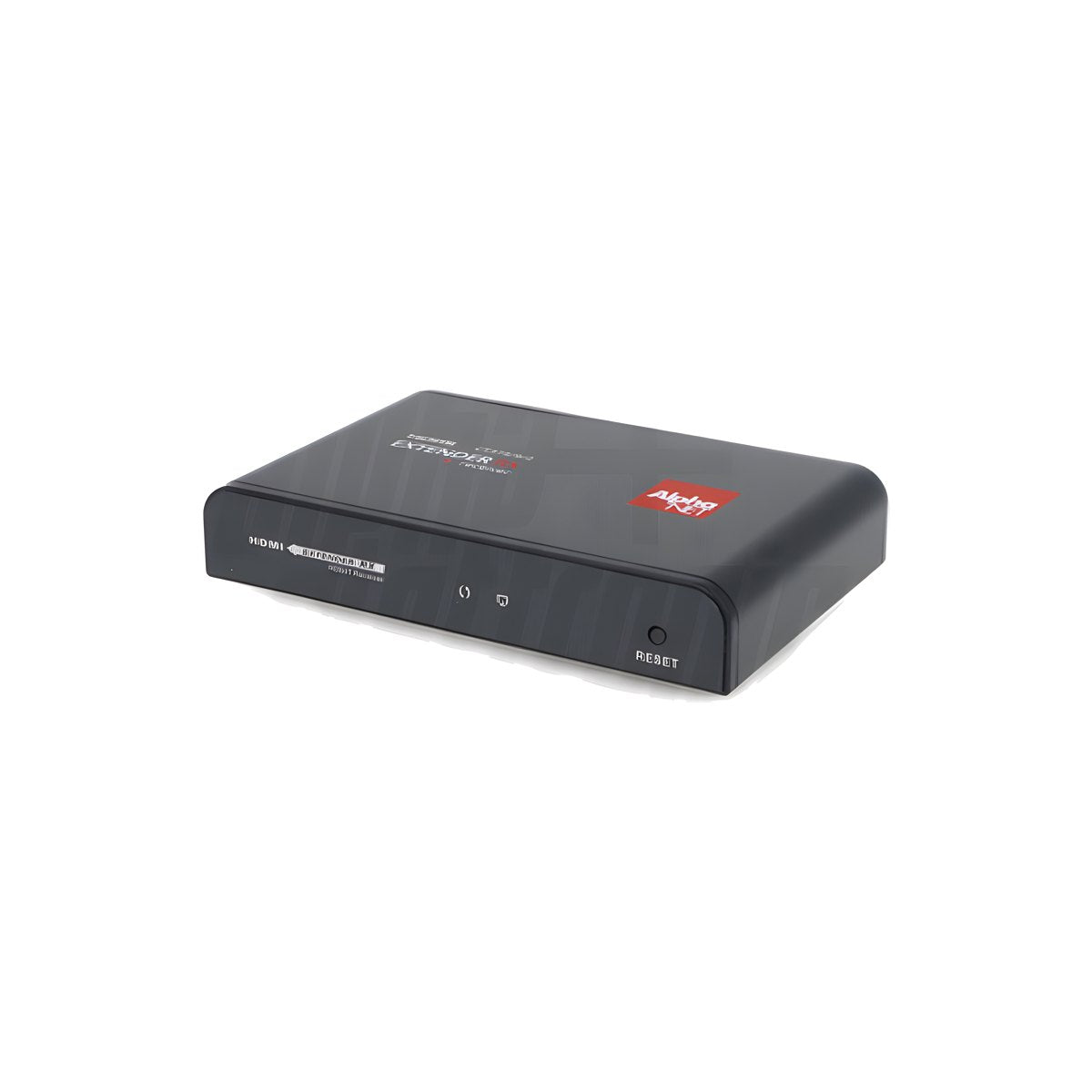
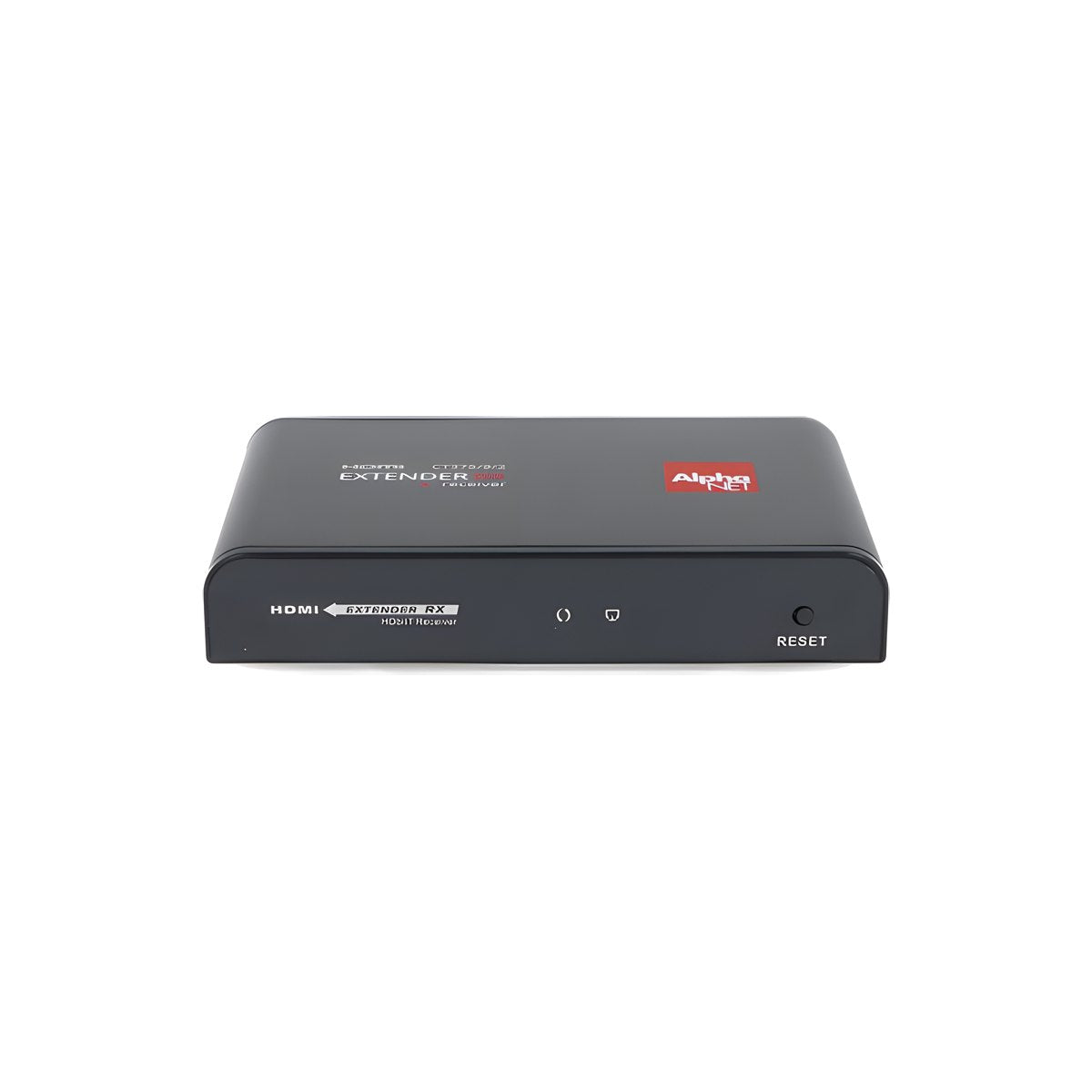
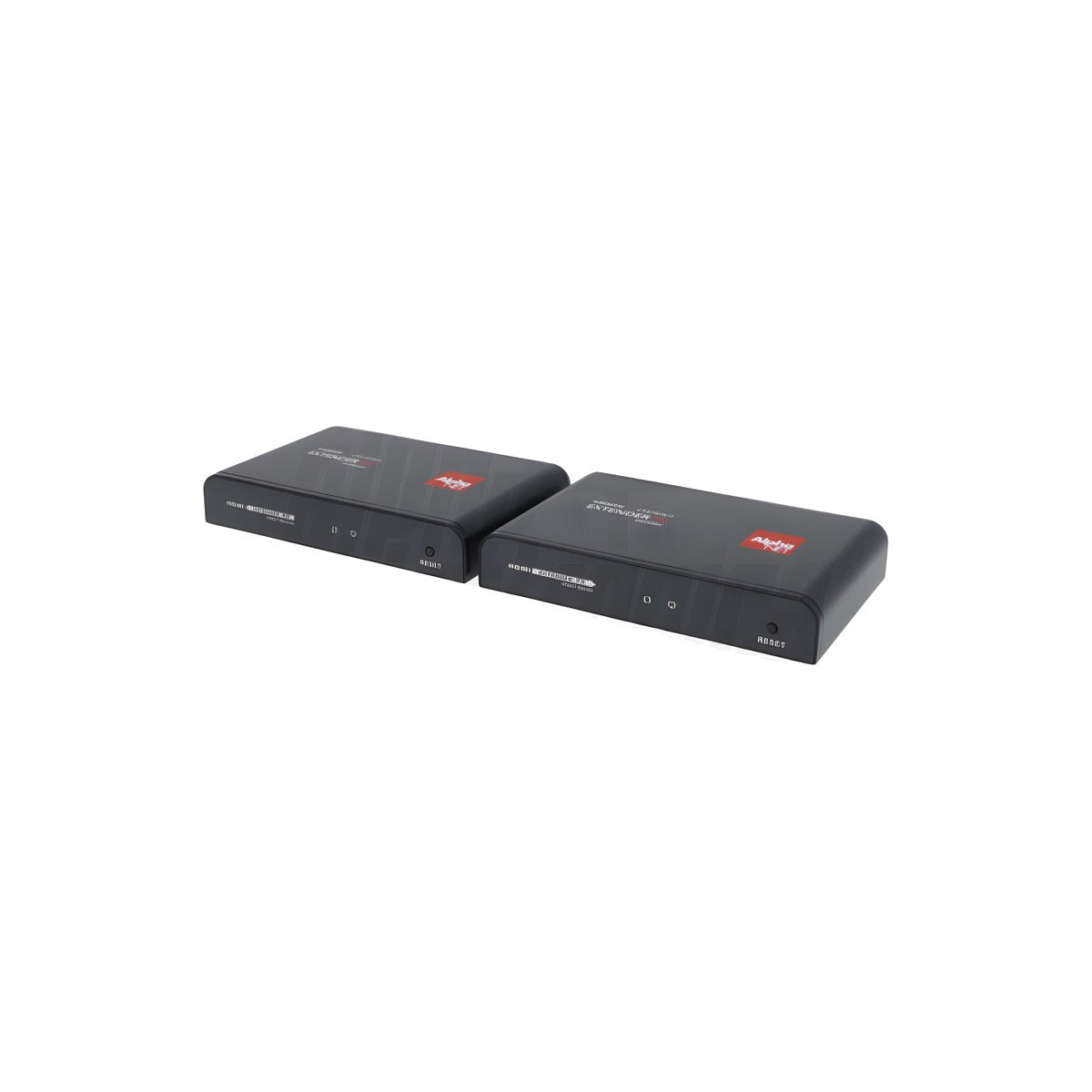
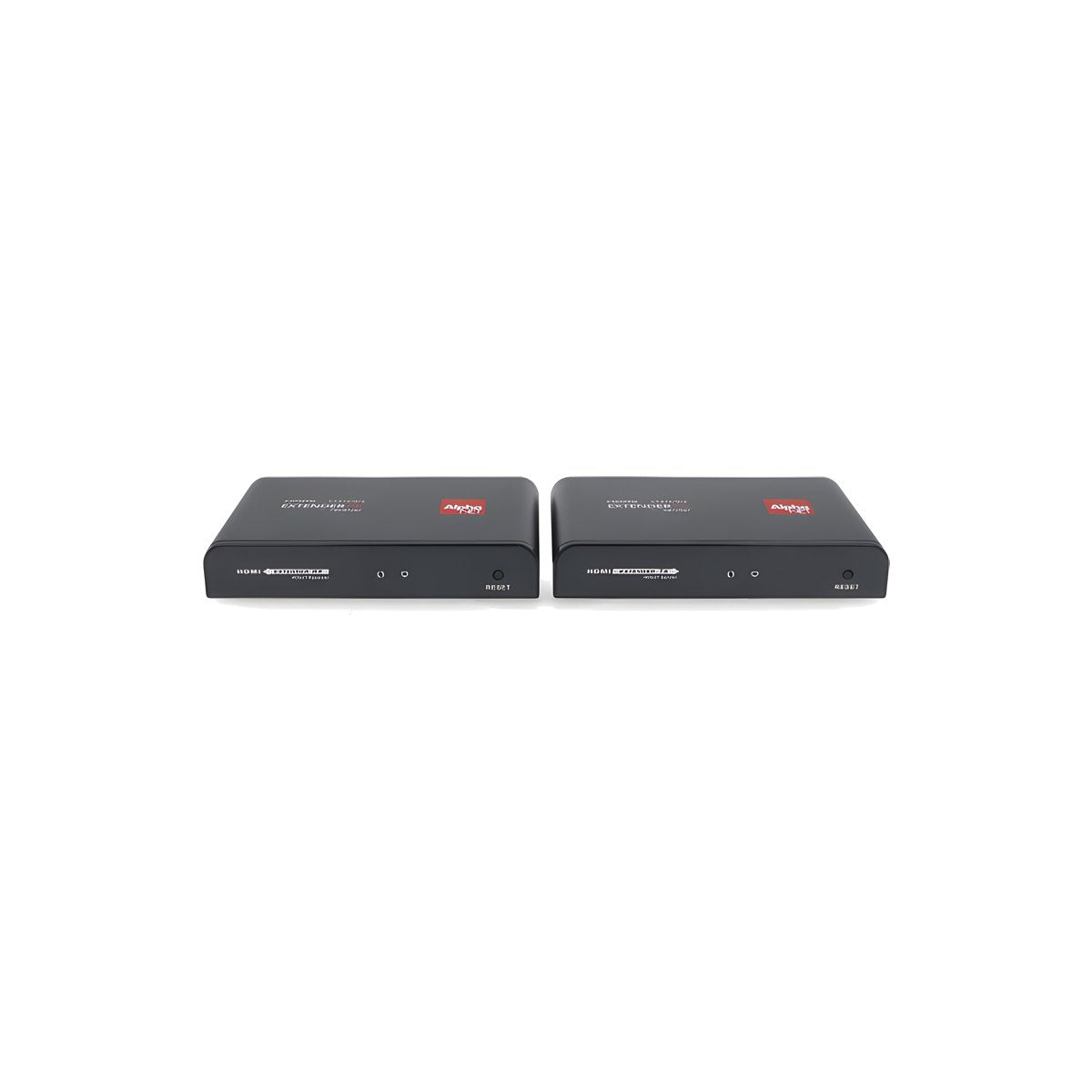
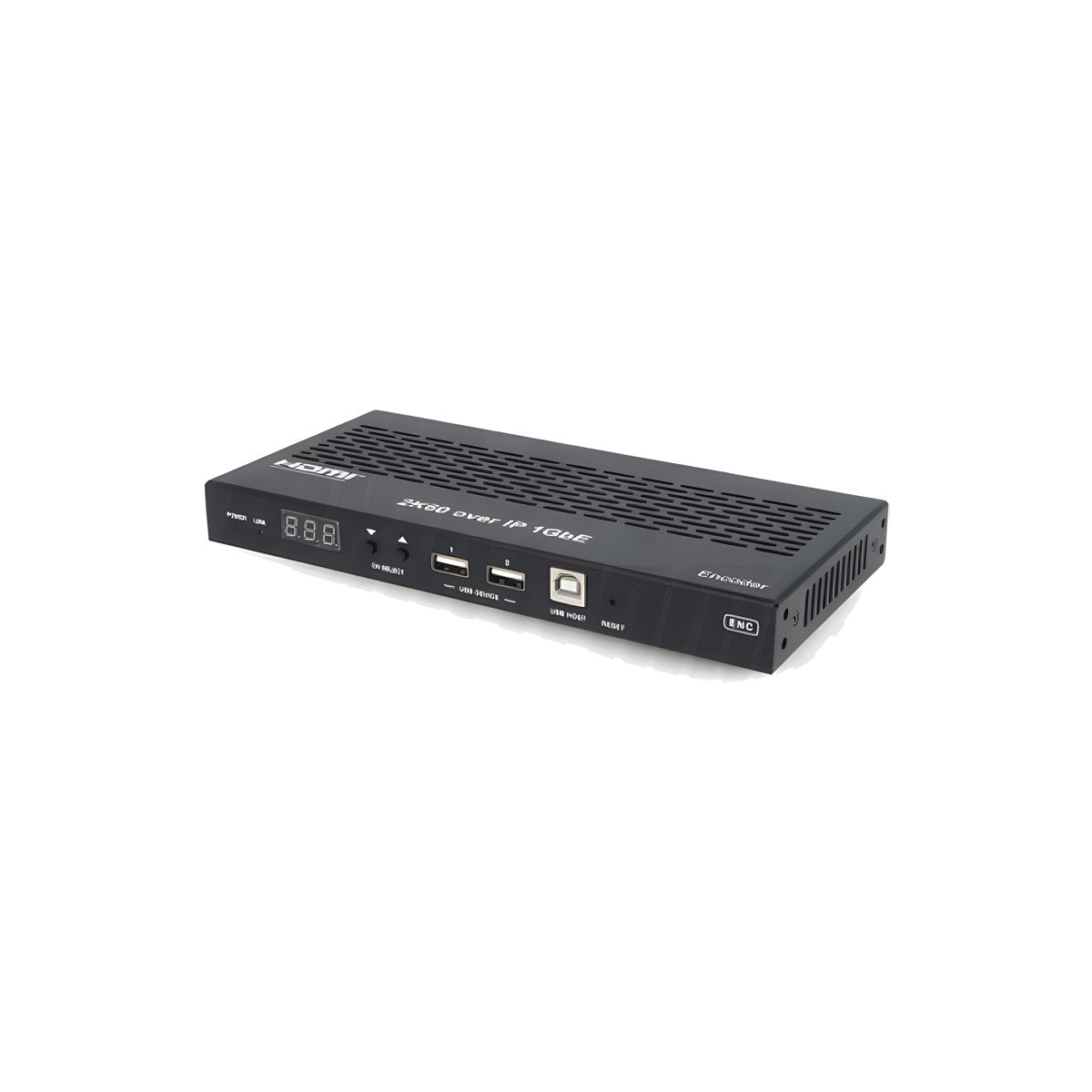
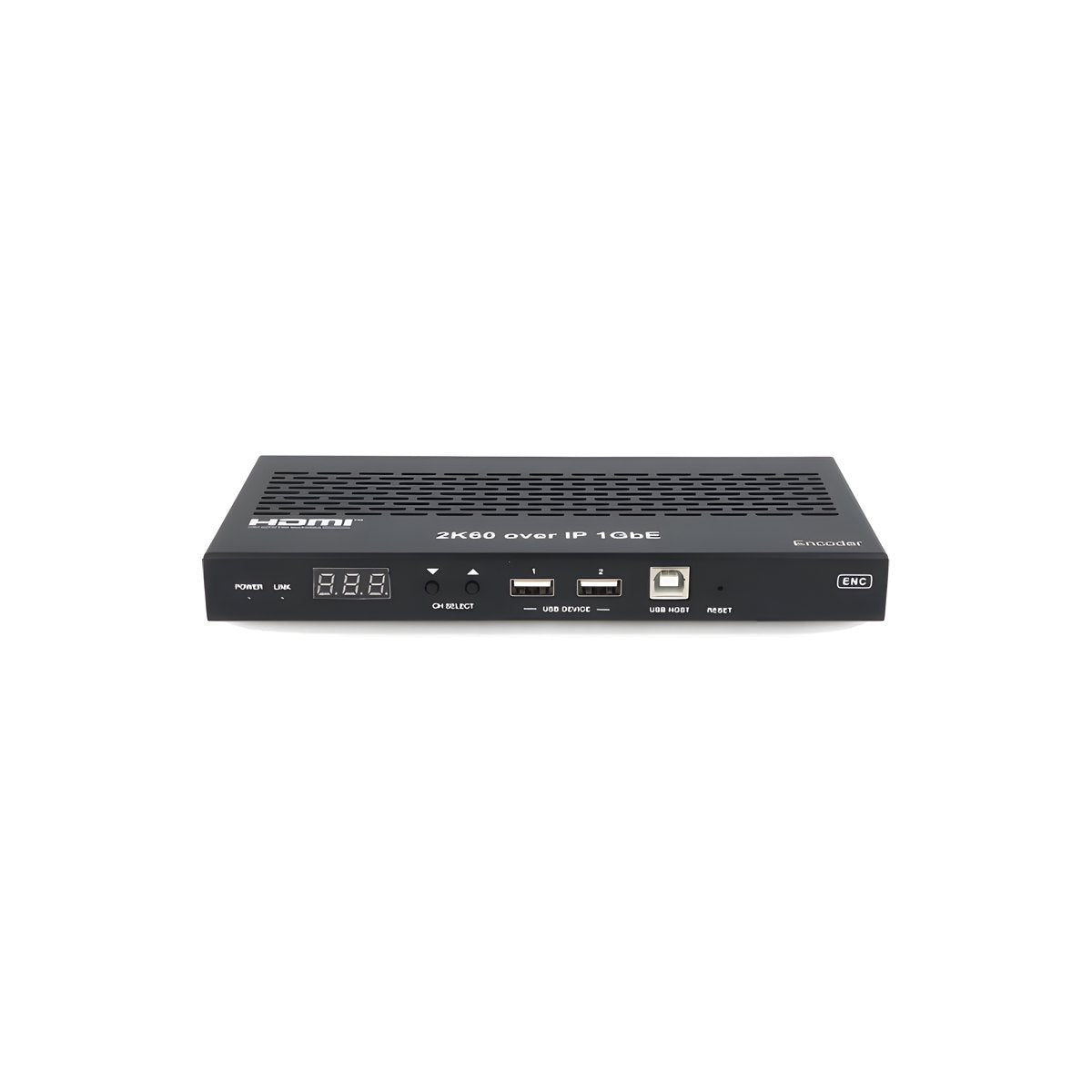
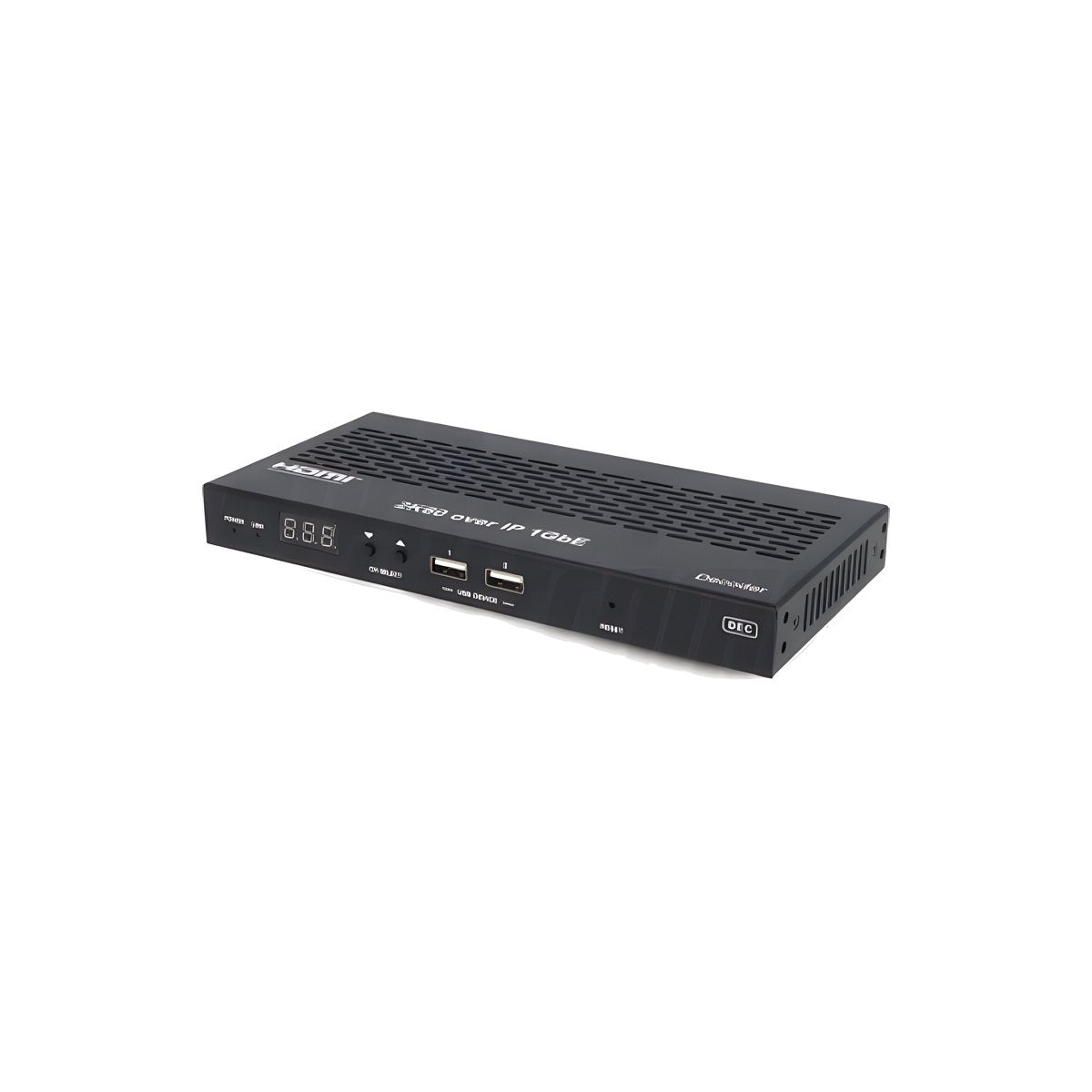
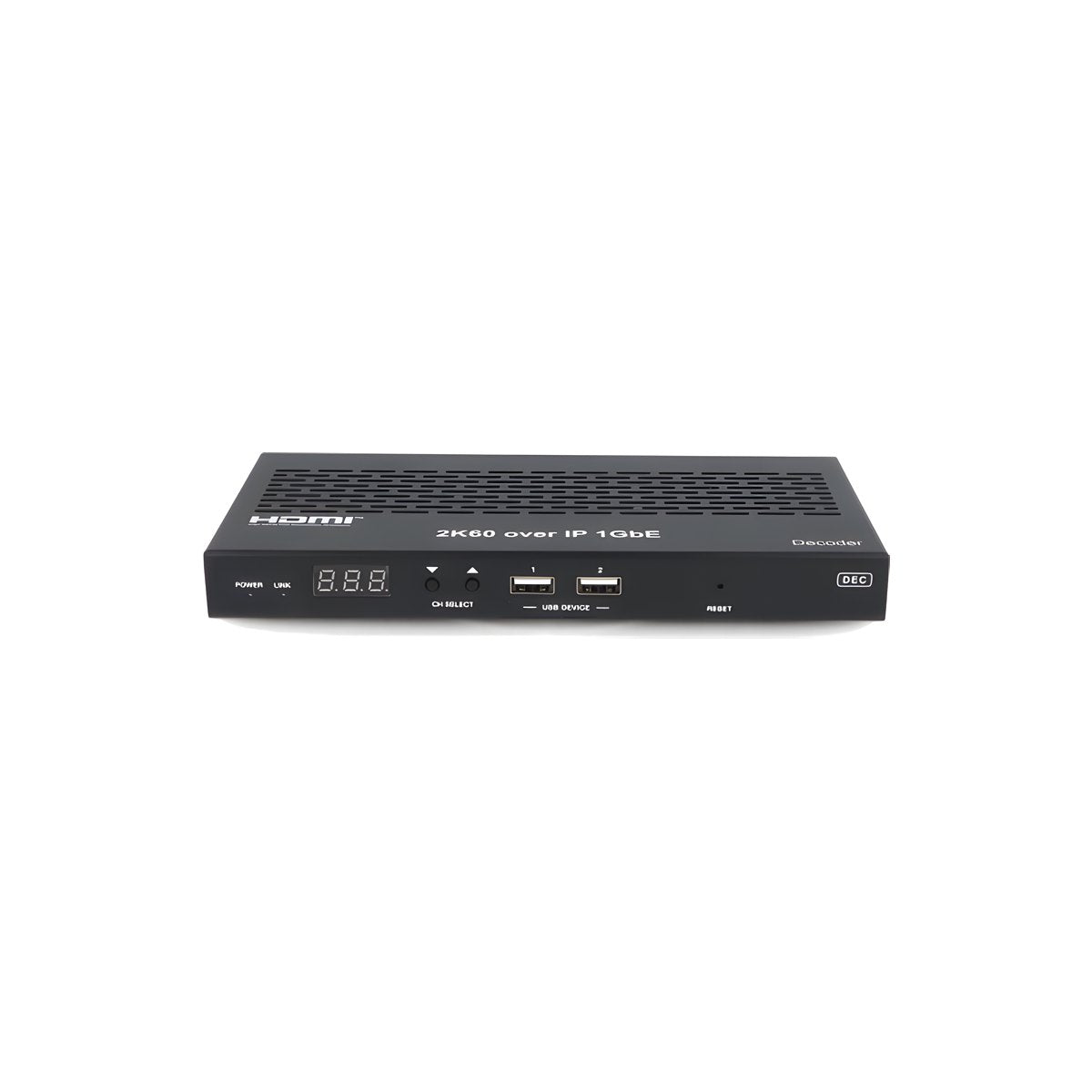
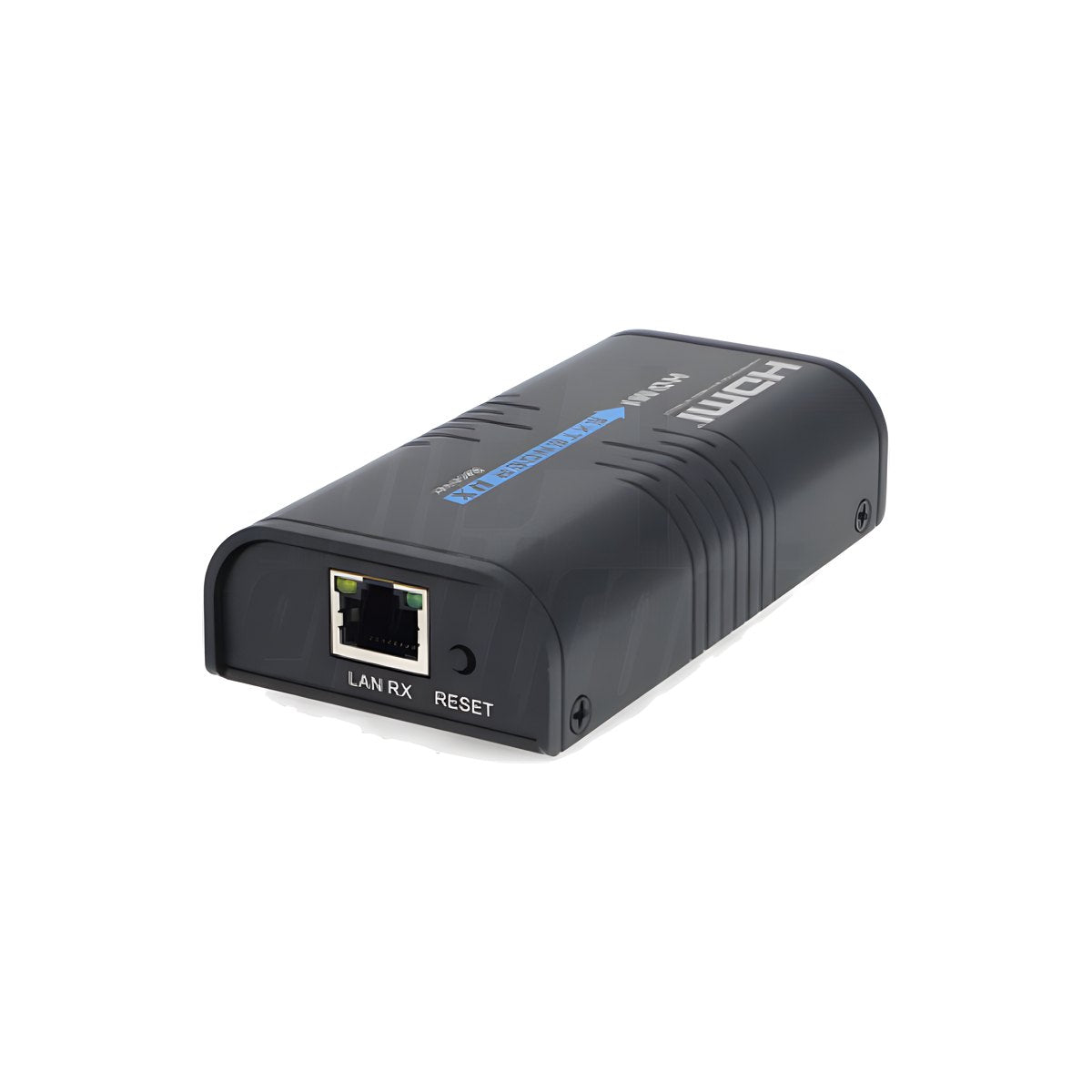
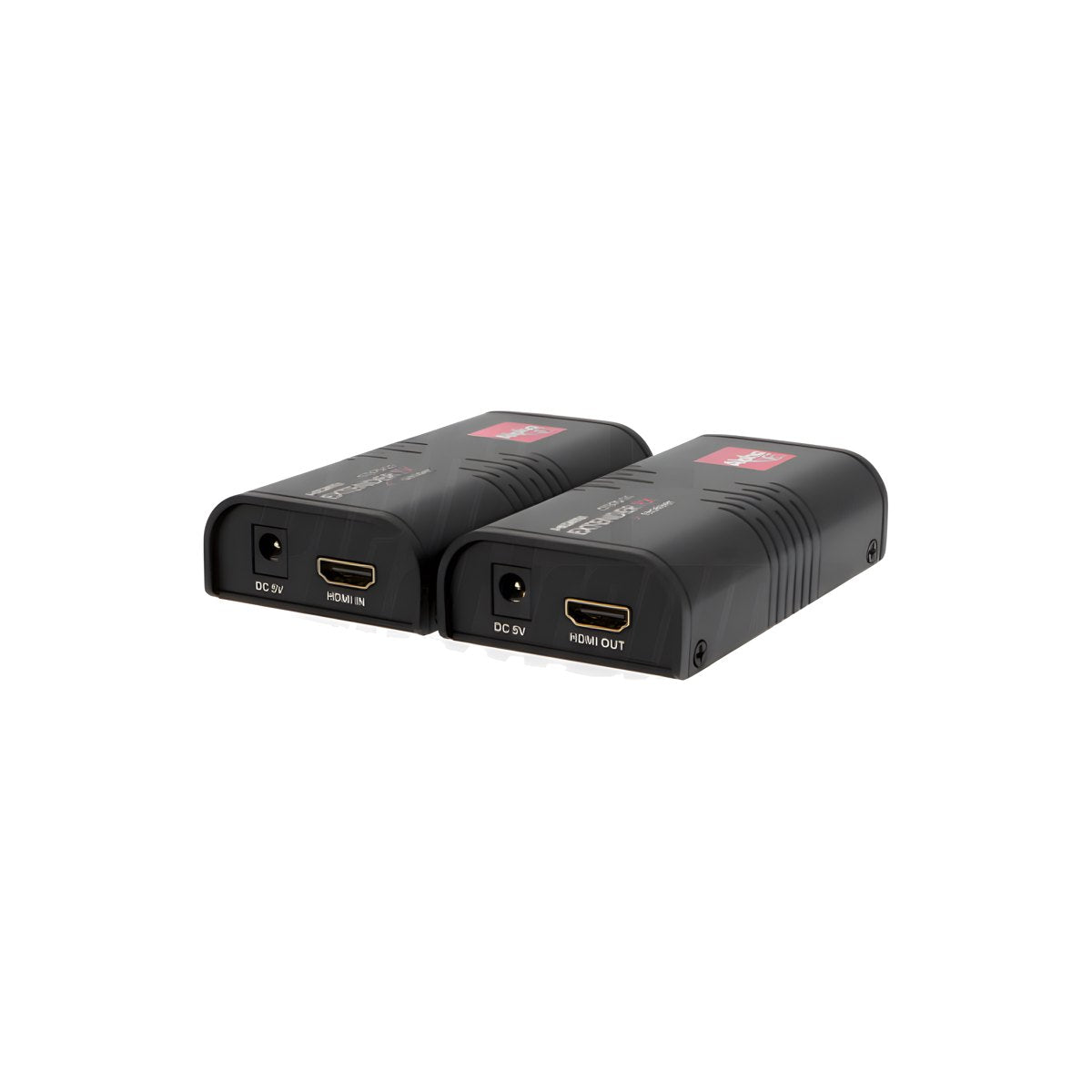
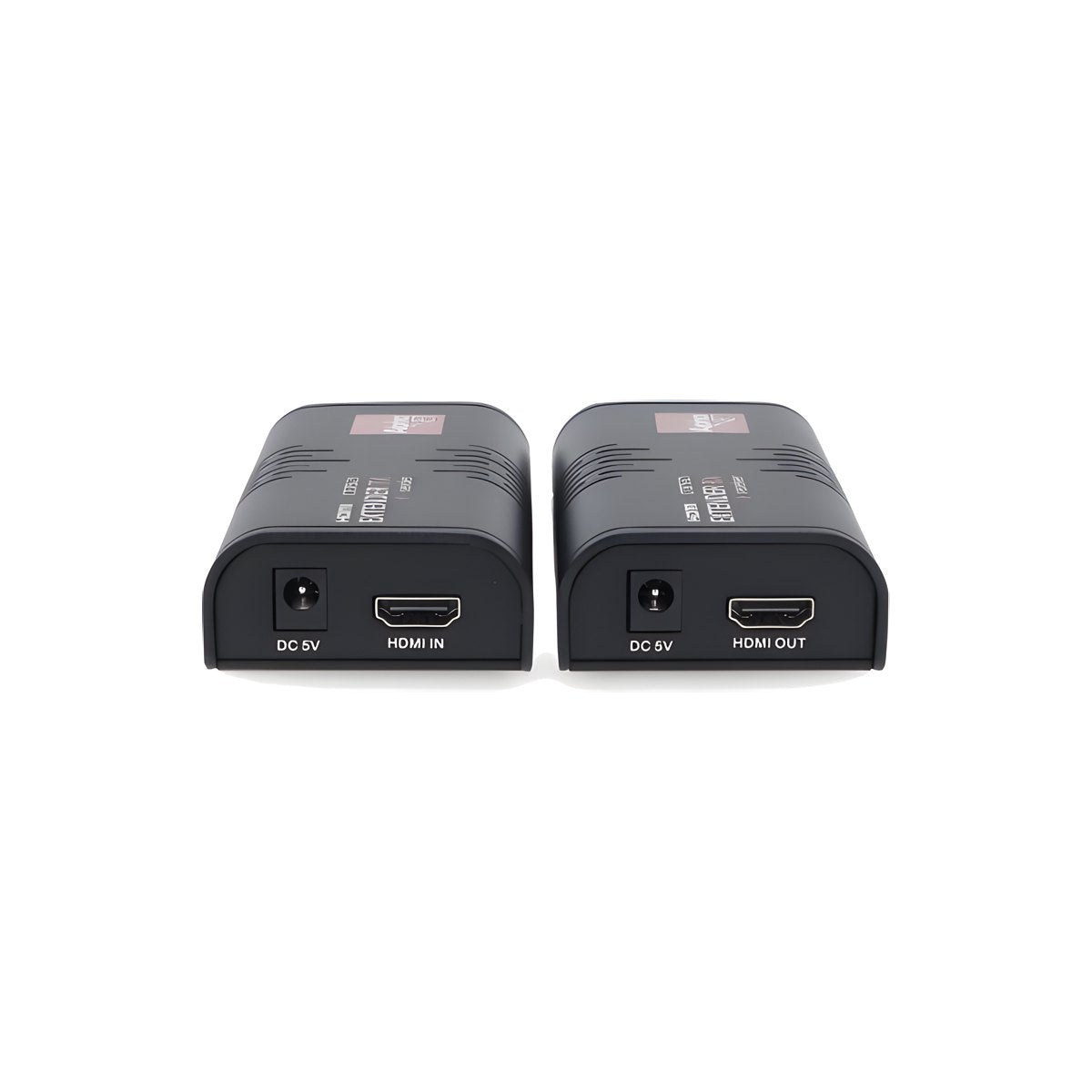
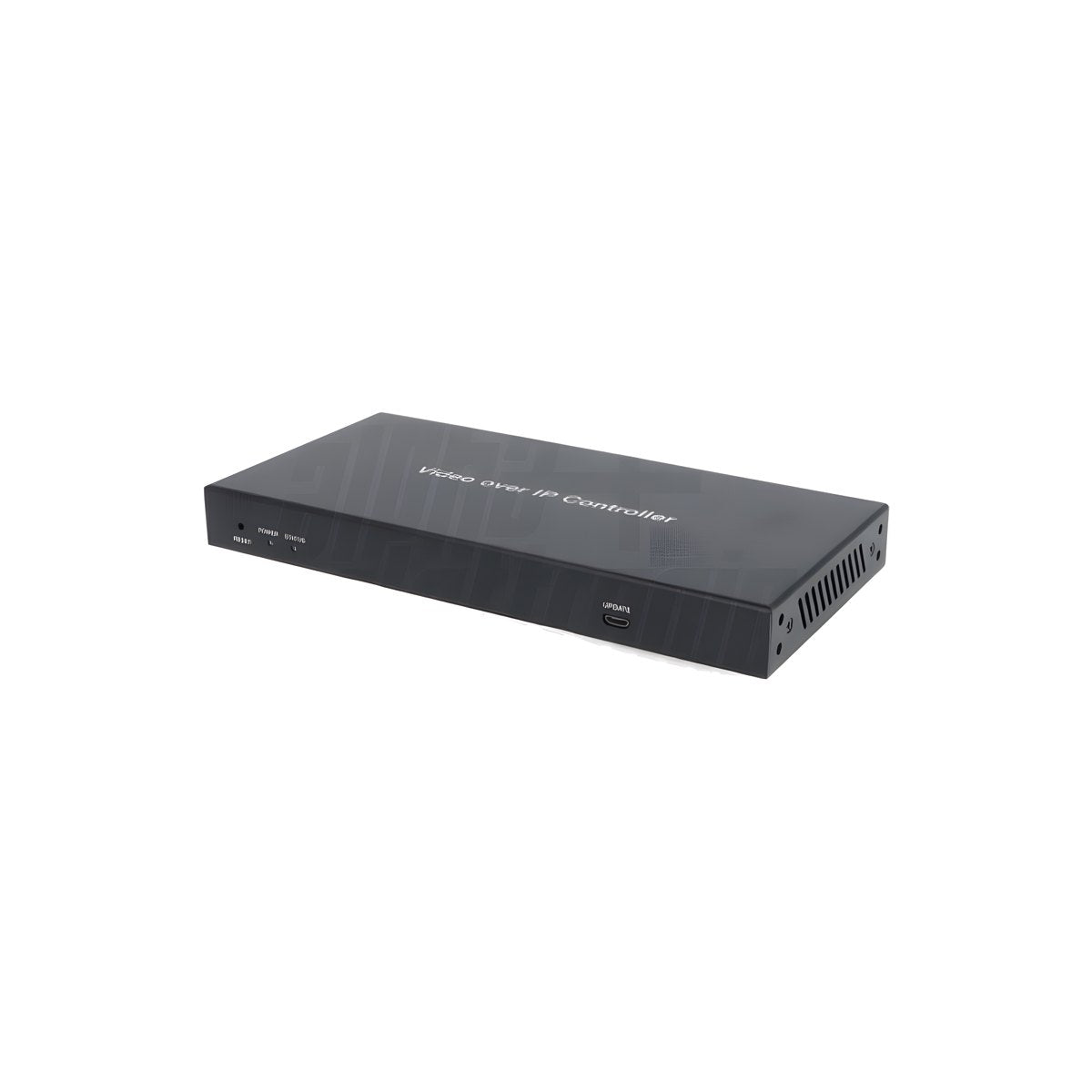
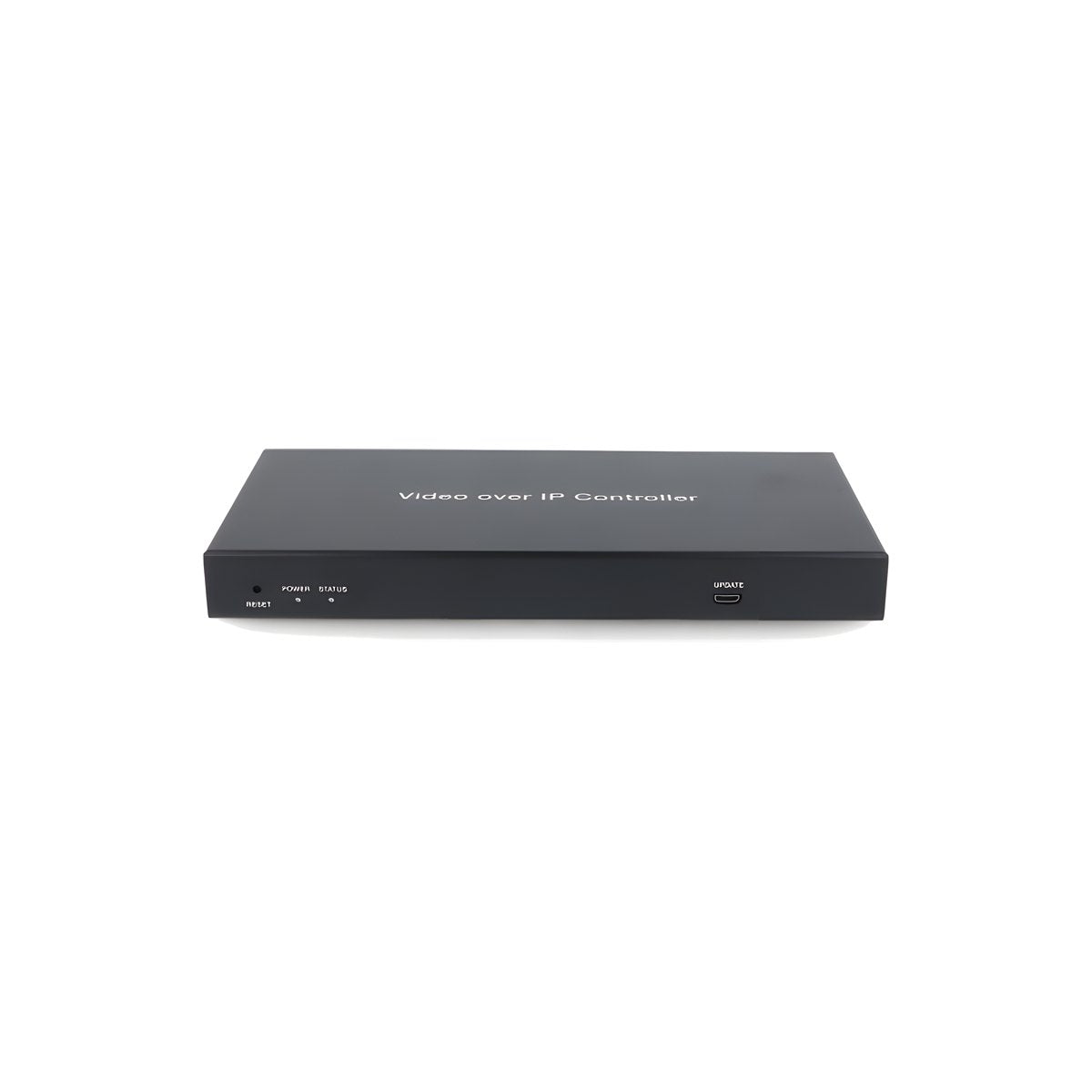
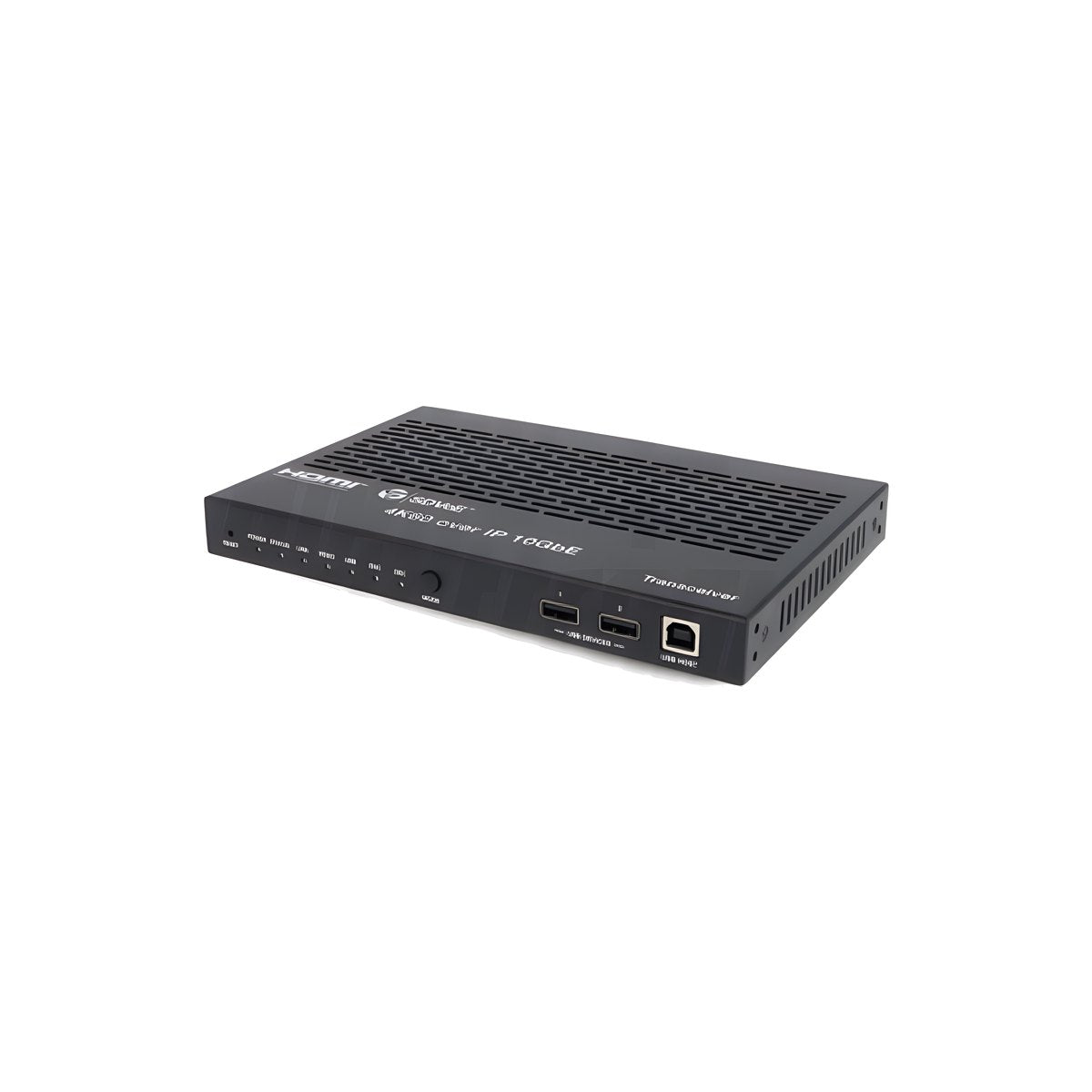
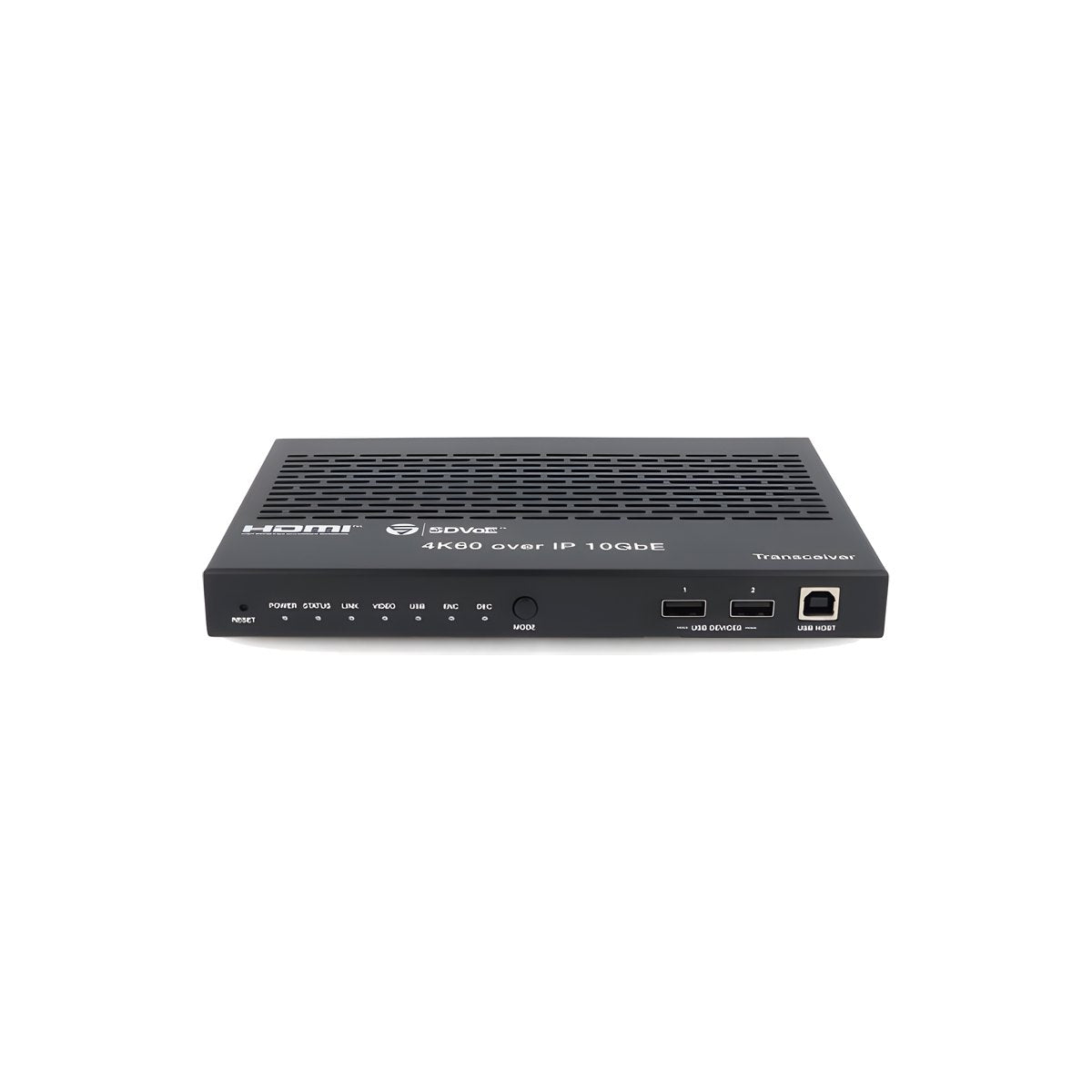
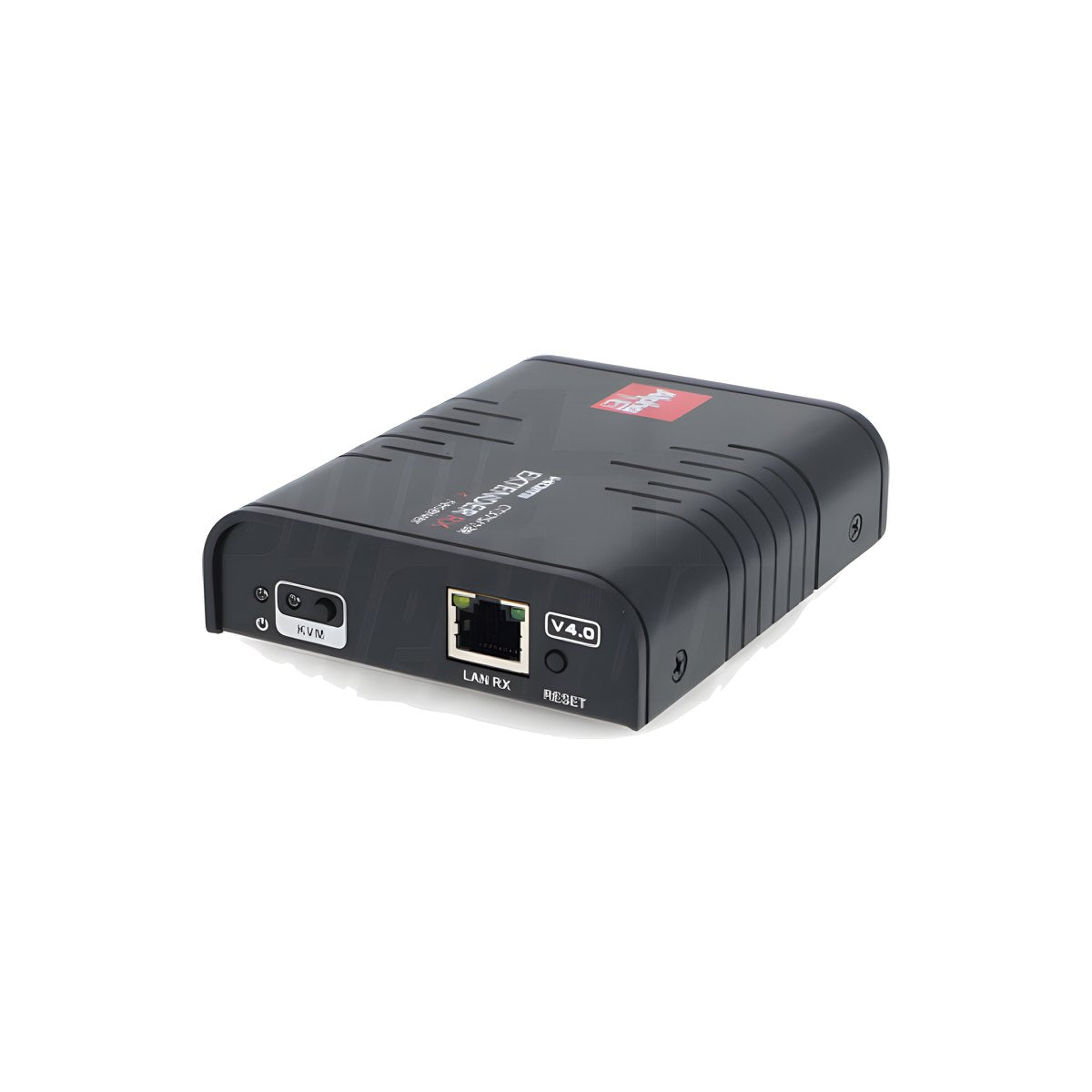
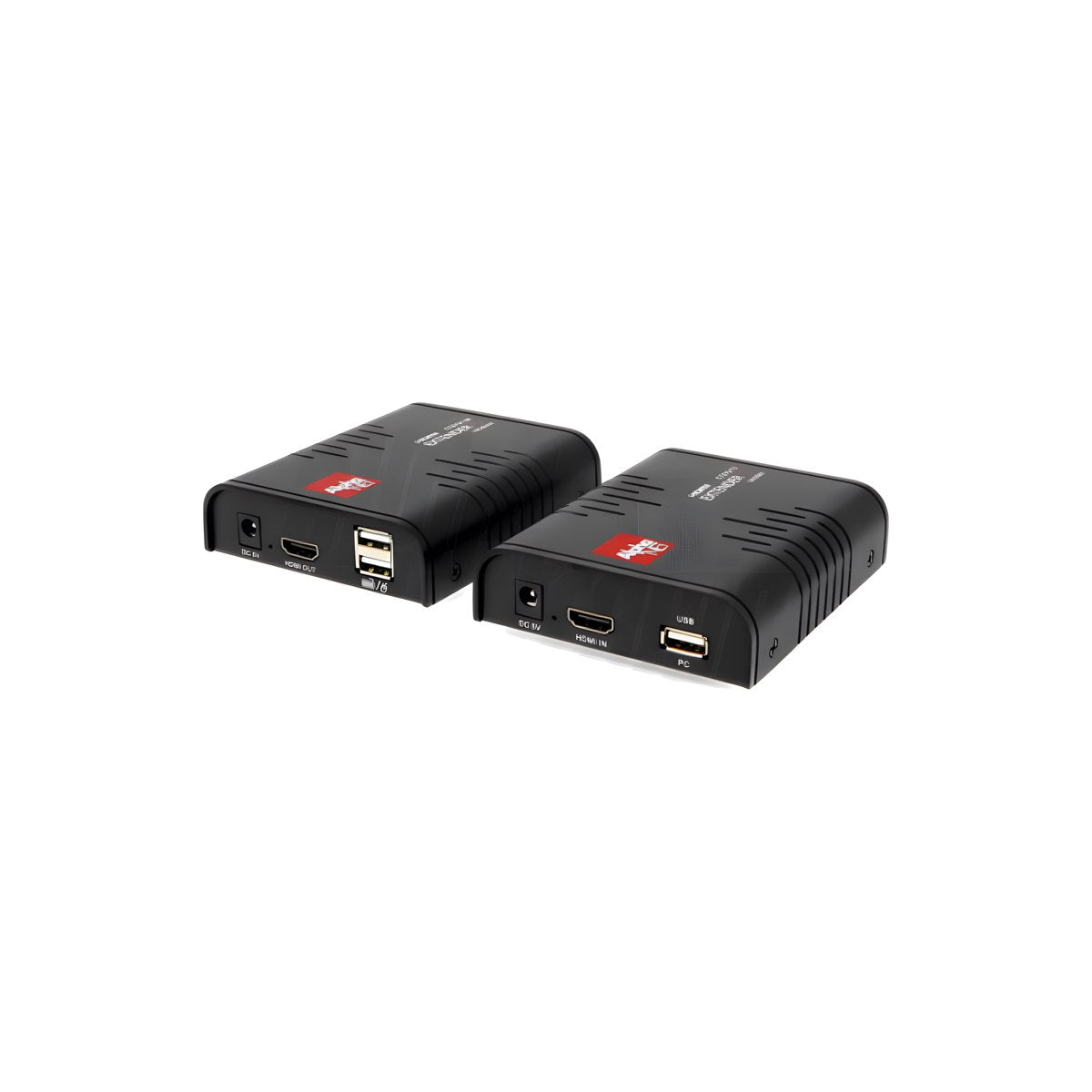
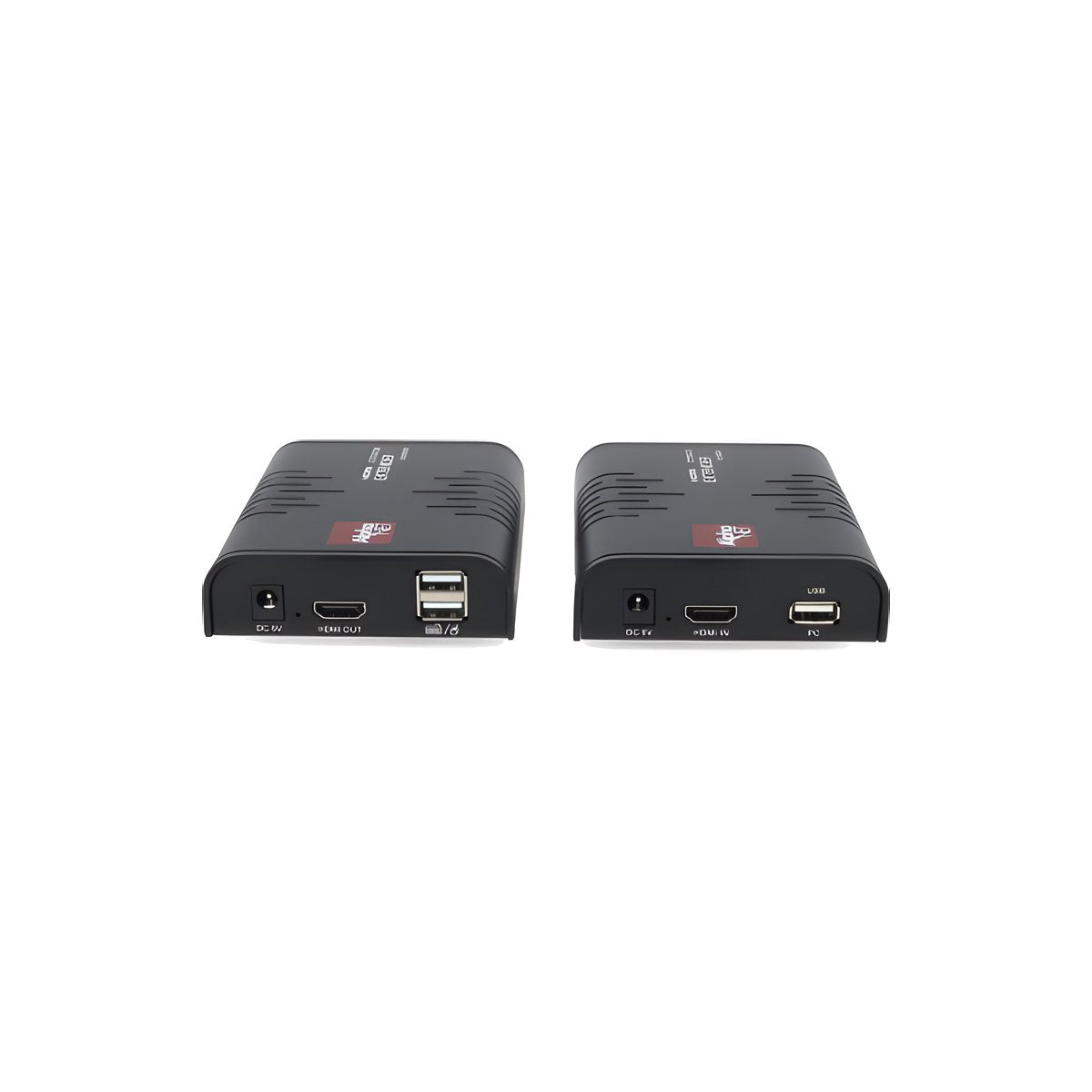
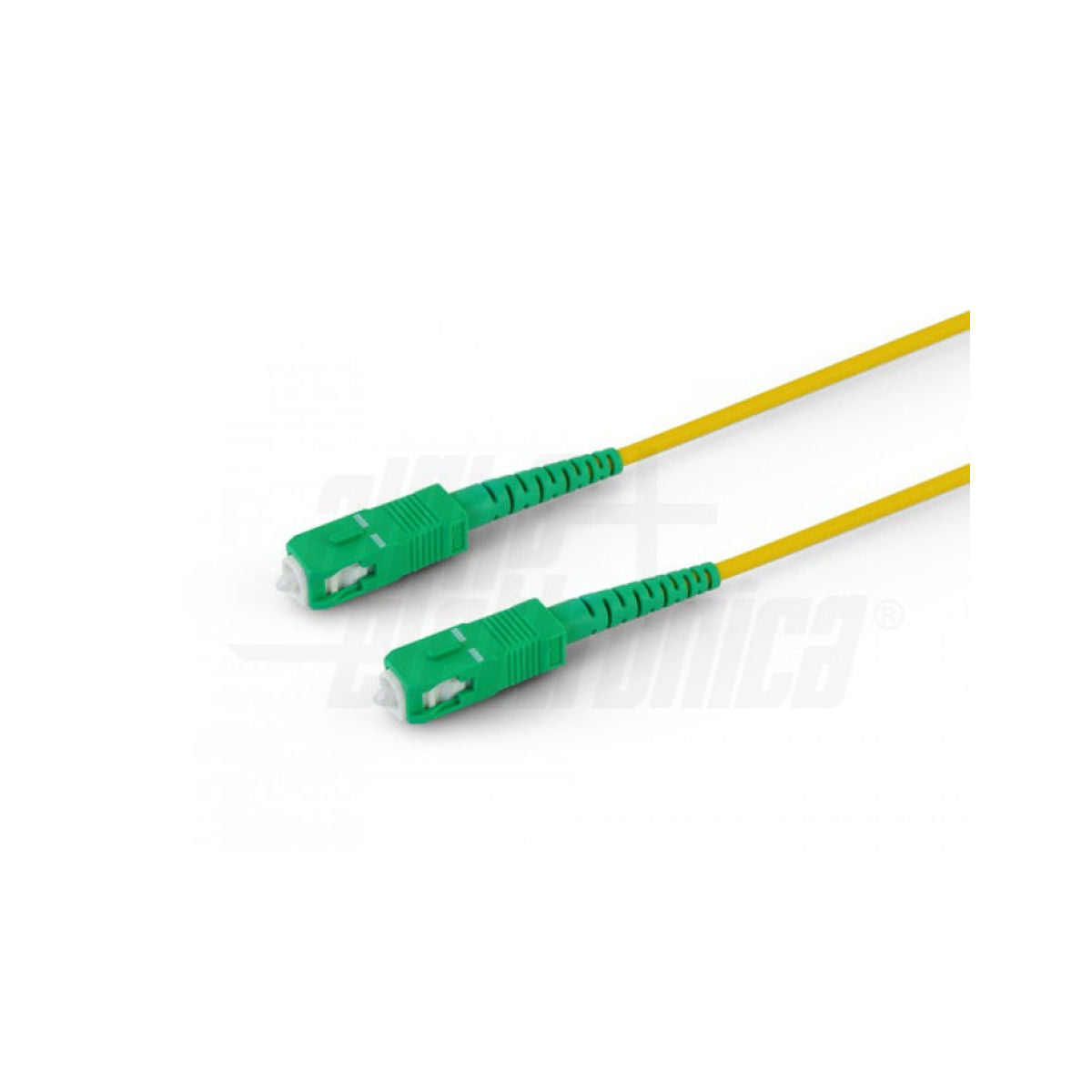
Need to carry the signal from a decoder, PC, or console where the HDMI cable doesn't reach? HDMI extenders carry it over Cat.6 Ethernet cable up to 120 m, over the LAN to multiple TVs, or over fiber optics up to 40 km, in Full HD or 4K 60Hz, with the remote control working from the other side too.
Ethernet, Over IP, and fiber HDMI extenders: start with the distance and how many TVs you need to serve
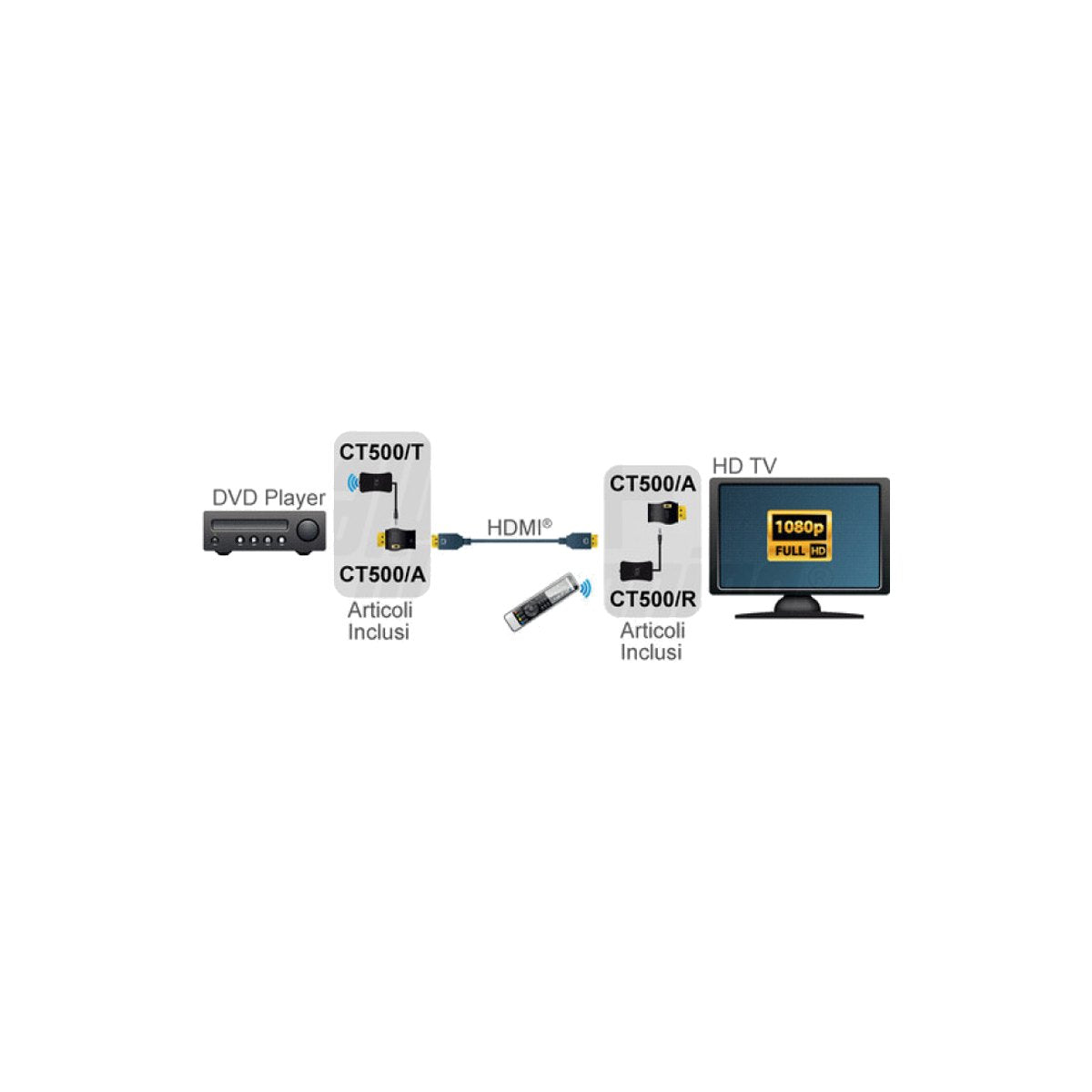
A passive HDMI cable works well up to 10–15 meters; beyond that, the signal degrades, resulting in a black screen, flickering, or audio dropouts. HDMI extenders (HDMI extender in English) solve this with a transmitter near the source, a receiver near the TV or projector, and, in between, a network cable, the building's LAN, or fiber optics.
The choice comes down to three questions: how many meters you need to cover, how many TVs you need to serve with the same source, and whether you also need the remote control, mouse, or keyboard on the other side. In this selection, you'll find all the families: HDMI repeaters for short runs, extenders over Cat.6 cable from 40 to 70 m, HDBaseT up to 120 m (150 m in Full HD), HDMI Over IP systems to distribute one or more sources to multiple screens, and fiber up to 40 km.
If you already have a system installed and need to add a screen, additional receivers only work with their series: check the CT code on your transmitter before ordering.
Before ordering: 3 checks almost no one tells you
1. What source do you have? The problem is often HDCP
Every source protects the signal with HDCP, and if the extender doesn't support the same version, the image will cut in and out or remain black. This is the case we see most often with the Sky Q decoder: choose an extender with stated HDCP 2.2, even if you watch in Full HD.
| Your source | What the extender must have | Models with stated HDCP 2.2 |
|---|---|---|
| Sky Q decoder, decoder, and 4K TV box | HDCP 2.2, 1080p or 4K at 50/60 Hz | 4K 60Hz 70 m PoC HDMI Extender · 4K Cascade HDMI Extender |
| Latest generation console, UHD players | HDMI 2.0, 18 Gbps, HDCP 2.2 | HDMI 2.0 4K 70 m Extender with S/PDIF output |
| PC, cameras, digital signage without protected content | The right resolution: HDCP matters little | Any model in the table below |
2. Is the remote control infrared or Bluetooth?
The repeater built into the extenders only carries infrared commands. The Sky Q remote control is originally IR, but when you pair it with the decoder, it switches to Bluetooth and the repeater no longer sees it: it must be switched back to IR mode. The same applies to Bluetooth remotes for streaming sticks and consoles. If the remote control does not need to pass through the extender, you do not need the model with IR.
3. The real meters depend on the Hz
The "up to 50 m" of many Full HD extenders applies at 1080p 30 Hz. Decoders and consoles output at 50 or 60 Hz, and at that frequency, the distance decreases.
| Model | Meters at 1080p 30 Hz | Meters at 1080p 60 Hz |
|---|---|---|
| 1080p 50 m Cat.5e/6 Extender with IR (CT373/9) | 50 m | 30 m |
| 1080p 50 m Loop-Out Extender with EDID (CT373/9/1) | 50 m | 30 m |
| PoC 1080p 50 m Extender with EDID and IR (CT374/9/1POE) | — | 50 m |
| 1080p 60Hz 70 m Loop Out Extender (CT373/11) | — | 70 m |
Rule of thumb: measure the run, add 20%, and choose based on the frequency of your source, not the number on the box.
Which HDMI extender do you need
| Your situation | Distance | Technology | Where to start |
|---|---|---|---|
| HDMI cable already laid but too long, the signal cuts in and out | up to 25 m in 4K 60Hz (13 m in 8K) | Active HDMI repeater | 4K 60Hz 25 m HDMI Repeater |
| Decoder or PC in another room, a single TV | 50–70 m in Full HD 60 Hz | Point-to-point Cat.6 cable extender | 1080p 60Hz 70 m HDMI Extender |
| 4K 60Hz source: console, 4K decoder, home cinema | up to 70 m | HDMI 2.0, 18 Gbps, HDCP 2.2 extender | 4K 60Hz 70 m PoC HDMI Extender |
| PC in the server room, monitor, mouse, and keyboard elsewhere | up to 70 m in 4K 60Hz | KVM extender | 4K 60Hz 70 m KVM Extender with USB |
| Projector in a conference room or classroom | 120 m in 4K, 150 m in Full HD | HDBaseT | 4K 120 m HDBaseT Extender with KVM and IR |
| Same source on multiple TVs in a bar, store, or home | 120 m per switch-receiver run | Over IP 1:N on Gigabit switches | 1080p 1:N HDMI Over IP Extender |
| Multiple TVs in a row in the same room, without switches | 70 m per run, up to 10 receivers | 4K Cascade | 4K Cascade HDMI Extender |
| Multiple sources on multiple screens, matrix or video wall | 100 m per run | Over IP N:N (H.264/H.265) or 10G SDVoE | N:N Over IP Encoder CT375/23T |
| Between two buildings, warehouses, cables near power lines | up to 40 km | Single-mode fiber optics | 4K 60Hz 40 km Fiber HDMI Extender |
Ready-made configurations: one click and they're in the cart
| Configuration | What's inside | |
|---|---|---|
| 3 TVs from the same source in Full HD (bar, waiting room) | Over IP Kit CT375/21 + 2 receivers CT375/21R | Add to cart |
| 3 TVs with the decoder remote control on each screen | Over IP Kit CT375/9/2 + 2 receivers CT375/9/2R | Add to cart |
| 3 TVs in a row in 4K, without switches | Cascade Kit CT374/12 + 2 receivers CT374/12R | Add to cart |
For Over IP systems, a managed Gigabit switch with IGMP snooping enabled is also required, not included in the carts: without it, the multicast video stream saturates the network. Any professional-grade Gigabit switch that lists it in its specifications will do.
How to choose an HDMI extender: resolution, cable, and power supply
1080p, 4K 30Hz, or 4K 60Hz
Look at what comes out of the source. An HD satellite decoder or an office PC works perfectly with a 1080p HDMI extender. Latest generation consoles, 4K decoders, and UHD players require an 18 Gbps HDMI 2.0 model that supports 4K 60Hz 4:4:4: a 4K 30Hz extender will transmit the image, but the difference is noticeable in games and sports. The stated distances change with the resolution: the same device that does 70 m in Full HD often stops at 40 m in 4K.
The network cable matters more than the extender
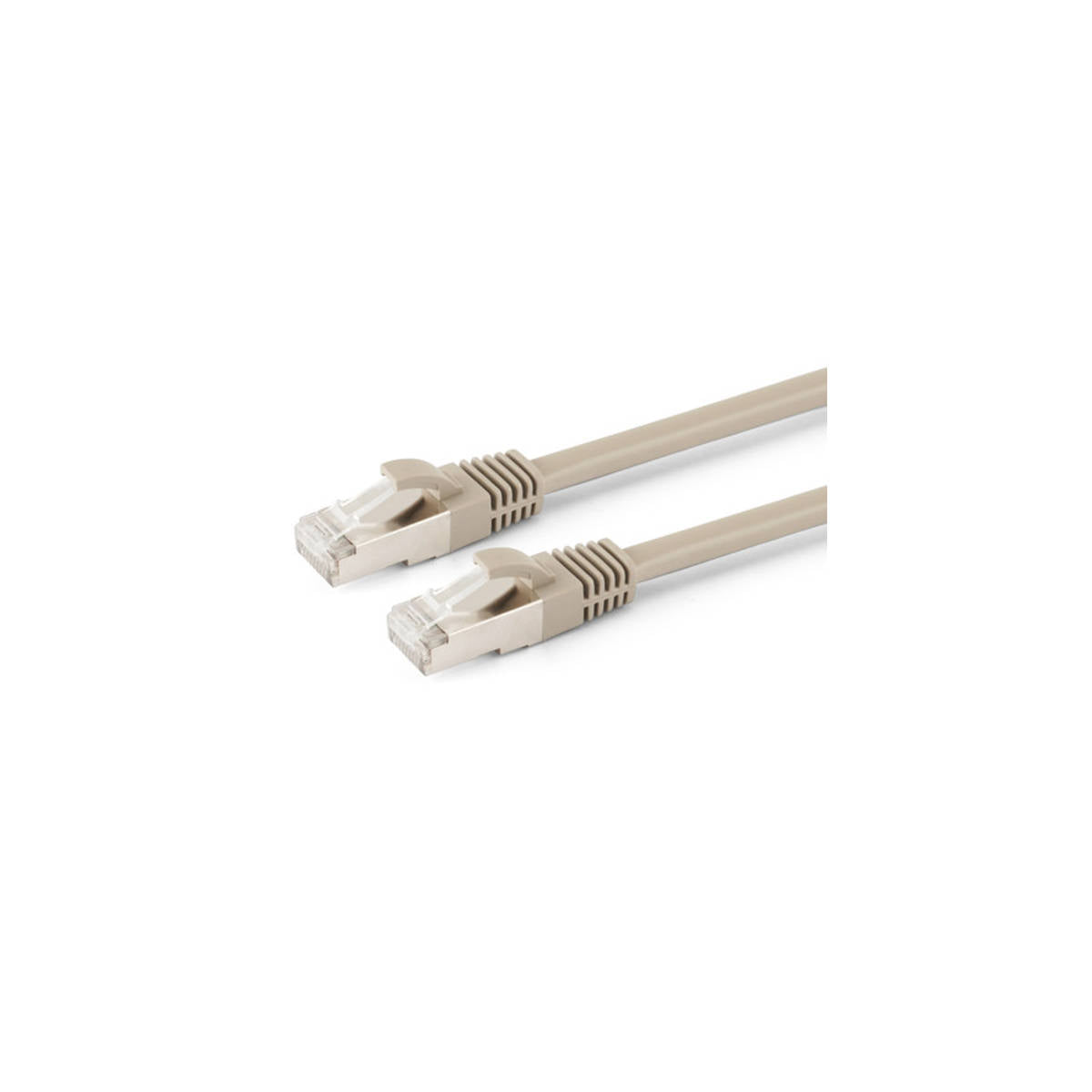
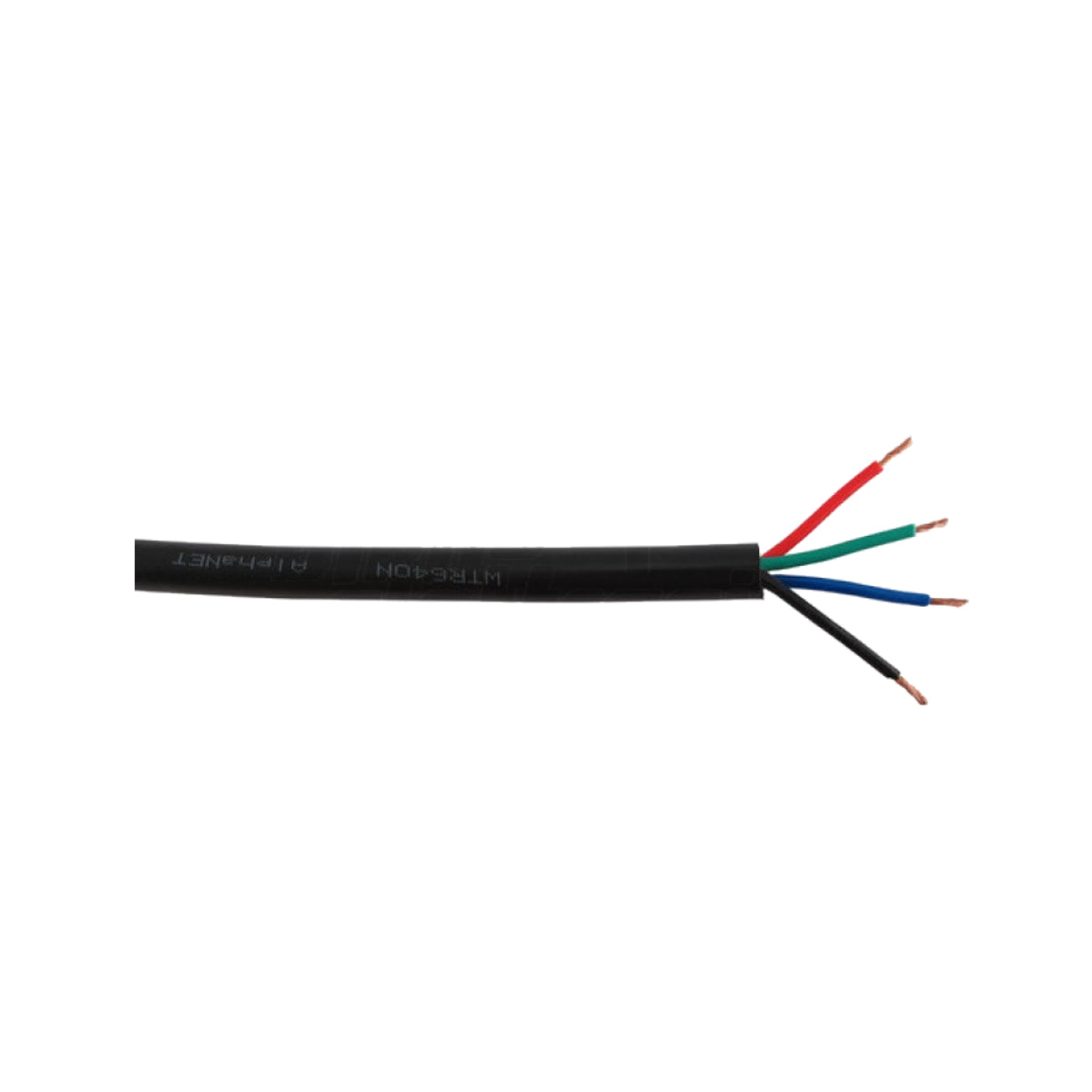
The distances in the specifications apply to solid copper Cat.6 cable, AWG 23 or 24, laid in a single run. CCA (copper-clad aluminum) cables, wall outlets, and patch panels in between reduce the meters and are the leading cause of a black screen. In point-to-point extenders, the cable goes directly from the transmitter to the receiver, without passing through switches or routers. If the cable needs to be laid, start with the Cat.6 solid copper spool.
Pay attention to the opposite as well: some 4K models require at least 2 m of network cable, because on runs that are too short, the signal arrives too strong and the image becomes unstable.
PoC: a single power supply for two devices
Many models are PoC (Power over Cable): you power the transmitter, and the receiver draws power from the network cable. Convenient when there is no free outlet behind a wall-mounted TV. It is not the PoE of network switches: they are two different systems and should not be mixed.
Remote control, KVM, loop-out, and EDID
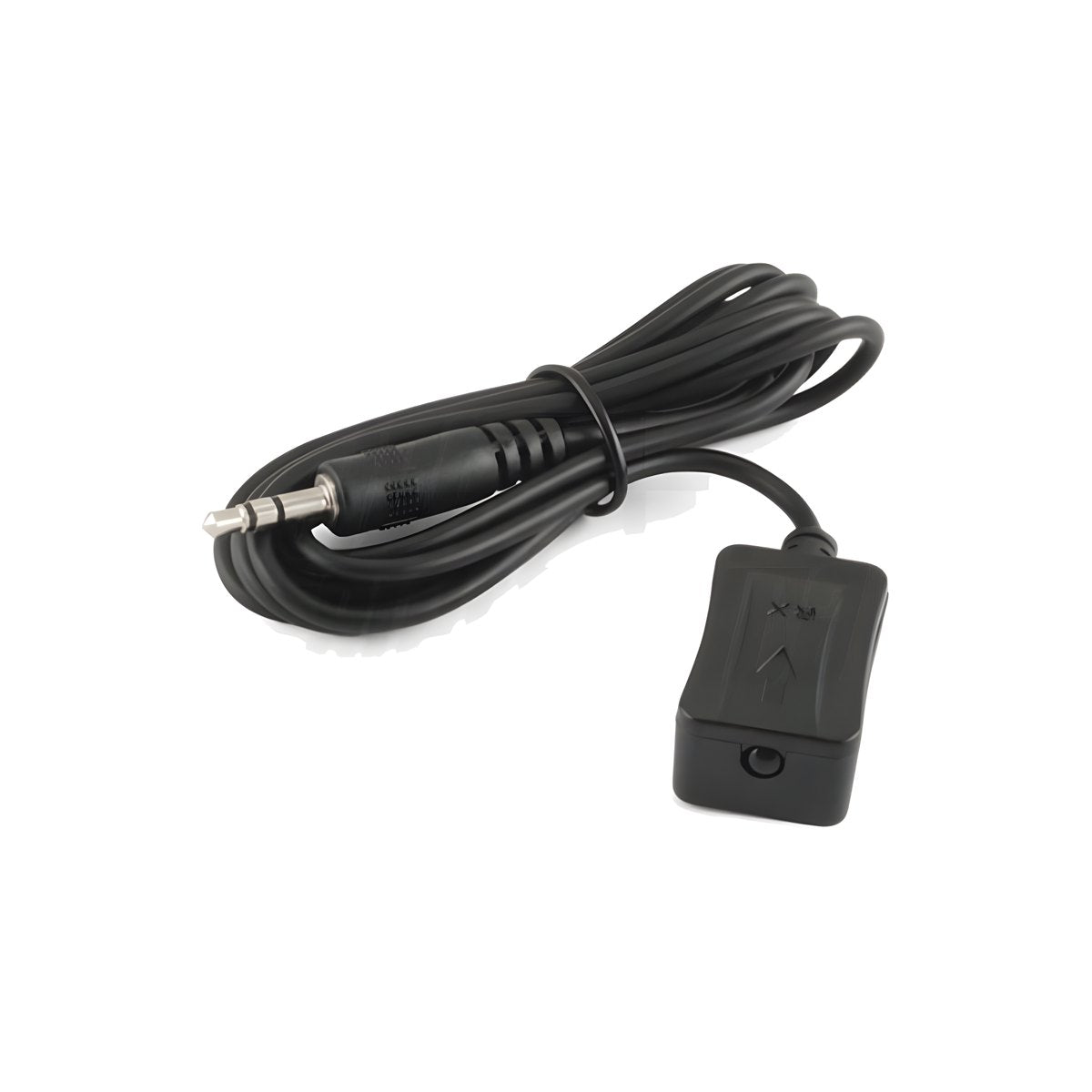
- IR repeater: point the remote control at the TV and the command reaches the decoder locked in another room.
- KVM: USB mouse and keyboard connected to the receiver control the remote PC.
- Loop-out: an HDMI output on the transmitter to keep another screen near the source.
- EDID: makes the source and screen communicate on the right resolution, useful when the TV is not recognized.
For short cables and connectors, you'll find everything in the HDMI cables.
HDMI Over IP: one source on all TVs on the network
With HDMI Over IP extenders, the transmitter connects to a Gigabit switch and each TV has its own receiver on the same network: add screens whenever you want, without redoing the system. The switch must handle IGMP snooping, otherwise the video traffic congests the network. In 1:N systems, one source goes to multiple screens; in N:N systems (CT375/23 encoder/decoder, CT375/16 SDVoE transceiver), each screen chooses which source to view, and matrices and video walls are built.
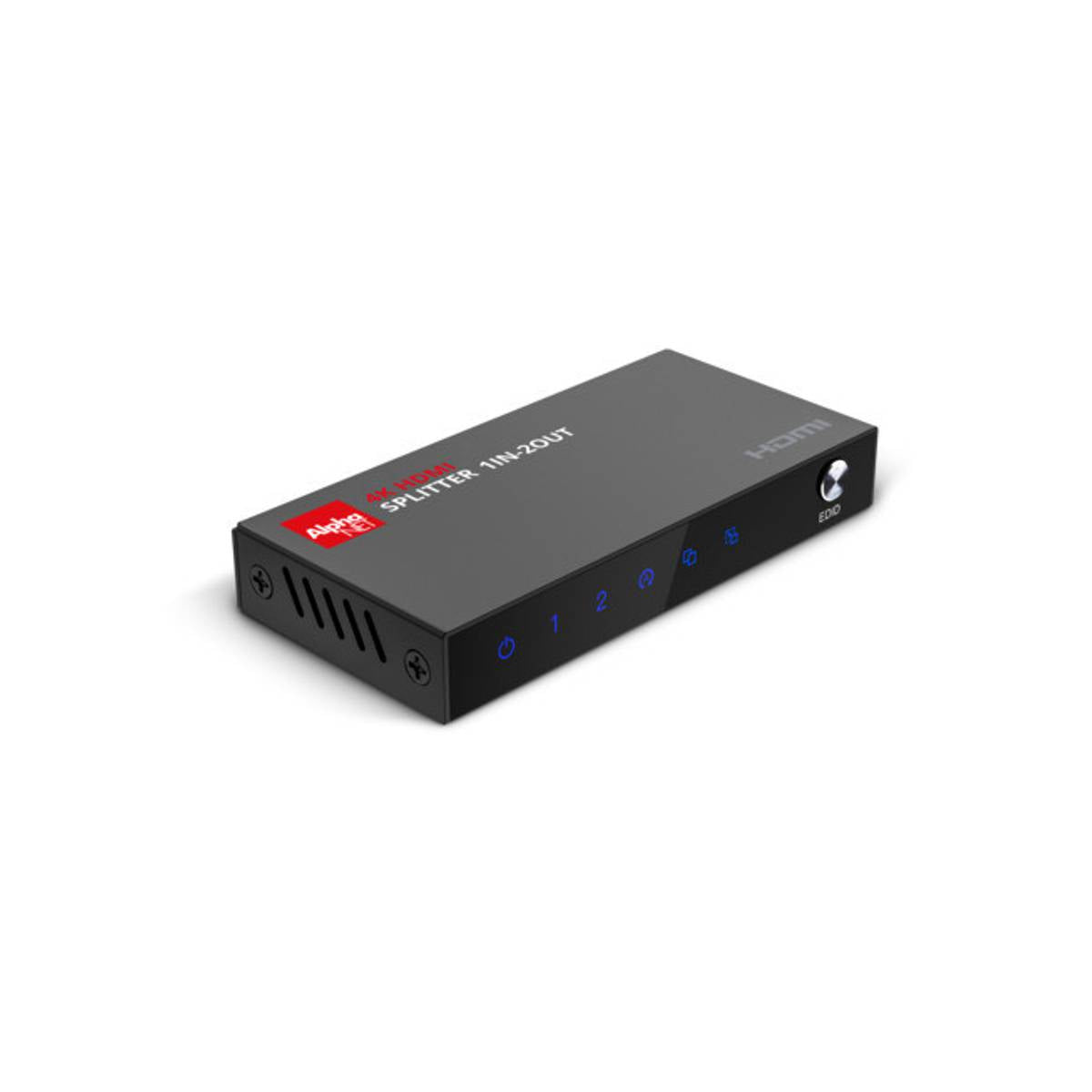
If there are 2–4 TVs and they are all near the source, an HDMI splitter is often enough; to choose between multiple sources on multiple screens in a single rack, there is the HDMI matrix.
Additional receivers: which one goes with which
| Your system | Features | Compatible additional receiver |
|---|---|---|
| CT375/9/2 Kit (or CT375/9T transmitter) | 1080p, 100 m, IR, loop-out | CT375/9/2R Receiver |
| CT375/21 Kit | 1080p, 120 m | CT375/21R Receiver |
| Kit CT375/13 | 1080p KVM, 120 m (240 m with switch) | CT375/13R Receiver |
| CT375/12 Series | 4K 30Hz KVM, 100 m | CT375/12R Receiver |
| Cascade Kit CT374/12 | 4K 60Hz, 70 m per segment, up to 10 receivers | CT374/12R Receiver |
| Encoder CT375/23T | 1080p N:N, 9x9 video wall | CT375/23R Decoder |
HDMI Extenders for bars, conference rooms and professional installations
In public venues, a typical setup is a sports decoder at the back and four or five TVs in the room: Over IP if there is already a network, Cascade if the TVs are lined up along a wall. In meeting rooms and classrooms, HDBaseT delivers 4K, RS232 control and remote control to the projector over a single cable up to 120 m. In video surveillance, industry and building-to-building connections, single-mode fiber optic reaches up to 40 km and is immune to electromagnetic interference from motors and power lines, where copper fails.
For projects with multiple sources, screens and controls, the fastest way is to send us the floor plan, distances and source models: write to us at info@oniroview.com and we will respond with the configuration and quote.
Want to learn more about the technical differences? Read the guide to choosing professional HDMI extenders.
The bench advice
When an extender "doesn't work", we almost always find one of two things at the bench: a network cable already in the building, old or salvaged, or a Sky Q decoder. For the cable, if it is to be installed, get Cat.6 solid copper; if it is already in the wall, tell us how many meters it is and what label is printed on it. For Sky Q, choose a model with HDCP 2.2 and check that the remote control is in IR mode. The Alpha Elettronica extenders we have sold for years have always worked: the problem usually lies before or after.
Frequently asked questions about HDMI extenders
How many meters does an HDMI extender over network cable reach?
It depends on the technology, resolution and frequency: many 50 m models only reach it at 1080p 30 Hz and drop to 30 m at 60 Hz. Point-to-point extenders over Cat.6 cable cover 40 to 70 m, HDBaseT reaches 120 m in 4K and 150 m in Full HD, Over IP systems do 100–120 m for each segment between switch and receiver. Beyond that, you switch to fiber, up to 40 km.
What network cable is needed for an HDMI extender?
Cat.6 or higher in solid copper, AWG 23 or 24, in a single segment. CCA aluminum-clad copper cables and intermediate junctions such as wall outlets and patch panels reduce the useful distance. The distances stated in the data sheets apply to a continuous cable from transmitter to receiver.
Can I connect multiple TVs to the same source?
Yes, in three ways. With an Over IP 1:N extender, you connect one receiver for each TV to a Gigabit switch with IGMP snooping. With a Cascade extender, you put up to 10 receivers in a chain without a switch. If there are few TVs and they are close to the source, an HDMI splitter may be enough.
Does an HDMI extender work with the Sky Q decoder?
Yes, if it states HDCP 2.2 and supports 1080p or 4K at 50/60 Hz: with older extenders, the signal comes and goes or stays black. To control the decoder from the remote TV, you need an extender with an IR repeater and the Sky Q remote control in infrared mode, because in Bluetooth the command does not pass through the cable.
Is a wireless HDMI extender or one over ethernet cable better?
Wireless avoids laying the cable, but suffers from walls, interference and a delay that is noticeable on games and the remote control. Over ethernet cable, the signal is stable, without noticeable delays and with much greater distances. This is why we only deal with wired extenders: if the cable cannot be laid, ask us before ordering.
I already have an Over IP system: can I add another TV?
Yes, by purchasing the additional receiver of the same series, identifiable by the CT label on the transmitter. Receivers of different series are not interchangeable, even if they have similar resolution and distance. In the additional receivers table you will find the correct pairings.