

























Signal Converters
Filter
Sort by:

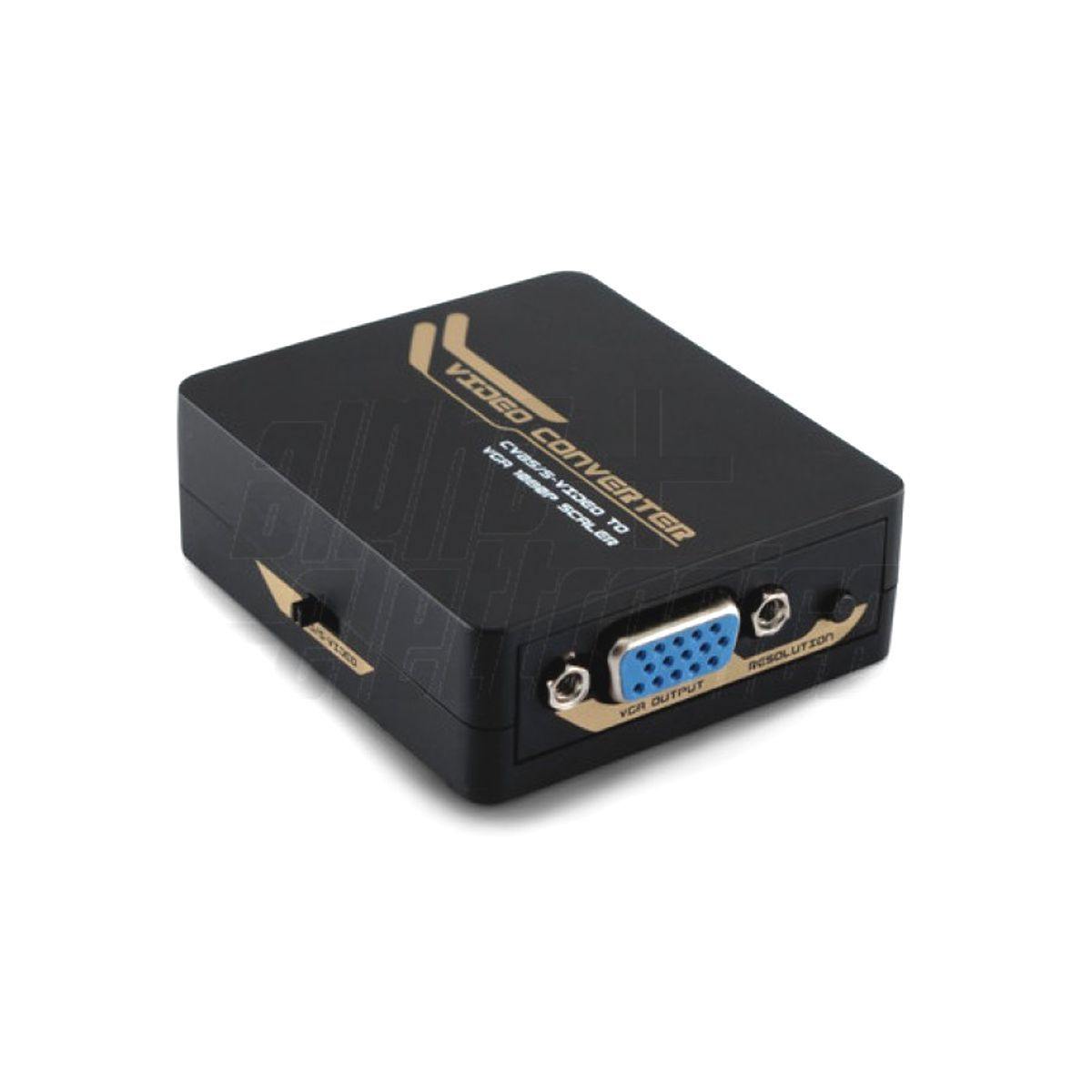
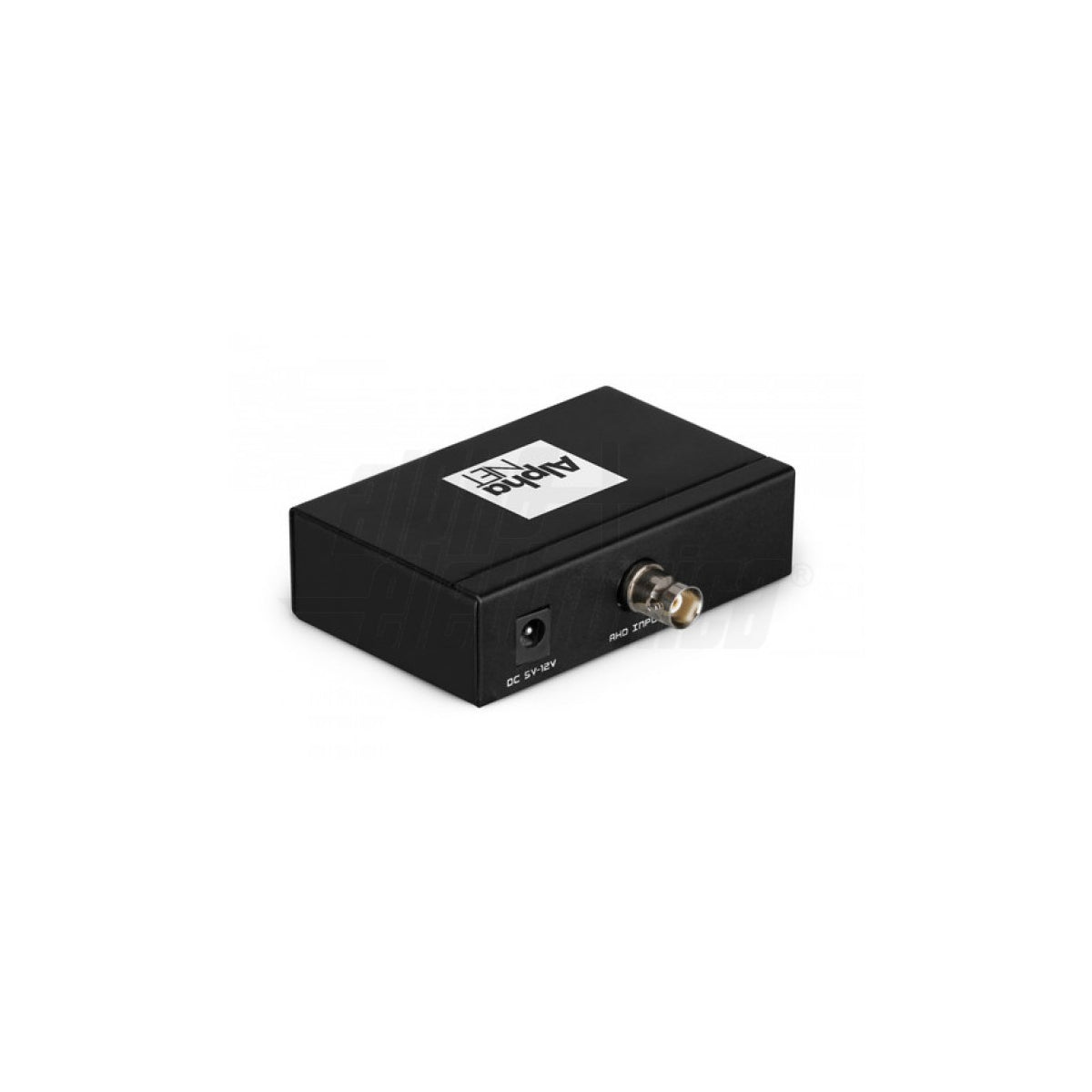
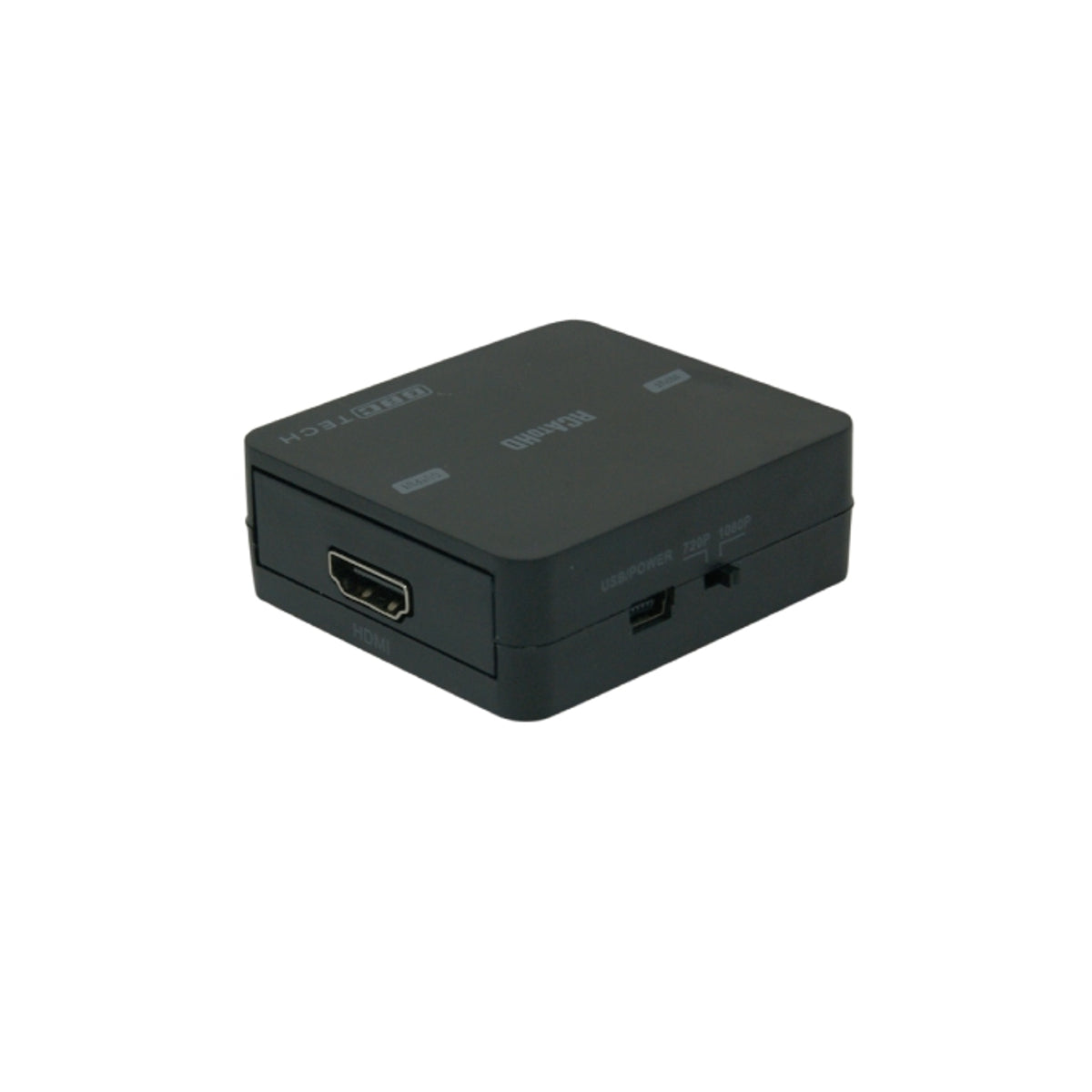
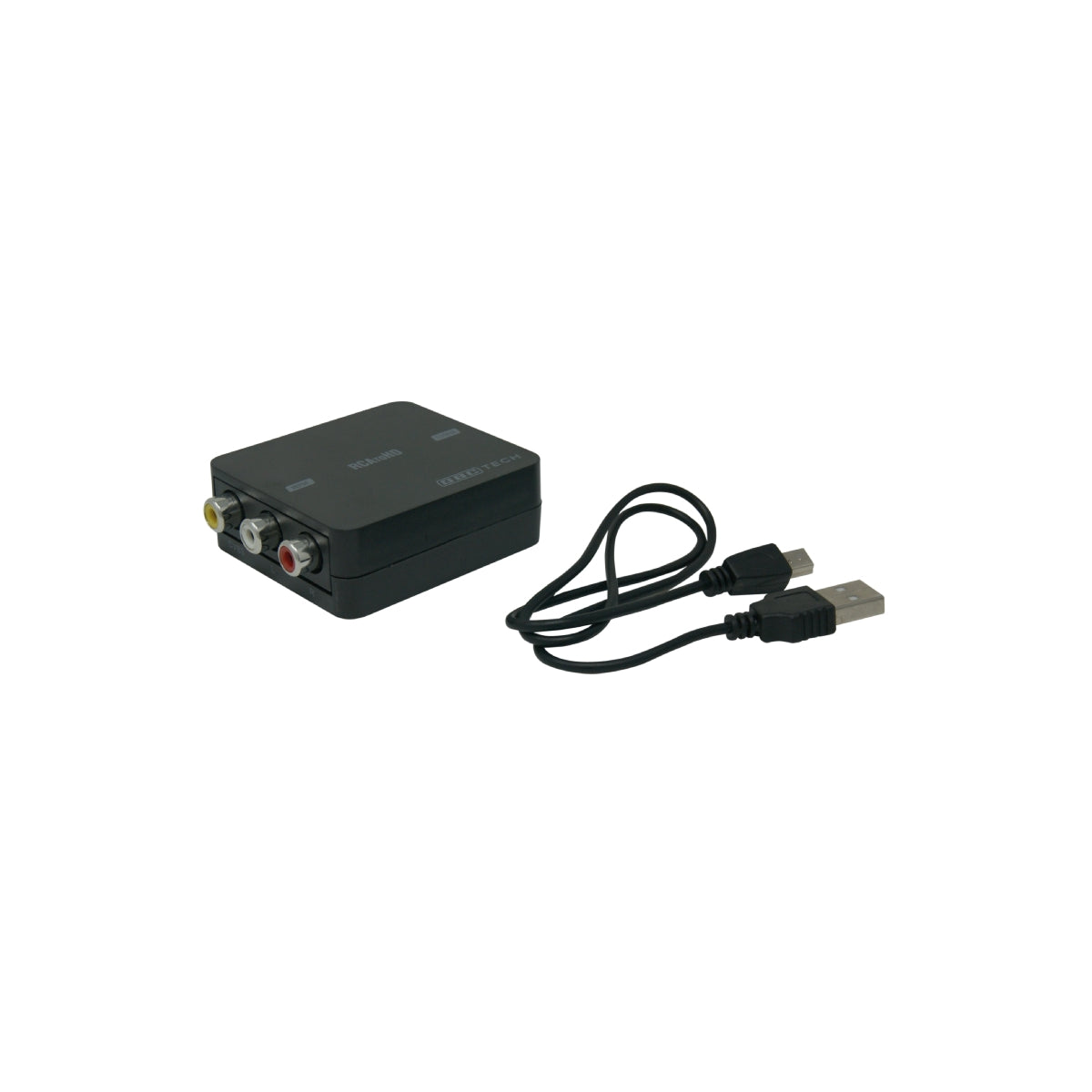


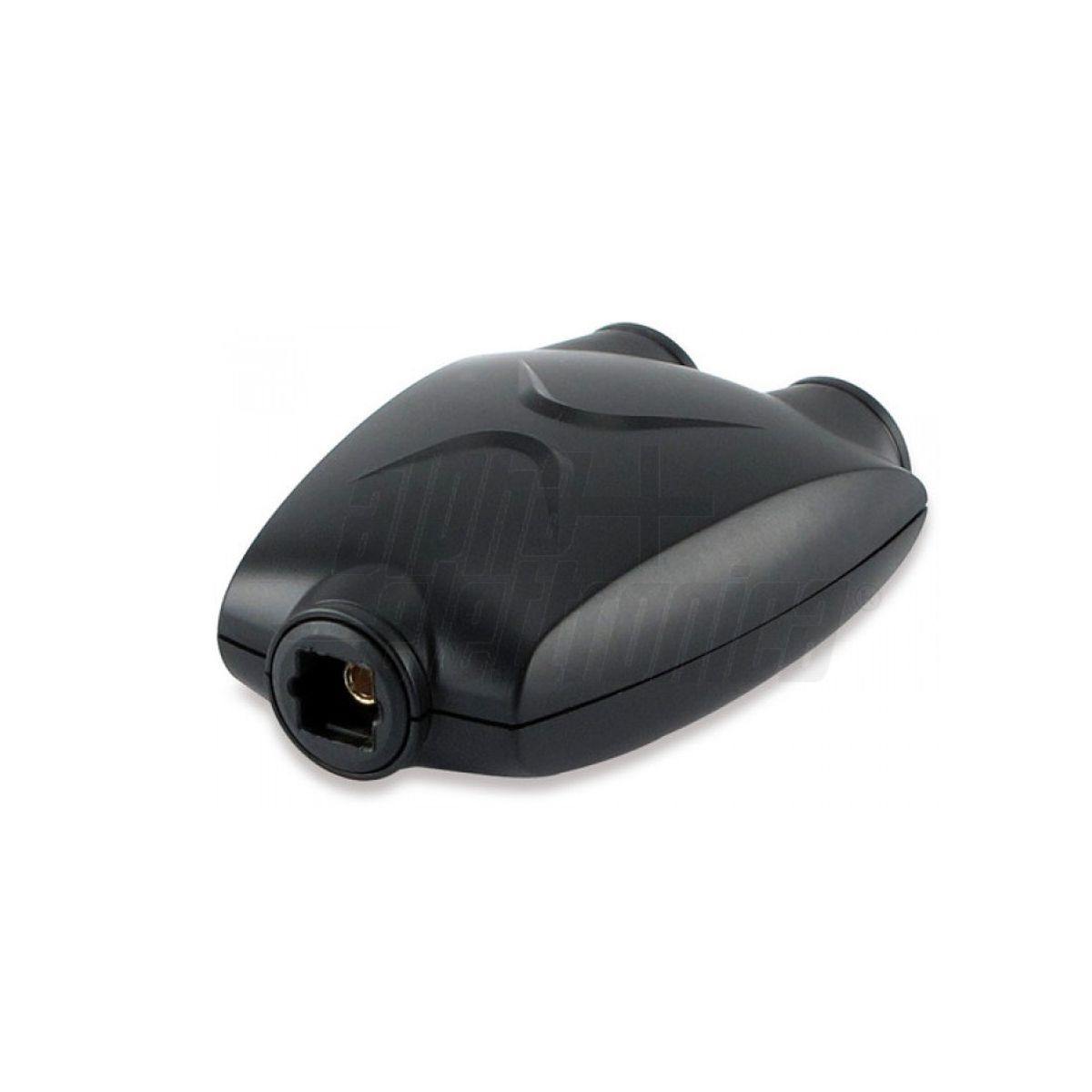

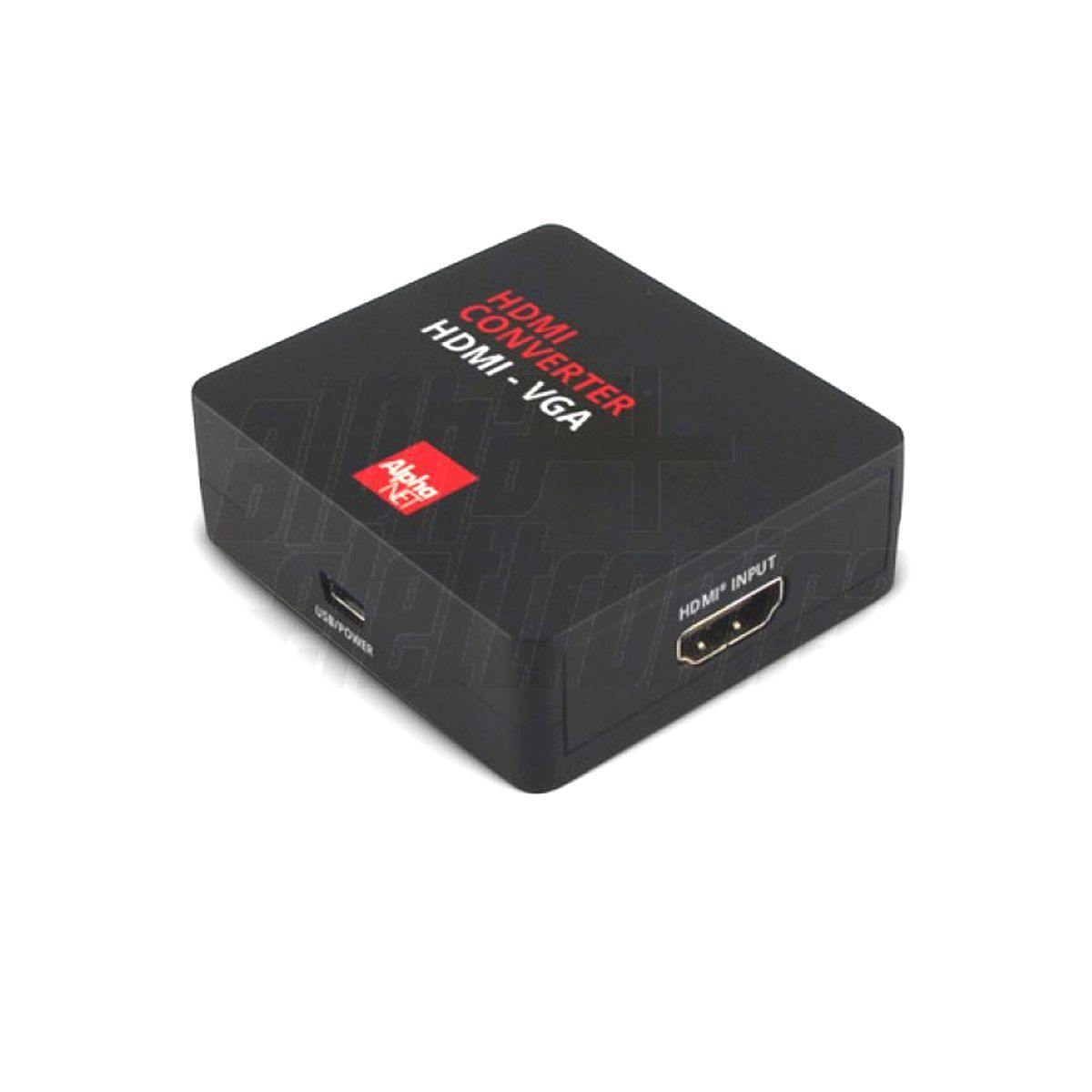
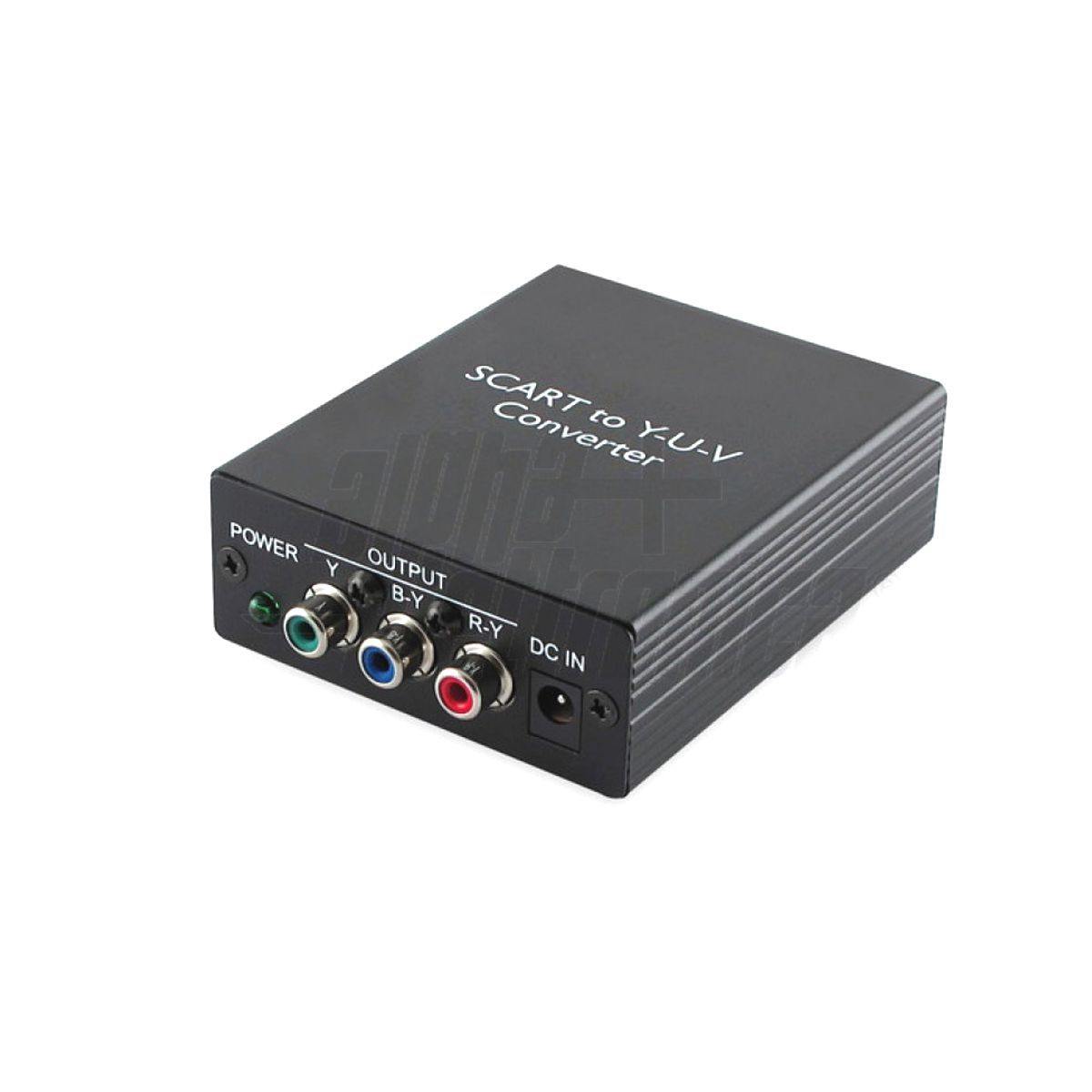
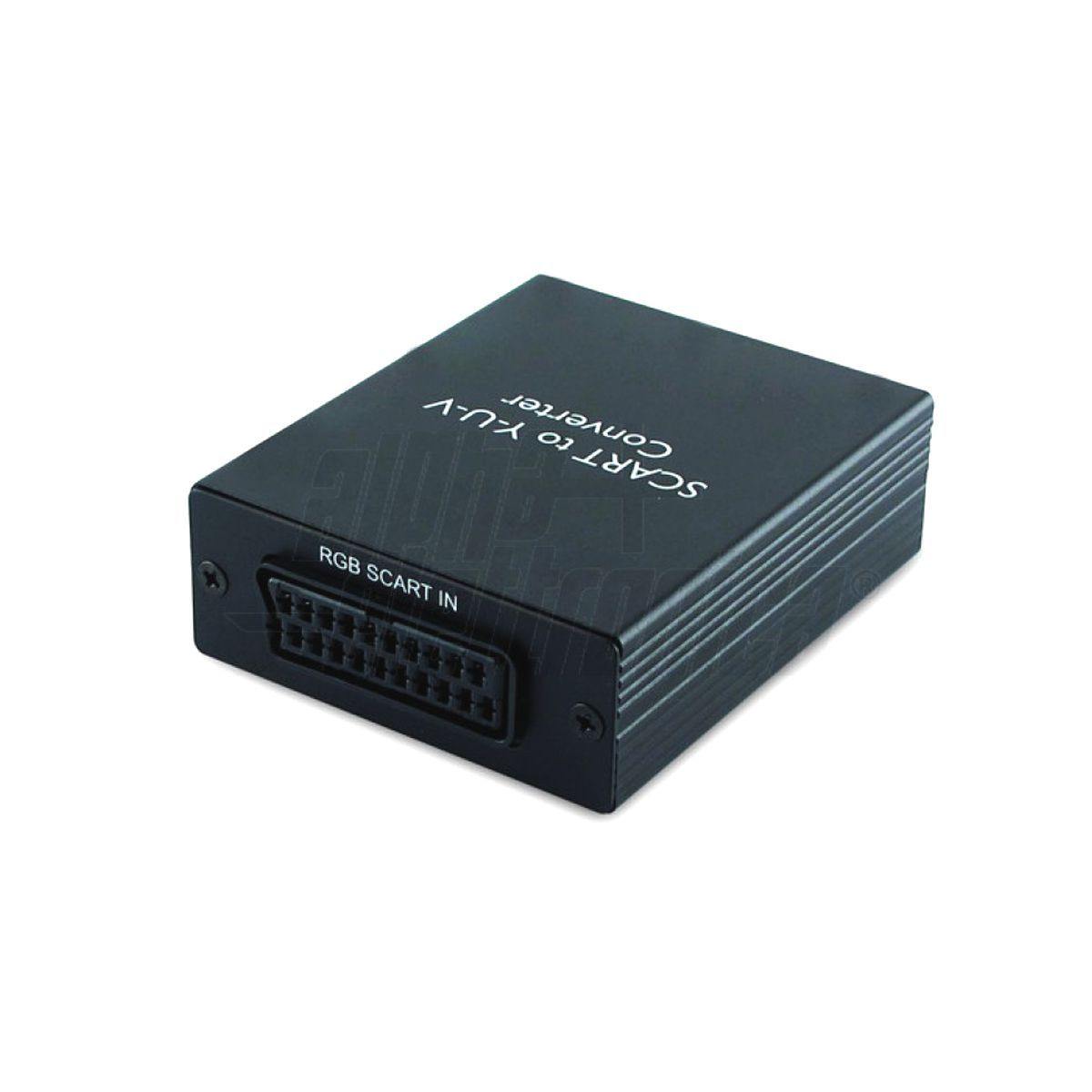
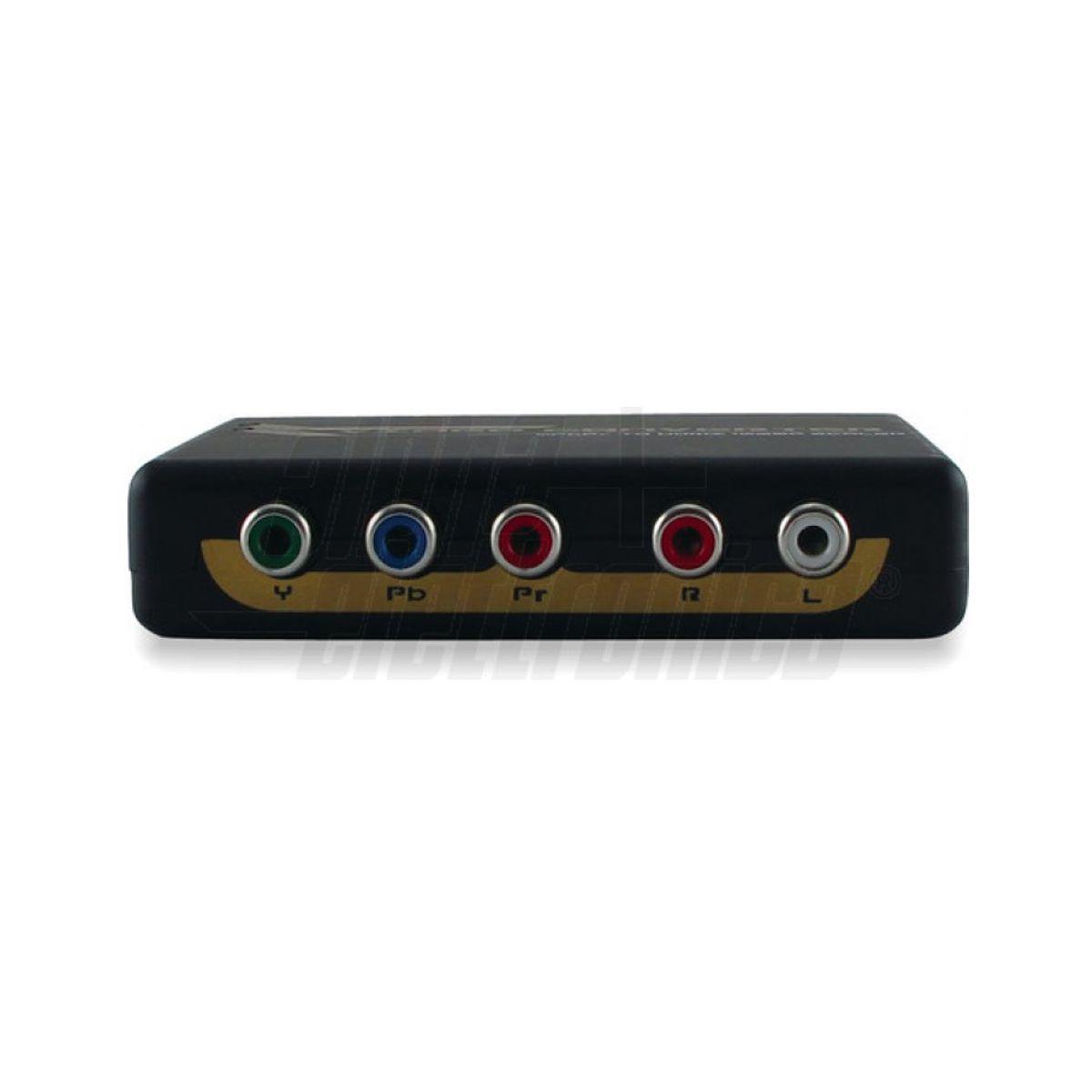
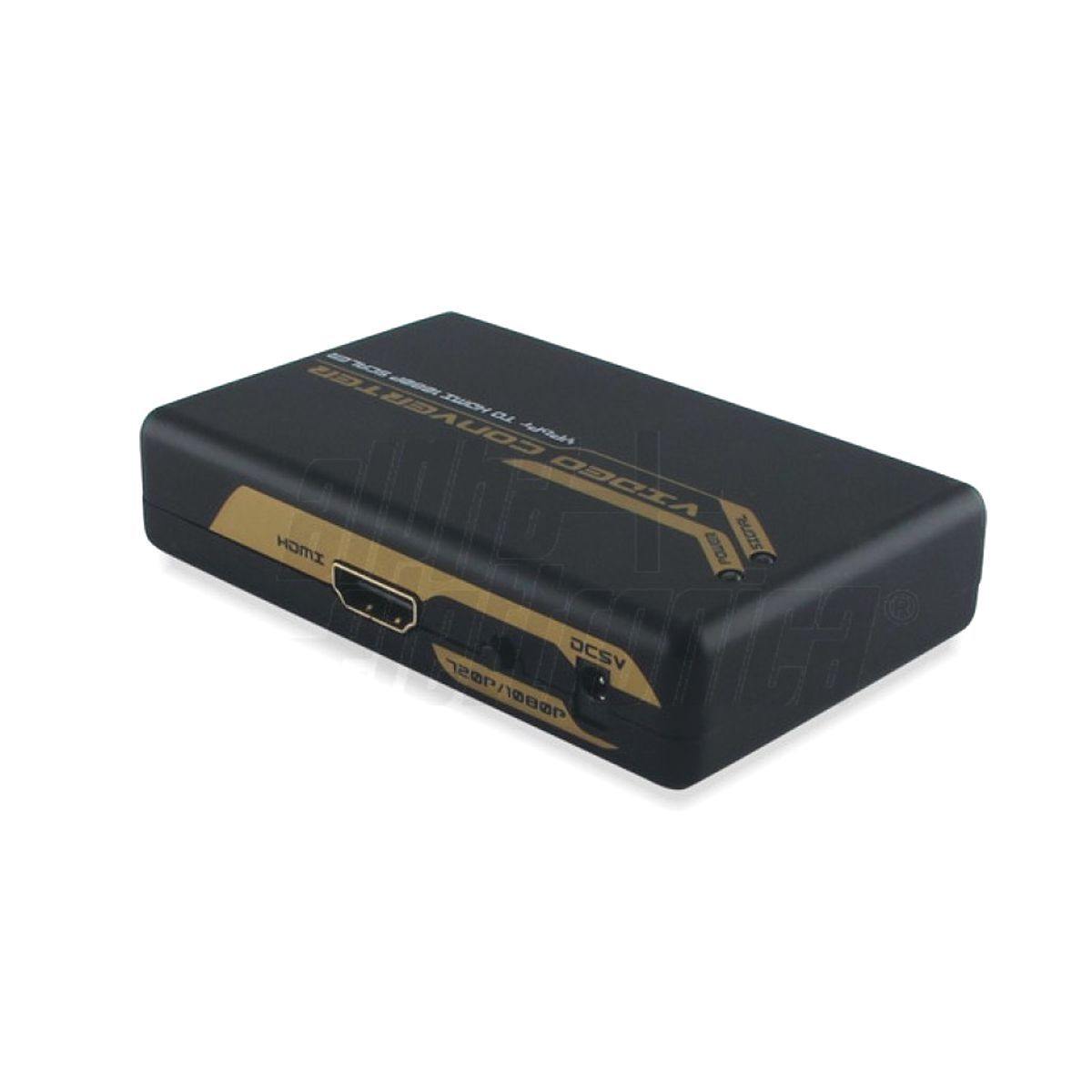


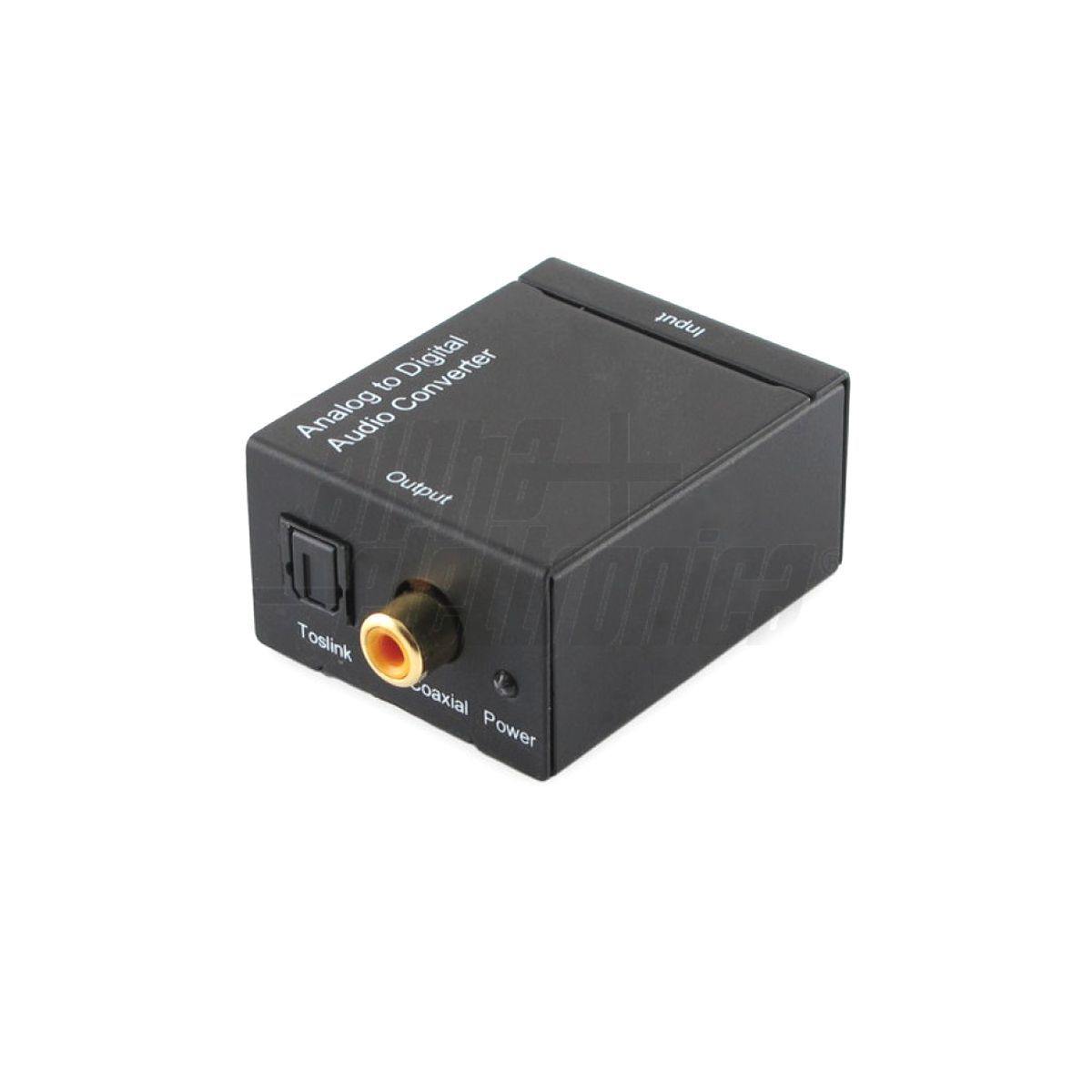




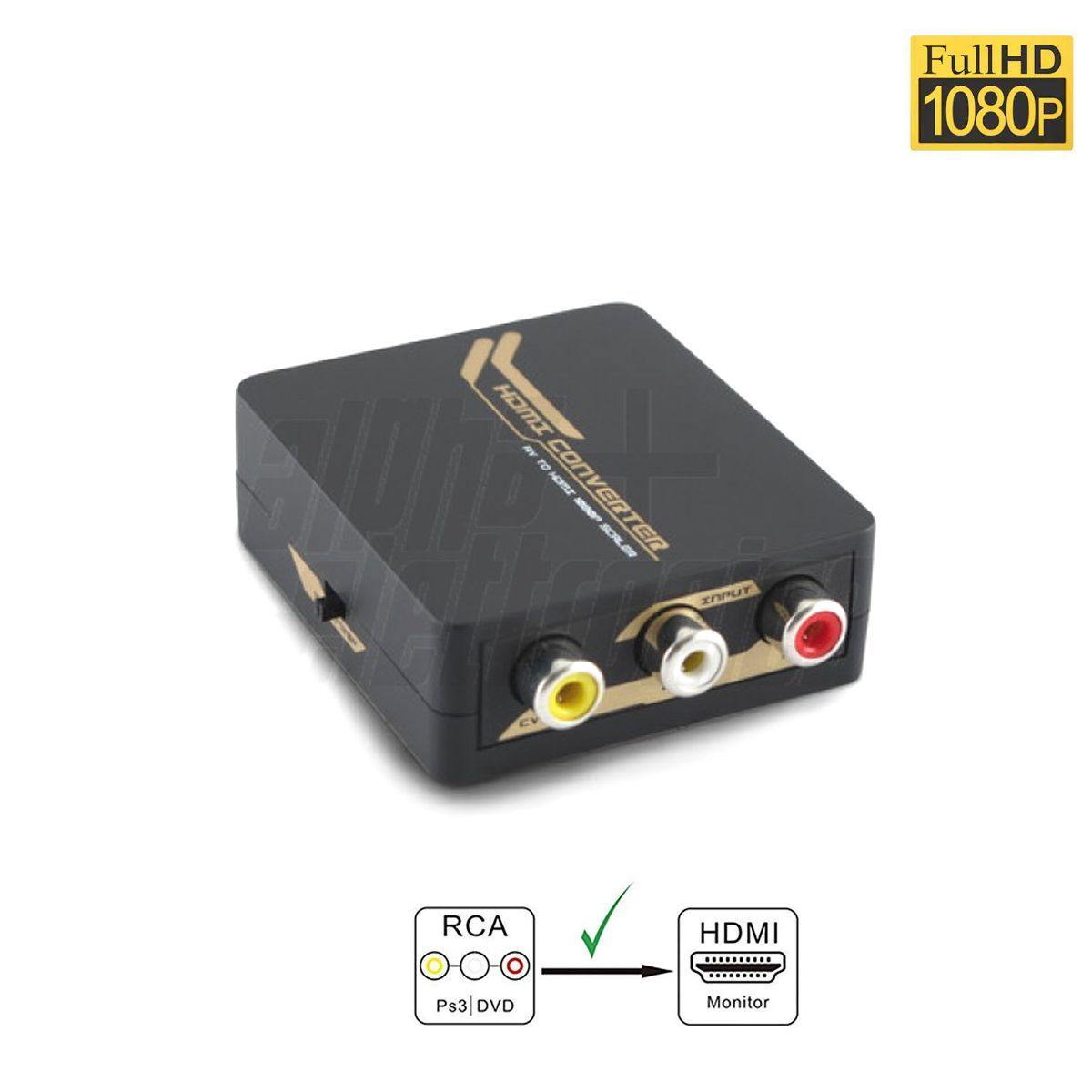
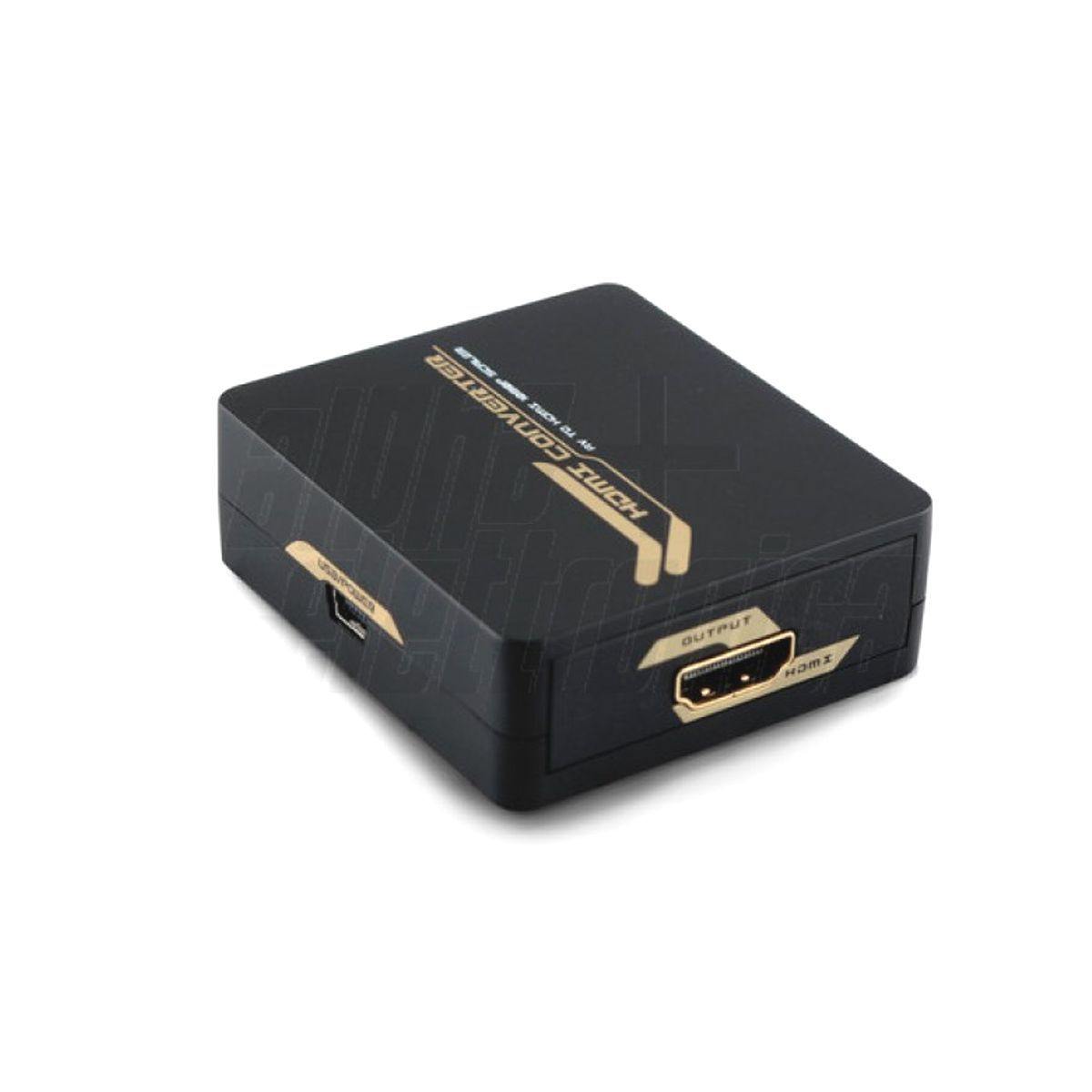
Signal converters: direction is not reversible
This is the most common purchase mistake in this category, and the one that generates the most returns. An HDMI → VGA converter does not work in reverse: it takes a digital input signal and produces an analog output, with circuitry that operates in only one direction. If you need the opposite path, you need a different product: a VGA → HDMI. Before choosing, write down on a piece of paper what you have as a source and what as a screen: the arrow always goes from left to right.
Selection table
| You have (source) | You need to connect it to | You need |
|---|---|---|
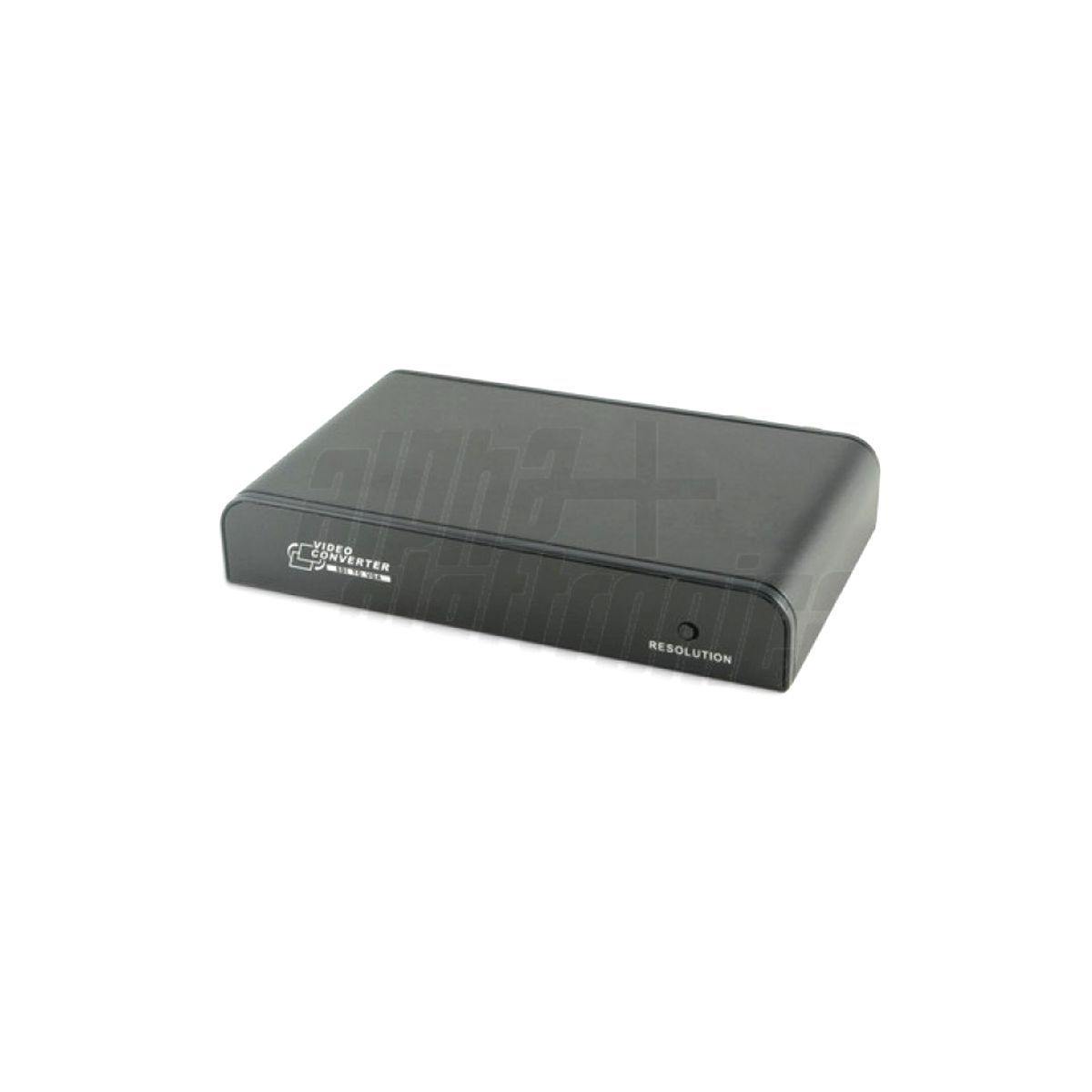
| Decoder, PC, or console with HDMI output | VGA monitor or projector | HDMI → VGA converter with audio |
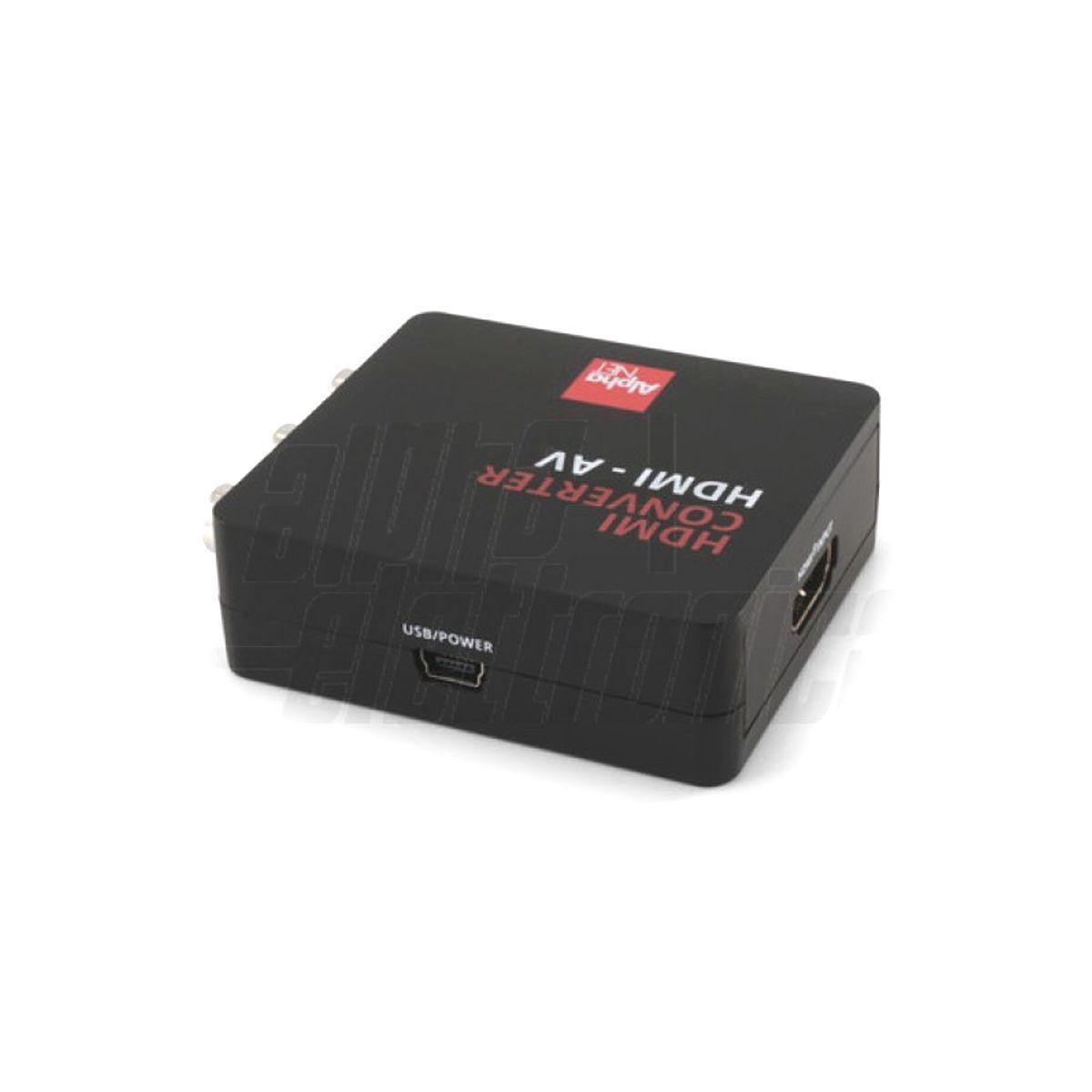
| HDMI source | TV or CRT monitor with RCA inputs | HDMI → Composite RCA converter + stereo audio |
| VCR, retro console, DVD player with RCA or SCART output | Modern television | RCA → HDMI or SCART → HDMI converter with scaler |
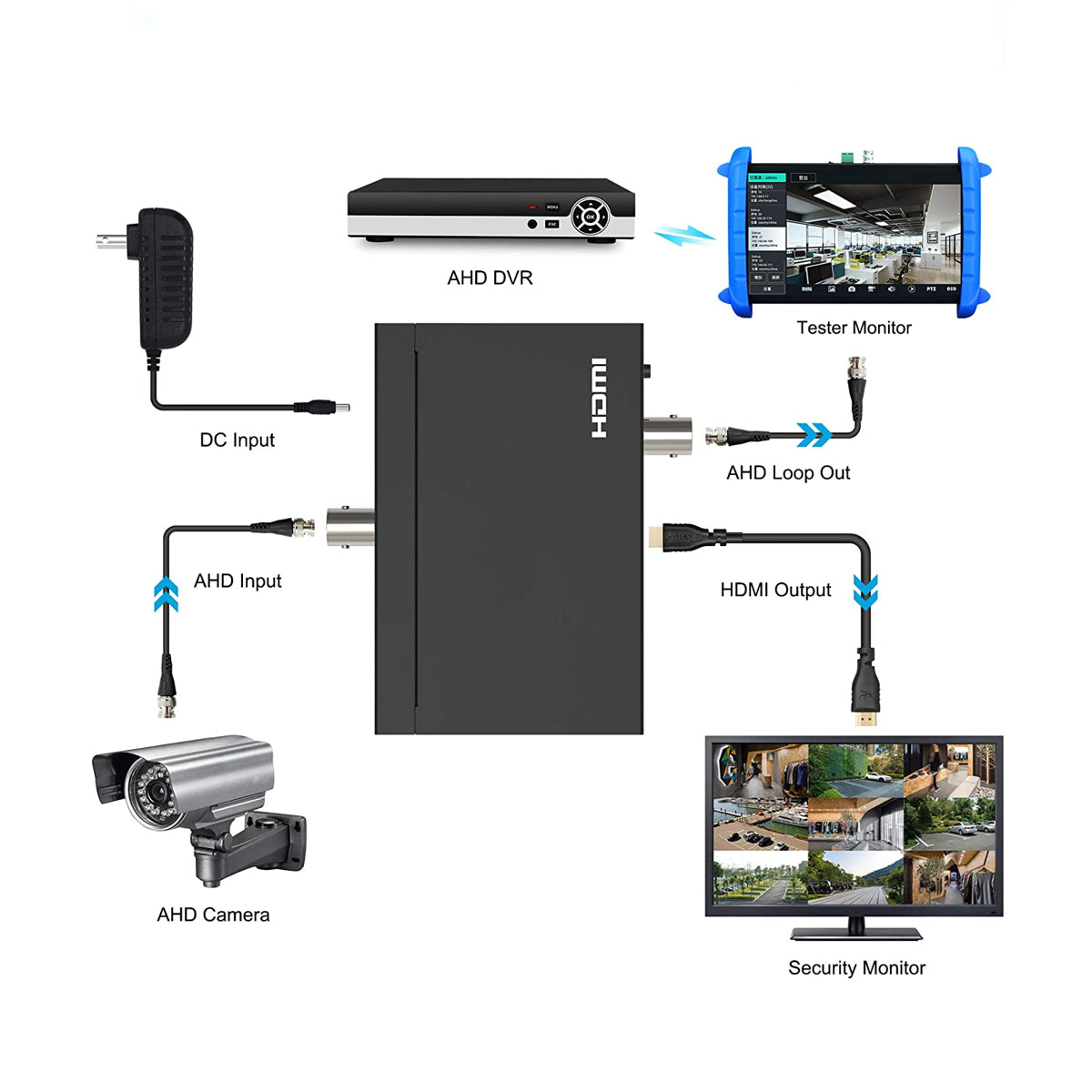
| Analog AHD or SDI cameras | HDMI or VGA monitor | AHD → HDMI or SDI → VGA converter with loop-out |
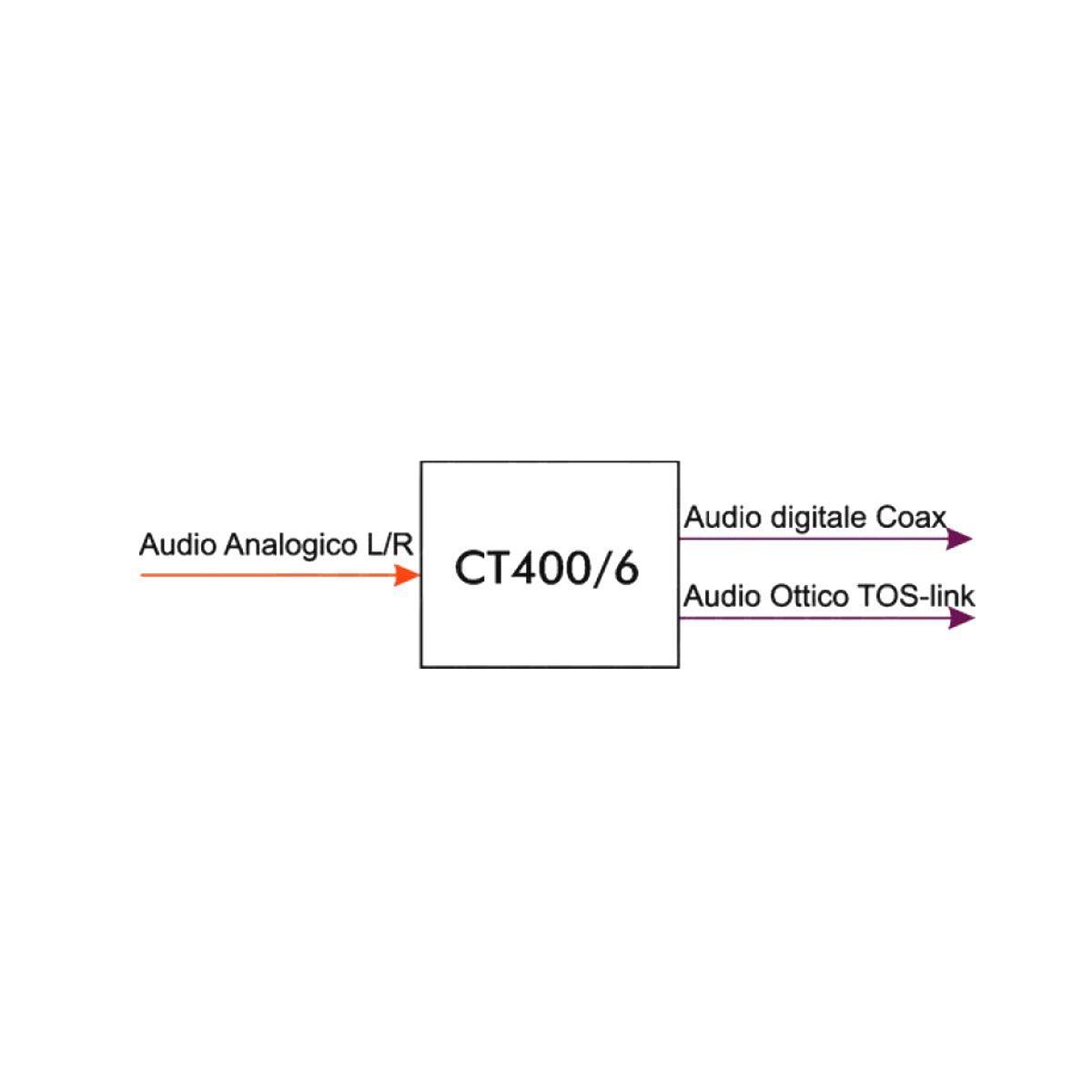
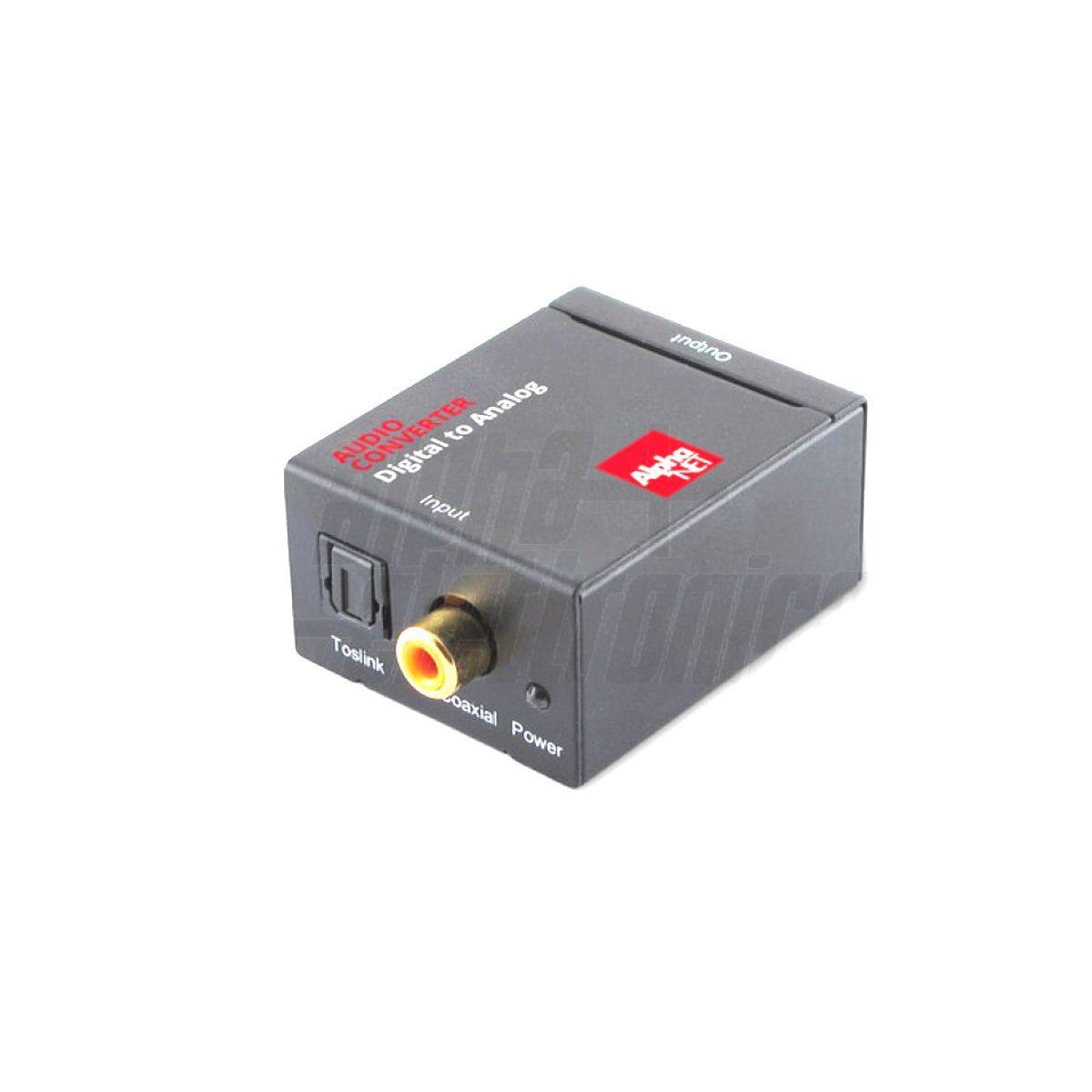
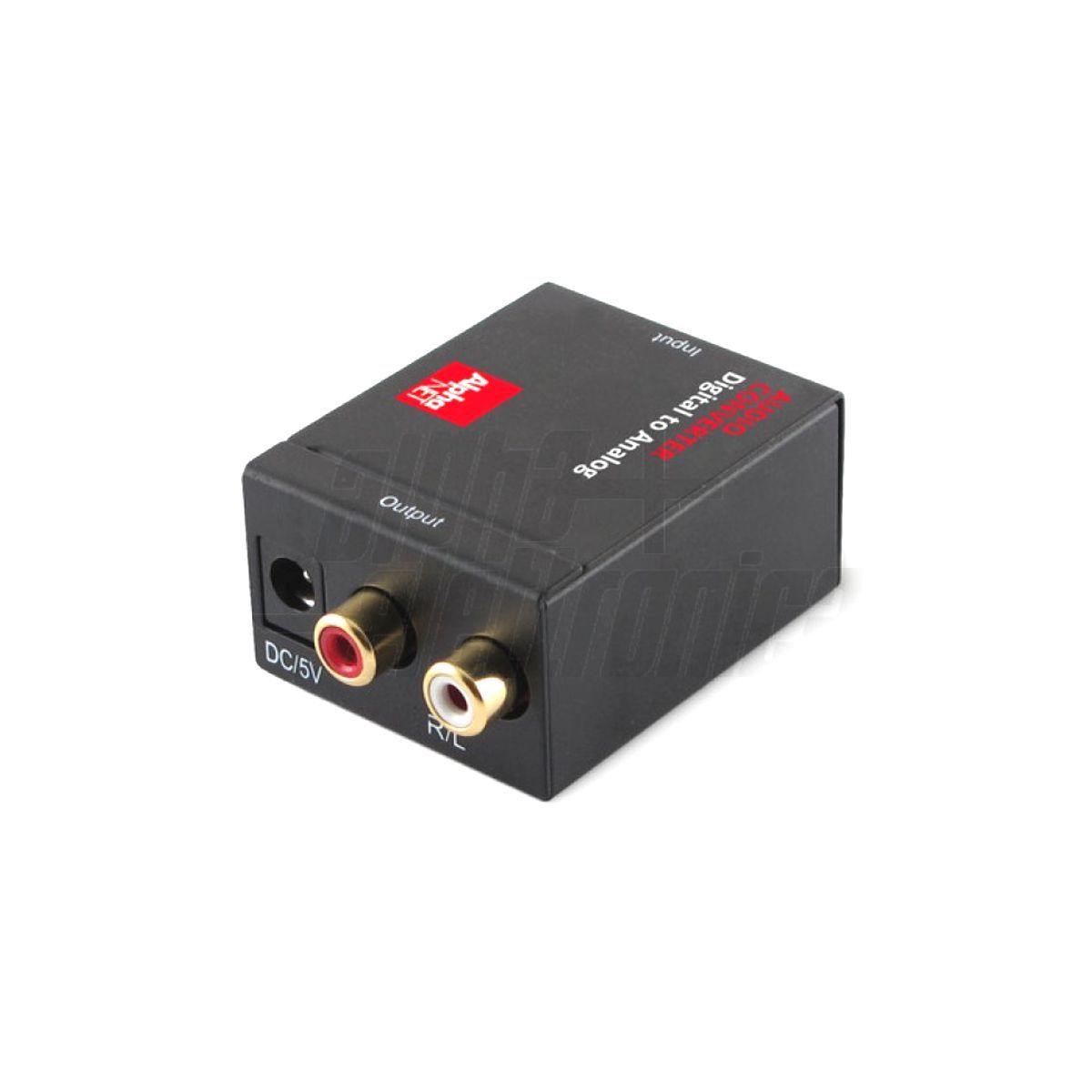
| Television with optical output only | Amplifier or speakers with RCA inputs | Digital Toslink/coaxial → analog RCA audio converter |
| HDMI source and separate audio system | TV for video, amplifier for audio | HDMI audio extractor with Toslink and analog output |
Active or passive: almost always active
A converter that changes the nature of the signal (from digital to analog or vice versa) contains a chip that must be powered: it is an active device. Some can be powered via USB, others require a dedicated power supply — and in many cases the power supply is not included, an indication you will always find on the individual product page. A purely mechanical adapter, without electronics, only works between electrically compatible standards, such as HDMI and DVI.
Scaler and loop-out
The scaler resizes the signal to a standard resolution, typically 720p or 1080p: it is needed when the source has a resolution the monitor cannot handle. The loop-out replicates the input signal to a second output, useful for sending the same camera feed to a monitor and a recorder without needing a splitter.
Pro tip. When an HDMI converter "doesn't work" with a decoder or console, nine times out of ten it is not broken: it is the HDCP content protection blocking the output to an analog path. This typically happens with streaming platforms and pay-TV decoders. The same device works perfectly fine with non-protected content. If your goal is to watch protected content on an old television, a converter is not the right path.
Frequently asked questions about signal converters
Can I use an HDMI-VGA converter in reverse?
No. It is a unidirectional device: it converts from HDMI to VGA and that's it. For the reverse path, you need a VGA → HDMI converter, which is a different product and generally requires an external power supply.
Does the converter also carry audio?
It depends on the model. VGA and DVI carry only video, so in converters to these standards, the audio is extracted to a separate output (jack or RCA) only if the model supports it. Always check the product page.
Does converting from RCA to HDMI improve quality?
No. Conversion adapts the signal to a different input; it does not add information that wasn't in the source. A composite signal remains a composite signal: the scaler brings it to 1080p in terms of format, but the original definition does not increase.
What is the difference between a converter, splitter, and switch?
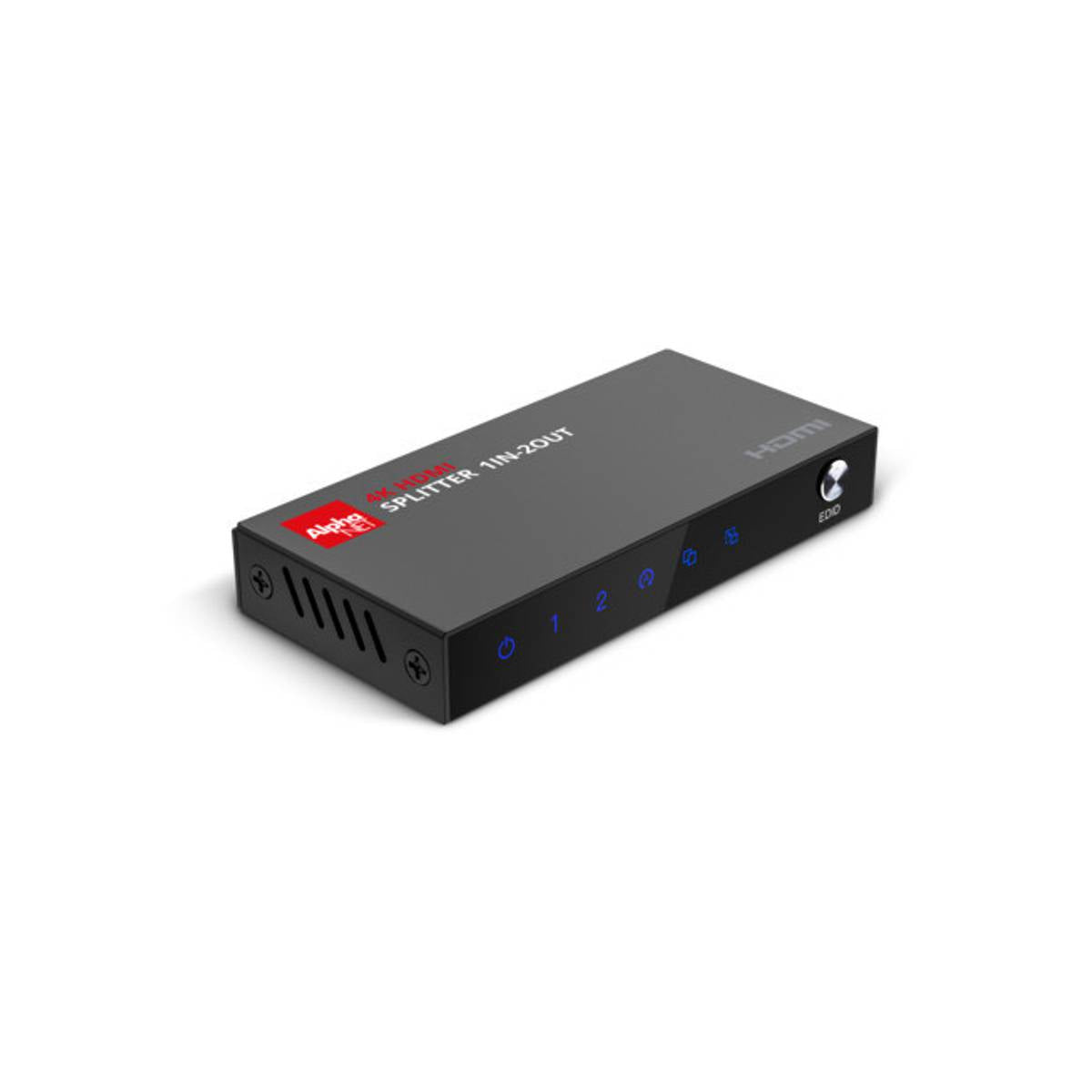
A converter changes the signal standard. A splitter duplicates the same signal to multiple outputs. A switch selects which of several inputs to send to a single output. These are three distinct functions, although some devices combine two.
What is an HDMI audio extractor used for?
To take the audio track from an HDMI stream and send it to a separate sound system, while the video continues to the TV. This is the solution when the TV does not have a suitable audio output or when you want to use an amplifier that does not handle HDMI.
For cables and adapters, see HDMI cables and connection cables.