





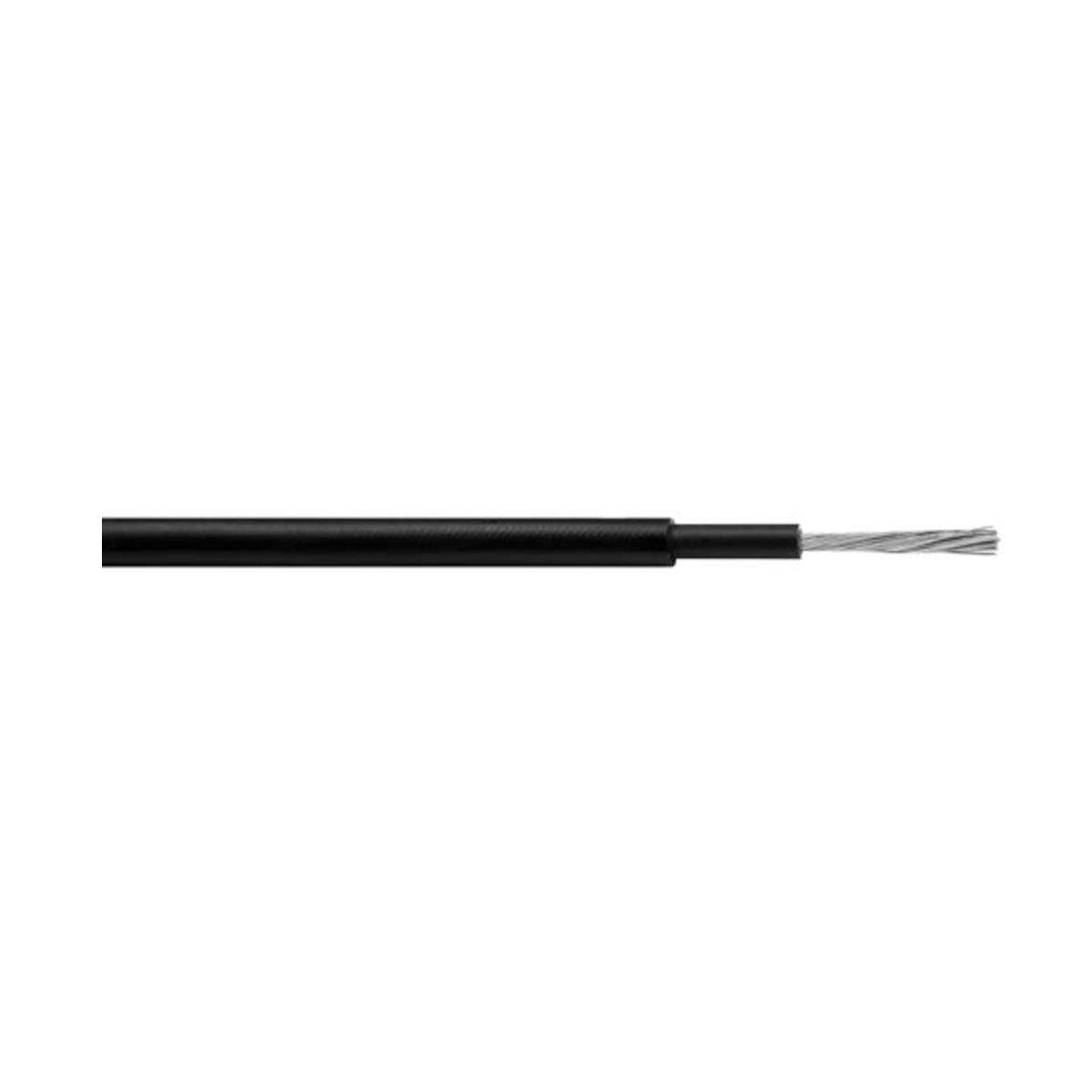
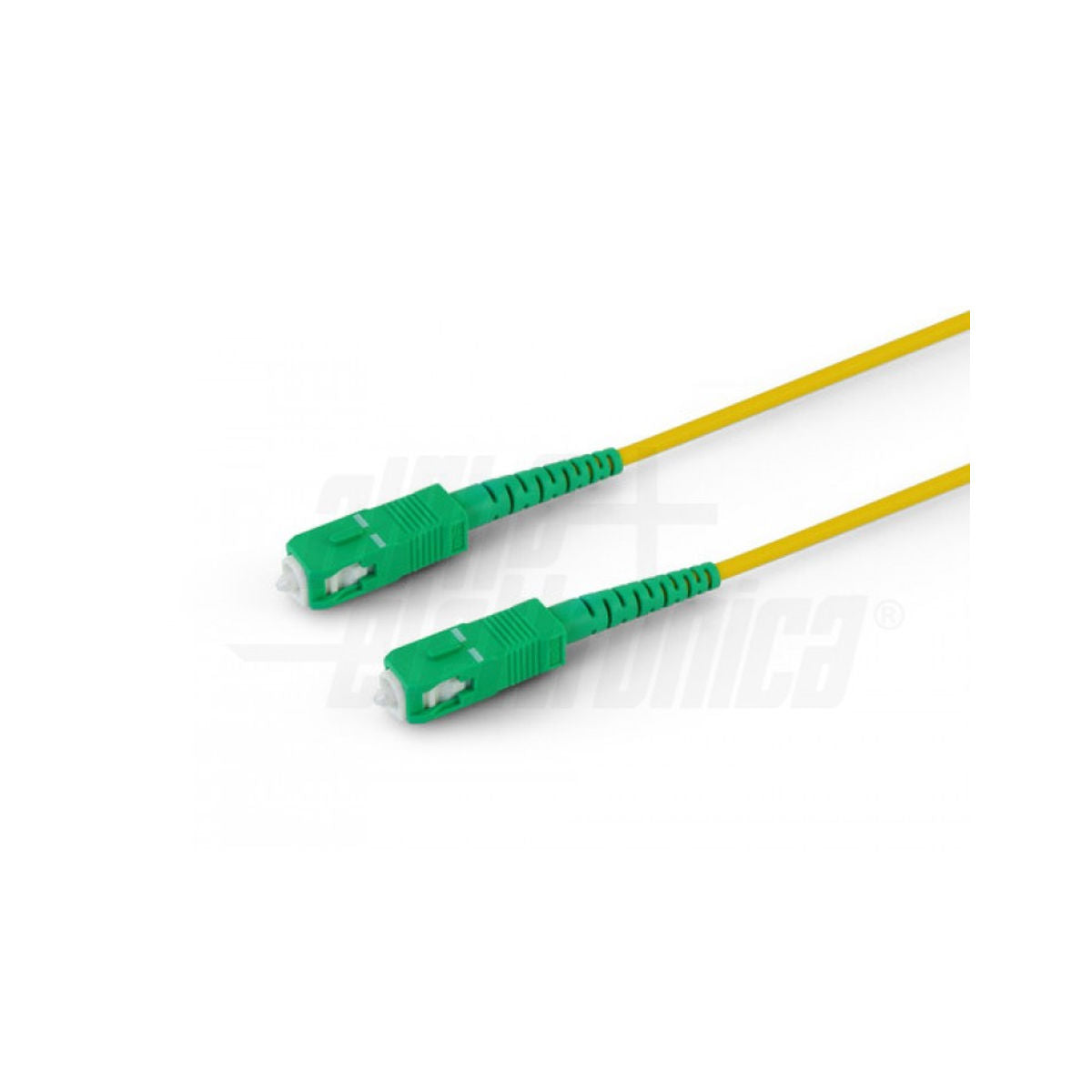


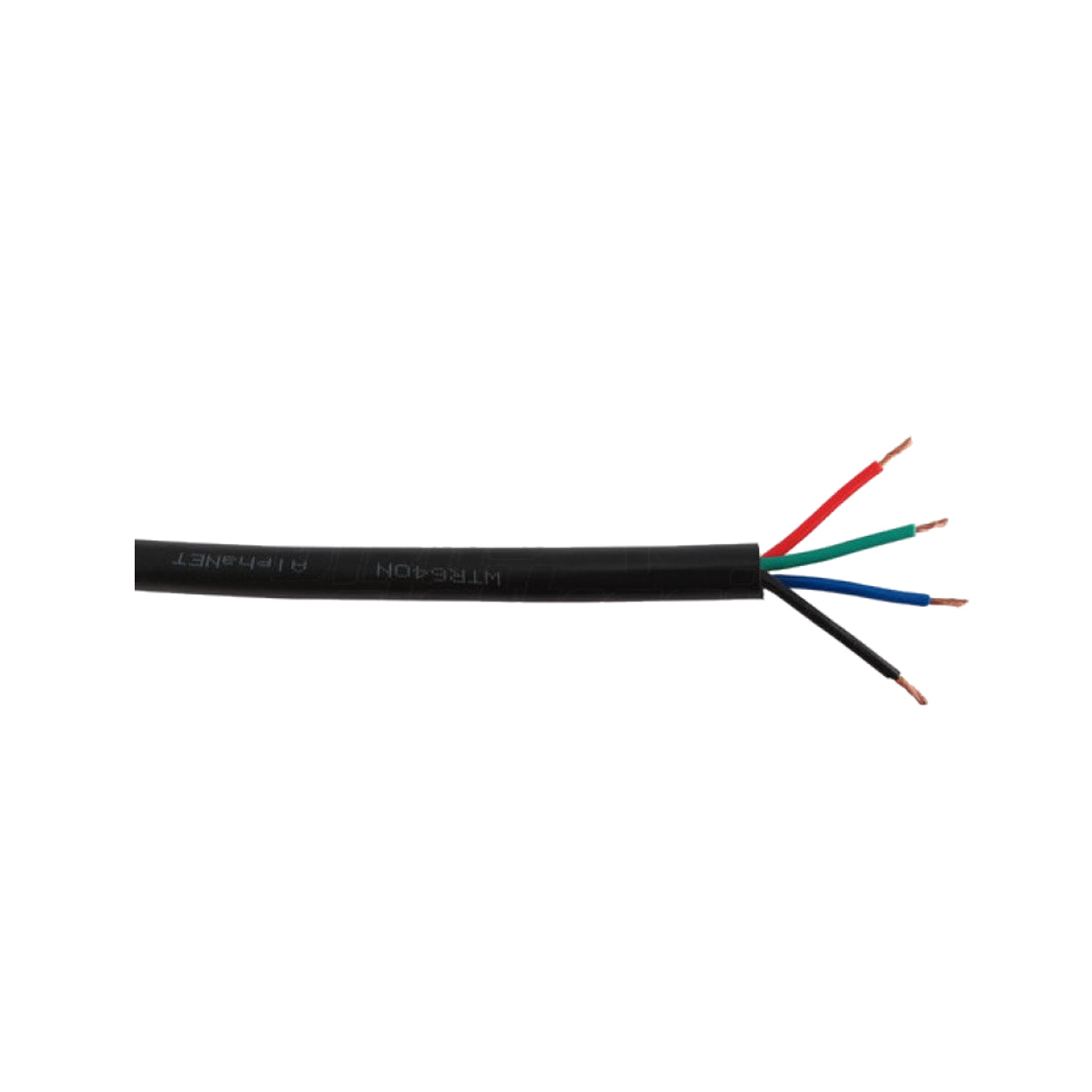


















Connection cables
Filter
Sort by:


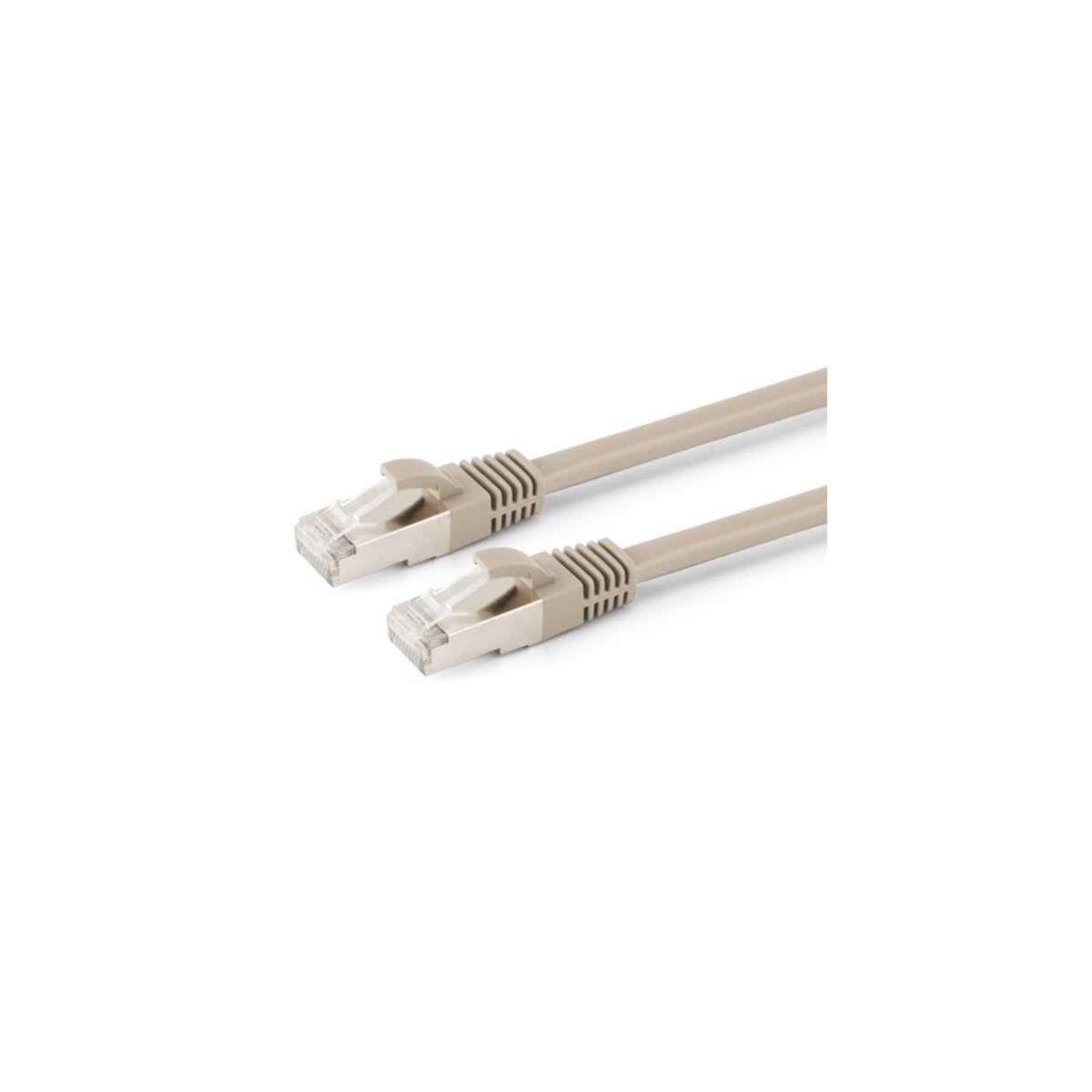
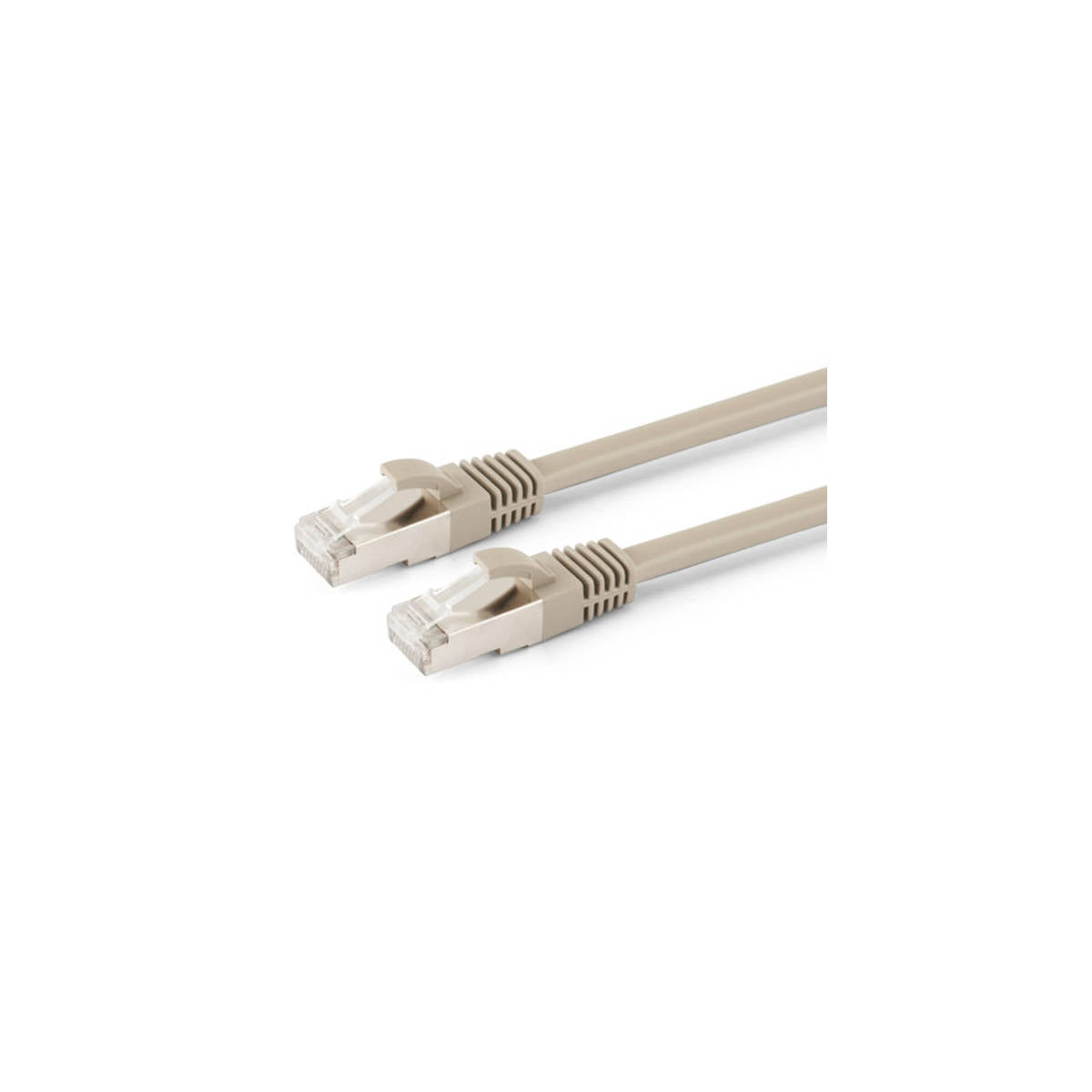
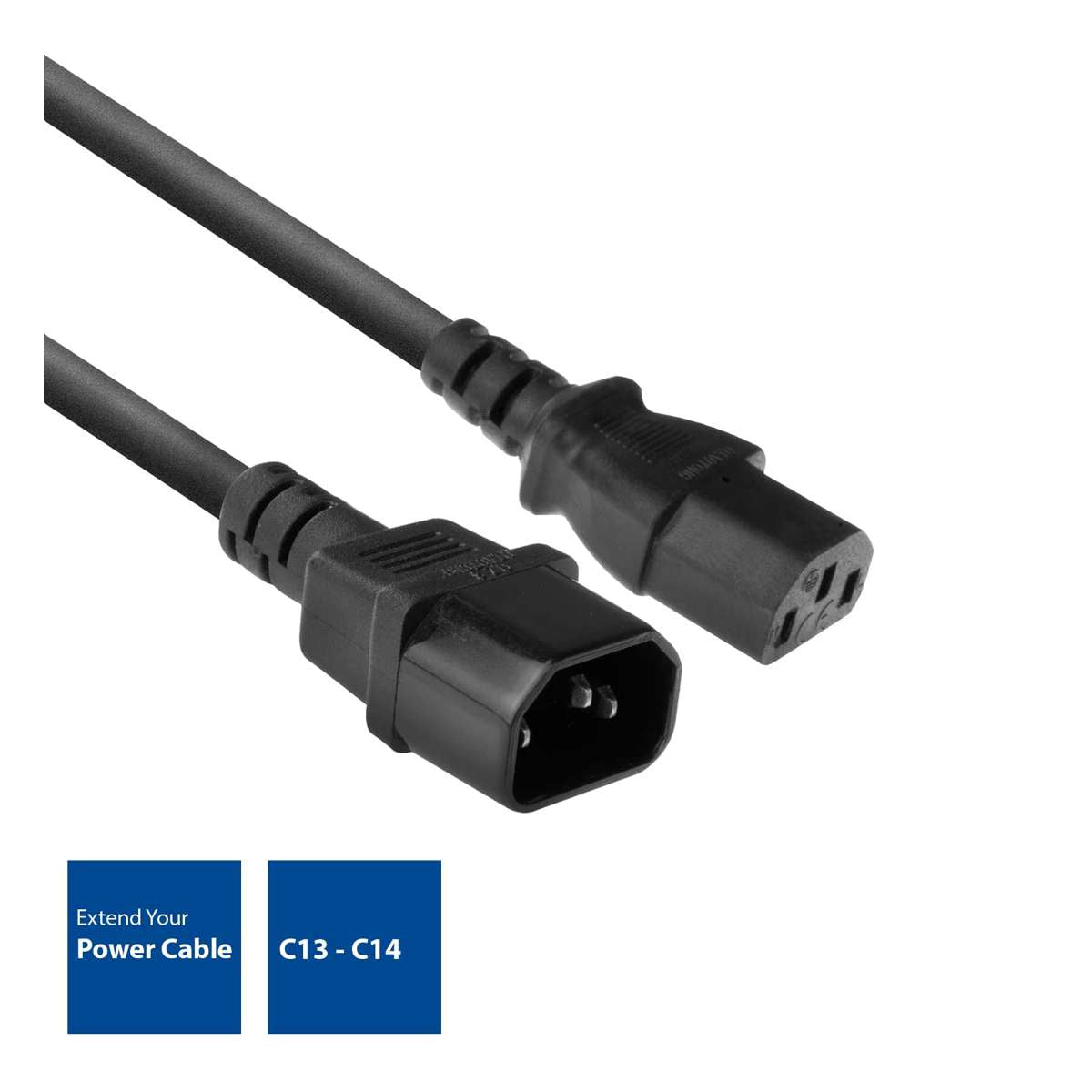
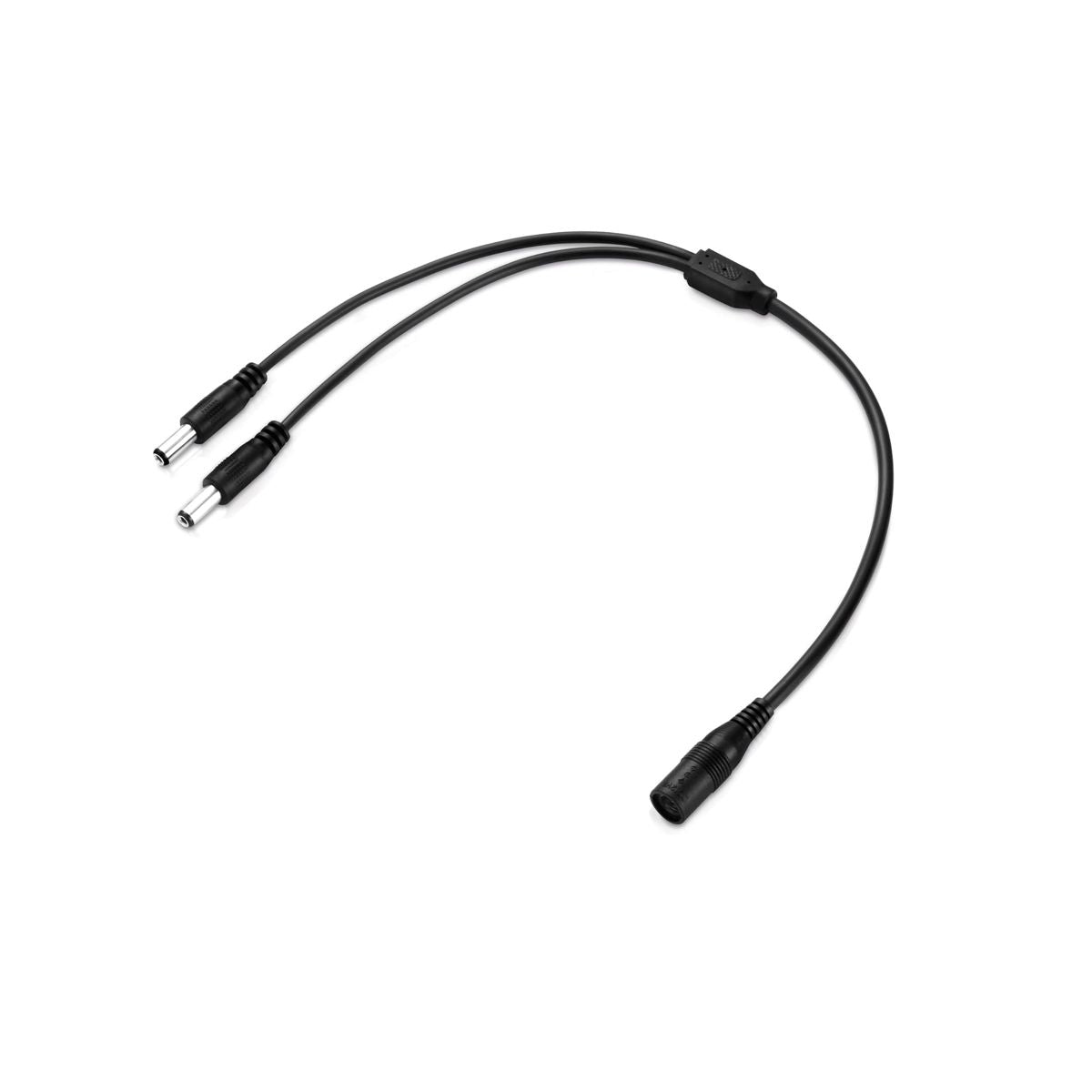
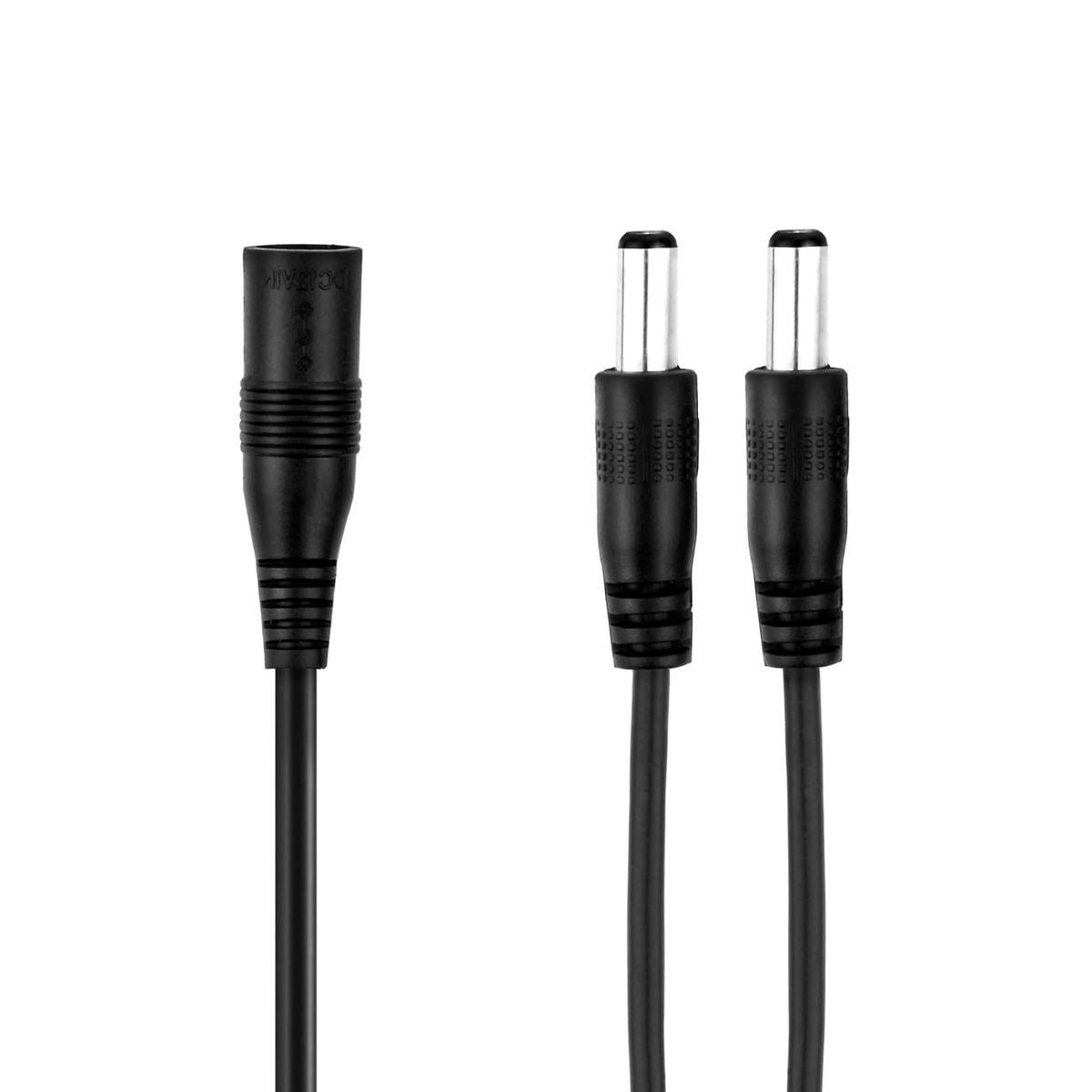
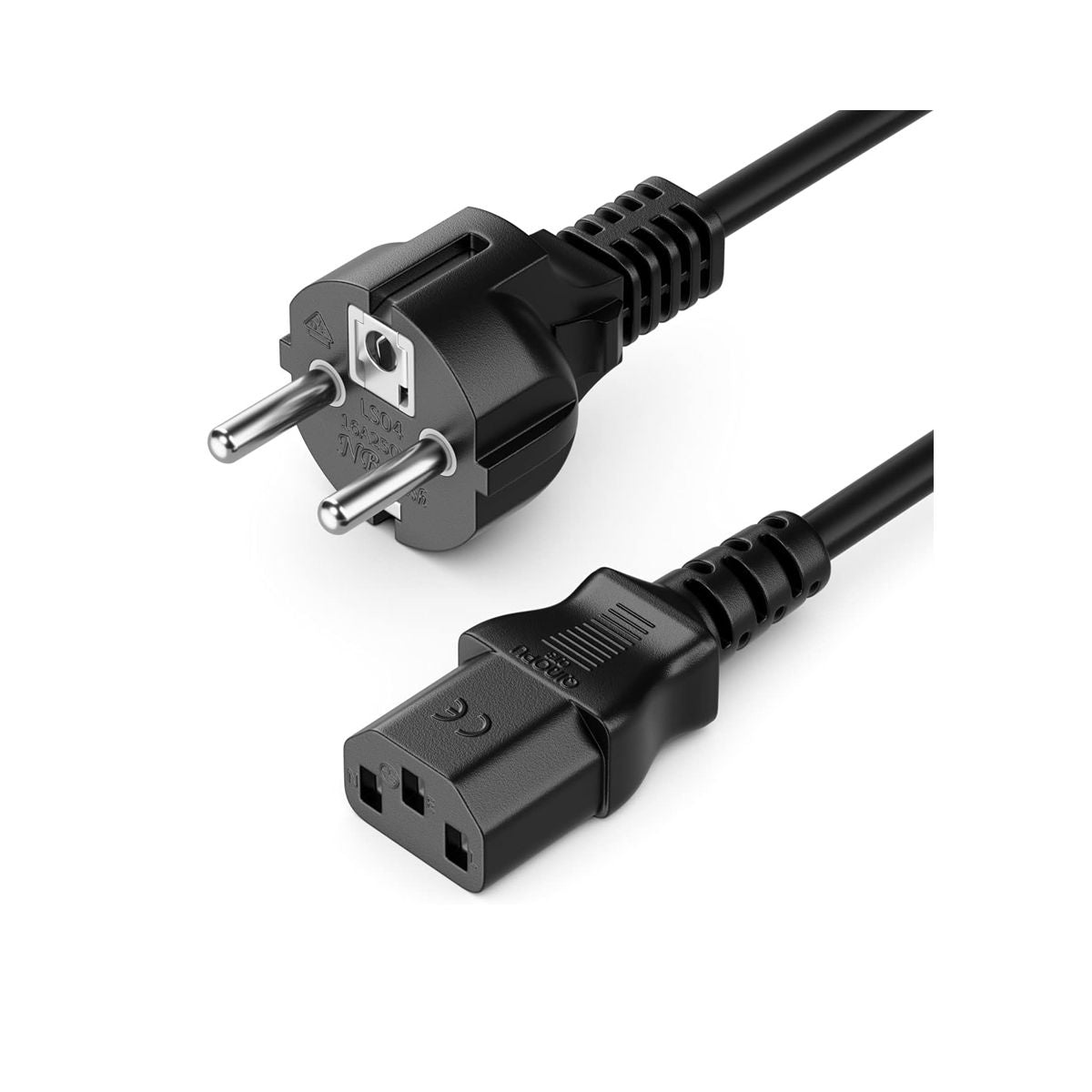
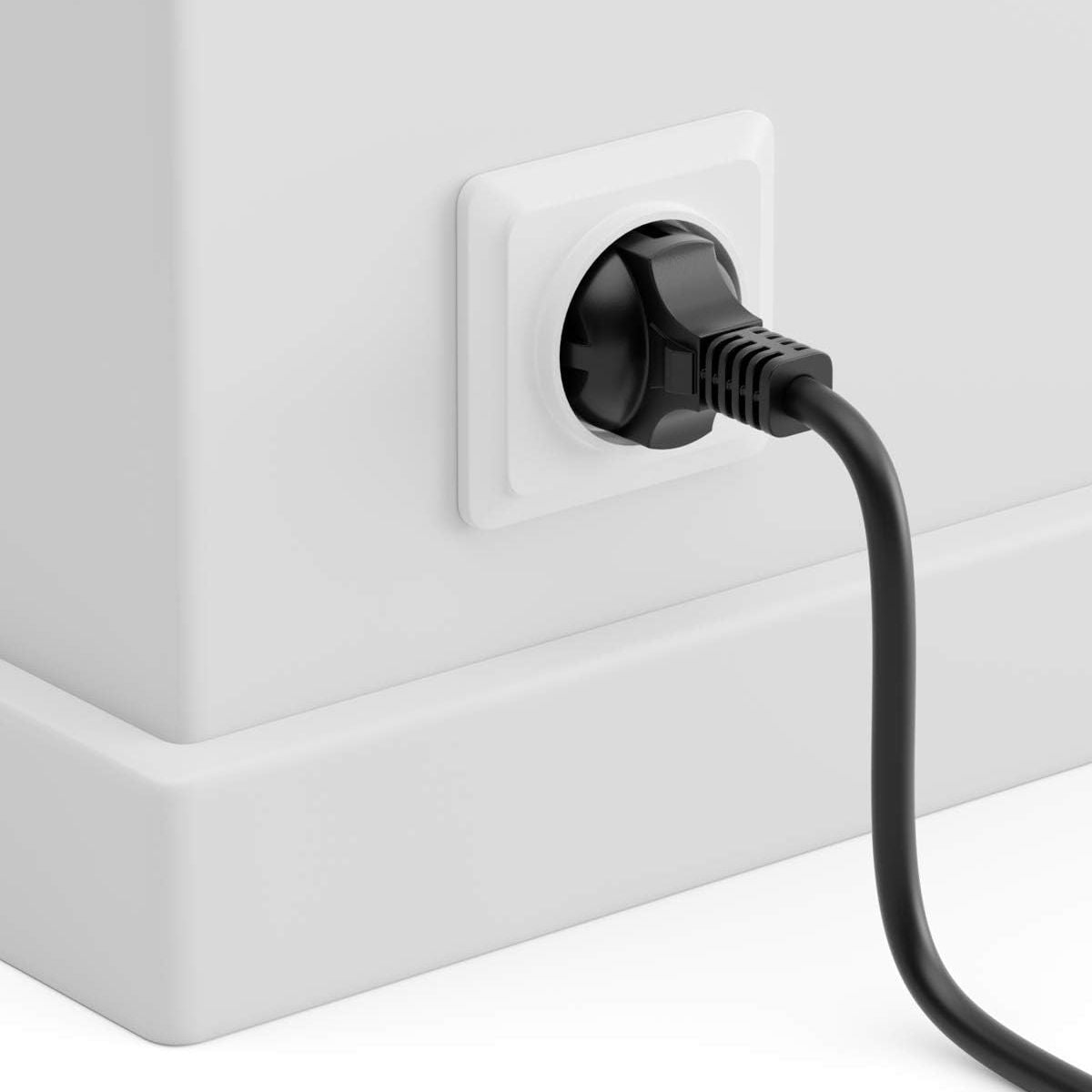


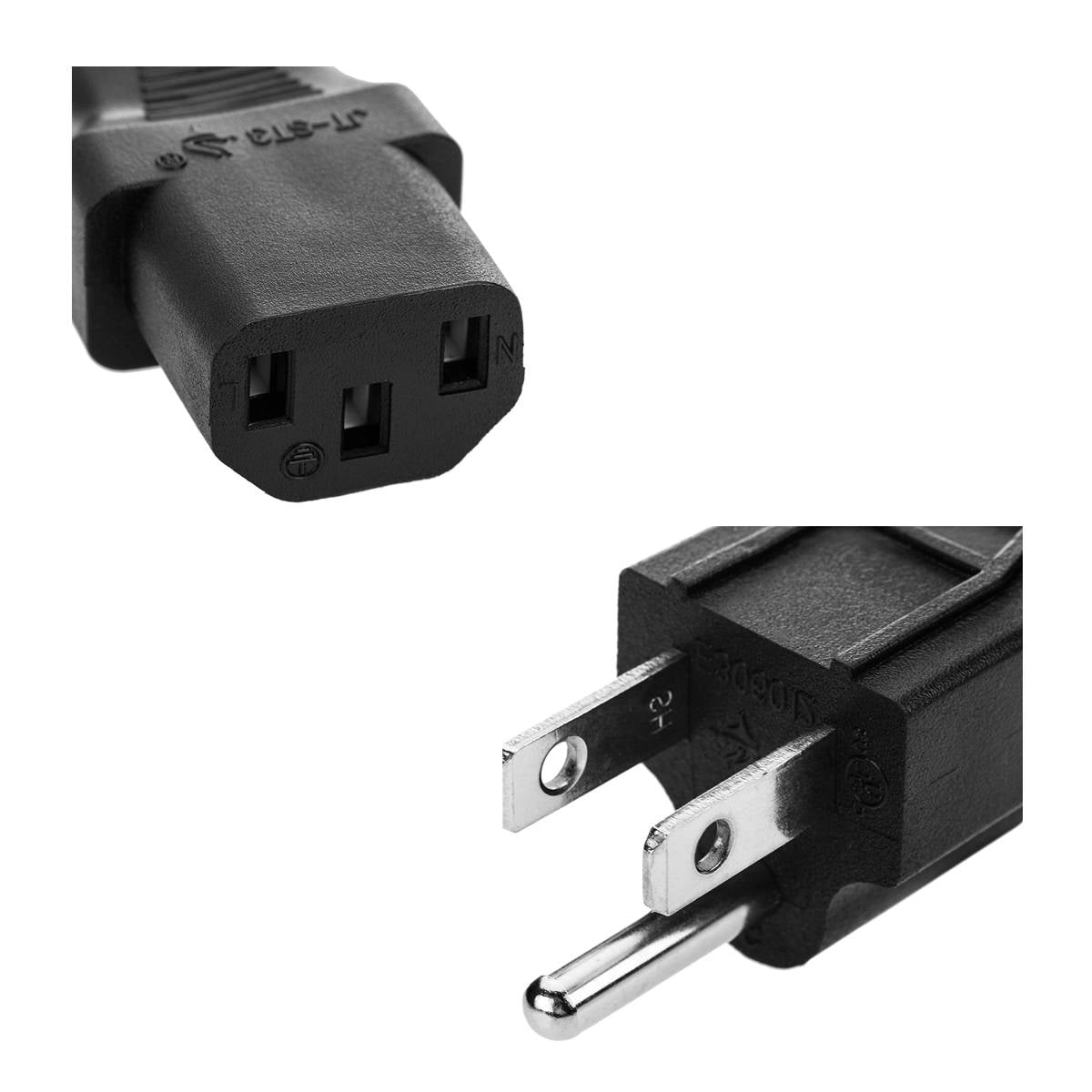
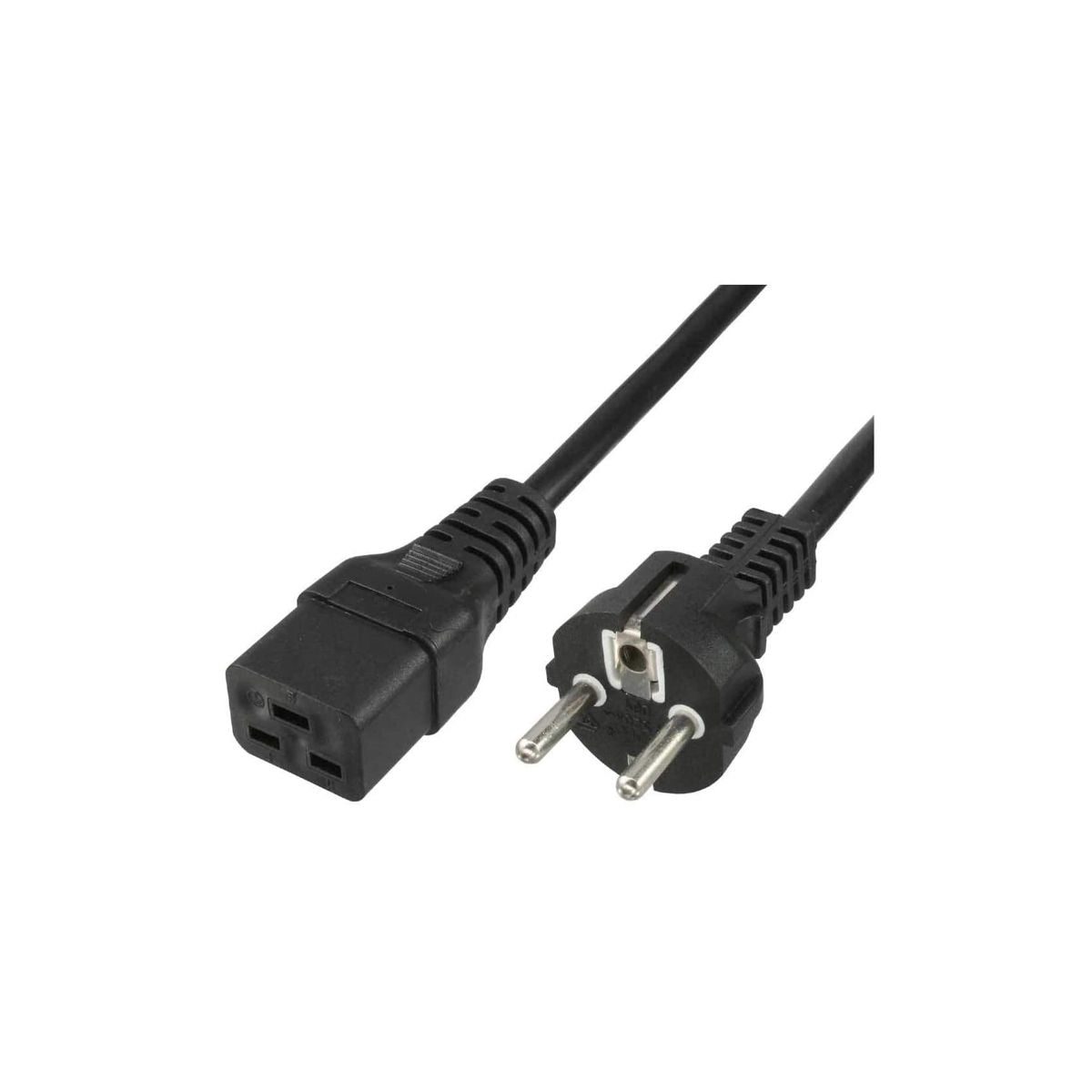
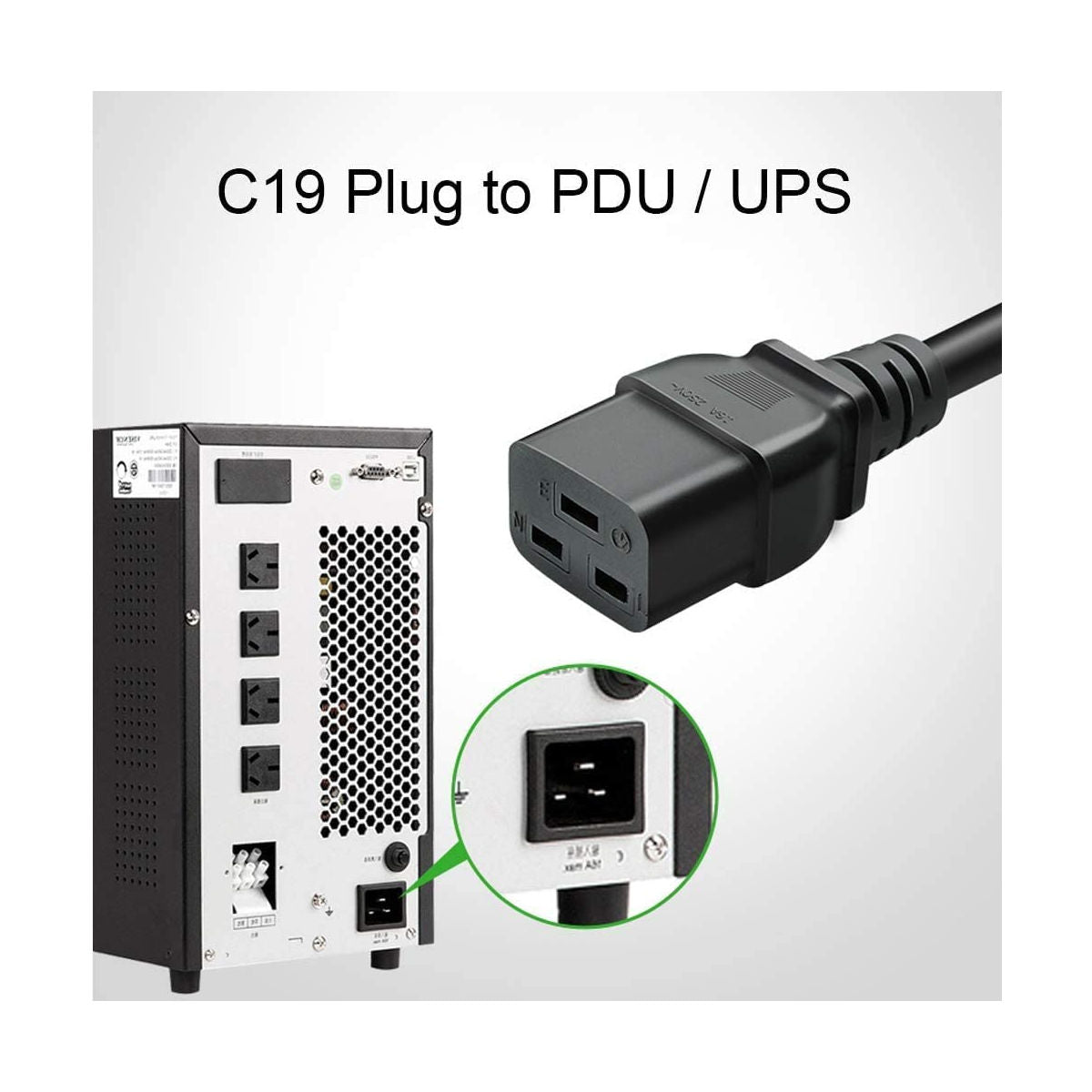
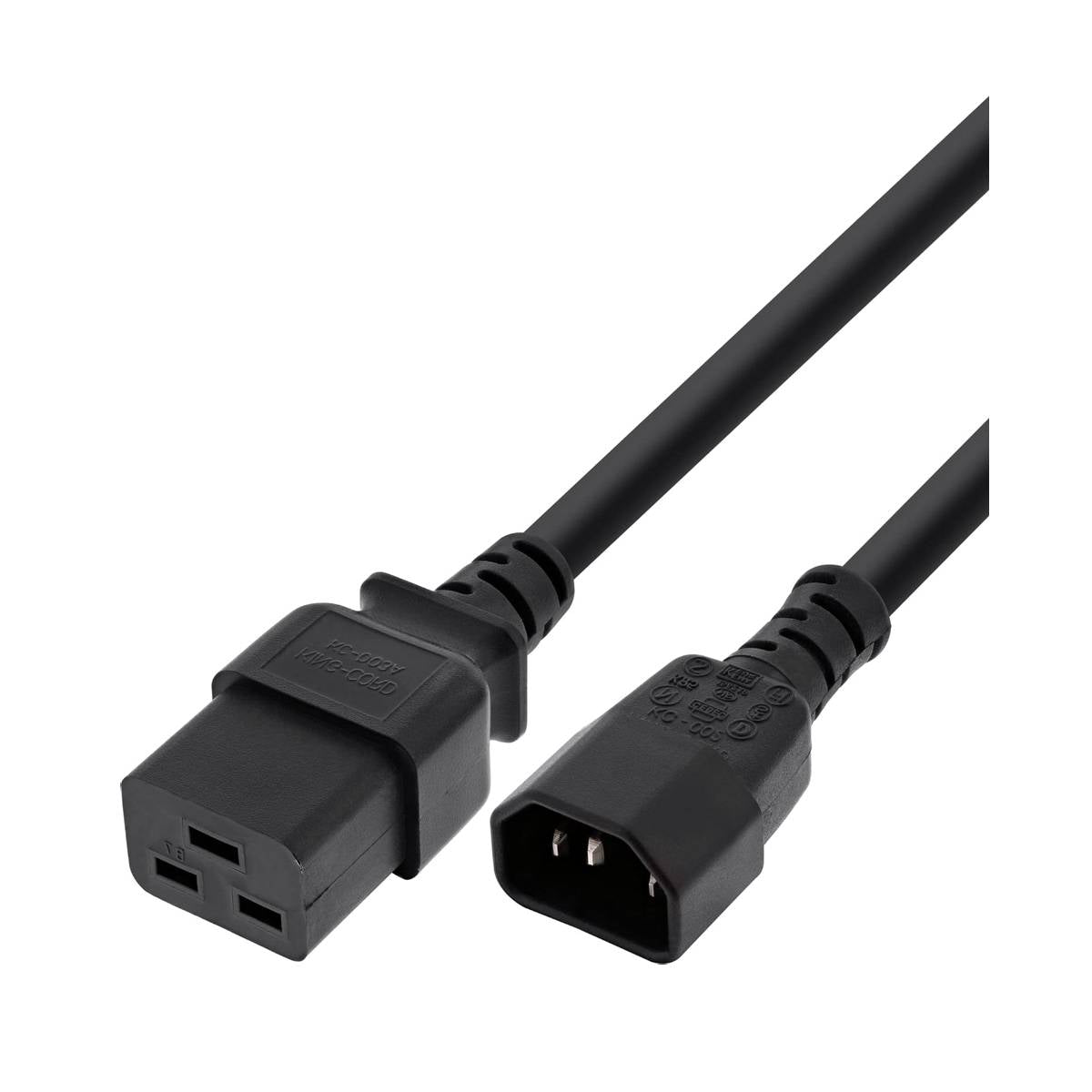
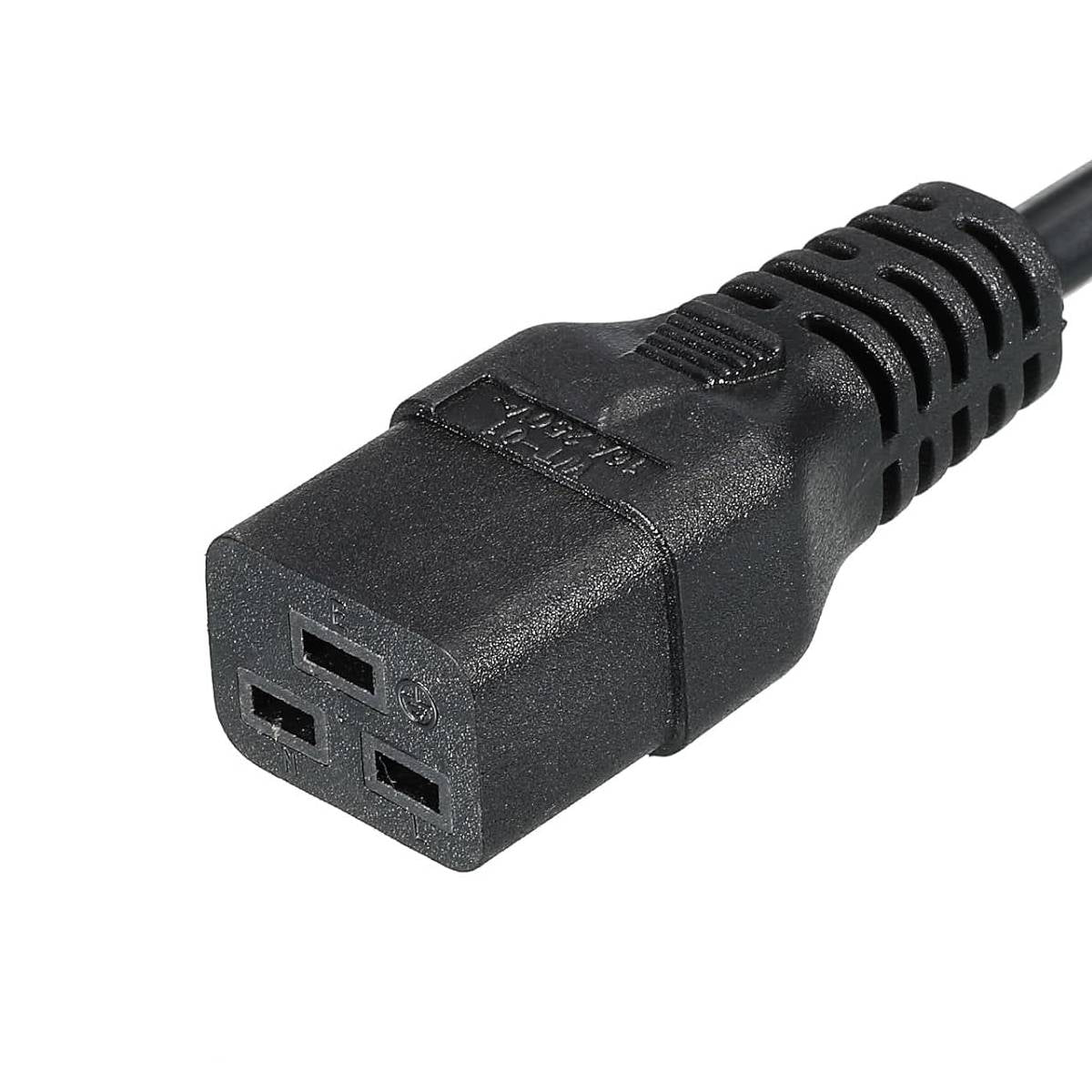
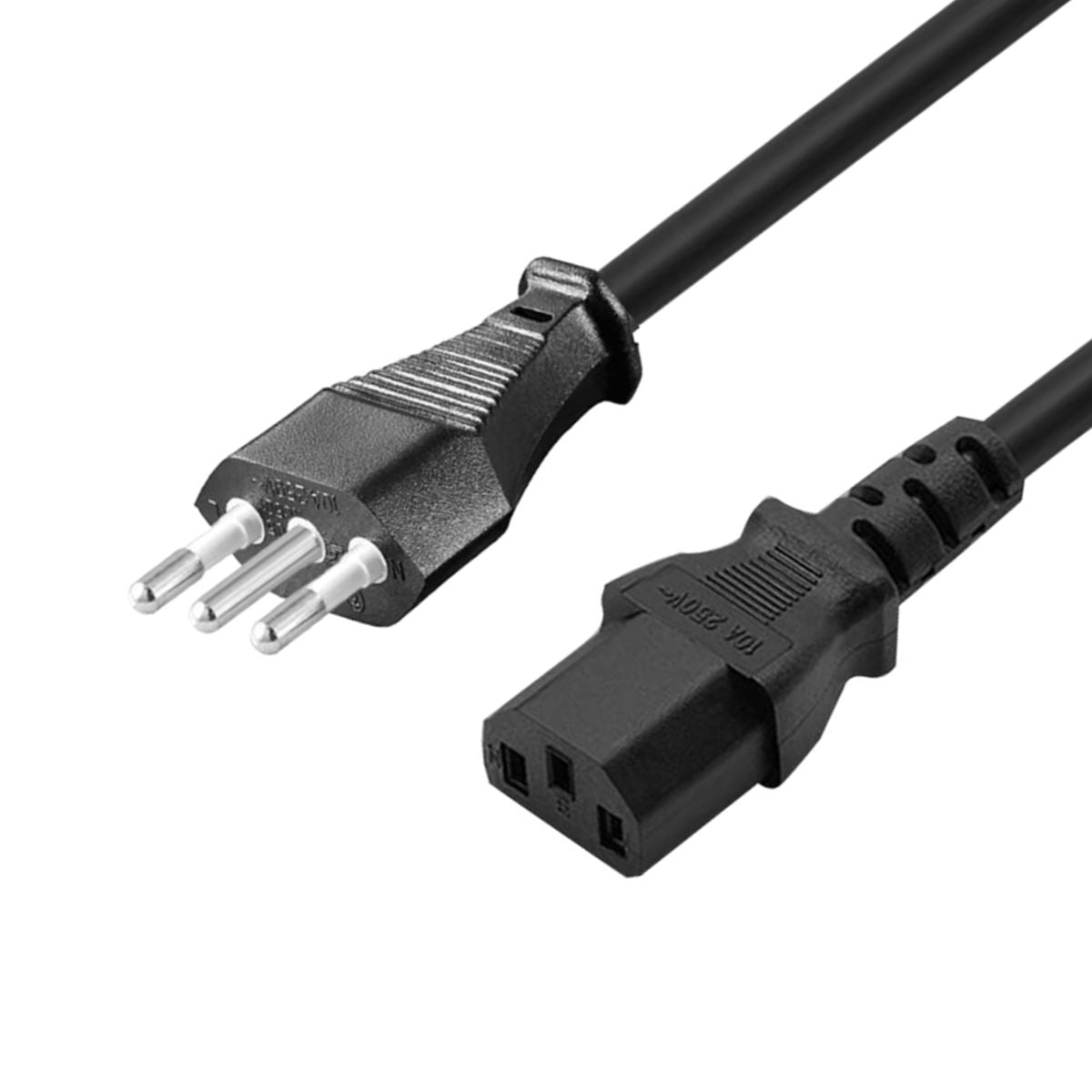
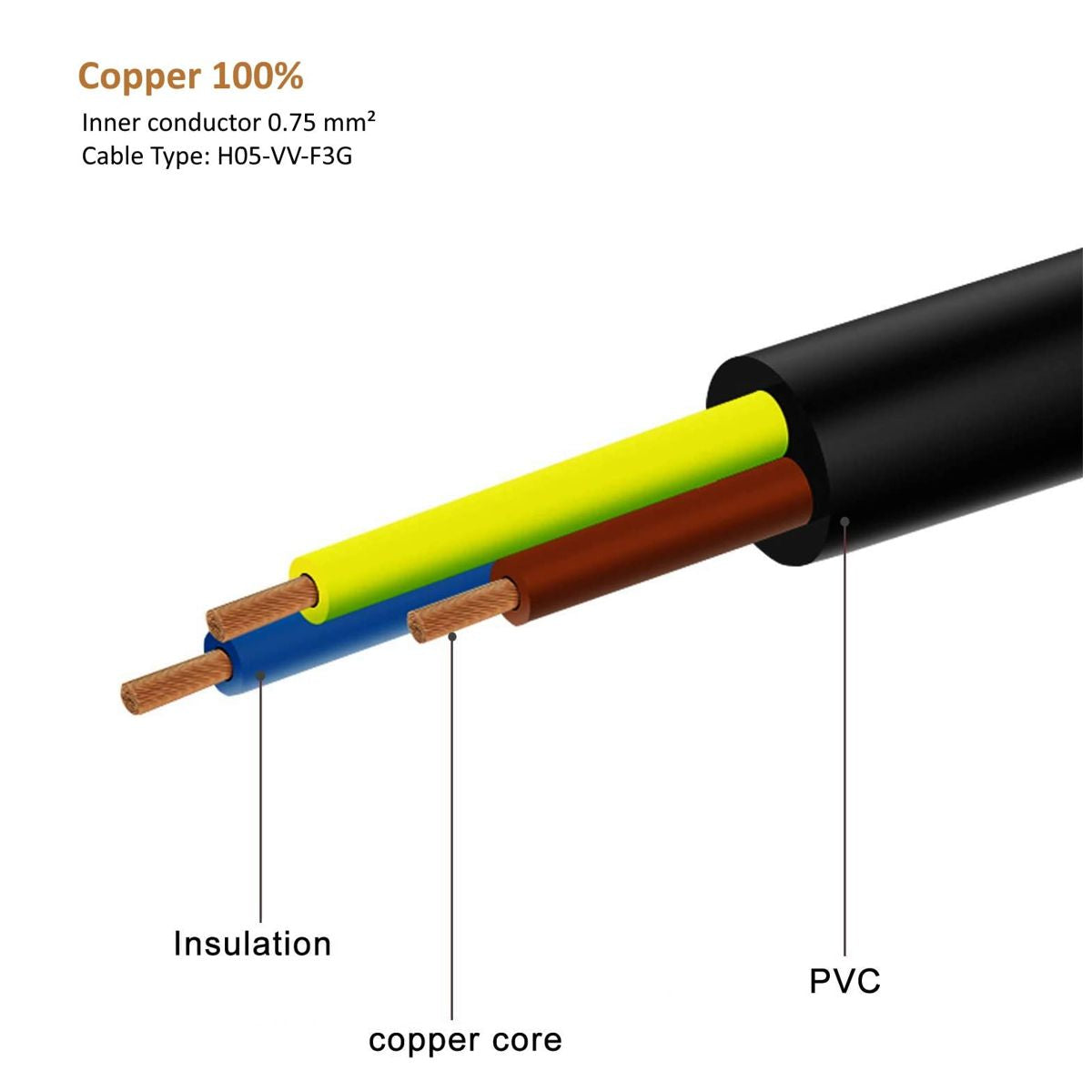


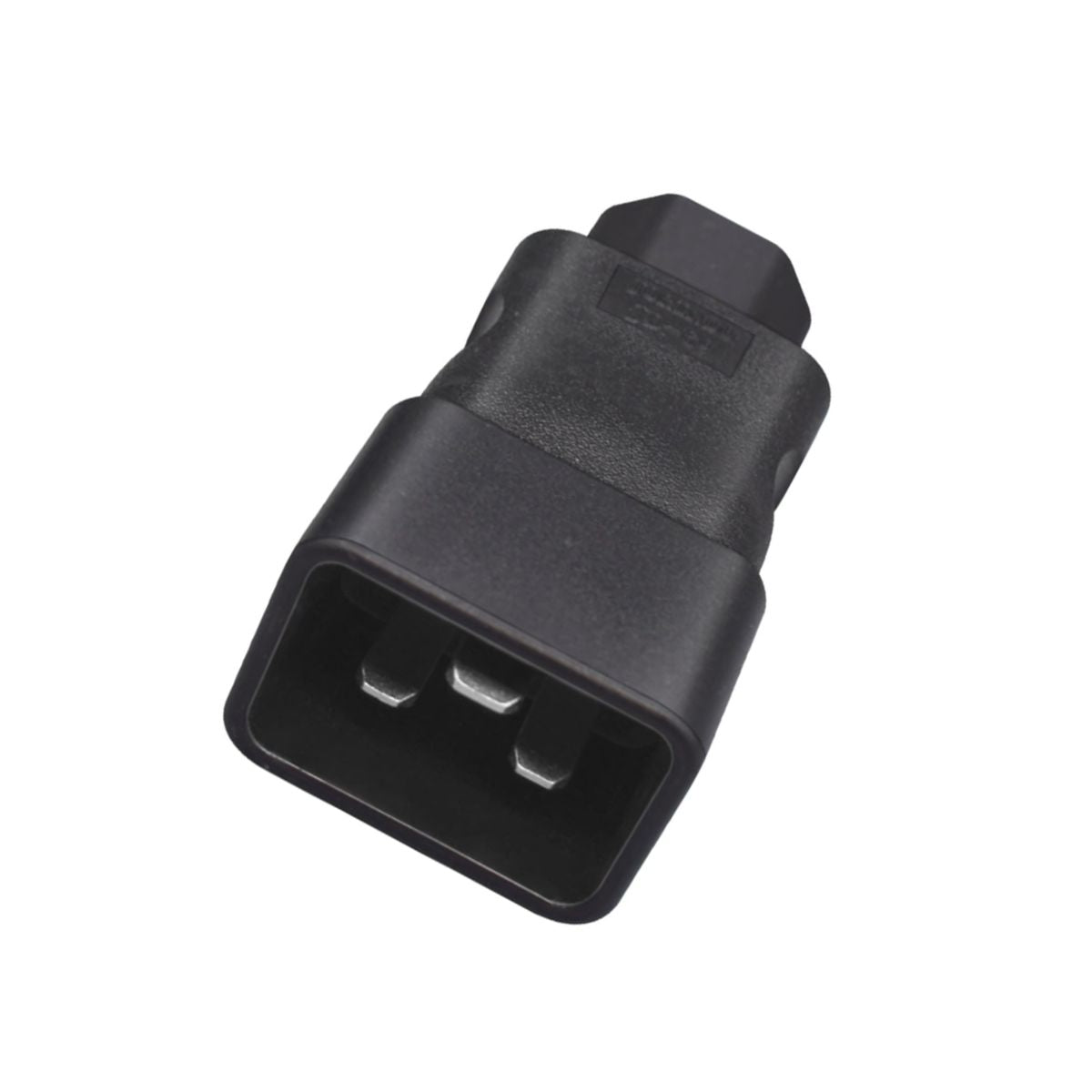
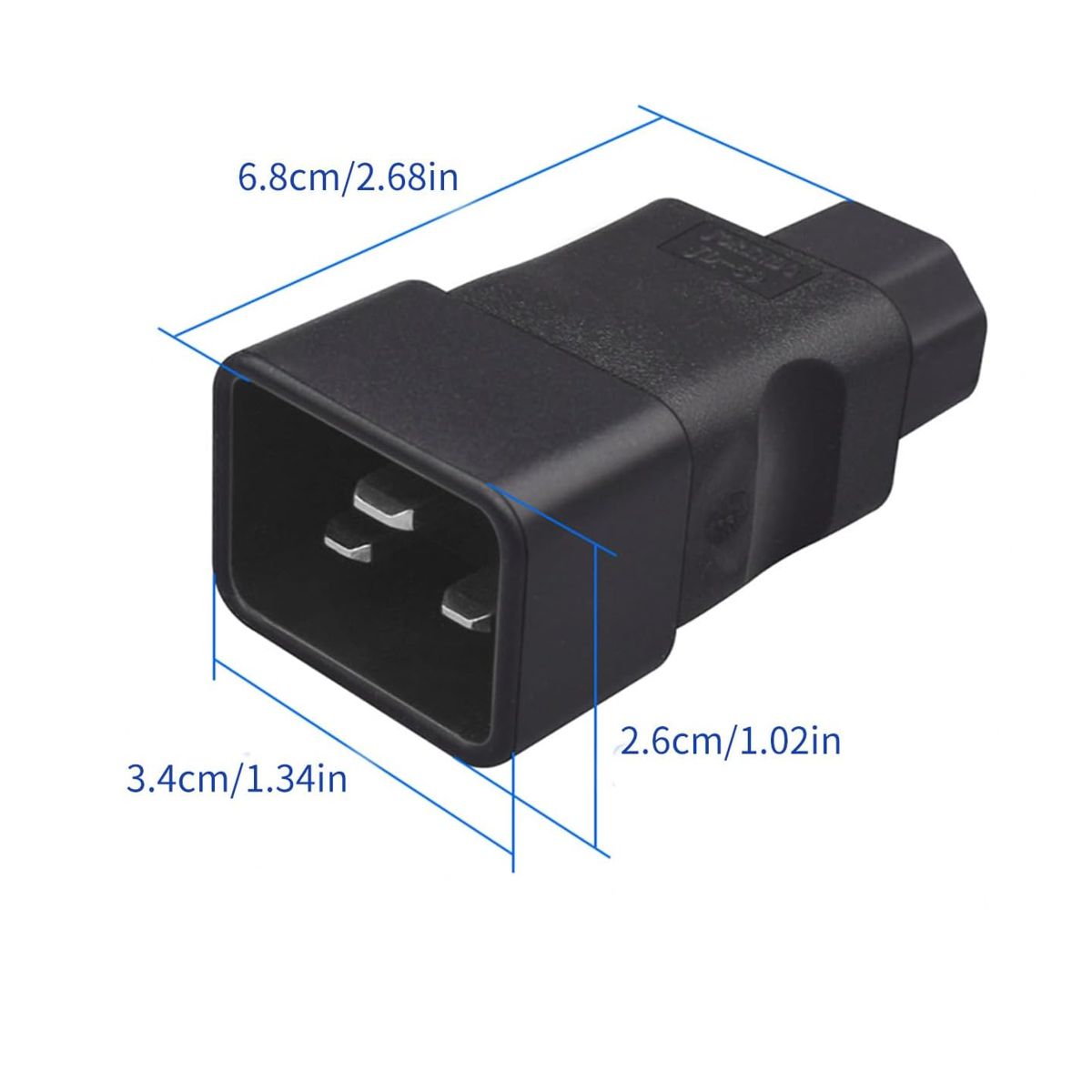


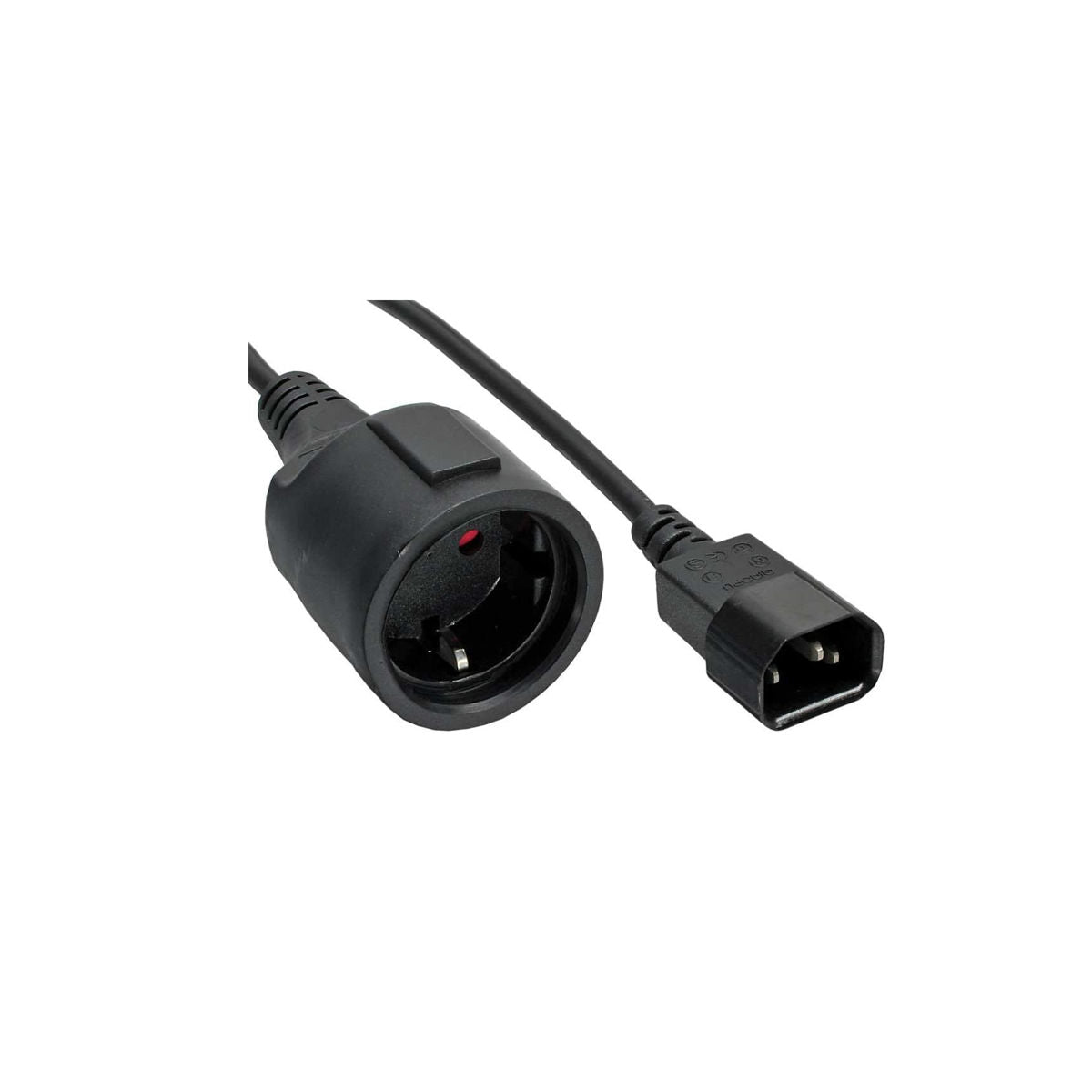
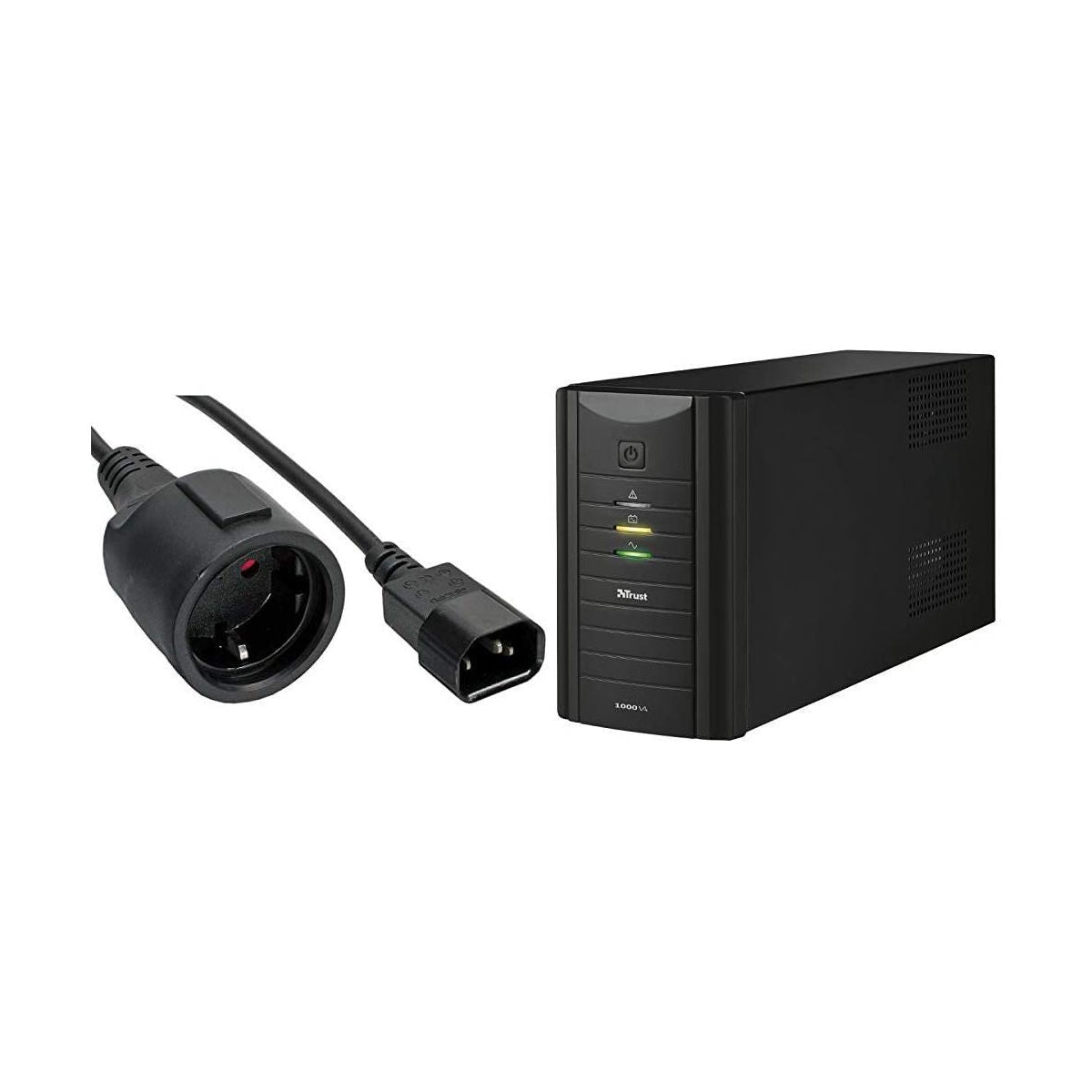


Patch cables: pre-connectorized and ready to connect
A patch cable is a pre-assembled cable with connectors already fitted and tested at both ends: you plug it in and it works. It is the alternative to bulk cable, which you buy by the meter and crimp yourself. For a connection between two nearby devices — a PC to a socket, a decoder to a TV, a switch to a router — a patch cable is almost always the right choice: it costs less than the time you would spend terminating it, and the connection integrity is guaranteed.
If, however, you need to wire a home or run a line from one floor to another, you need bulk cable plus connectors.
How to navigate this section
| What you need to connect | Cable you need | Go to |
|---|---|---|
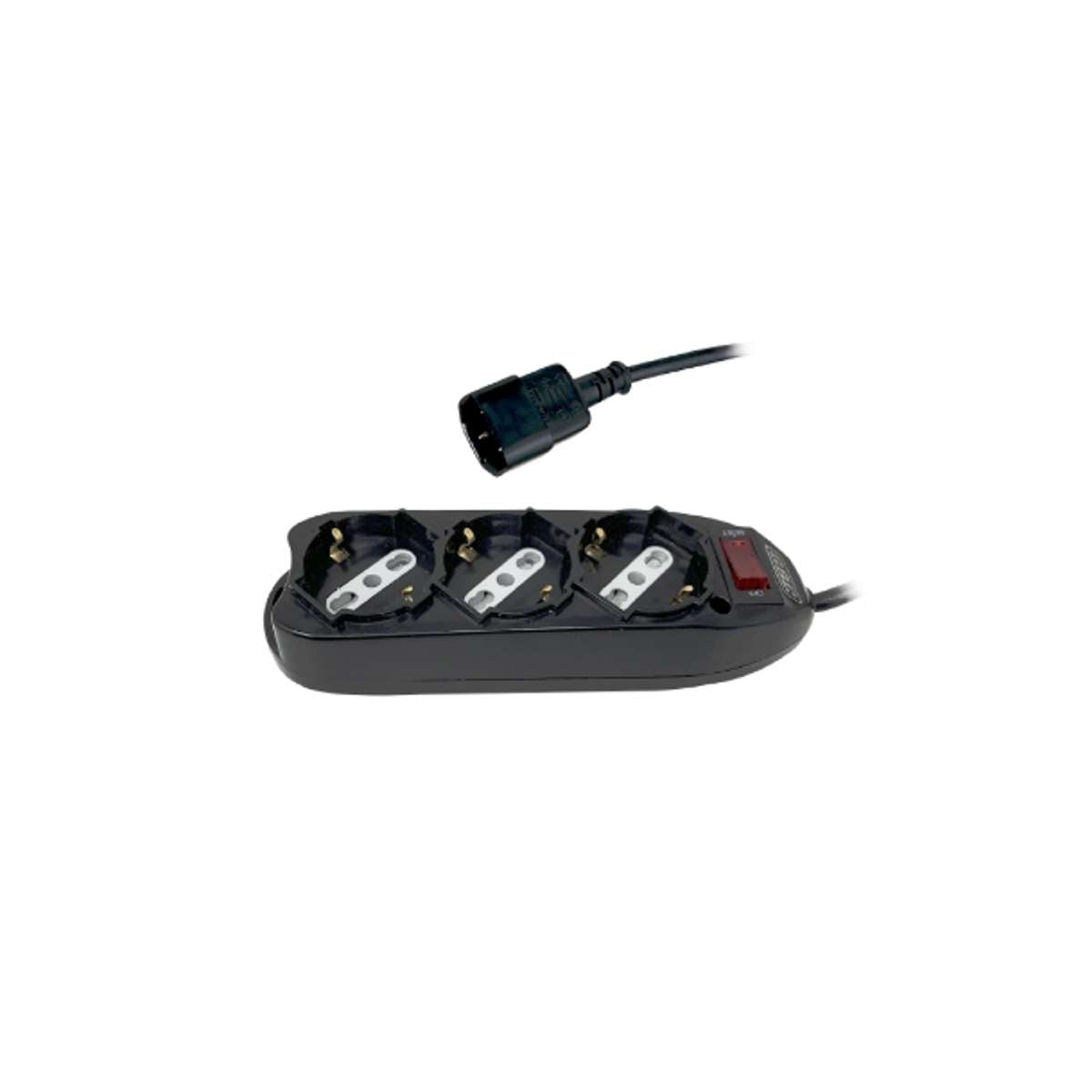
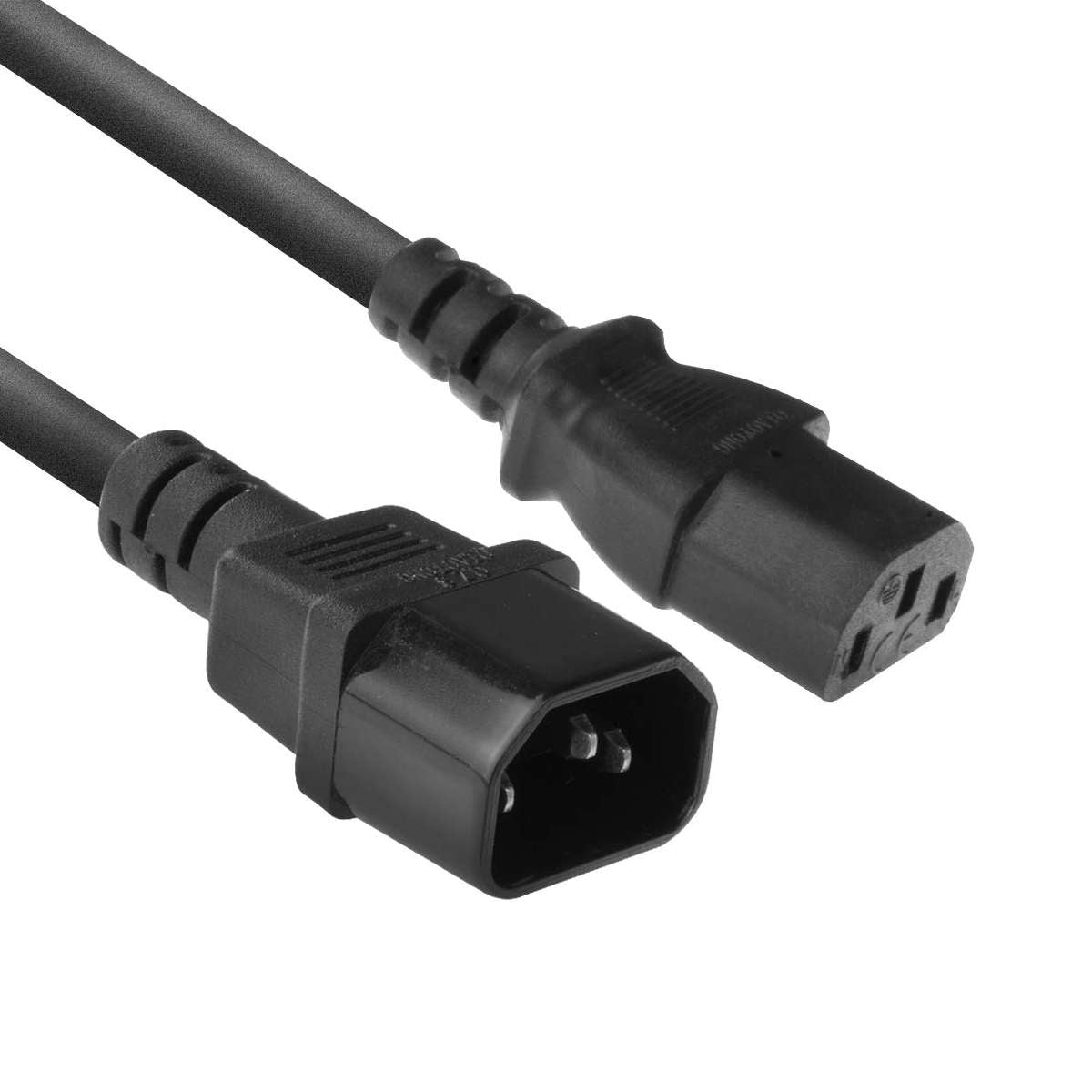
| PC, monitor, UPS, rack cabinet to power mains | IEC 320 cable (C13, C19, C5, C7) with Schuko or Italian plug | power patch cables |
| Decoder, console, soundbar to the TV | HDMI 2.0 4K or HDMI 2.1 8K, depending on the device | HDMI cables |
| Router, switch, access point to each other | Shielded network cable, category 6 or higher | LAN cables |
| Printer or peripheral to a computer | USB printer cable, length up to 5 m | USB cable |
| Monitor or projector with analog input | VGA male/male or male/female cable with ferrites | this page |
| A connector that won't fit where it's needed | Adapter or right-angle adapter | this page |
Angled adapters: when space is the issue
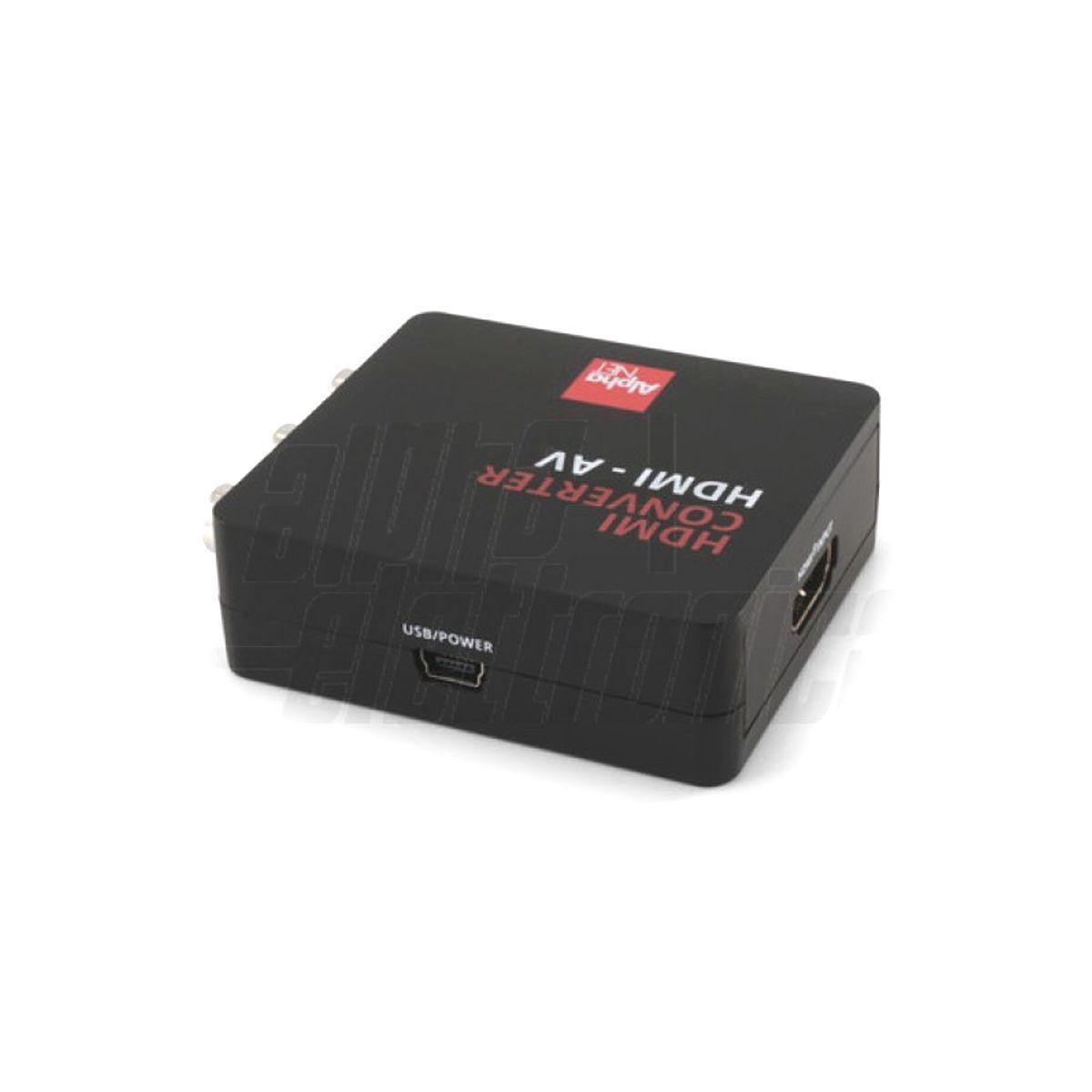
A wall-mounted TV, a PC tucked inside furniture, a crowded rack cabinet: in these situations, a straight cable won't fit or will bend at a sharp angle at the connector, which is the fastest way to break it. 90° angled adapters, rotatable ones, and female-to-female couplers provide a solution without needing to redo the cabling. You can find them for HDMI, for IEC power (C13/C14, C19/C20, C7/C8), and for HDMI-DVI conversion.
Regarding video cable length
For HDMI connections, length matters. Up to 5 meters, a good passive cable handles 4K without issues; beyond 10 meters, the signal starts to degrade, and it is better to switch to an active optical fiber AOC cable, which maintains bandwidth over much longer distances. Note that AOC cables are directional: they have one end to connect to the source and one to the display, indicated on the connectors.
Pro tip. Before ordering, measure the actual path of the cable, not the straight-line distance: behind the furniture, inside the conduit, including the rise and the entry curve. A short cable is the most frequent buying mistake in this category, and a cable under tension pulls on the connector, eventually damaging the device port. Better to have half a meter too much.
Frequently asked questions about patch cables
Is a patch cable better than bulk cable to crimp?
To connect two nearby devices, a patch cable is better: it is factory-tested and costs less than the time spent terminating. Bulk cable makes sense when you need to wire through walls, run through conduits, or create custom-length runs in an installation.
Does a more expensive cable improve the picture on the TV?
No, the digital signal either arrives intact or not at all. What changes is performance over distance and the supported bandwidth: a cable certified for the correct HDMI version is needed to enable 4K at 120 Hz, 8K, eARC, and VRR. On a short run, a standard cable does the same job as a professional one.
What is the difference between HDMI 2.0 and 2.1?
Bandwidth. 2.0 reaches 18 Gbps and covers 4K at 60 Hz; 2.1 reaches 48 Gbps and enables 8K, high-refresh 4K, eARC, and VRR. It only makes sense if both the TV and the source actually support those features: for a standard 4K setup, 2.0 is enough.
Can I use an HDMI-DVI adapter?
Yes, for video, as it is electrically compatible. However, DVI does not carry audio: if you connect a DVI monitor to an HDMI source, the sound must be routed separately.
How many devices can I power with a DC splitter?
As many as the power supply can handle, not how many outputs the splitter has. Add up the current draw of the connected devices: if they exceed the rated current of the power supply, the system will become unstable. See also the power supply units section.