
























TV Wall Mounts
Don't risk choosing the wrong bracket! If you have doubts about VESA compatibility , the type of mounting (fixed, tilt or extendable arm ) or the right anchors for plasterboard , Check out our Definitive Guide at the bottom of the page.
Filter
Sort by:
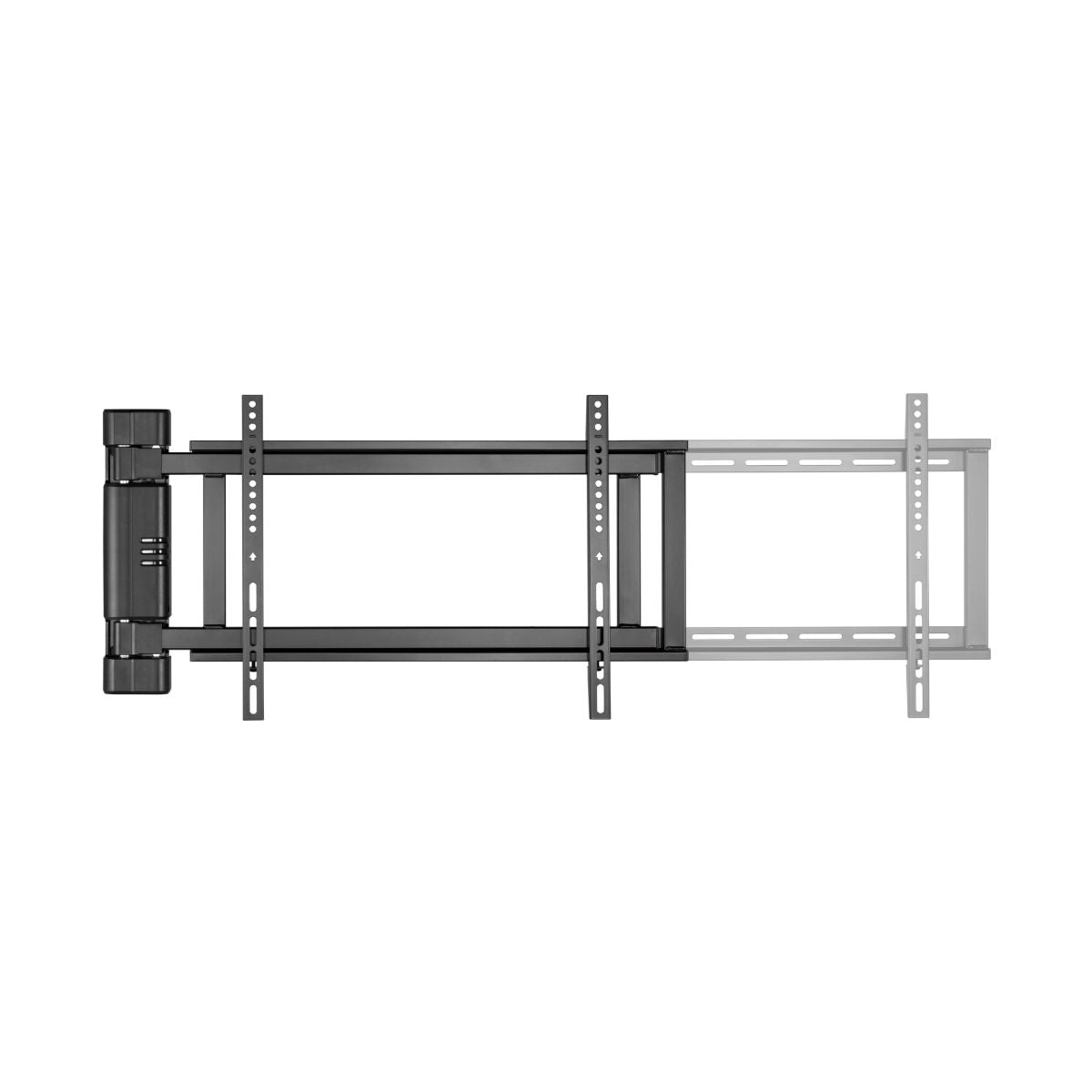


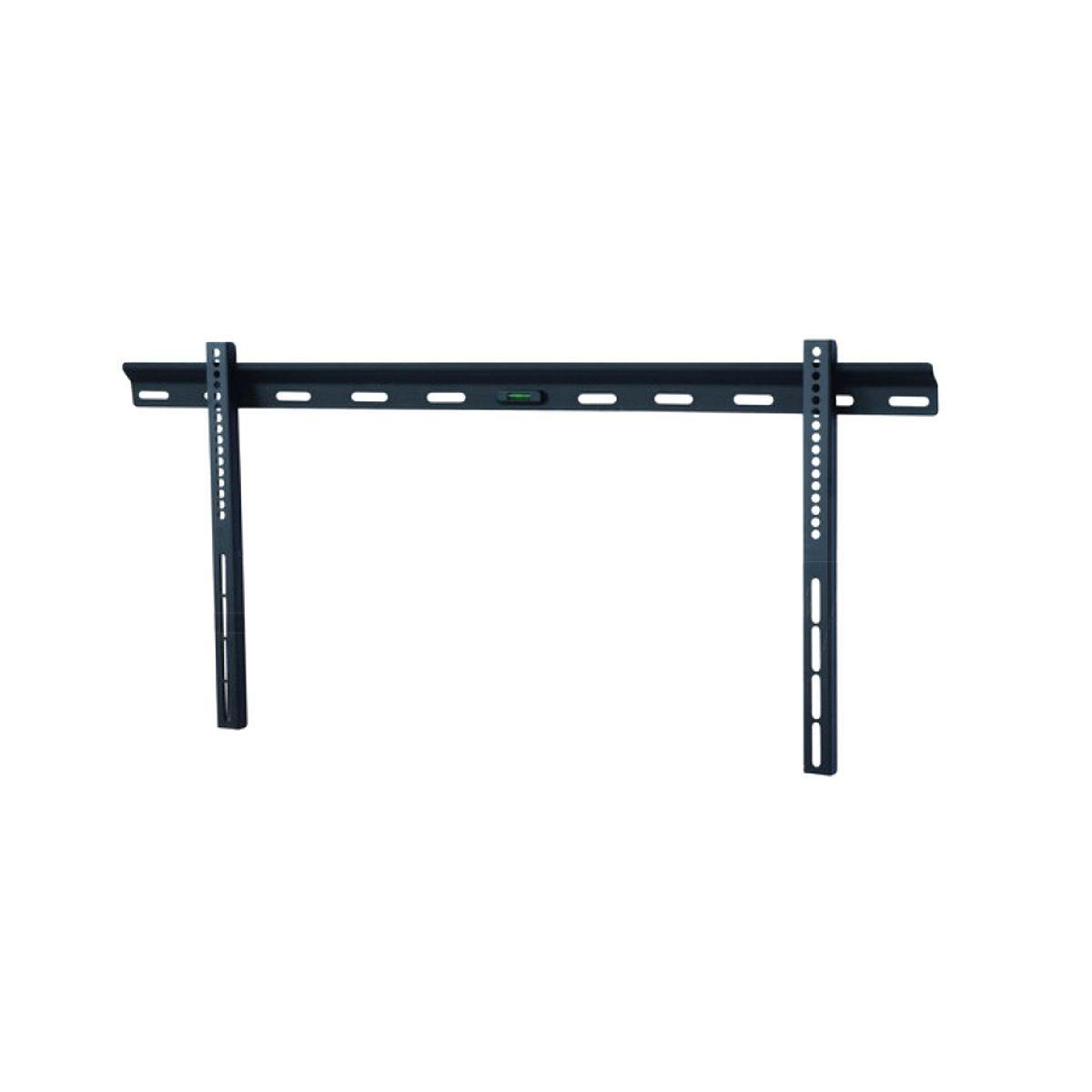
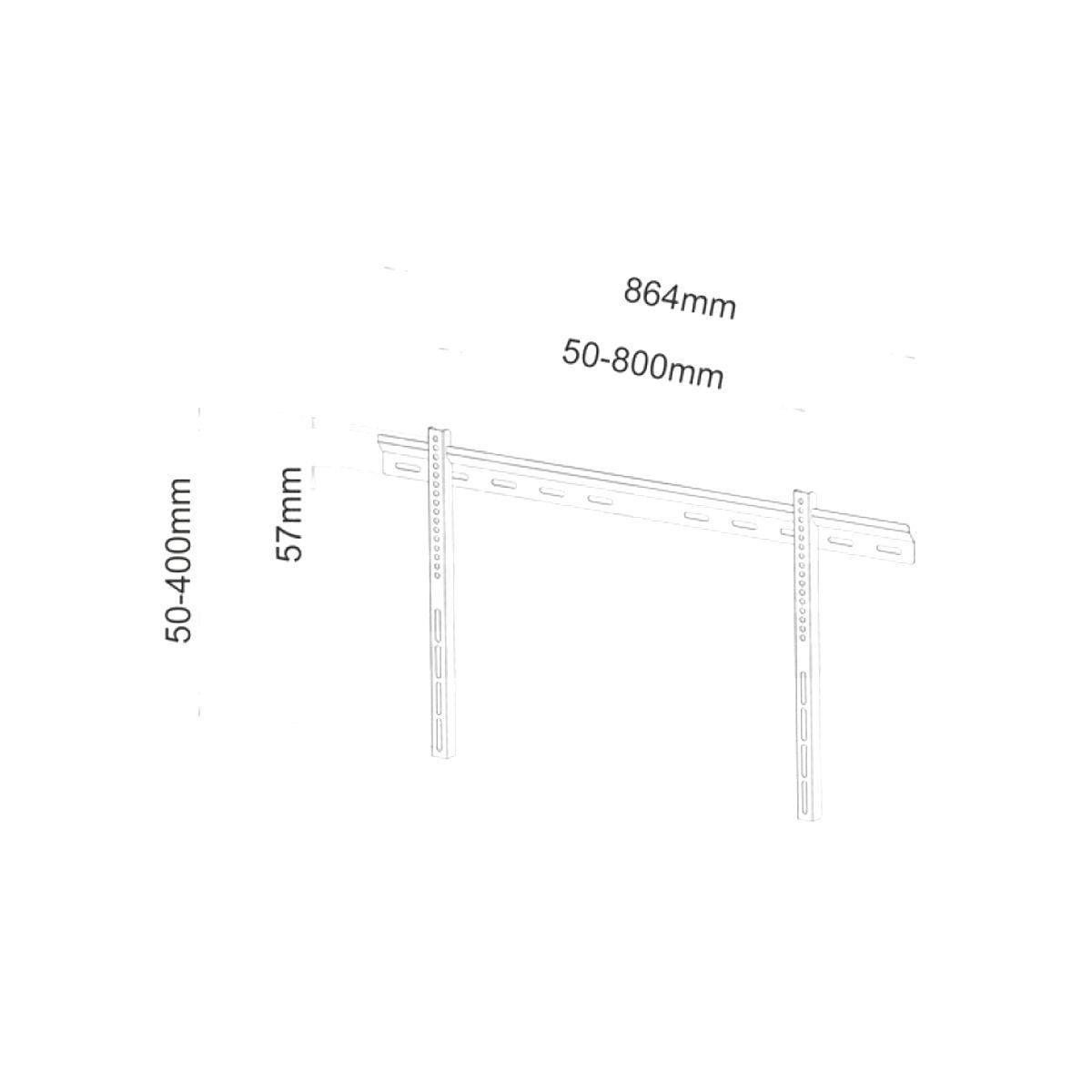
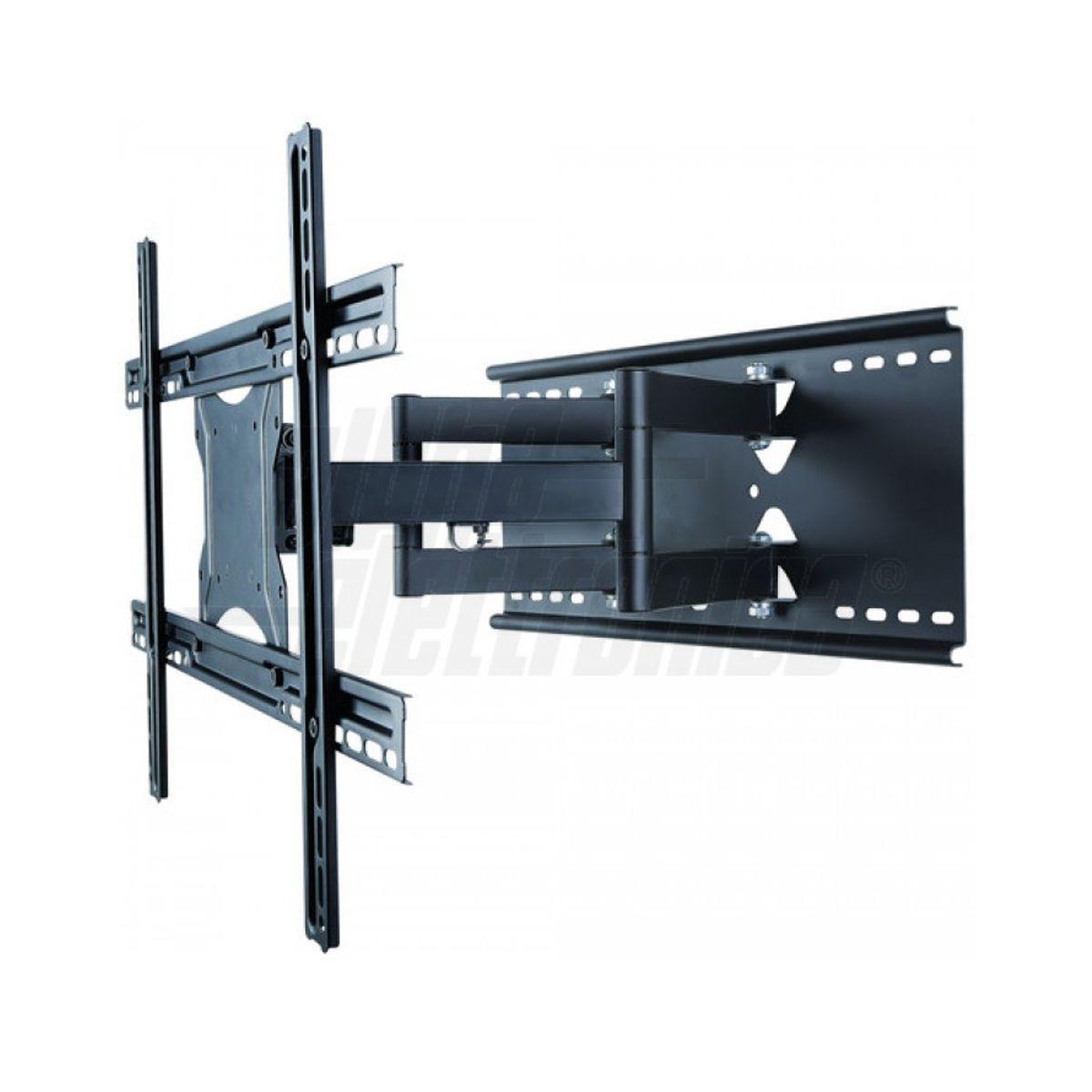
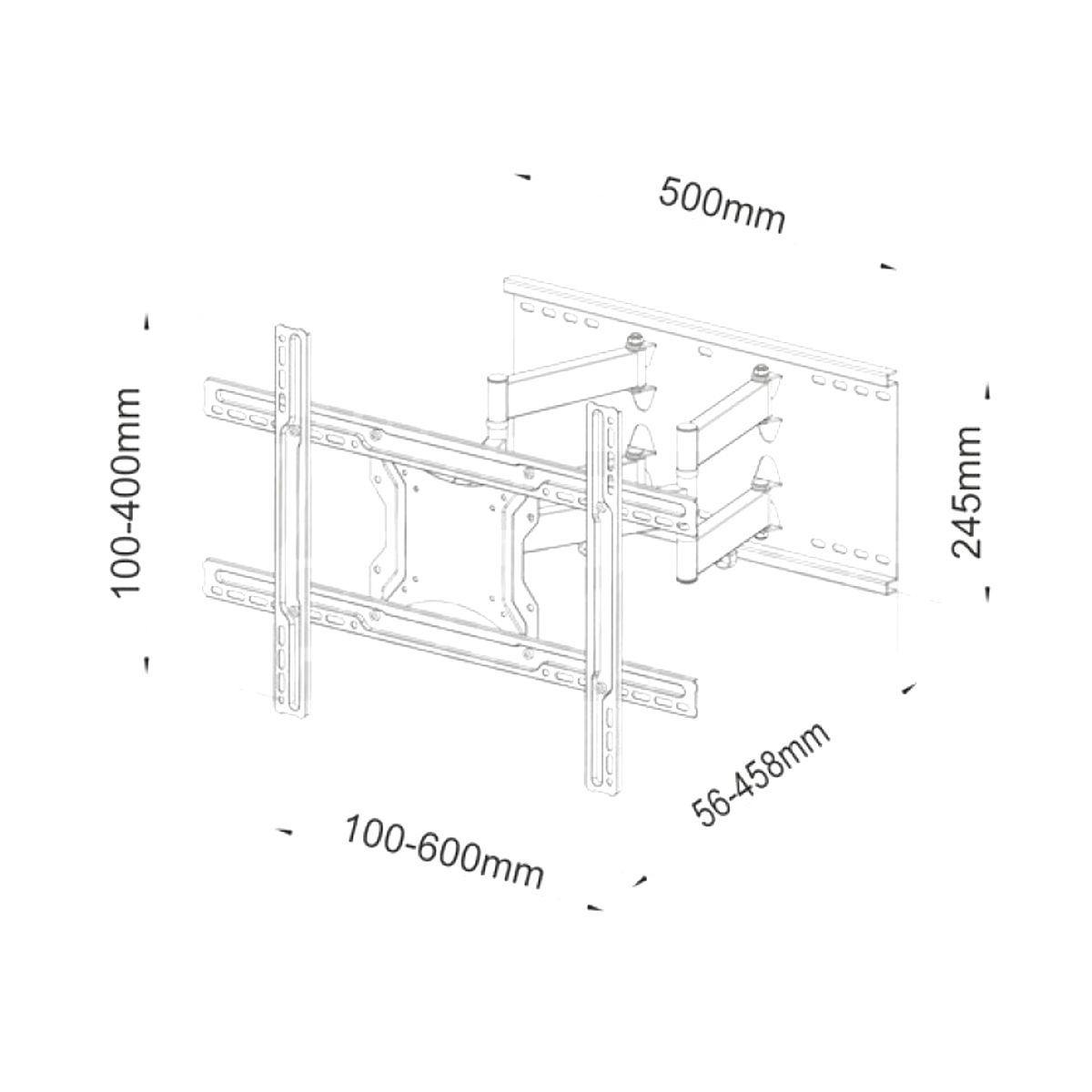
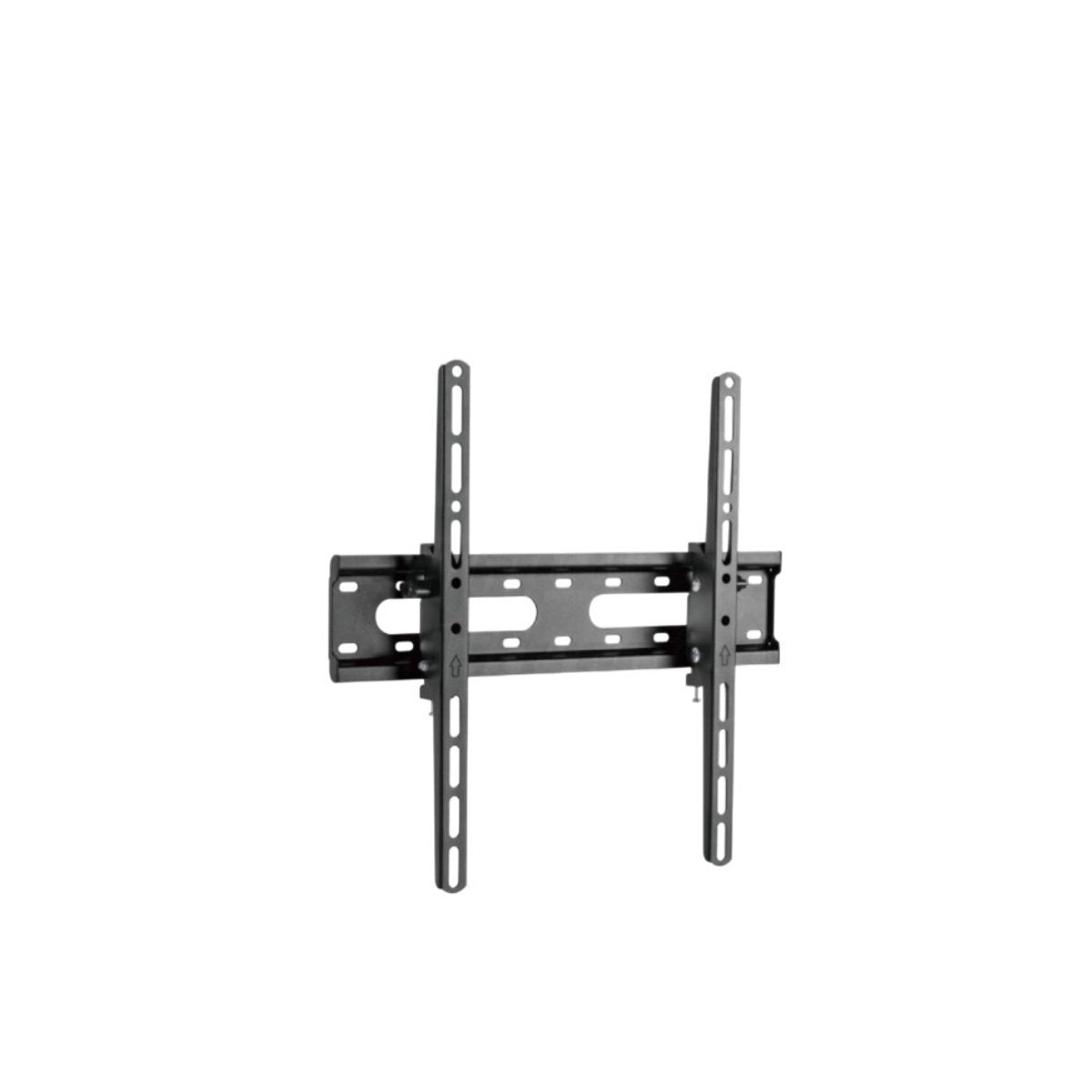
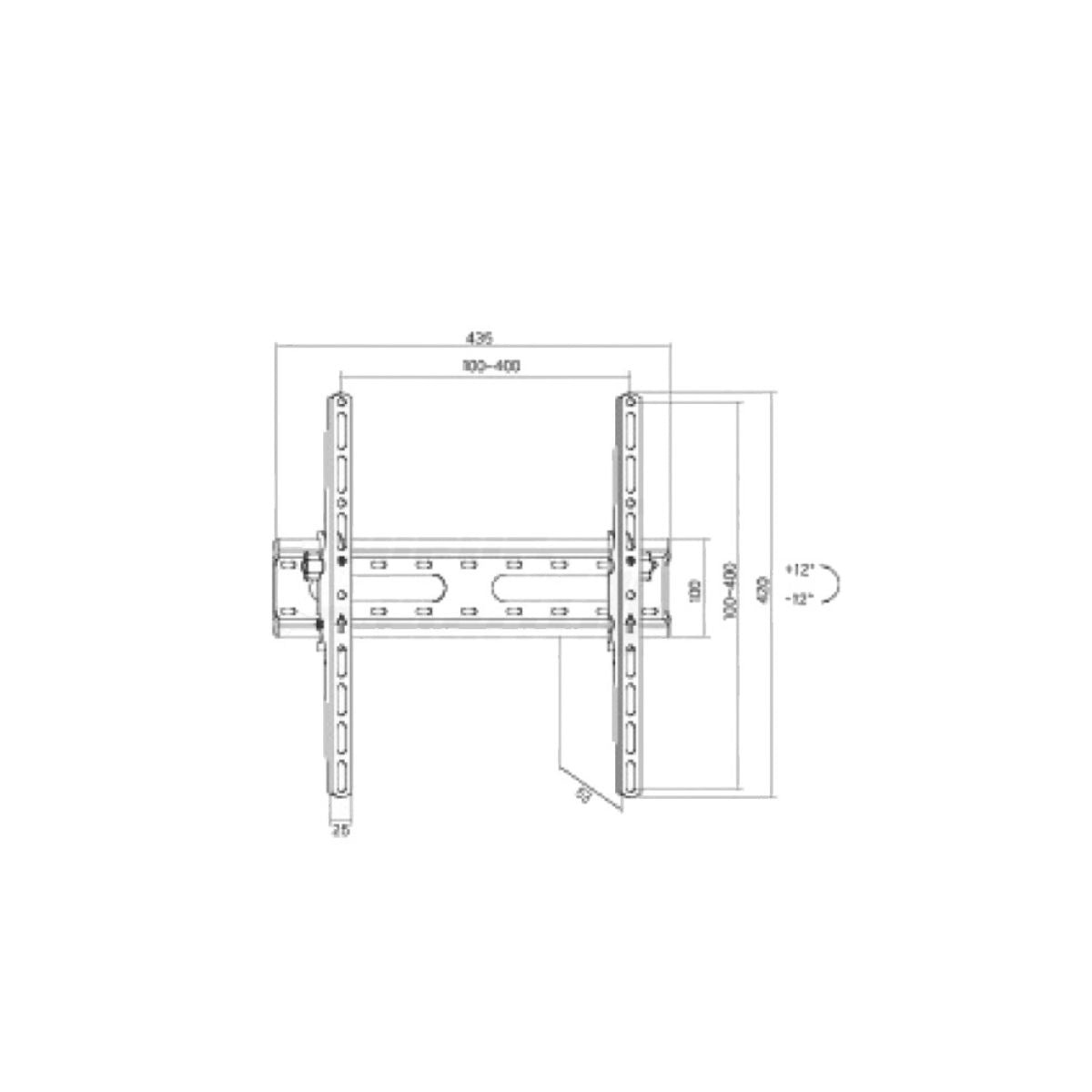
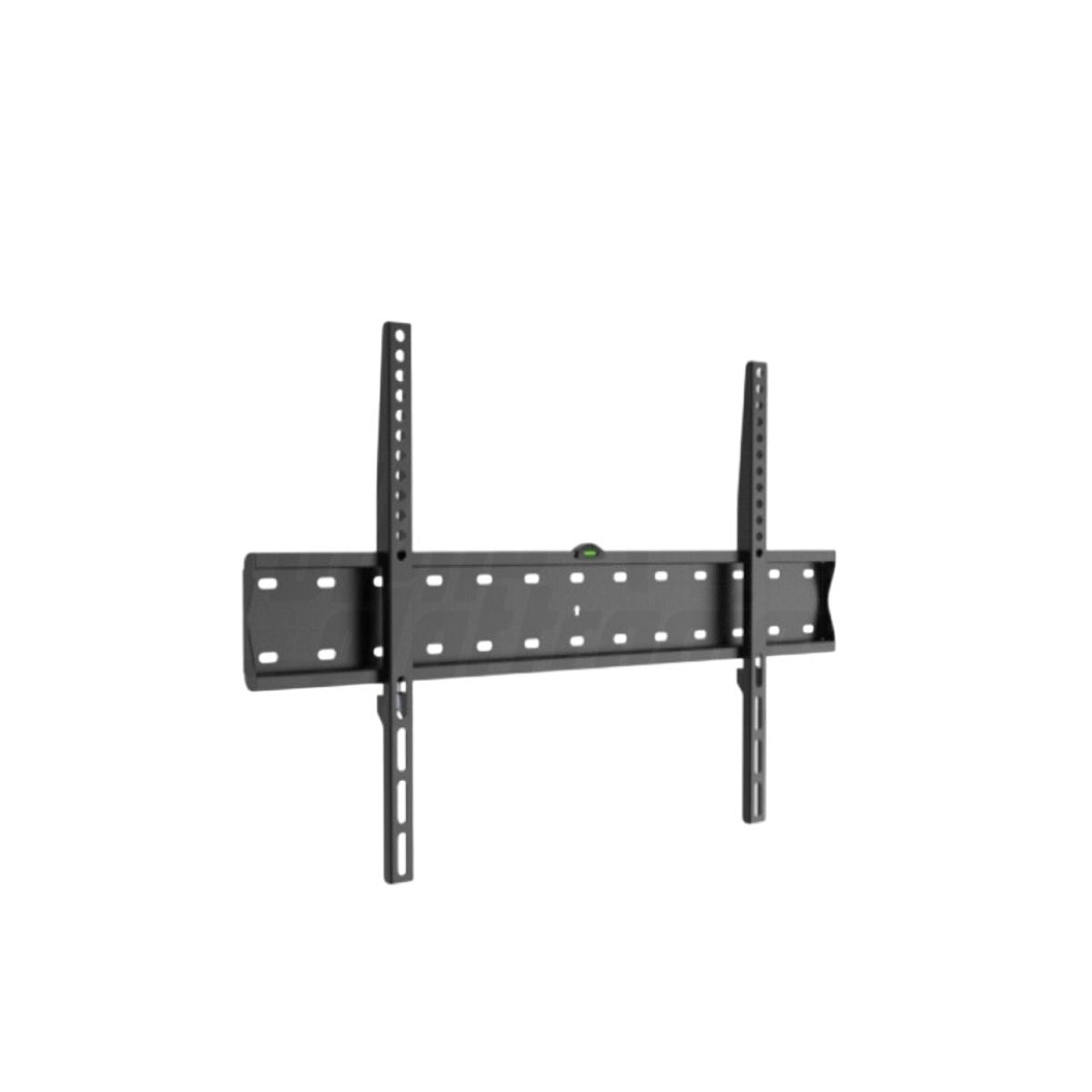
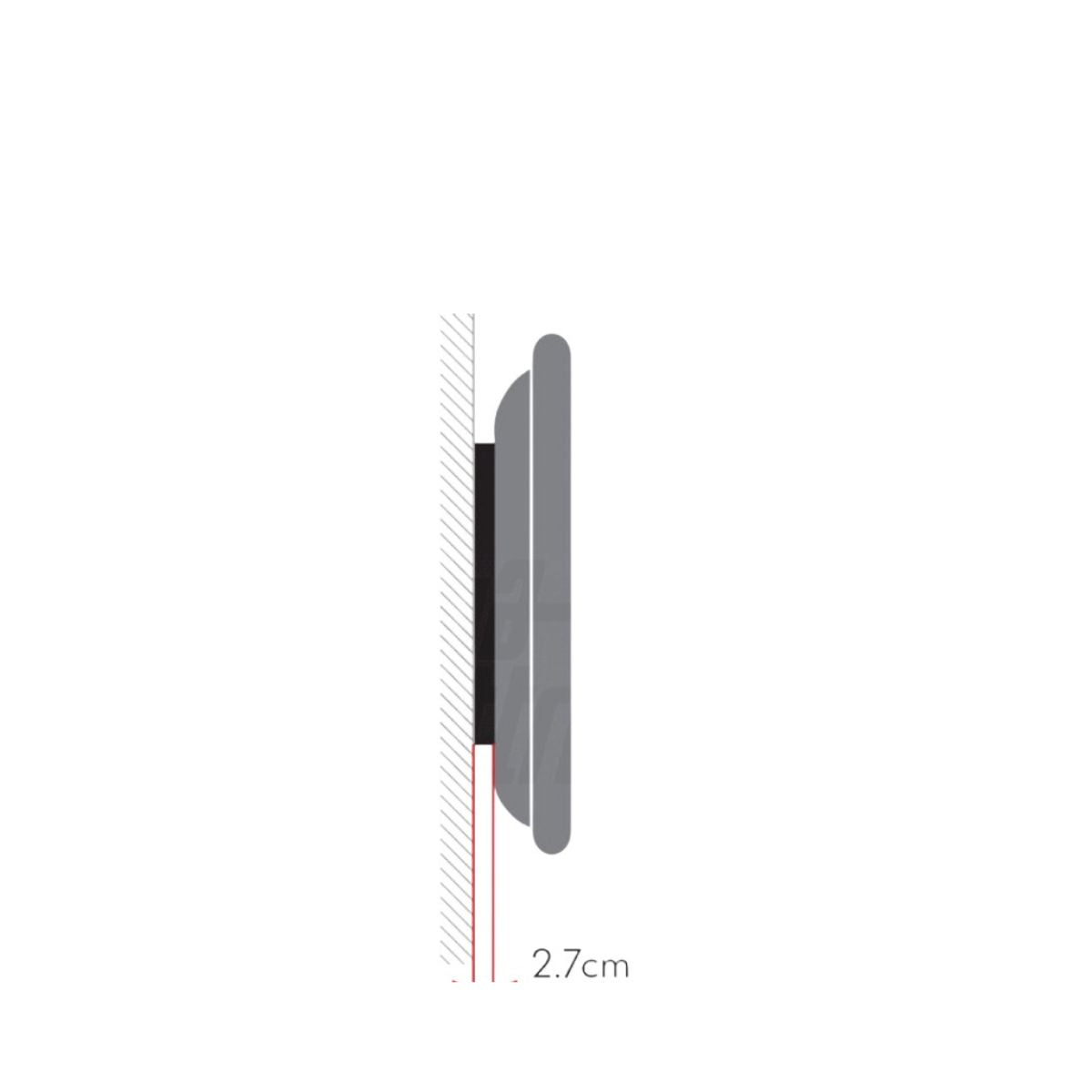
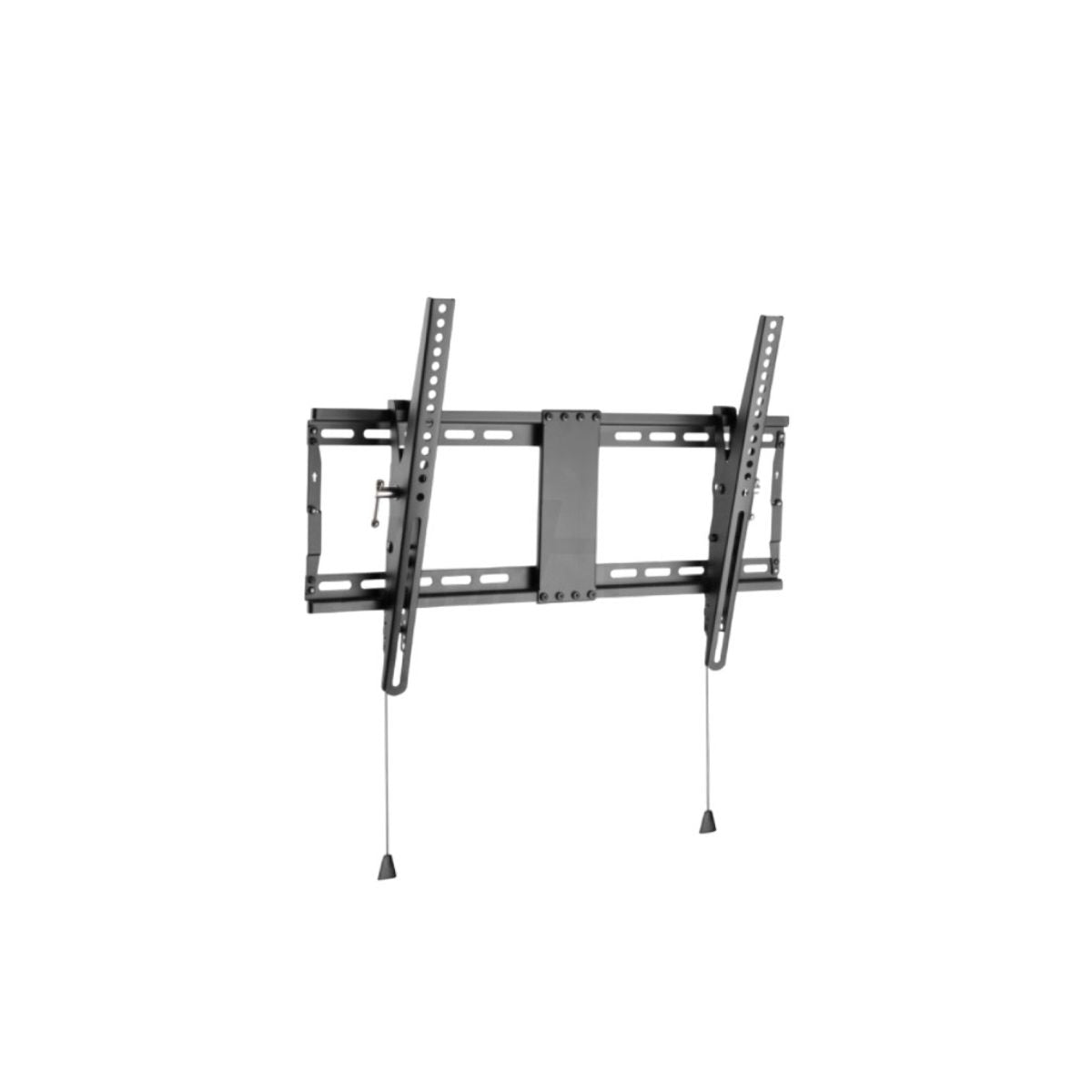
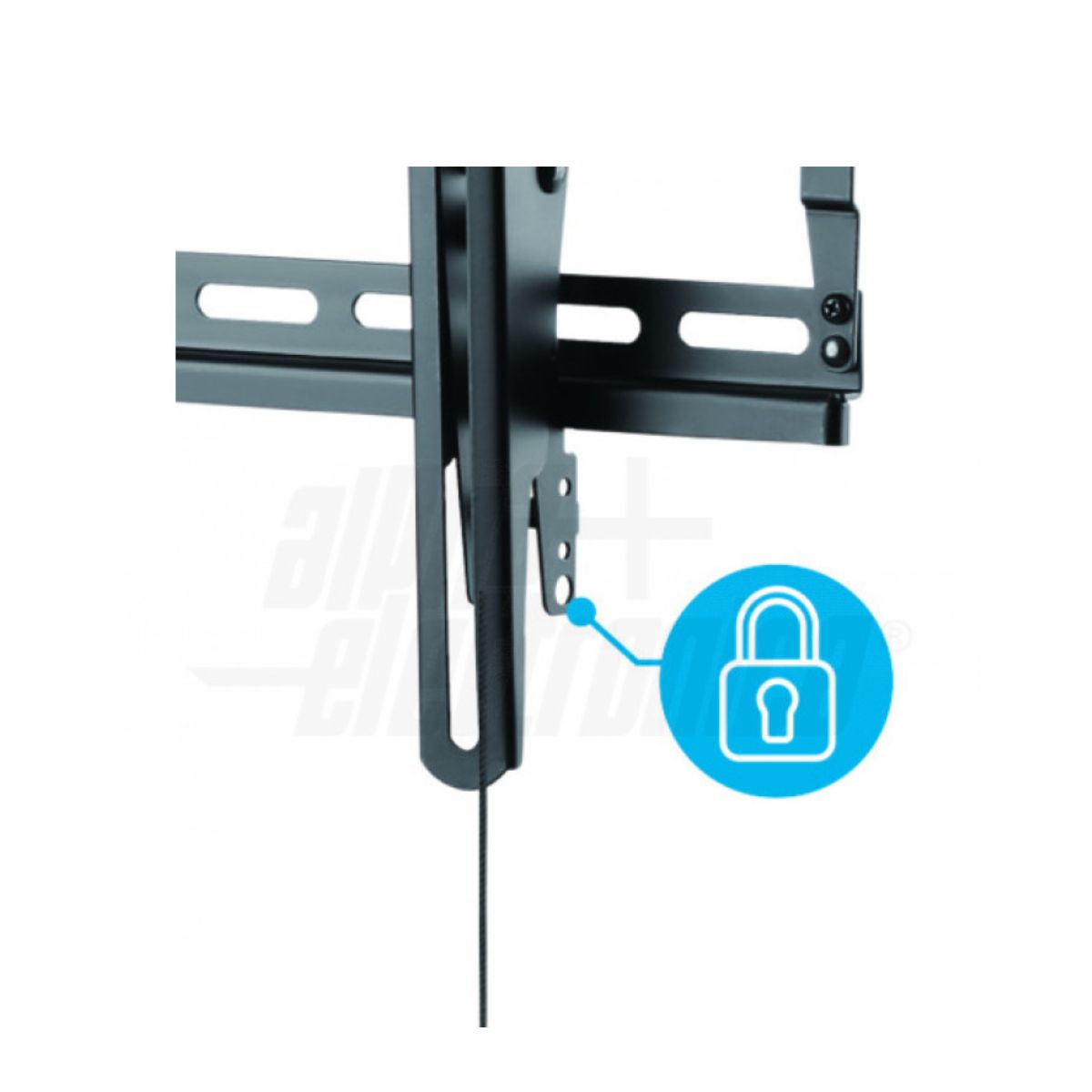
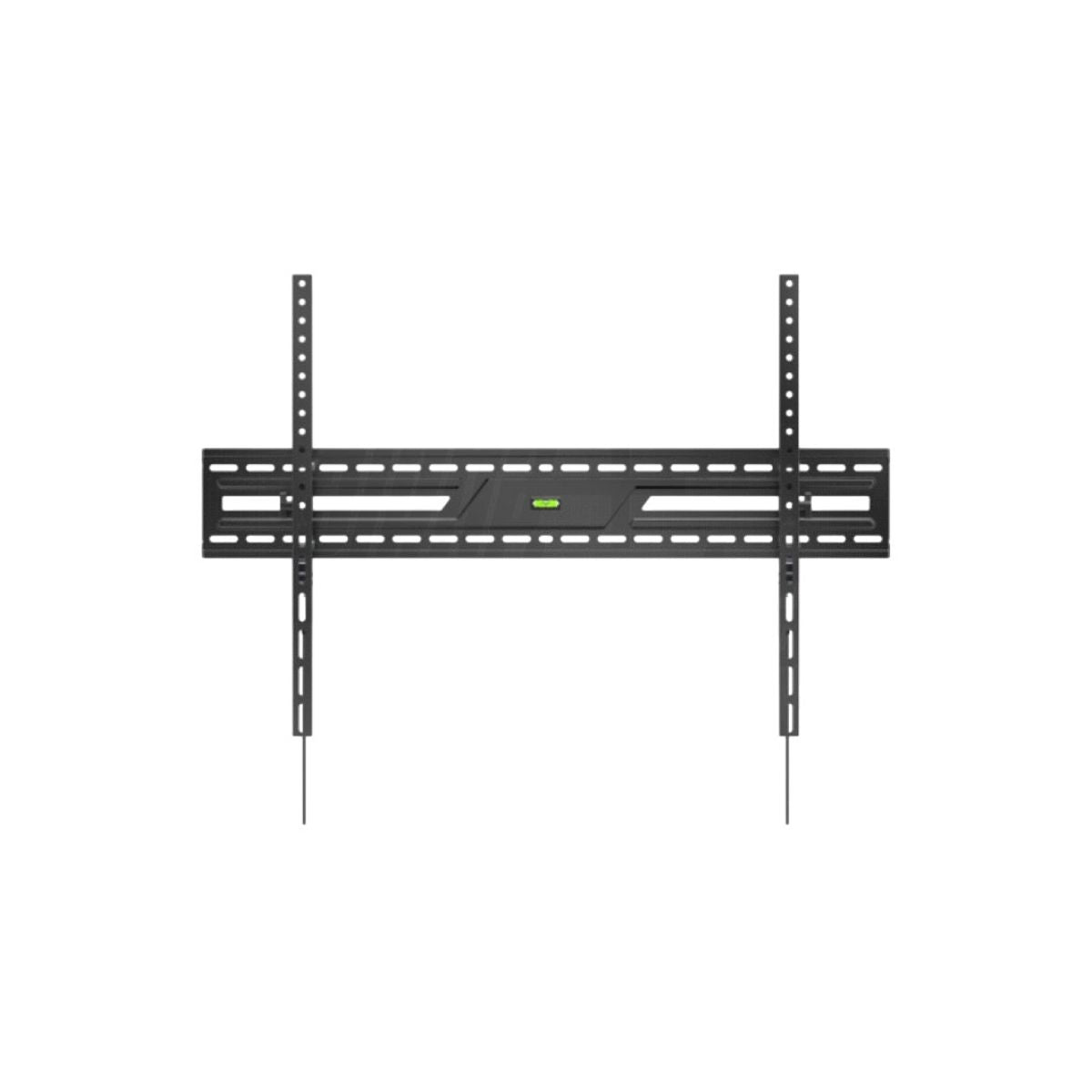
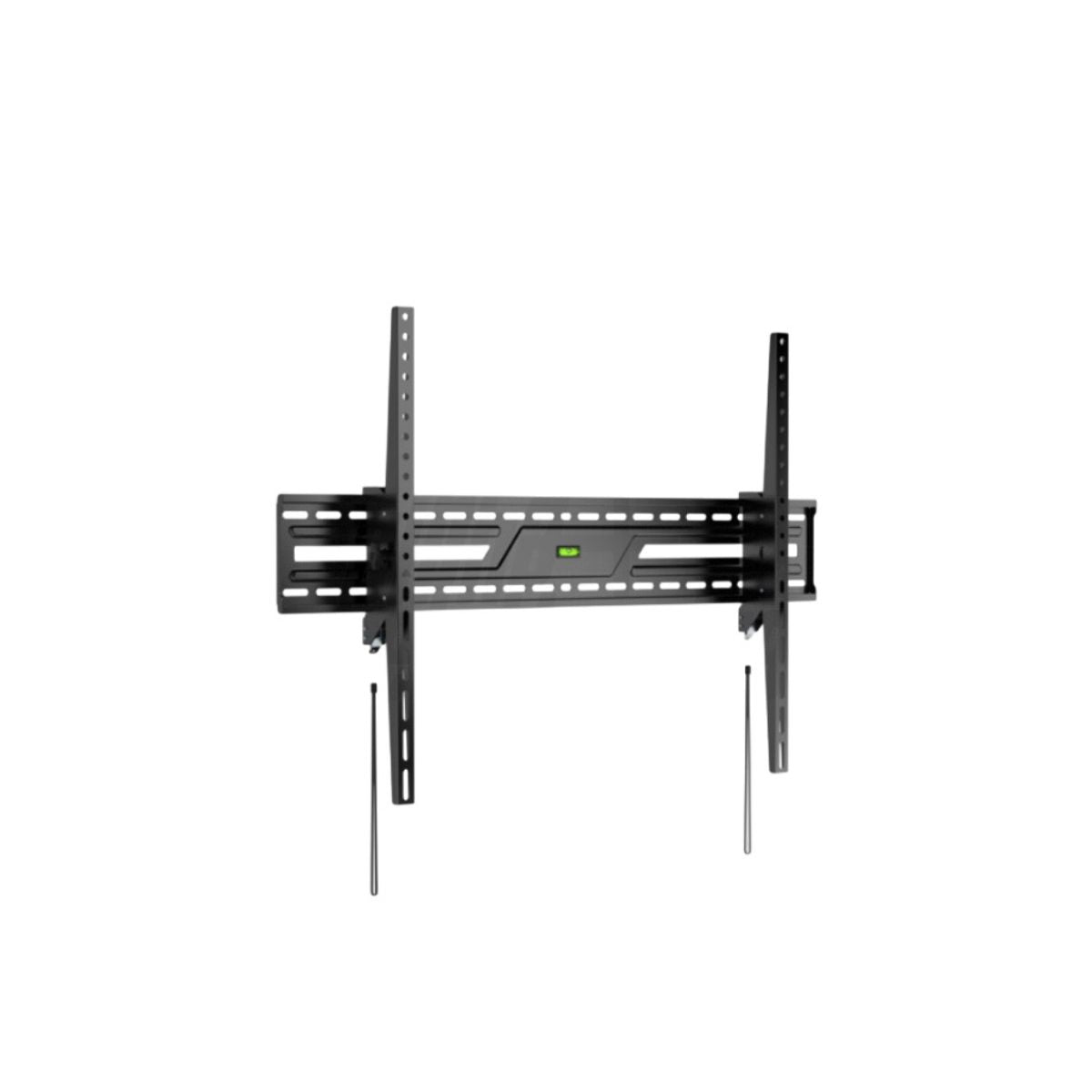


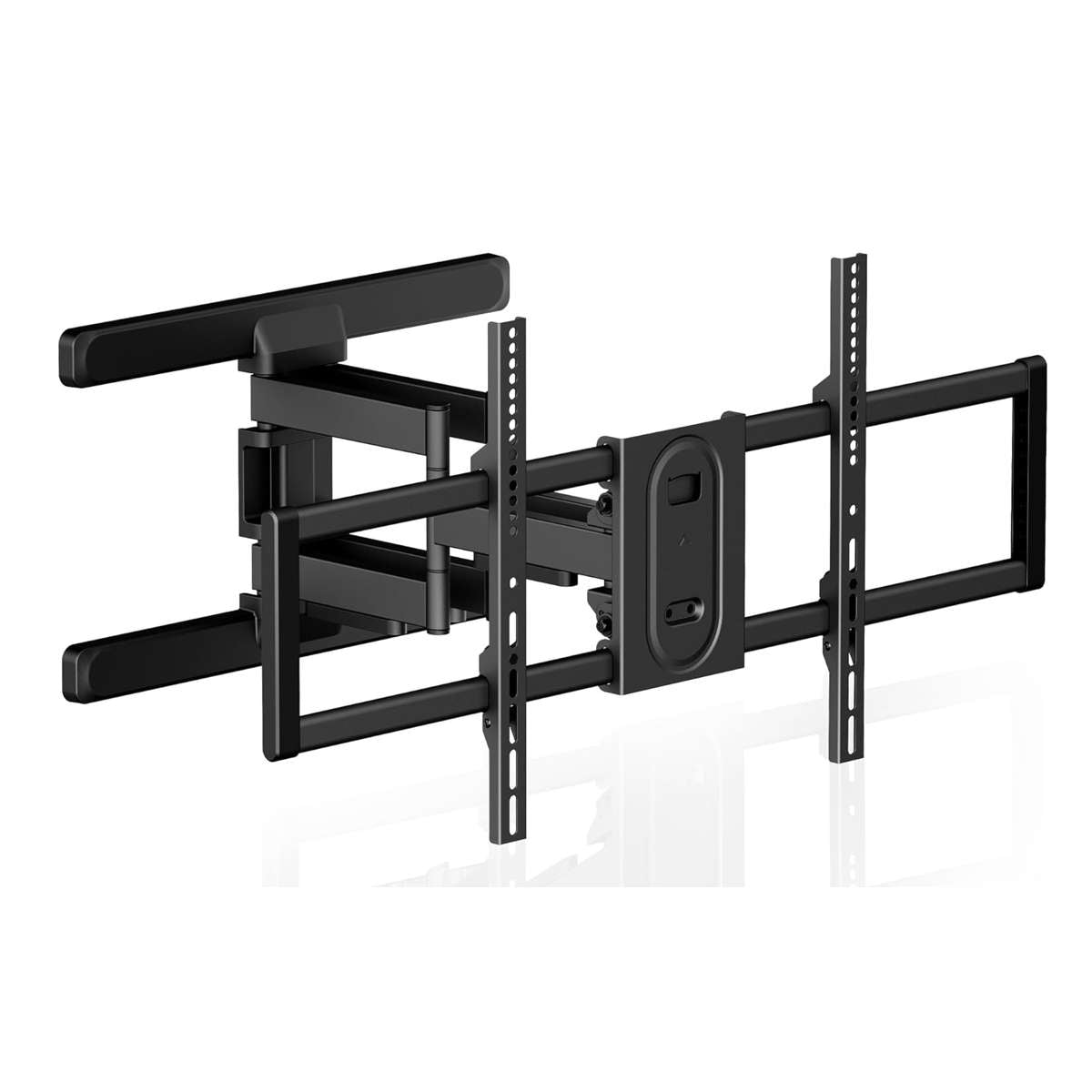


TV Wall Mounts: Extendable Arms and VESA Brackets
Transform your space and secure your TV. Whether you're looking for an extendable arm to swivel your screen in the kitchen or an ultra-thin fixed bracket for the living room, you'll find only certified heavy-duty mounts here.
Our mounts cover all VESA standards (from 75x75 to 600x400) and are universal for Samsung, LG, Sony, Hisense and other brands.
Not sure about compatibility? Scroll to the bottom of the page for the Buying Guide and Room Table .
Buying Guide: Which TV Stand Should You Choose?
Not sure which model to buy? Don't just look at the inches. Use this quick chart to find the perfect stand for your room.
| Room / Objective | Recommended Type | Advantage |
|---|---|---|
|
Living Room / Home Cinema Front view from the sofa |
Fixed Support (Slim) | Clean design, TV fits close to the wall like a painting. |
|
Bedroom Top mounted TV |
Tiltable (Tilt) | Tilt downwards (10-15°) to avoid reflexes and stiff neck. |
|
Kitchen / Open Space View from multiple angles |
Extendable Arm (Full Motion) | Maximum freedom: rotate, extend and tilt your TV wherever you want. |
1. The VESA rule (Check this before you buy)
The most important parameter isn't inches, but the VESA . It's the distance (in millimeters) between the four mounting holes on the back of your TV. Take a tape measure and measure the horizontal and vertical distances.
- Up to 200x200 mm: Typical for 32" to 43" TVs.
- 400x400 mm: Common standard for 50" - 55".
- 600x400 mm: For large screens over 65".
Pro tip: If your VESA is at the limit, always choose the bracket with the largest plate to better distribute the weight on the wall.
2. Walls and Safety: Pay Attention to Plasterboard
This is the question we get most often: "Can I mount this on drywall?"
If you have a plasterboard wall, you'll need to secure the bracket to the internal metal studs or use specific reinforcements. For solid walls (brick/concrete), feel free to use the supplied anchors or specific branded anchors.
3. Final Checklist and Cable Management
Before adding to cart, check these 3 points:
- ✅ Weight: Does your TV weigh less than the bracket's maximum load capacity?
- ✅ Cable clutter: If you choose a fixed "Slim" bracket, remember to connect the HDMI cables before attaching it, or purchase HDMI cables with a 90° head or angle adapters.
- ✅ Rotation: If you buy an arm to rotate a large TV (e.g. 65") 90 degrees, make sure the length of the arm is at least half the width of the TV.
Frequently Asked Questions
How do I know if my TV is compatible?
Is a single or double arm better for large TVs?
Is it difficult to install by yourself?
Can I mount a bracket on drywall? What precautions should I take?
How much extension do you need to orient the TV in the living room?
How to manage cables on a full-motion arm?
Is it safe for TVs >65 inches? What range should I consider?

TV brackets, what to know before buying one
TV Wall Mounts: Choose the right bracket based on the VESA standard , the weight of your TV , and the wall you're mounting it on . Install your TV safely and at the right height for perfect comfort. All our models are VESA compatible .

Videowalls, info and tips for installing them
Video wall: multiple screens synchronized to create a single large image. For perfect results, professional brackets are required, allowing for precise alignment and maintenance without disassembly. Technology and safety for custom installations.