


























Video Wall Mounts
Filter
Sort by:


VideoWall mounts: alignment is everything
On a wall of side-by-side monitors, the critical factor is not weight capacity, it is coplanarity. A millimeter gap between two adjacent screens is visible from across the room, and a wall is never perfectly flat. This is why VideoWall brackets are not simple plates: they feature micrometric adjustment on three axes to compensate for wall tolerances and align the panels flush, with an ultra-slim profile that keeps the monitors just a few centimeters from the wall.
Selection table
| Installation | Bracket |
|---|---|
| Modular video wall, 37-70 inch screens | Single ultra-slim bracket, for matrix assembly |
| Display window or signage, two 45-55 inch side-by-side screens | Double slim bracket, 100 kg capacity |
| Control or trading room, three 45-50 inch screens | Triple ultra-slim bracket, 150 kg capacity |
| 46-52 inch screens, minimum profile | Dedicated ultra-slim bracket |
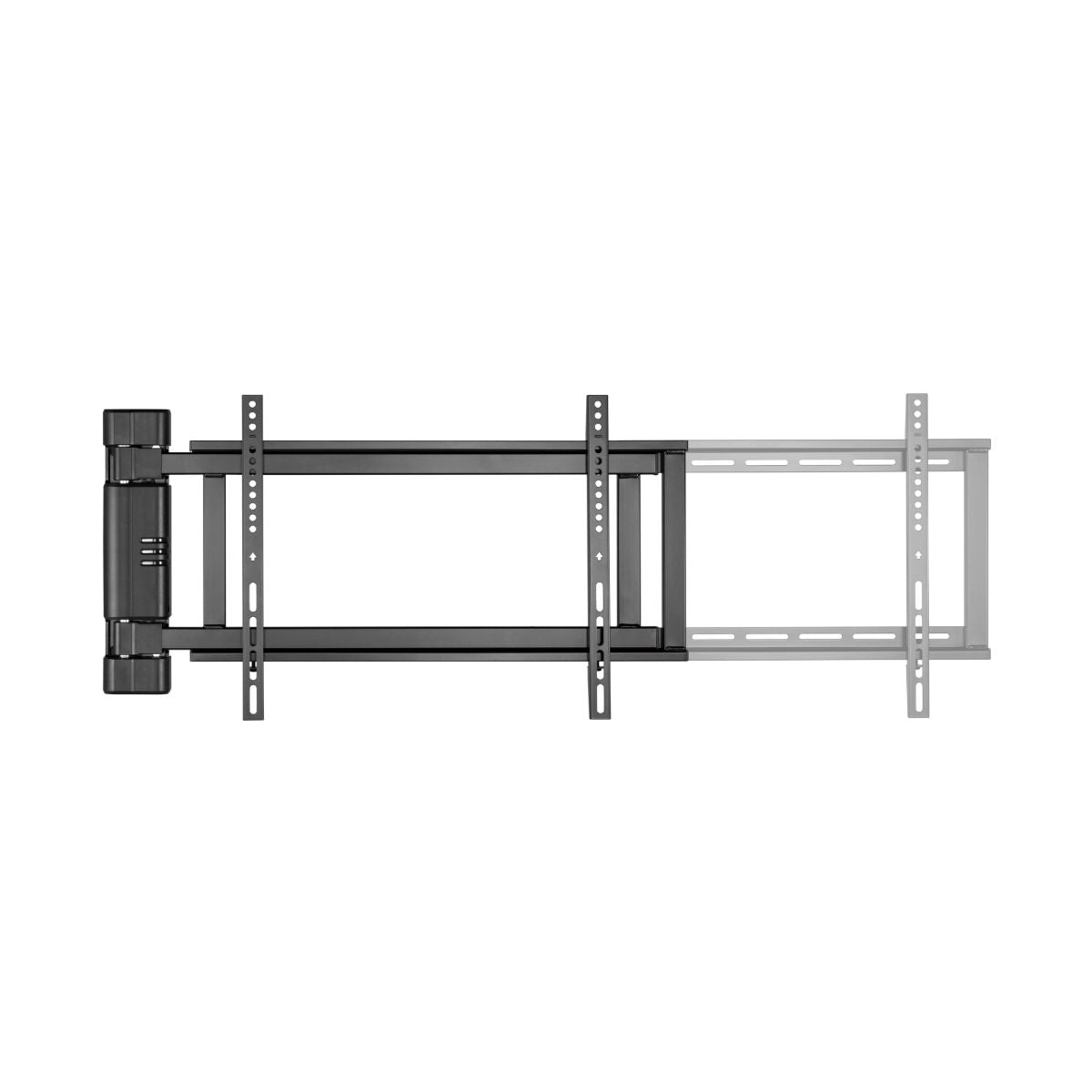
| Requires frequent rear access, 45-70 inches | Extendable bracket with front extraction |
Why front extraction changes the design
In a monitor matrix, the central screens are unreachable: you cannot get behind them, and you cannot disassemble the neighbors every time. Brackets with front extraction allow you to release a single panel by pulling it forward, change a cable or replace the power supply, and reinsert it without affecting the alignment of the others. On a VideoWall intended to remain on for twelve hours a day, this is not a luxury; it is the difference between ten minutes of maintenance and half a day's work.
Pro tip. Two things that are discovered too late. First: the wall must support the entire concentrated load, and three 50-inch monitors with their brackets easily exceed 100 kg over a surface of just a few square meters. On light partition walls or drywall, a dedicated reinforcement structure is needed, not just wall plugs. Second: the monitors for a video wall should be chosen all of the same model and preferably from the same batch, otherwise color temperature differences between panels will be visible even if the mechanical alignment is perfect. And plan for power and signal behind the matrix, using a raceway and power strip, before hanging anything.
Frequently Asked Questions
Can I use standard TVs instead of professional monitors?
Mechanically yes, if the VESA and weight are within limits. Functionally, less so: consumer TVs have thicker bezels, so the seams between panels are visible, and they are not designed to operate for many hours a day. For a permanent VideoWall, professional thin-bezel monitors are a different category of product.
How many brackets are needed for a 2x2 matrix?
One per screen, so four, unless you use double or triple models that manage more than one. Always count the perimeter margin too: a matrix must be centered on the wall, and the total dimensions, including adjustments, must be checked.
Is micrometric adjustment done with screens mounted?
Yes, that is exactly its purpose: you hang the panels and then align them by turning the adjustment screws, without disassembling anything. It is a two-person job, using a grazing light on the wall to see the gaps.
Is a video processor needed?
If the matrix must show a single image distributed across multiple screens, yes. If each screen shows its own content, a player per panel or a dedicated output might suffice. It is a system design choice: if you are working on it, write to us with your wall diagram.
See also wall TV mounts, audio-video distribution and HDMI splitters.