



























HDMI Extender 1080p KVM HDR 70mt on Cat.6 Loop Out cable USB keyboard and mouse ports
Secure Checkout
Pickup available at Sede Operativa Oniroview Usually ready in 24 hours
Pickup available
-
Sede Operativa Oniroview
Pickup available, usually ready in 24 hours
Via Piave 17
Check in google map
95129 Catania CT
Italy
HDMI Extender 1080p KVM HDR 70mt on Cat.6 Loop Out cable USB keyboard and mouse ports
📐 1080p@60Hz up to 70 m │ KVM: USB keyboard and mouse at the receiver │ Loop-out + 3.5 mm audio output — 🔧 Installation difficulty: 2/5 │ 🎯 Ideal for: PC in server room or rack cabinet, shared workstations, reception, control room
HDMI KVM Extender with USB: control the PC from 70 meters away with a monitor, keyboard, and mouse
The PC is in a technical room, the workstation elsewhere: the CT373/13 carries 1080p@60Hz video up to 70 m over a Cat.6 cable and, over the same cable, the USB keyboard and mouse signals connected to the receiver. The loop-out maintains a monitor next to the PC, the 3.5 mm jack output brings the audio to the workstation. For 4K sources, the CT374/20 is required.
Who chooses it
- Offices with PCs in rack cabinets and workstations shared by multiple people.
- Receptions and cash desks with the PC protected in a separate room.
- Video surveillance control rooms with the recorder away from the operator.
It is not the right choice if you need USB ports for flash drives, printers, or webcams: the manufacturer specifies them only for keyboard and mouse.
Technical analysis and advantages
- ⌨️ USB KVM — keyboard and mouse on the receiver control the PC connected to the transmitter with the included USB cable.
- 📏 70 m at 1080p@60Hz — over Cat.6/6A/7 AWG24: more than double the 30 m at which basic 1080p extenders stop at 60Hz.
- 🔀 HDMI Loop-out — one monitor next to the PC and one at the remote workstation.
- 🎧 3.5 mm jack audio output on the receiver — headphones or active speakers at the workstation.
- 🖥️ PC Resolutions — from 800×600 to 1680×1050, plus Full HD at 60Hz.
- 🎨 HDR 1080p YUV 4:4:4, 12 bit/channel — with a bandwidth of 10.2 Gbps and HDCP 1.4.
Technical data sheet
| Type | KVM Transmitter + Receiver |
| Maximum resolution | 1080p @ 60Hz |
| Video resolutions | 480i@60Hz, 480p@60Hz, 576i@60Hz, 576p@60Hz, 720p@50/60Hz, 1080i@50/60Hz, 1080p@30/50/60Hz |
| PC Resolutions | 800×600, 1024×768, 1280×768, 1280×800, 1280×960, 1360×768, 1366×768, 1600×900, 1680×1050 |
| Maximum distance | 70 m at 1080p@60Hz (Cat.6/6A/7 AWG24 cable) |
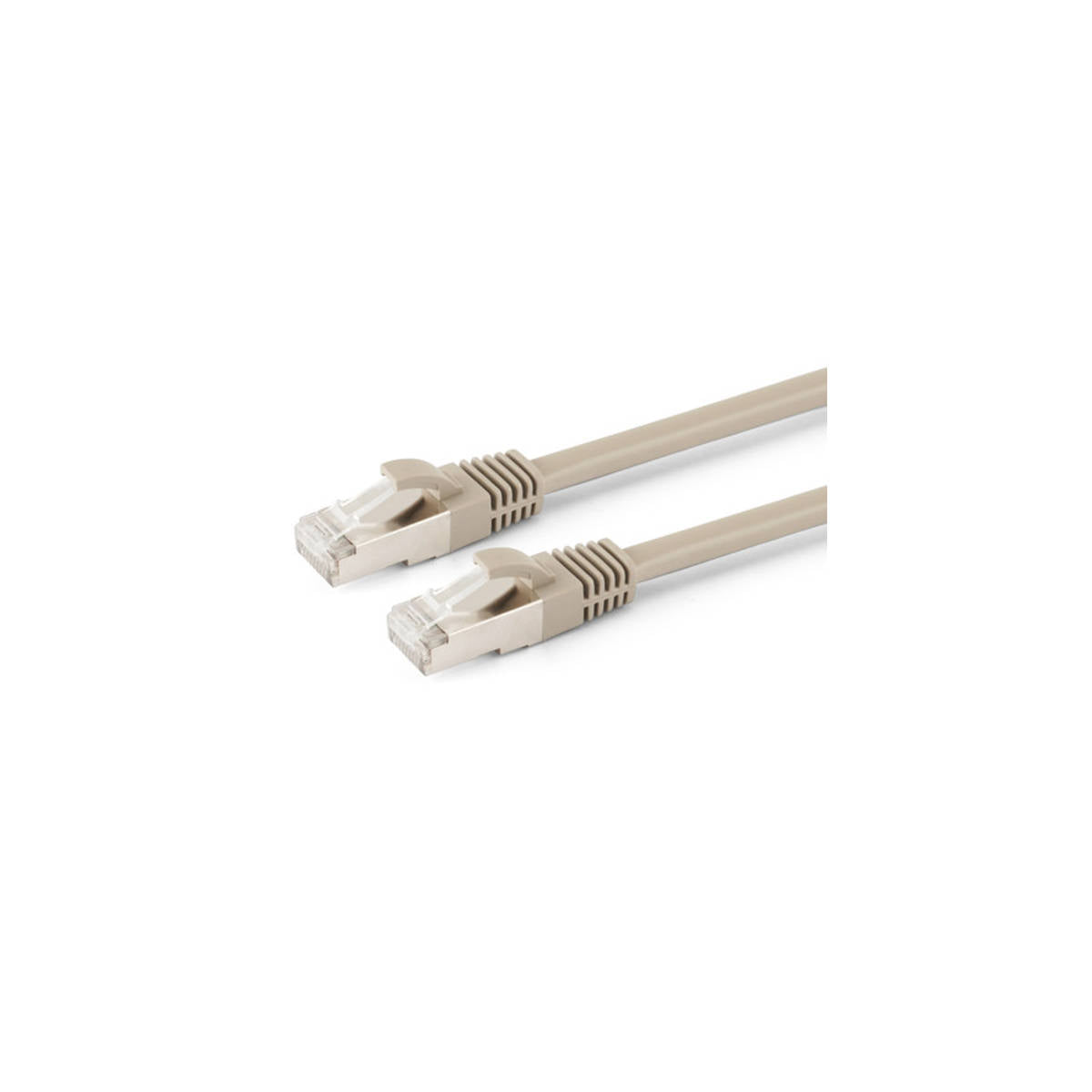
| Connection cable | 1x Cat.6, IEEE-568B standard |
| Bandwidth | 10.2 Gbps |
| HDR / HDCP | HDR 1080p YUV 4:4:4 / HDCP 1.4 |
| Color depth | 12 bit/channel |
| 3D / 4K Compatible | No / No |
| Transmitter connections | HDMI input, HDMI loop-out output, USB (PC), RJ45 |
| Receiver connections | HDMI output, RJ45, USB (mouse/keyboard), 3.5 mm audio jack |
| Power supply | 2x 5Vdc 1A |
| Installation | Plug-and-play, no drivers |
| Manufacturer | AlphaNET |
| SKU | CT373/13 |
| EAN | 8017443668607 |
🔧 Expert Advice:
To make the KVM work, connect the included USB cable between the transmitter and a USB port on the PC, in addition to the HDMI cable: without this connection, the video will arrive, but the keyboard and mouse will not respond. On the receiver, use the USB ports for the keyboard and mouse, as indicated by the manufacturer.

Complete your project
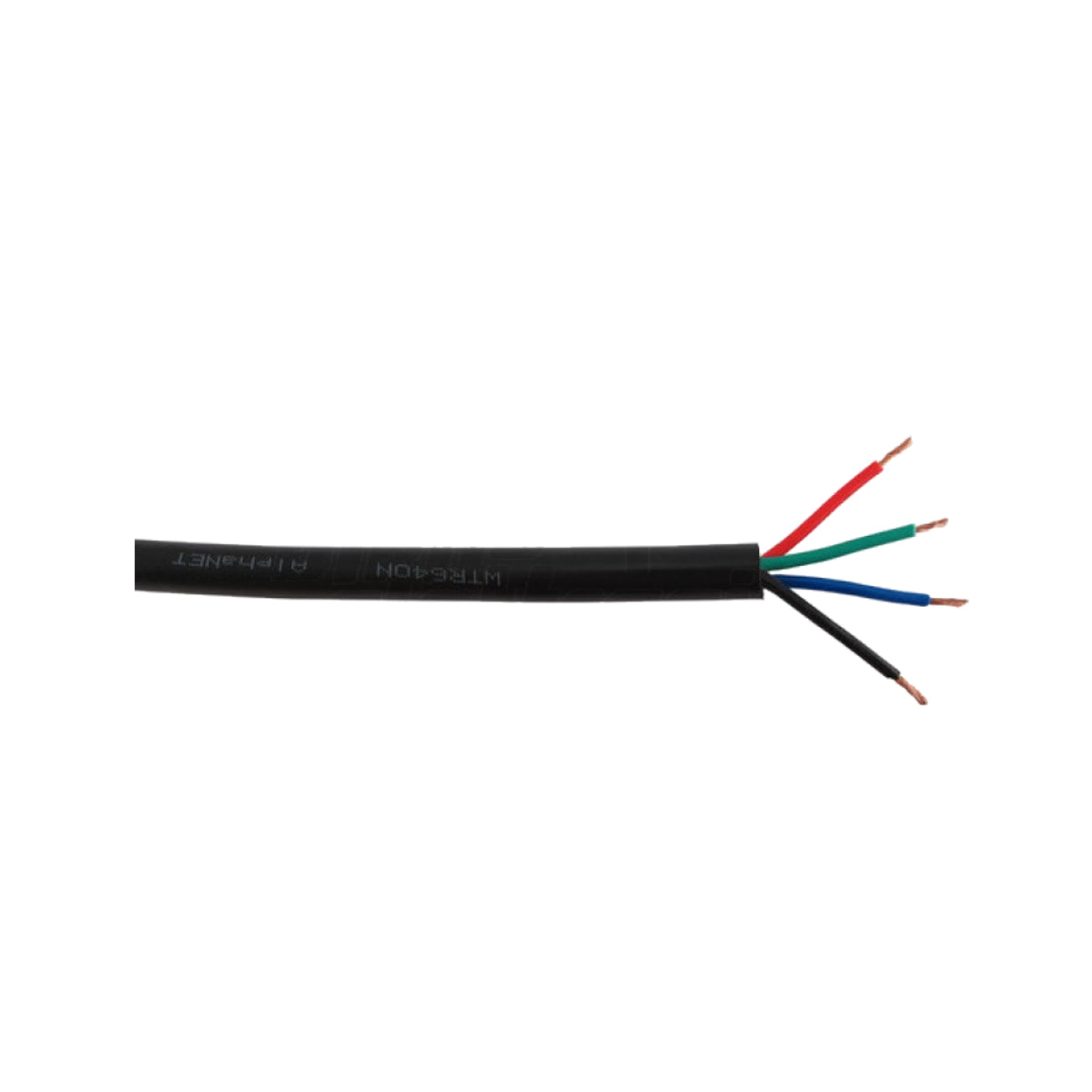
- 🔗 305 m Cat.6 U/UTP pure copper cable spool — the pure copper cable recommended by the manufacturer to achieve the stated distances.
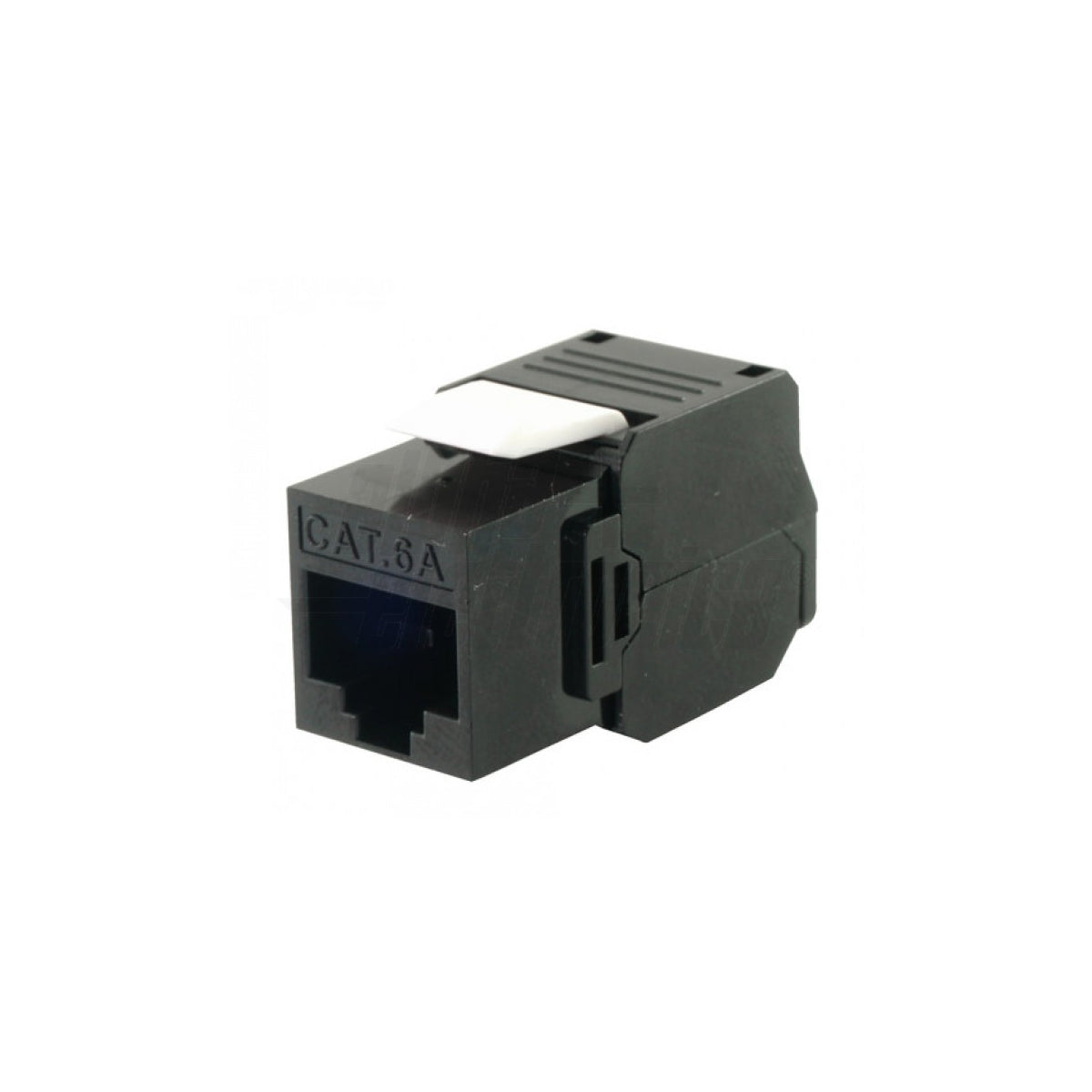
- 🔗 Cat.6A tool-less RJ45 plug — terminate the cable after installation without a crimping tool.
- 🔗 HDMI 4K 60Hz KVM Extender (CT374/20) — the KVM version for PC with 4K output at 60Hz.
Frequently Asked Questions
What is an HDMI KVM extender?
It is an extender that, in addition to HDMI video, carries keyboard and mouse signals (KVM: Keyboard, Video, Mouse). The PC remains in a technical room or cabinet, while the user works from a workstation with a monitor, keyboard, and mouse up to 70 m away. With the CT373/13, everything travels over a single Cat.6 cable.
Can I connect a USB flash drive or printer to the KVM extender?
The manufacturer specifies the receiver's USB ports for keyboard and mouse. Flash drives, hard drives, printers, and webcams are not declared compatible, because they use more USB bandwidth than a keyboard or mouse: for those devices, a dedicated USB connection or network sharing is recommended.
Does the KVM extender work with a 4K PC?
The CT373/13 reaches 1080p@60Hz and PC resolutions up to 1680×1050, with HDCP 1.4: set the PC video card to one of these resolutions. To maintain 4K@60Hz with remote keyboard and mouse, the CT374/20 is required, a 18 Gbps HDMI 2.0 KVM extender.
Package contents
📦 1x Transmitter · 1x Receiver · 2x 5Vdc 1A Power Supplies · 1x USB Cable
Warranty and safety
📜 2-year legal warranty (Italian Legislative Decree 170/2021). ⚠️ Install the transmitter and receiver in an indoor and dry environment. Point-to-point connection only on a single cable, without switches or routers.
Shipping from Catania. Technical support for KVM extenders and network cabling.
Changed your mind? Here's what to do
If you want to return your order, we're here to help. You have the right to withdraw from the purchase within 14 days of delivery, without having to provide any reason.
Right of withdrawal (within 14 days)
The deadline is 14 days from delivery. If the order includes multiple items delivered separately, the deadline starts from the delivery of the last item.
The 14 days are calculated in calendar days, including Saturdays, Sundays, and public holidays. If the last day falls on a Saturday, Sunday, or public holiday, the deadline is extended to the next working day.
How to exercise it: Initiate the request from the dedicated function in your account: https://account.oniroview.com → Orders section → "Manage" → "Request Return". The withdrawal is validly exercised at the moment you send the online request; it is not subject to our prior authorization.
- Return: You must send the products back within 14 days from the date you notified us of the withdrawal.
- Refund: We will refund you within 14 days of the withdrawal notification. We may withhold the refund until we have received the goods or proof of their shipment, whichever occurs first.
- Full withdrawal (you return all products in the order): 100% refund of the price plus standard outbound shipping costs. If you chose a more expensive delivery than the standard one at the time of the order, any supplement is not refundable.
- Partial withdrawal (you return only some products): refund of the price of only the returned products; outbound shipping costs are not refunded. If the order benefited from free shipping due to reaching a threshold and the partial return causes the value to fall below that threshold, the corresponding shipping cost will be calculated and deducted from the refund.
- Return costs: The direct costs of return are borne by the customer.
- Diminution in value: You are only responsible for any diminution in the value of the goods resulting from handling other than what is necessary to establish their nature, characteristics, and functioning. In such a case, we will deduct from the refund an amount corresponding to the ascertained lost value.
The refund will be made using the same payment method used for the purchase.
Exclusions from the right of withdrawal
Pursuant to Article 59 of the Consumer Code, withdrawal does not apply to:
- goods made to measure or clearly personalized (e.g., cables cut to size, custom configurations);
- sealed goods that are not suitable for return for hygienic reasons or health protection, if unsealed after delivery;
- digital content supplied on a non-material medium, if the performance has begun with your prior consent and acceptance of the loss of the right of withdrawal.
Outlet Items: Items in the Outlet category are sold as final sale and are not returnable.
B2B Sales: The right of withdrawal does not apply to contracts concluded with customers holding a VAT number.
How to ship the return
Once the request has been submitted, send all items to: Oniroview, Via Piave 17, 95129 Catania (CT), Italy.
- Pack carefully and use secure, tracked shipping: products lost or damaged during return transit cannot be refunded.
- To protect the original packaging, place it in a second box when possible. Do not apply labels or adhesive tape directly to the product's original packaging.
Tax deductions and benefits for ordinary and extraordinary maintenance
To request tax breaks, send your request to the email address: amministrazione@oniroview.com
IRPEF deductions at 50%
You are entitled to a 50% deduction for the purchase of products connected to building interventions, such as electrical systems, video intercoms and alarm systems and LED lighting. It is not required to send any documents to our company. To take advantage of the deduction, simply indicate the total expense in your 730 or in the Unico form.
The documents to be kept are:
- Bank transfer receipt
- Purchase invoices showing the nature, quality and quantity of the goods purchased and, preferably, the buyer's tax code
Procedure to follow:
- Place an order on our site by selecting "Bank Transfer" as the payment method.
- Request the invoice and indicate the desired deduction in the order notes.
- Make the payment via bank transfer, compliant with the provisions of the Revenue Agency. The transfer must include:
- Reason for payment (include order number and date)
- Oniroview tax code and/or VAT number: 05660420877
- Tax code of the payer
In the absence of even one of the two fields indicated above, the order will be processed without invoicing.
10% reduced VAT for building renovations and conservative renovations ( 10% REDUCED VAT - 50% TAX DEDUCTION)
Purchase of goods, with the exclusion of raw materials and semi-finished products, used in conservative restoration and building renovation. Use for the purchase of LED lighting is permitted .
Requested documents:
-
Copy of Identity Card
-
Copy of valid tax code or health card
-
Copy of DIA or SCIA or CIL (or building permit) where the "Type of intervention" is indicated
-
Declaration for reduced VAT ( download the form here )
The documents indicated above must be sent to the email address amministrazione@oniroview.com , after completing the order. Once the documentation has been verified, we will issue an advance invoice with the reduced VAT to proceed with the payment.
Procedure to follow:
- Place an order on our site by selecting "Bank Transfer" as the payment method.
- Request the invoice and indicate in the order notes by writing "your tax code and advance invoice for renovation and restoration, VAT 10%" in the same 'Order note' field.
- Make the payment via bank transfer indicating the invoice number
In the absence of even one of the two fields indicated above, the order will be processed without invoicing.
VAT reduced at 4% for the construction of the first non-luxury home
The use of LED lighting for the purchase of non-luxury properties is permitted (the property must not have luxury characteristics, according to the criteria indicated in the decree of 2 August 1969).
Requested documents:
-
Copy of Identity Card
-
Copy of valid tax code or health card
-
Copy of DIA or SCIA or CIL (or building permit) where the "Type of intervention" is indicated
-
Declaration for reduced VAT ( download the form here )
The documents indicated above must be sent to the email address amministrazione@oniroview.com , after completing the order. Once the documentation has been verified, we will issue an advance invoice with the reduced VAT to proceed with the payment.
Procedure to follow:
- Place an order on our site by selecting "Bank Transfer" as the payment method.
- Request the invoice and indicate in the order notes by writing "your tax code and advance invoice for the facilitation of construction of a first home, VAT 4%" in the same field.
- Make the payment via bank transfer indicating the invoice number
In the absence of even one of the two fields indicated above, the order will be processed without invoicing.
Furniture Bonus
Purchase of Furniture and Appliances, including LED lighting for private individuals and condominiums. Legislative decree no. 63/2013 introduced a further 50% deduction for the purchase of furniture and large appliances and LED lighting, aimed at furnishing properties undergoing renovation.
The main prerequisite for obtaining the deduction is the carrying out of a recovery intervention on the building heritage (renovation, restoration, etc.).
It is not required to send any documents to our company. To take advantage of the deduction, simply indicate the total expense in your 730 or in the Unico form.
The documents to be kept are:
- Bank transfer receipt
- Purchase invoices showing the nature, quality and quantity of the goods purchased and, preferably, the buyer's tax code
Procedure to follow:
- Place an order on our site by selecting "Bank Transfer" as the payment method.
- Request the invoice and indicate in the order notes by writing "your tax code and "advance invoice for mobile bonuses" in the same field.
- Make the payment via bank transfer indicating the invoice number
In the absence of even one of the two fields indicated above, the order will be processed without invoicing.
VAT exemption with Reverse Charge and Split Payment
To take advantage of reverse charge and split payment on Oniroview.com, Public Administration suppliers and companies that perform services through procurement and subcontracting contracts must follow this procedure:
- Complete the order on our website by selecting "Bank transfer" as the payment method.
- Specify in the order notes that you have the necessary documentation for VAT-free payment.
- Send the documentation to facilitazioni@oniroview.com , including the order reference.
After verifying the documentation, we will issue an advance invoice with the reduced VAT to proceed with the payment.