

























Have you ever dreamed of falling asleep under a blanket of stars, right in your own bedroom? Do you keep thinking: how to make a starry sky on the ceiling?? Creating an LED starry sky at home is not just a design trend: it is a rewarding DIY project that completely transforms the atmosphere of a room.
In this comprehensive technical guide, we will explain step by step how to install our LED Starry Sky Kits on plasterboard. From drilling to electrical wiring, here is everything you need to know for a professional result.
Phase 1: Planning and Necessary Materials
A common mistake is starting to drill holes in the ceiling at random. Stop. A successful starry sky starts on paper. First of all, you need to decide the density of the stars.
How many LEDs do you need?
The right measure is the density: the number of light points per square meter of the surface you want to decorate, which is not necessarily the entire ceiling. With a 2.70m ceiling, for a realistic sky effect, aim for about 6 light points per m². Below 4, the stars are counted one by one and look like scattered light points; above 10, it slips into a "holiday lights" effect.
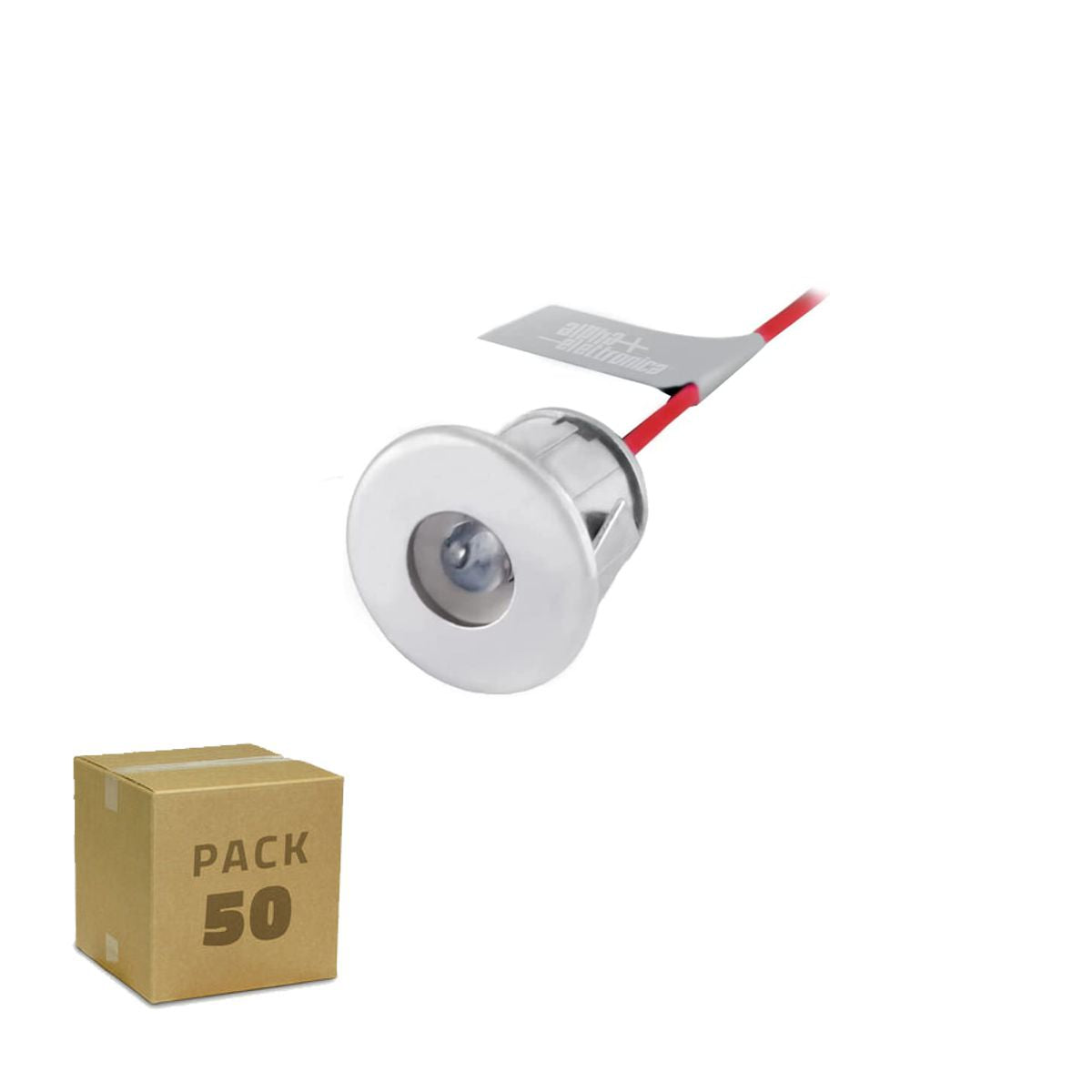
- Up to 10 sqm decorated (small bedroom, area above the bed): The Oniroview 50-piece Starry Sky Kit is the right choice.
- From 10 to 18 sqm (entire master bedroom): You will need the 100-piece Starry Sky Kit to cover the entire surface without leaving empty "holes".
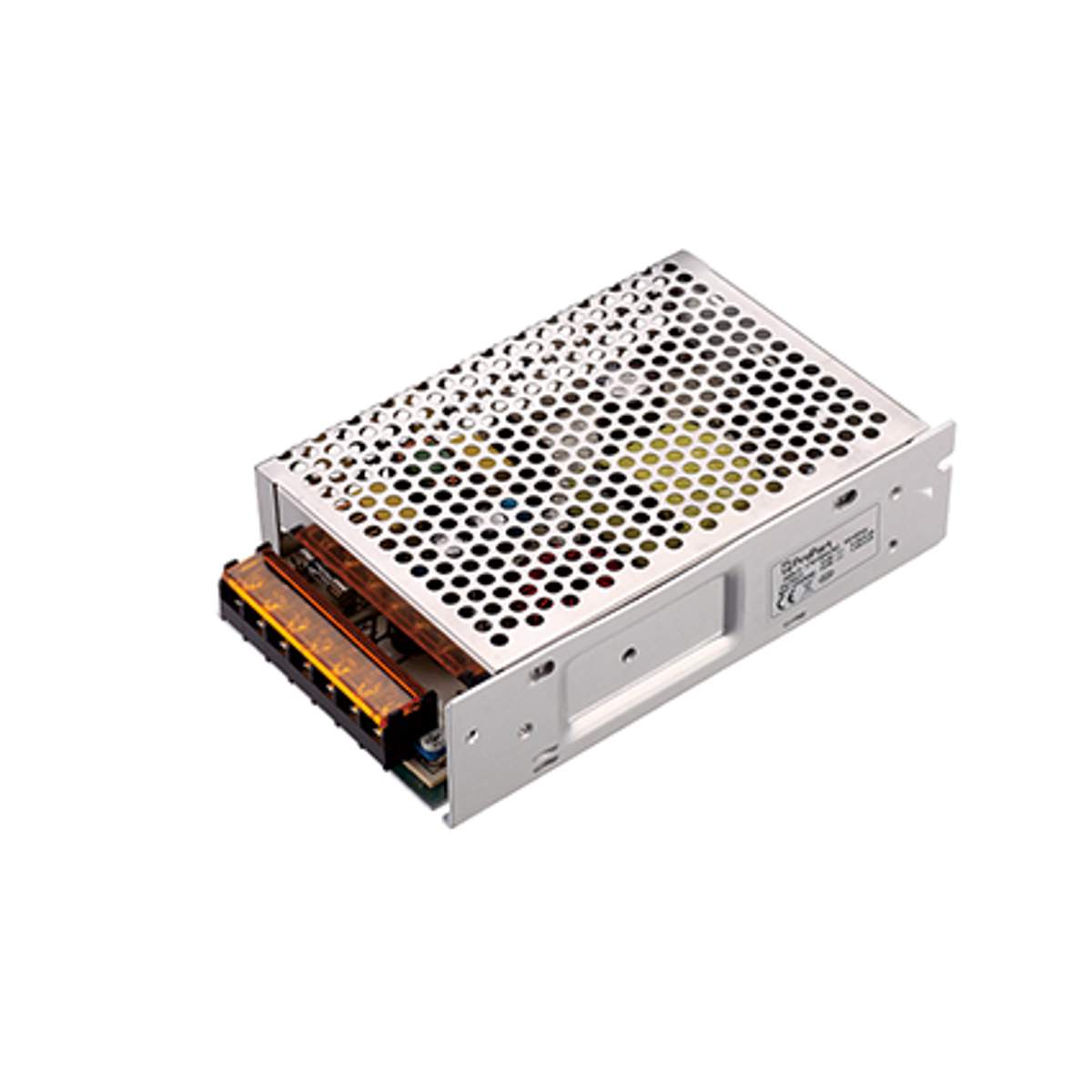
- From 18 to 25 sqm (living room, home cinema): About 150 light points are needed: choose the 150-spotlight kit and pair it with a 60W stabilized 12V power supply. Beyond 25 sqm, it is better to decorate one area, not the entire ceiling.
If you are not sure of the precise number or want to see calculation schemes room by room, read our practical guide to calculating light points.
The Shopping List (What you need)
To work safely and quickly, make sure you have:
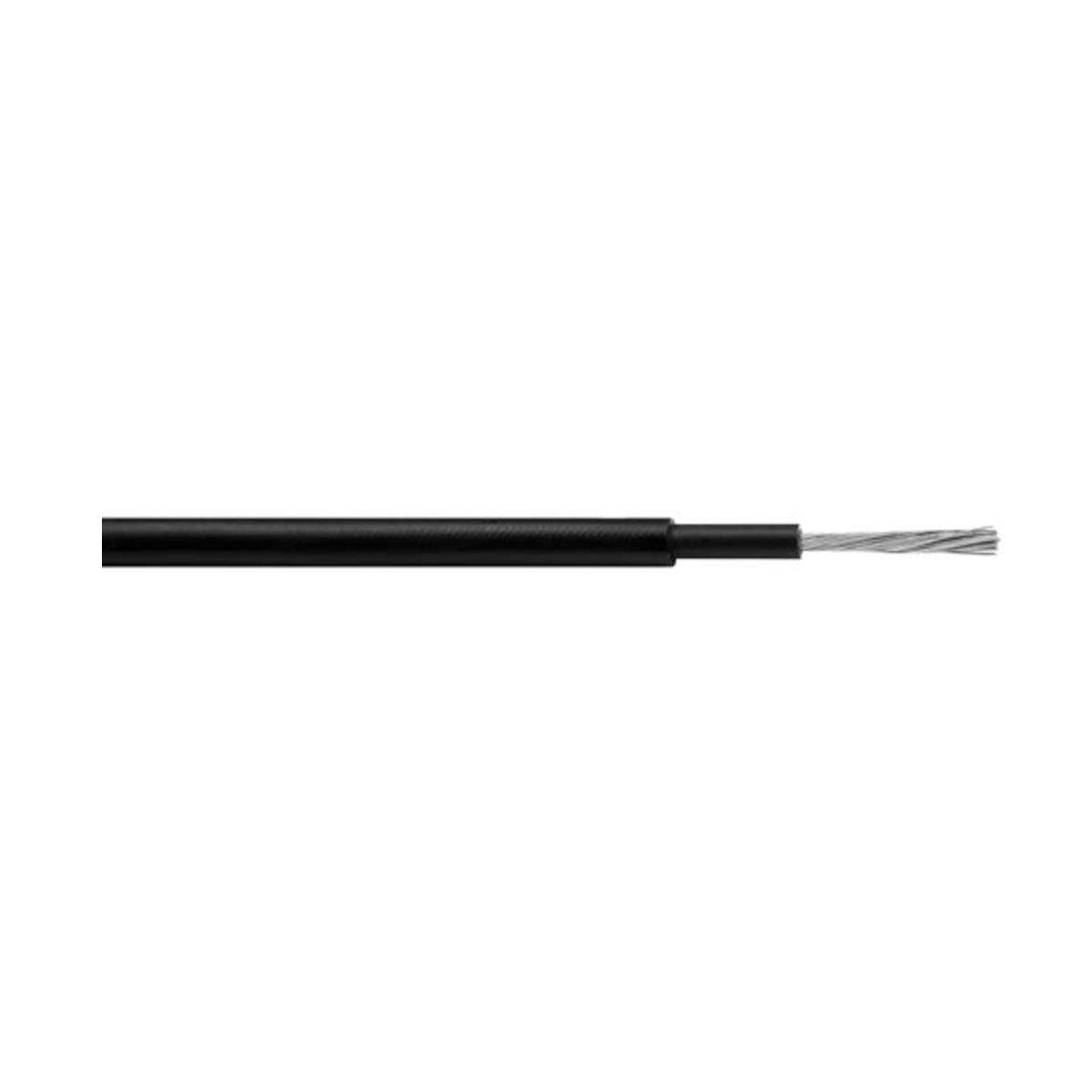
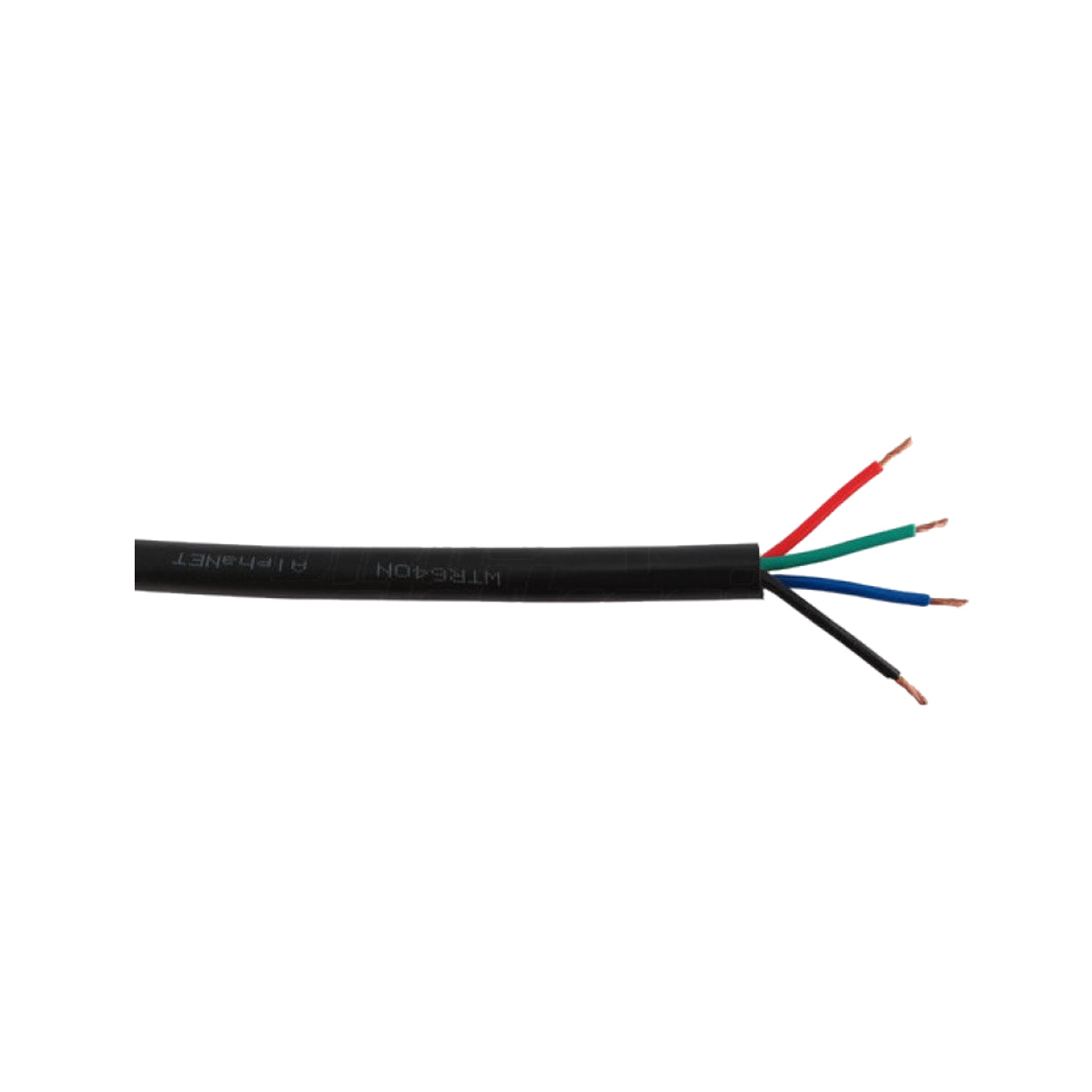
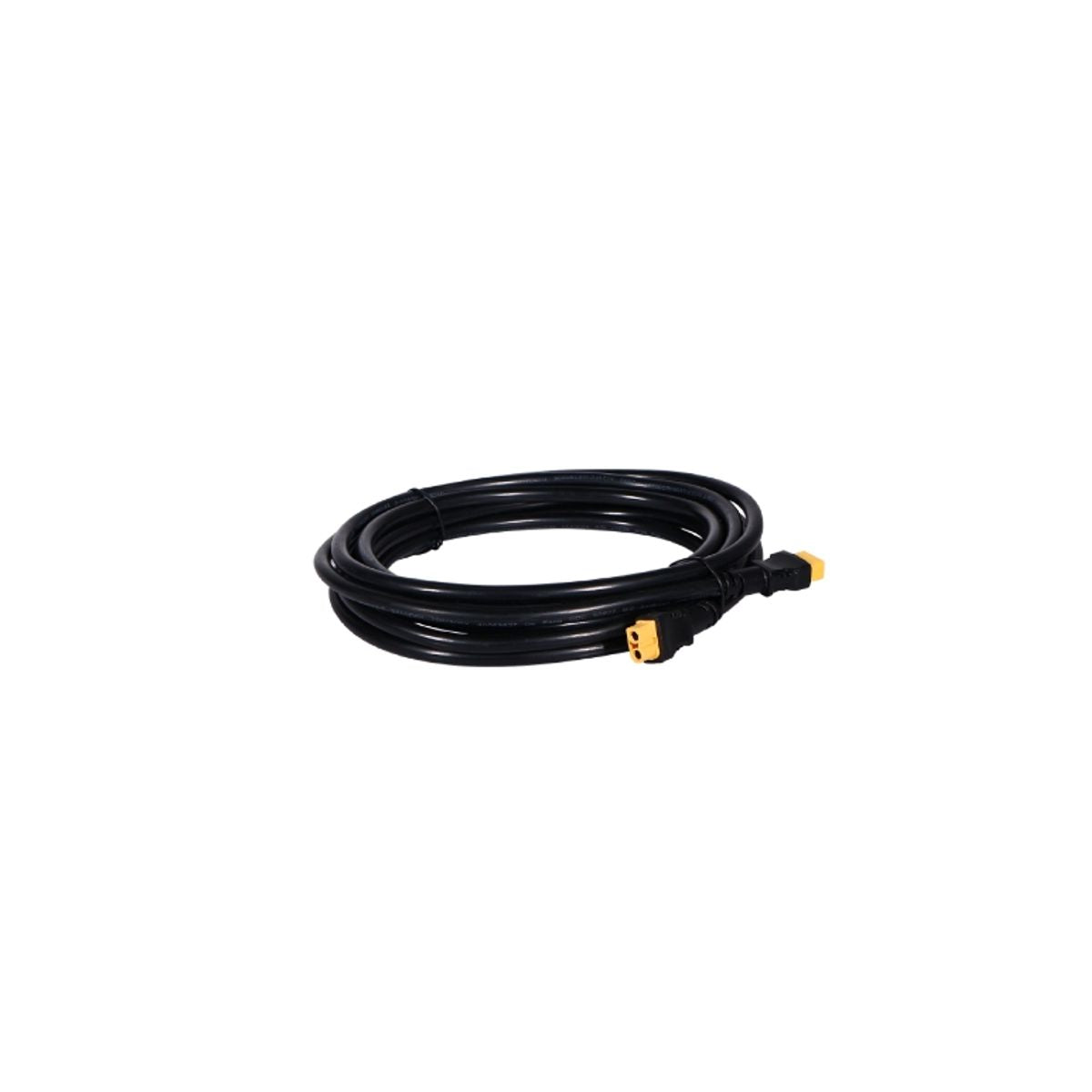
- The LED Kit: Includes the mini spots in the chosen shade and the power supply. The red/black flat cable for wiring is not included: it must be purchased separately.
- Drill and 13mm bit: Essential. Oniroview spotlights are calibrated for an exact 13mm hole. Do not use 10mm or 15mm bits or the spotlights will not fit.
- Wiring Accessory Kit: 10m of red/black flat cable, connection caps, and clamp adapter. Without the cable, you cannot connect the spotlights, so add our Wiring Accessory Kit to your order. For large ceilings or if the power supply is far from the center, it is better to take two packs.
- Plasterboard Panel: Preferably accessible from the back (or an inspectable false ceiling).
Phase 2: Layout and Drilling
Draw the spots where the LEDs will go on the plasterboard (with a light pencil). You can create real constellations (like the Big Dipper) or a random pattern.
Pro tip: Avoid perfect geometric grids. Stars in nature are chaotic. Vary the distances between points for a natural effect.
"Looking for bedroom design inspiration? Here you'll find ideas and measurements for positioning stars above the bed." (We will link Article #2 here)
Executing the holes
The best method is to have the plasterboard contractor drill and wire the panels before fixing them to the ceiling, on the ground or on trestles: the cables stay organized, metal profiles are avoided, and you can test the power-up before closing. Use the 13mm bit. Drill gently so as not to tear the plasterboard paper. Once the holes are made, insert the spotlights by pressing them in: the side flaps will hold them firmly in place.

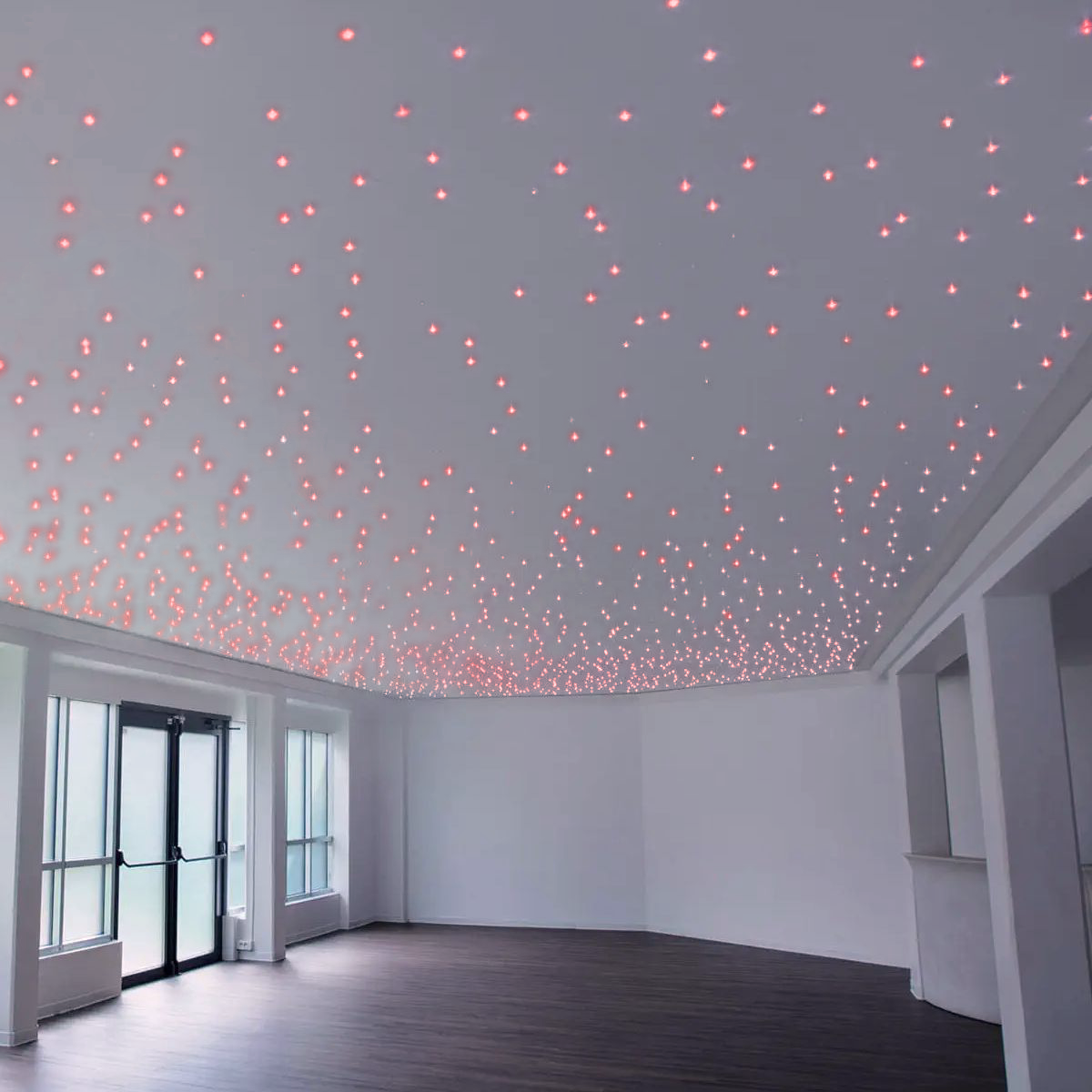
An example of the final effect after drilling and installation.
Phase 3: Wiring (The technical part)
This is where many get scared, but the Oniroview system is designed to be simple. The spotlights must be connected in PARALLEL.
- Each spotlight has two wires: Red (+) and Black (-).
- Create a "main line" with the red/black flat cable from the Accessory Kit, running along the entire ceiling.
- Slightly strip the main line at each spotlight.
- Connect all the RED wires of the spotlights to the RED cable of the main line.
- Connect all the BLACK wires of the spotlights to the BLACK cable of the main line.
- Use the caps or clamps to insulate each joint. You can group 2-3 nearby spotlights on the same cap. For a 50-point system, keep a few dozen extra caps handy: they can be found at any electrical supply store.
Never reverse the poles! If you connect red to black, the LEDs will not turn on (and you could damage them).
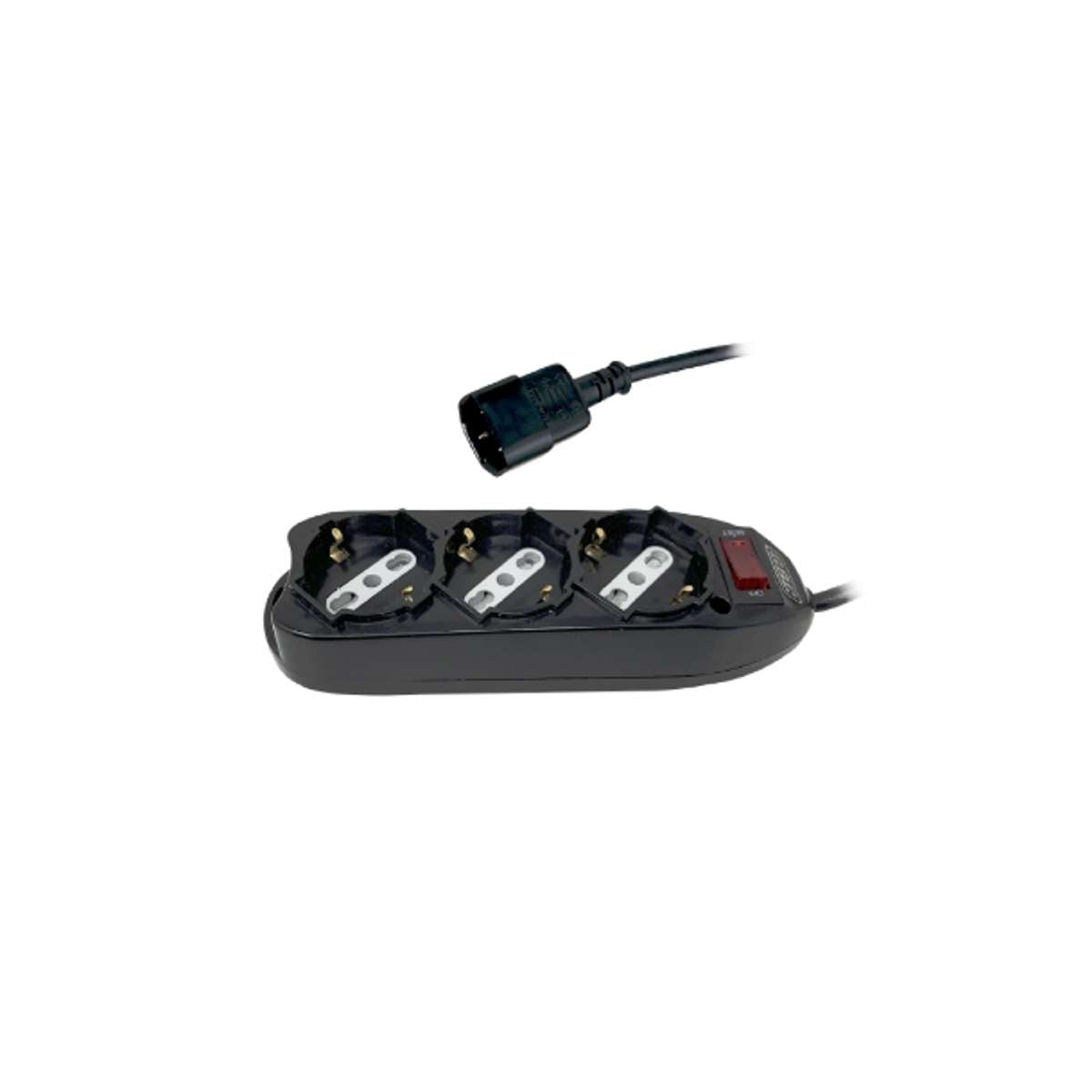
Also, remember that you are working at 12V on the spotlights, but the power supply must be connected to the household 220V: always disconnect the main power before connecting the power supply to the network!
Use only stabilized power supplies and never exceed 12.5 Vdc: the spotlight current is limited by an internal resistor, and above that threshold, they will burn out. Unstabilized power supplies, under no-load, climb to 13.5-14 V.
Phase 4: Power Supply and Dimmer (Optional)
Now connect the start of your "main line" to the power supply (12V stabilized output).
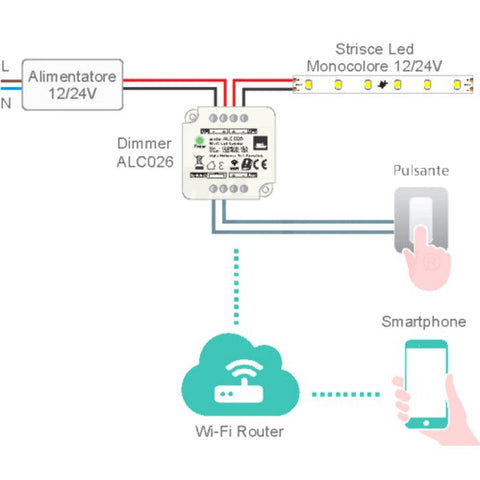
Correct connection diagram with optional Dimmer.
Do you want to adjust the intensity?
A fixed starry sky is beautiful, but one that "breathes" is magical. You can insert a Dimmer between the power supply and the spotlights.
- Basic solution: Use our 503 box Dimmer with a physical button.
- Smart solution: Do you want to say "Alexa, turn on the stars"? Choose the Smart Wi-Fi Dimmer compatible with voice assistants.
Button or smart with Alexa? Scenes per room, ready carts, and mistakes to avoid: read the guide to LED starry sky dimmers.
Common Problems and Solutions
Have you connected everything but it doesn't turn on? Don't panic.
- No LEDs turn on: Check that the power supply is receiving 220V current and that the output polarity (+/-) is correct.
- Some LEDs are off: Check the terminals of those specific spotlights; a cable probably isn't making good contact.
- The LEDs flicker: The power supply might be overloaded (too many LEDs) or the dimmer might be incompatible.
- Spotlights burnt out after a short time: It is almost always the power supply: unstabilized or with voltage above 12.5 V.
Spotlights off, burnt out, or weak light? Symptoms, causes, and solutions, plus the rule that prevents almost all problems: read the guide to LED starry sky problems.
How much does it cost to do it?
Building a DIY starry sky is much cheaper than you think compared to calling a specialized plasterboard contractor.
"Discover a detailed cost analysis for a DIY vs professional starry sky here." (We will link Article #7 here)
Conclusion
Building a starry sky requires a bit of patience with the wiring, but the final result will leave anyone who enters the room speechless. By using quality components like the Oniroview kits, you guarantee durability and safety for your project.
Ready to start?
Choose the LED Starry Sky Kit suitable for your room here