



























VESA TV Standards: Technical Guide to Measurements and Correct Mounting
You've just purchased a new panel, you've got a drill in hand, but when you try to attach the plate to the back of your TV, the holes don't line up. Or worse, the bracket covers the HDMI inputs, rendering them unusable. This is the classic scenario of those who buy a mount based solely on the screen diagonal (in inches), ignoring the only technical parameter that guarantees mechanical compatibility: the VESA TV standard.
Understanding how this mounting system works not only helps avoid a return, but is also essential for the safety of the installation and the integrity of the electronic device over time.

What is the VESA standard and why is it universal?
The acronym VESA stands for Video Electronics Standards Association . When we talk about VESA mounts , or "Mounting Interface Standard" (MIS), we're referring to the standardized distance, expressed in millimeters, between the four threaded mounting holes located on the back of televisions, PC monitors, and industrial displays.
On a technical level, this standard eliminates production anarchy: regardless of the brand of your TV (Samsung, LG, Sony, Philips, etc.) or the manufacturer of the mount, if both meet the same VESA specification, mechanical coupling is guaranteed.
However, "guaranteed" doesn't mean unique. Different variations of the standard exist based on the weight and size of the panel. A common misconception is that a universal VESA TV mount covers all measurements: technically impossible. A plate designed for a 400x400 VESA would weigh too much on a monitor that requires a 75x75, while a small plate wouldn't be able to withstand the shear forces of a 65-inch display.
How to Identify Your Screen's VESA Size
There's no need to search for the instruction manual buried in some drawer. To find your device's VESA measurements , all you need is a tape measure and access to the back of the panel.
The correct technical procedure involves two linear measurements:
- Measure the horizontal distance between the centers of the two top holes.
- Measure the vertical distance between the centers of the two holes (top and bottom).
The formula is always: Horizontal x Vertical (in mm) .
Practical example:
If the horizontal distance is 40 cm and the vertical distance is 40 cm, your VESA standard is 400x400. If you measure 60 cm horizontally and 40 cm vertically, you have a VESA 600x400.
⚠️ Technical note: Measurements are always in millimeters. There are no inch standards for mounting holes.
Classification of the most widespread standards (Technical Diagram)
To help you choose, here's a table that correlates typical VESA dimensions with screen types. Remember that these are common correlations, but not absolute rules.
| VESA Standard (mm) | Typical Screen Type | Indicative Diagonal | Vine (Typ) |
|---|---|---|---|
| 75 x 75 | PC Monitor, Kitchen TV | 13" - 24" | M4 |
| 100 x 100 | Gaming Monitor, TV Camera | 19" - 32" | M4 |
| 200 x 200 | Standard LED/OLED TV | 32" - 43" | M6 / M8 |
| 400 x 400 | Mainstream TV Living Room | 50" - 65" | M6 / M8 |
| 600 x 400 | Large Formats | 65" - 85" | M8 |

Beyond the Holes: Critical Installation Variables
Matching the holes is only half the battle. For a proper VESA mounting , an installer must consider two other factors that are often overlooked by DIYers.
1. The maximum load (Weight Load)
VESA ensures that the screws fit, not that the arm can support the weight. An older 42" plasma with a 400x400 VESA mount can weigh 30 kg. A modern 55" OLED with the same 400x400 VESA mount weighs 18 kg.
If you buy a cheap 400x400 VESA mount calibrated for light LED screens (max 20 kg) and mount your old plasma on it, mechanical failure is almost certain.
Always check: TV weight < Max. Support Load (with a 10-15% safety margin).
2. Managing the "Back Panel" (Obstructions)
Many modern TVs don't have a uniformly flat back. They often have "bumps" on the bottom where the electronics are located, or connectors oriented perpendicular to the back. A common mistake is choosing a very wide VESA plate that, once mounted, covers the LAN port, optical output, or power input.
Quick guide to choosing: IF → THEN logic
To simplify the technical decision, use this logical scheme based on the cases we face on a daily basis:
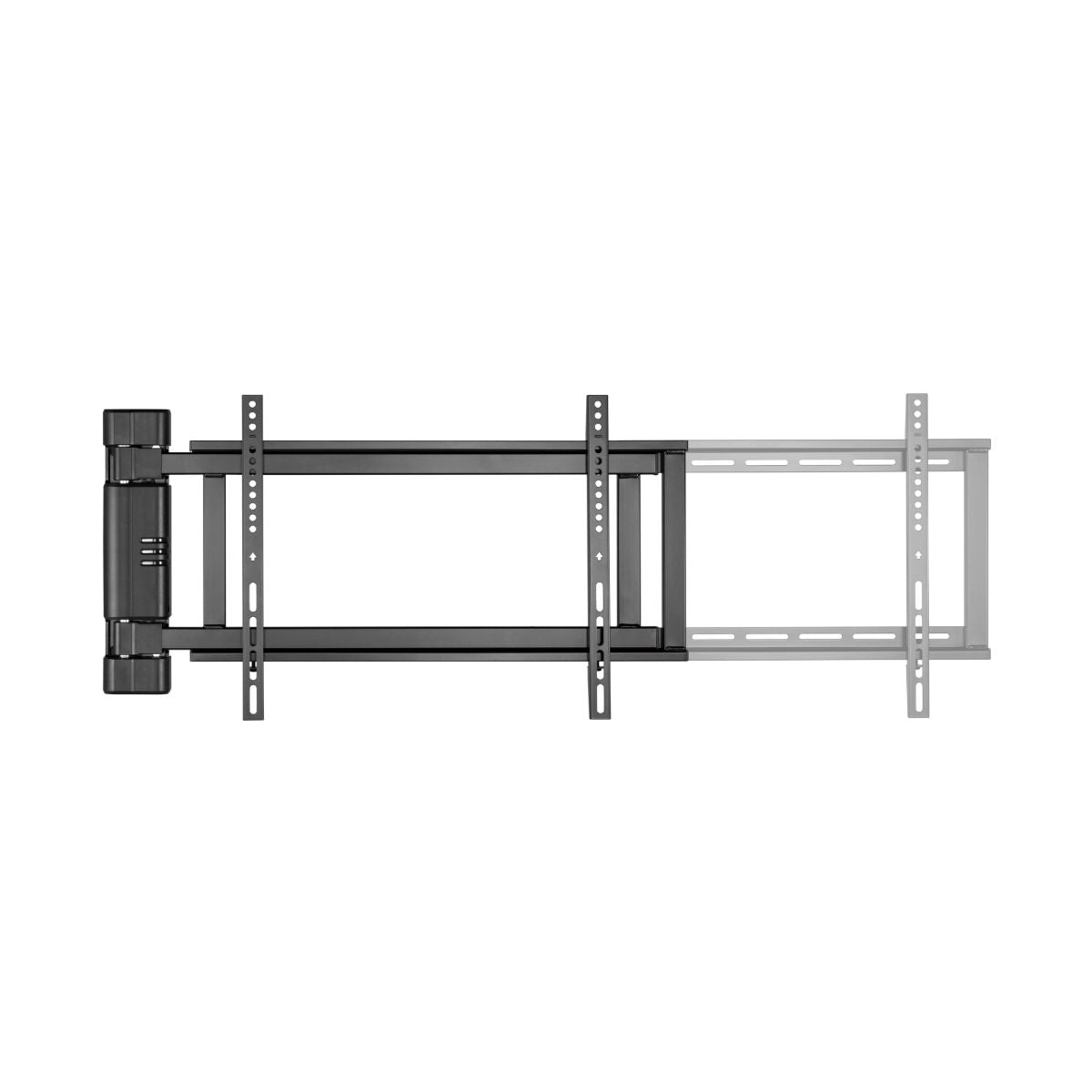
- IF the VESA is rectangular (e.g. 600x400) → THEN check that the bracket has adjustable horizontal bars, do not use fixed square plates.
- IF the back of the TV is curved or uneven → THEN spacers (plastic shims) and longer screws are mandatory to compensate for the gap.
- IF you need to install in a niche or cabinet → THEN check the overall dimensions of the bracket before extending, not just the VESA mount.
- IF the monitor is an ultra-thin OLED → THEN check that the supplied screws are not too long (risk of damaging the panel from the inside).
Mistakes to Avoid (Safety Checklist)
- Using the wrong diameter screws: Forcing an M6 screw into an M4 thread strips the internal threads of the TV.
- Ignoring the shape of the wall: A properly installed plasterboard support without specific anchors will give way.
- Forget the cables: Fitting "slim" brackets to TVs with rear-facing sockets makes it impossible to connect without bending the cables.
💡 Expert Advice:
At our Catania store and through online support, we often see customers who focus solely on the number of inches. "I have a 50-inch TV, give me a 50-inch bracket." This approach is risky.
We always recommend starting with the "technical trinity": VESA measurements + Actual weight + Input position . Often, for heavy screens, we suggest double-arm mounts that better distribute the weight, even if the VESA would match on both. Also, pay close attention to the hardware supplied: having a complete kit of spacers makes the difference between a clean installation and a pinched cable.
If you've already taken the measurements and checked the weight, you can explore our technical selection of TV wall mounts , where each sheet clearly shows the VESA compatibility and load tolerances.


Conclusion
Understanding the VESA standard isn't just a matter of "matching holes." It's the guarantee that your technology investment will remain securely mounted on the wall and that your viewing experience won't be compromised by forced cables or inaccessible ports. Take a few minutes to measure the horizontal and vertical spacing of your TV back: it's the first step to a professional and long-lasting installation.